
The ChatGPT iOS mobile app is currently available in the countries listed on the ChatGPT Supported Countries article.
If you are an existing ChatGPT user, start with the sign-in method you used before (username and password, Google, Microsoft, or Apple). When you're ready to subscribe to a paid ChatGPT subscription, there are a couple options.
Option 1: Upgrade on the web
Go to chatgpt.com, open your profile menu, and select Upgrade plan to see the available plans.
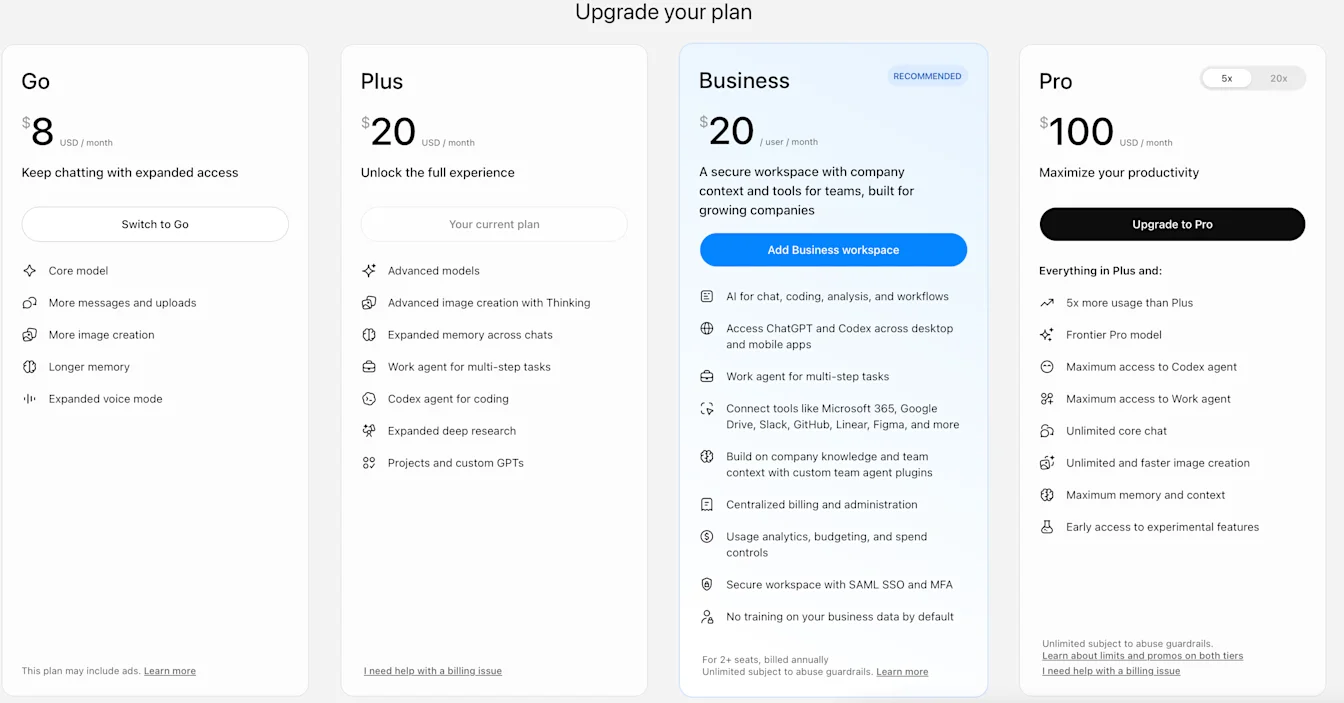
Example upgrade screen. Plans, prices, and available options may differ for your account.
If you don't see your desired plan or currency available, ensure you have the correct country selected at the bottom of the pricing page.
Option 2: Upgrade via the iOS app
The app shows the plans and checkout options available to your account. If your desired plan is not offered in the app, check the web options above.
There are 2 ways to upgrade from the iOS app. The screenshots below show earlier app layouts; the button text and layout may differ.
Open the ChatGPT app and sign in. If Upgrade or another upgrade button appears at the top of the conversation, select it and follow the checkout instructions.
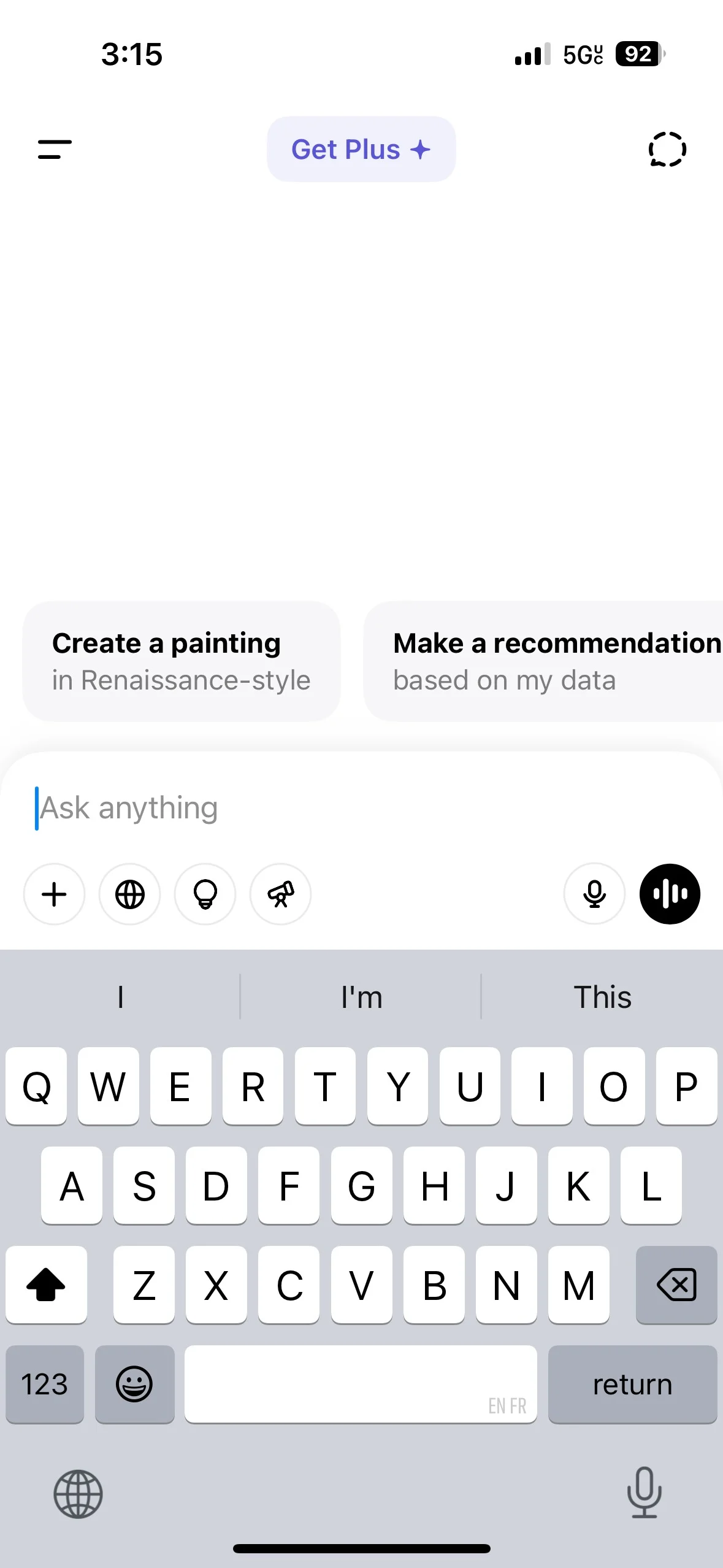
This example shows the earlier Get Plus label.
Open the chat menu, then select your name to open Settings. Select Upgrade, Upgrade plan, or the upgrade option labeled with a plan name, then follow the checkout instructions.
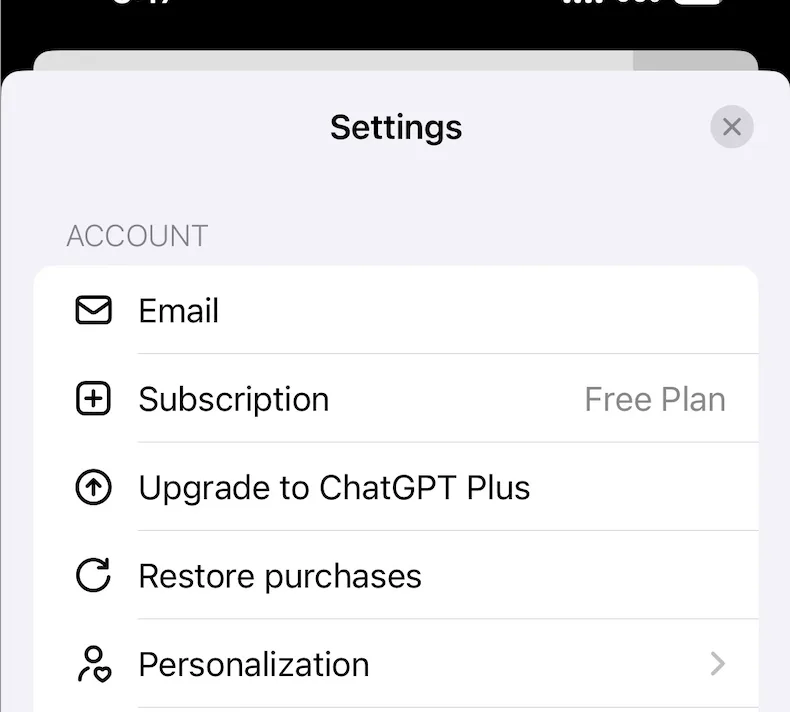
Apple manages purchases completed through the Apple App Store. If the app offers web checkout, confirm that the browser is signed in to the ChatGPT account you want to upgrade. Purchases completed through web checkout are managed through ChatGPT on the web.
For new ChatGPT subscribers
If the subscribe button is grayed out and the app shows “In-app purchases are currently unavailable. Please try again later,” try again later. You can also sign in to the same ChatGPT account on the web to check the available purchase options.
If you have already paid but your plan is missing, follow Troubleshooting subscriptions linked to another ChatGPT account before purchasing again.