
If you wish to export your chat conversation data, you can navigate to Data Controls and click Export Data.
Please note that the downloadable zip file will be sent to your email address, or by text message if your account uses a phone number instead of an email address. The link will expire after 24 hours. The export process may take some time, depending on the amount of data that is being requested.
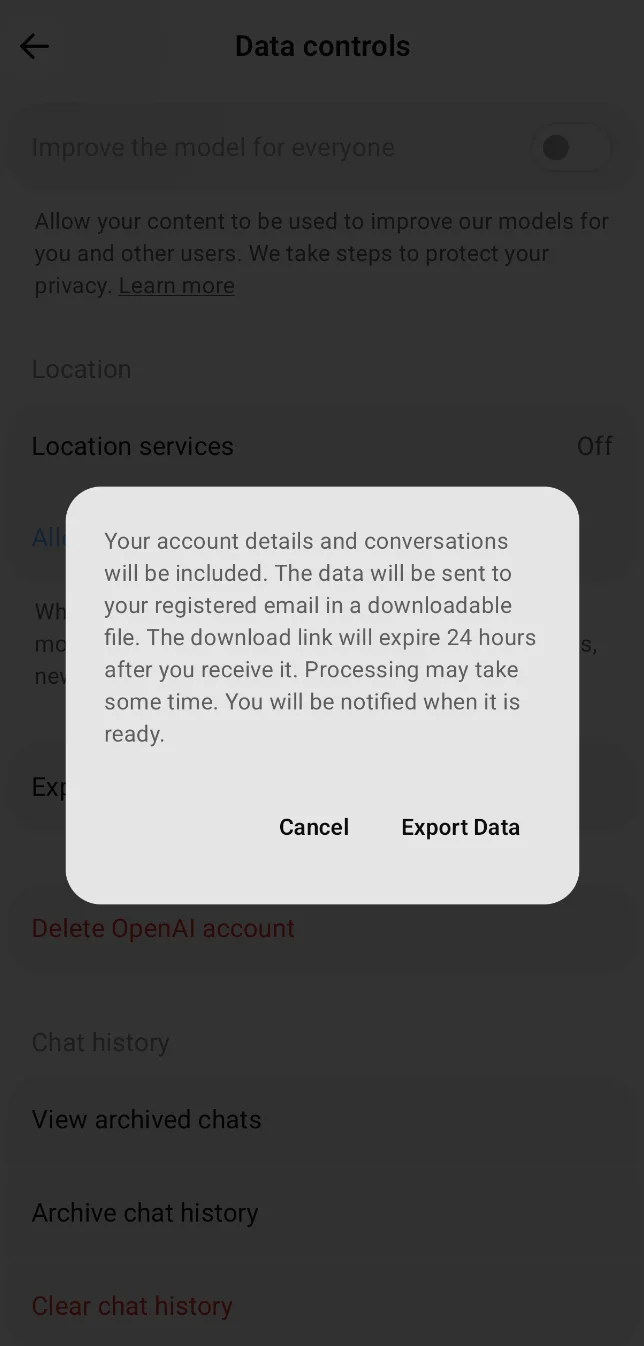
Note: The pictured Data controls screen may differ from the current Android app experience. Data export is still available from Data controls using Export Data; some app versions may open ChatGPT on web to complete the export.