
Requires app version 1.0.0022+.
To access the Microsoft authentication option in the ChatGPT Android app follow these steps:
Step 1: In the Android app login page click Log in
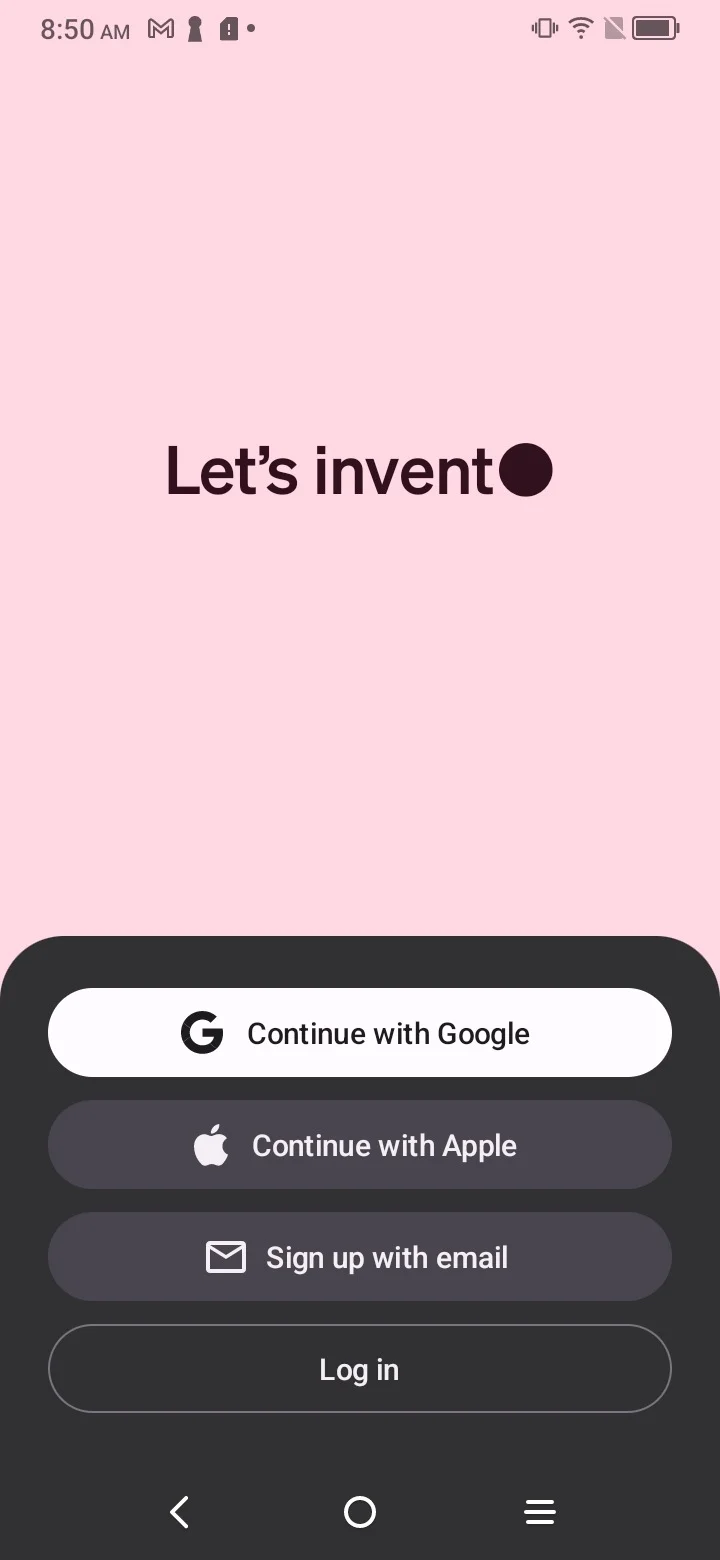
Note: The pictured Android login screen may differ from the current product experience. In the current Android app, select Log in or sign up to start sign-in, then follow the prompts to continue.
In the Web UI that opens click Continue with Microsoft Account to log in:
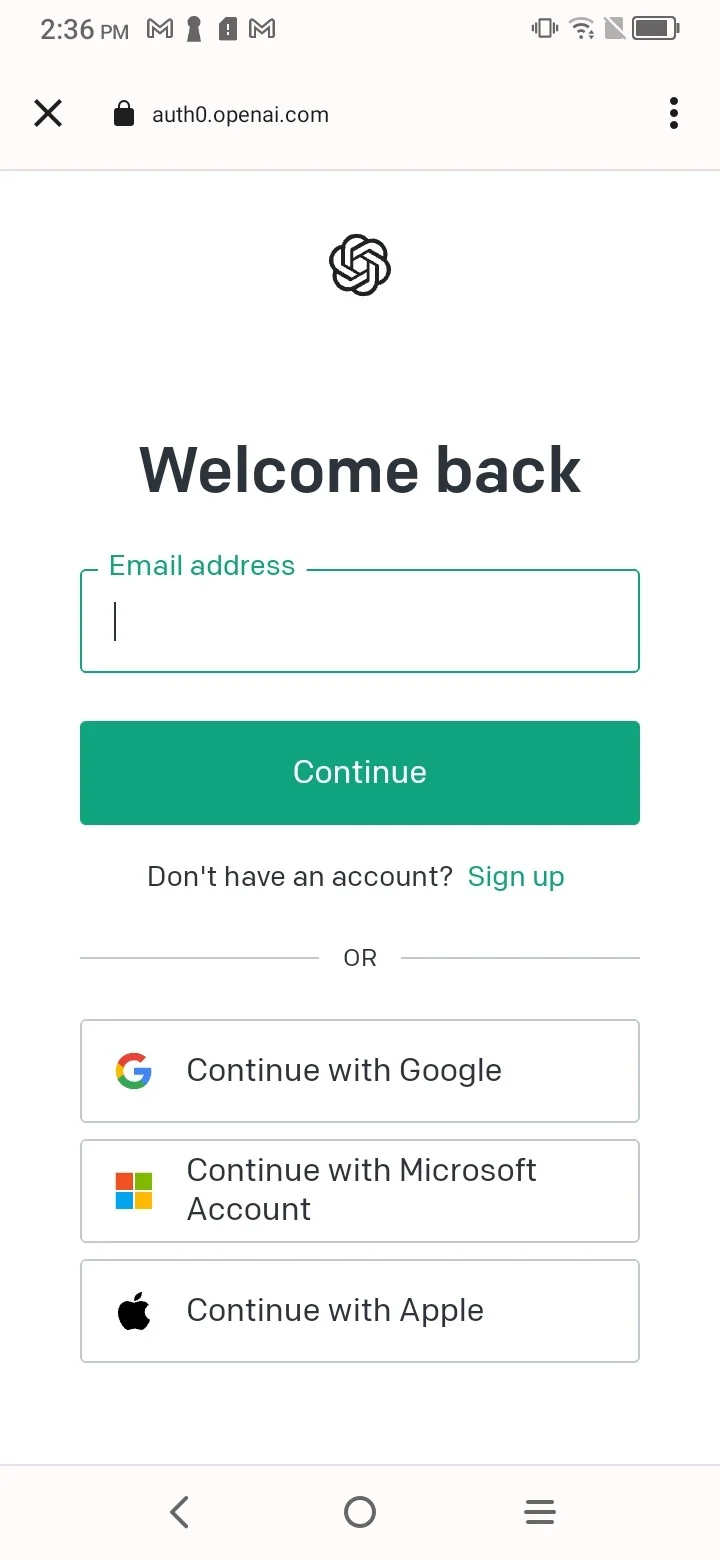
Note: The pictured sign-in page may differ from the current product experience. The current Android sign-in flow may ask for your email or phone number first before showing available authentication options.