OpenAI
Artikel ini belum tersedia lagi dalam bahasa yang anda pilih. Sebaliknya, kami memaparkan versi Bahasa Inggeris.

Where do I access my settings to see my shared links?

How to access the Data Controls setting in ChatGPT to view shared links

Dikemas kini: 5 days ago

Shared Links is GA on Web and iOS.

Android is coming soon!

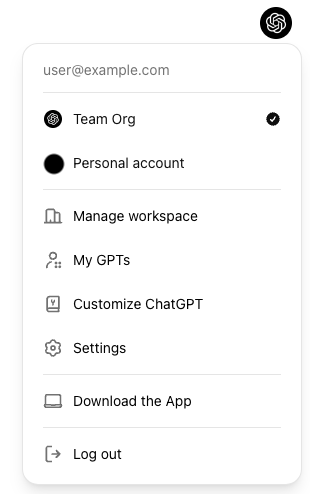
In chatgpt.com in the top right of the page, click on your profile icon to open the menu then click on Settings:

Profile menu with Team Org selected and Settings available

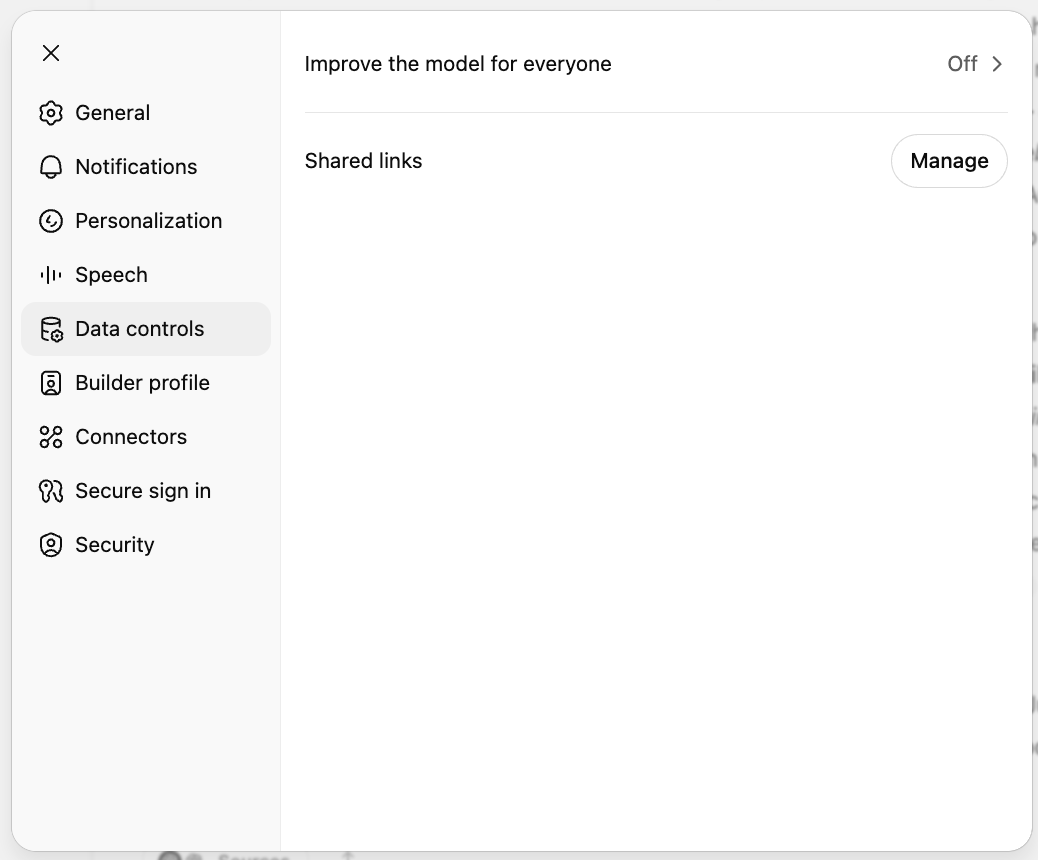
Then in the modal that appears click on Data controls > Manage > Shared conversations:

ChatGPT Data controls settings with Shared links and a Manage button

Adakah artikel ini membantu?