
Memerlukan versi aplikasi 1.0.0022+.
Untuk mengakses pilihan pengesahan Microsoft dalam aplikasi Android ChatGPT, ikuti langkah berikut:
Langkah 1: Pada halaman log masuk aplikasi Android, ketik Log masuk
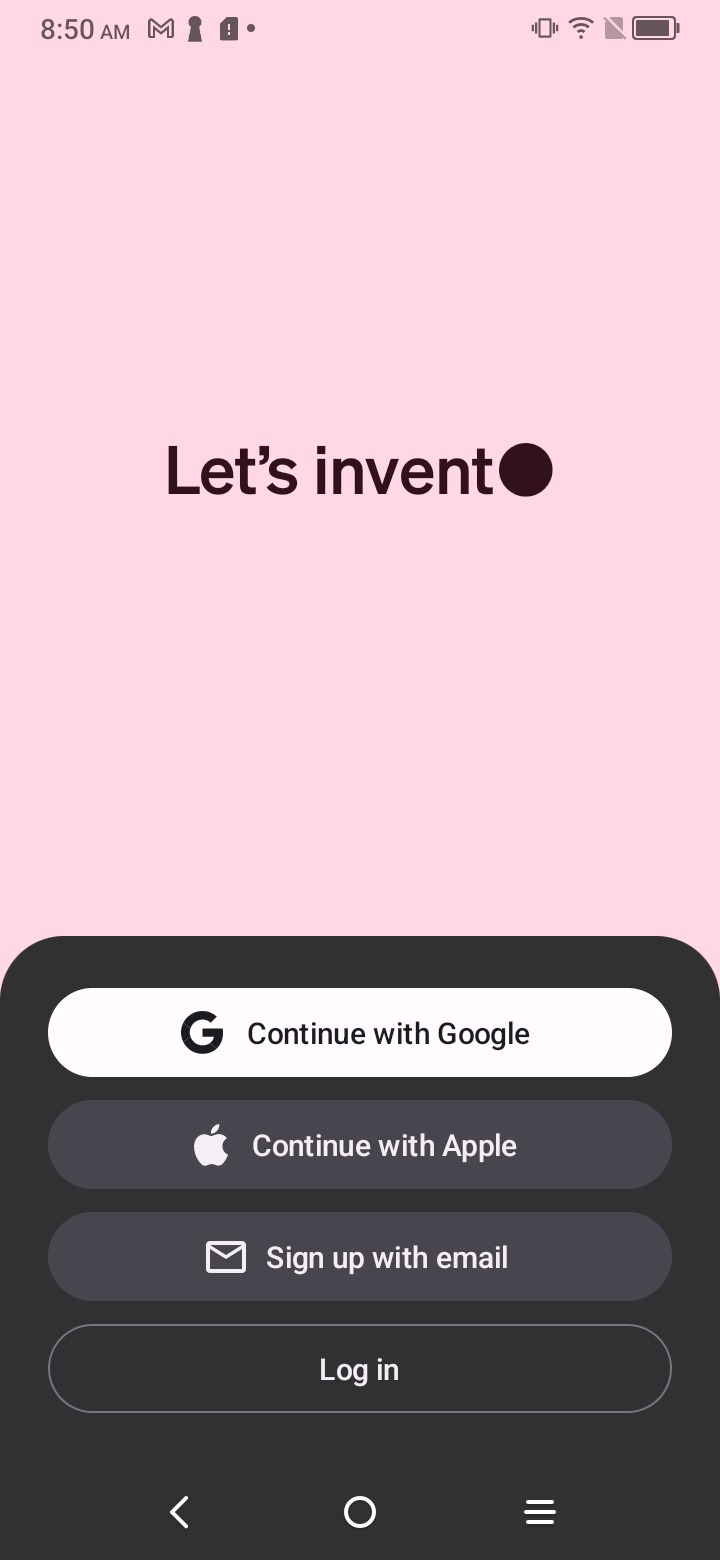
Nota: Skrin log masuk Android yang ditunjukkan dalam gambar mungkin berbeza daripada pengalaman produk semasa. Dalam aplikasi Android semasa, pilih Log masuk atau daftar untuk mula log masuk, kemudian ikut gesaan untuk meneruskan.
Dalam UI Web yang dibuka, klik Teruskan dengan Akaun Microsoft untuk log masuk:
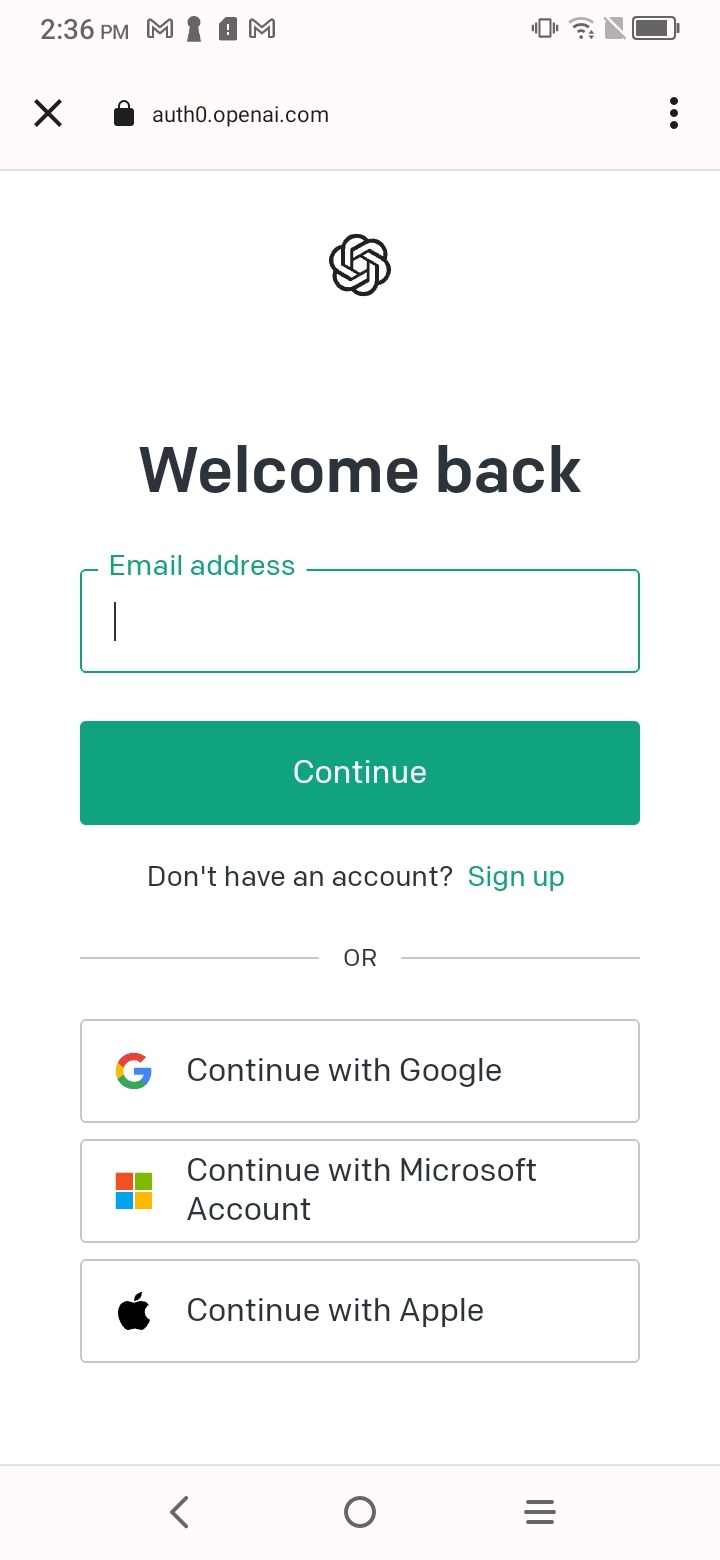
Nota: Halaman log masuk yang ditunjukkan dalam gambar mungkin berbeza daripada pengalaman produk semasa. Aliran log masuk Android semasa mungkin meminta e-mel atau nombor telefon anda terlebih dahulu sebelum menunjukkan pilihan pengesahan yang tersedia.