Kami telah melancarkan akses kepada aplikasi ChatGPT untuk macOS kepada sebahagian kecil pengguna kami, dan merancang untuk membuka akses kepada semua pengguna kami lewat tahun ini.
Sembang Sementara membolehkan anda memulakan perbualan dengan ChatGPT dari awal tanpa sebarang konteks terdahulu. ChatGPT tidak akan mengingati sebarang memori atau mengetahui sebarang perbualan terdahulu. Sembang sementara tidak akan muncul dalam sejarah anda, dan tidak akan digunakan untuk menambah baik model kami.
Jika sebarang arahan tersuai telah ditetapkan, ChatGPT masih akan mengikuti arahan tersebut.
Ketahui lebih lanjut tentang Sembang Sementara.
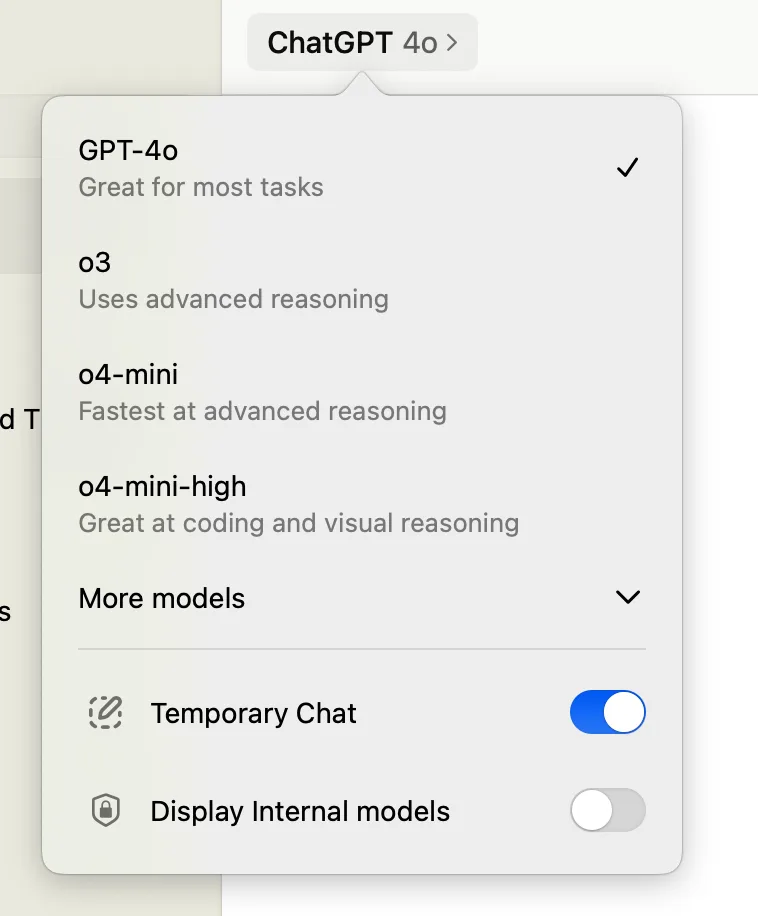
Untuk mengaktifkan Sembang Sementara, klik nama model di bahagian atas tetingkap aplikasi dan pilih togol Sembang Sementara.
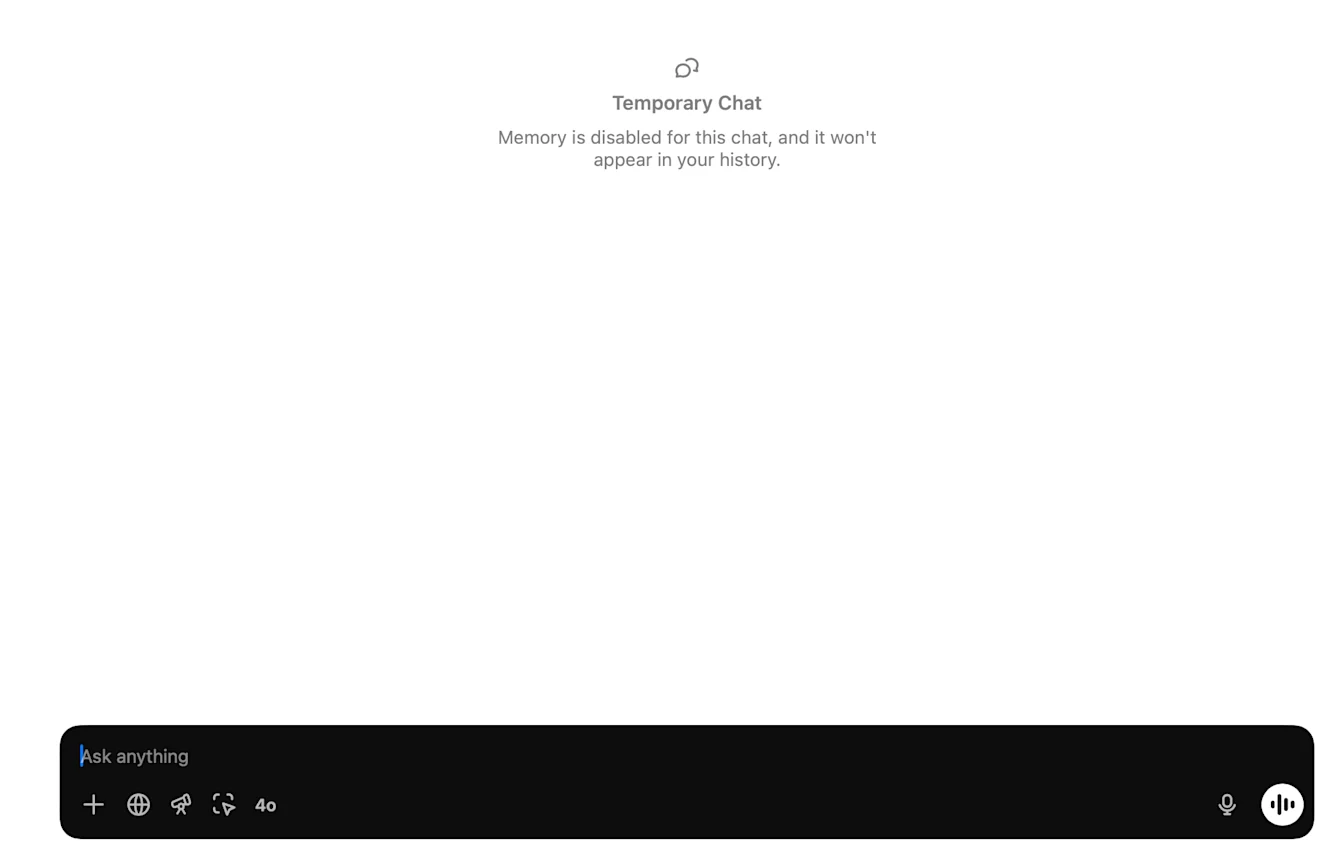
Apabila Sembang Sementara diaktifkan, kami akan mengesahkannya dalam tetingkap dengan menggelapkan tetingkap gesaan dan menambahkan sepanduk Sembang Sementara: