OpenAI
ဤစာမျက်နှာကို စက်ဖြင့် ဘာသာပြန်ထားပါသည်။ မူရင်း အင်္ဂလိပ်ဆောင်းပါးကို ကြည့်ရန်

ChatGPT iOS အက်ပ် - iPad drag & drop

iPad အတွက် ChatGPT iOS အက်ပ်တွင် “drag & drop” လုပ်ဆောင်ချက် အလုပ်လုပ်ပုံ

အပ်ဒိတ်လုပ်ထားသည်- 2 days ago

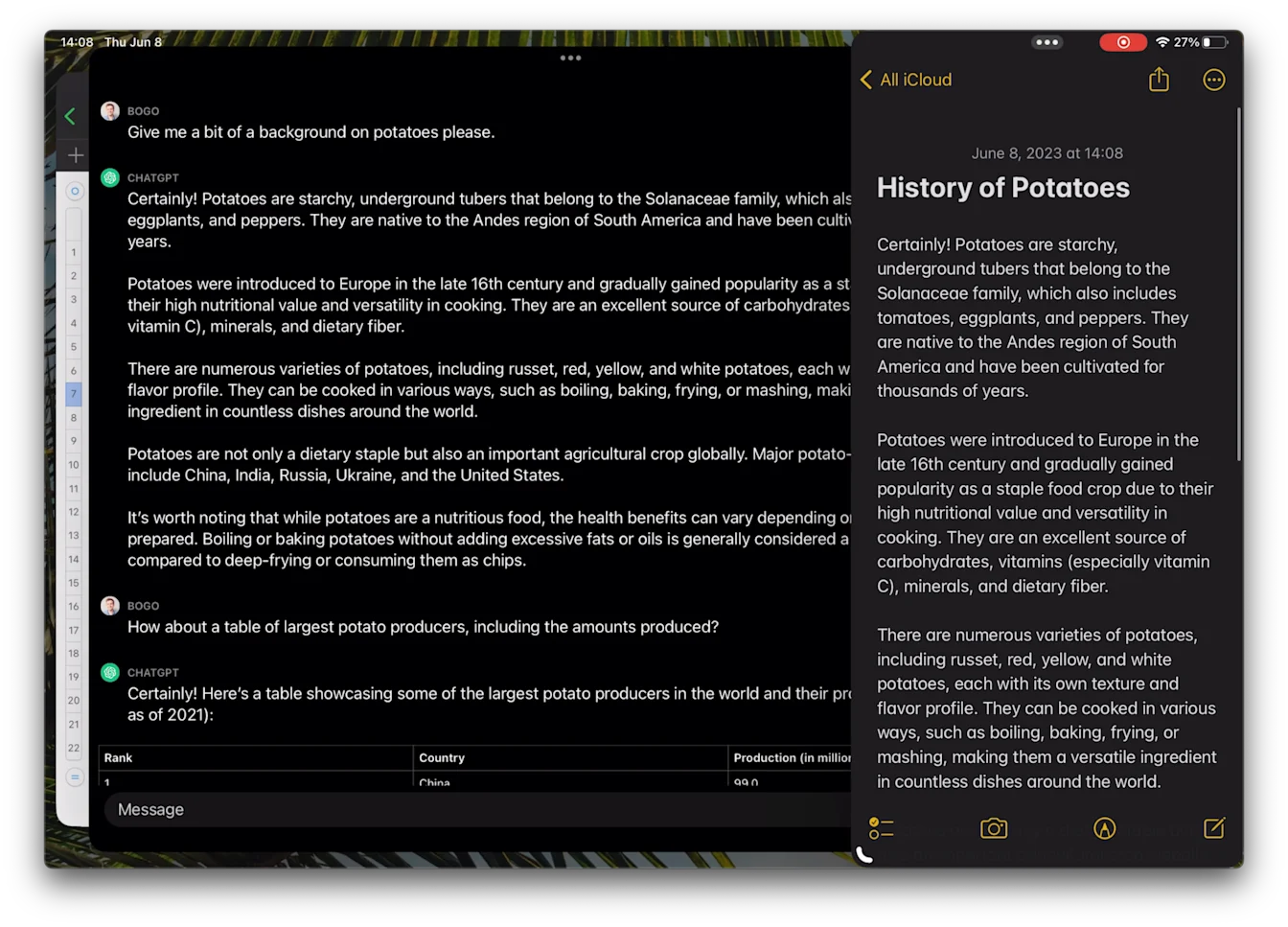
iPad တွင် ChatGPT iOS အက်ပ်ကို အသုံးပြုနေစဉ် ထုတ်ပေးထားသော တုံ့ပြန်ချက်တစ်ခုကို ဖိထားပြီးနောက် ၎င်းတစ်ခုလုံးကို အခြားအက်ပ်တစ်ခုထဲသို့ ဆွဲထည့်နိုင်သည်။

iPad တွင် ဤနည်းဖြင့် ChatGPT iOS အက်ပ်မှ ထုတ်ပေးထားသော တုံ့ပြန်ချက်ကို drag & drop ဖြင့် မှတ်စုအက်ပ် သို့မဟုတ် စာရင်းဇယားထဲသို့ ရွှေ့နိုင်သည်။

ChatGPT iOS အက်ပ်မှ မှတ်စုအက်ပ်သို့
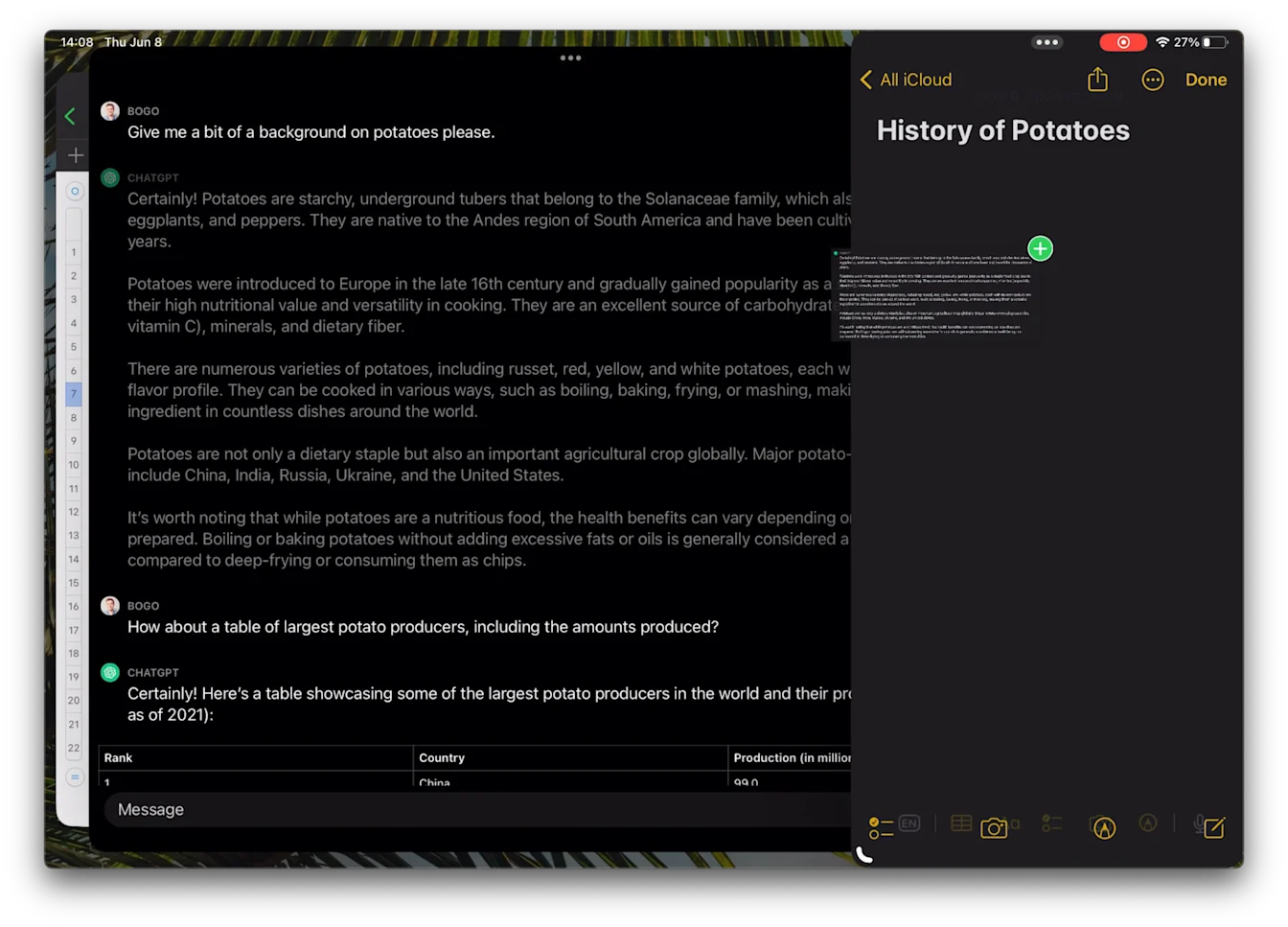
ChatGPT on iPad dragging a response into Apple Notes to create a note titled History of Potatoes
Image

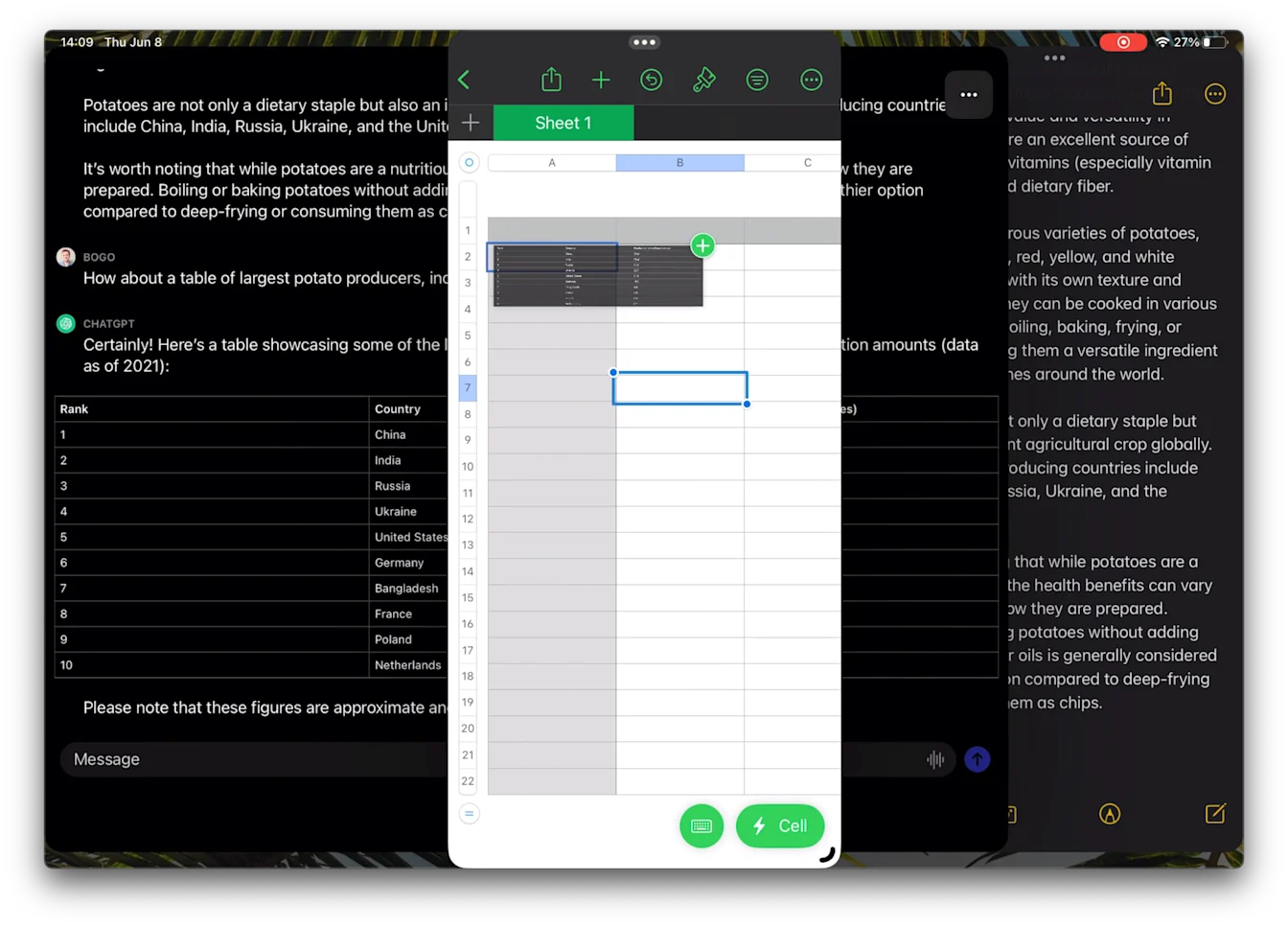
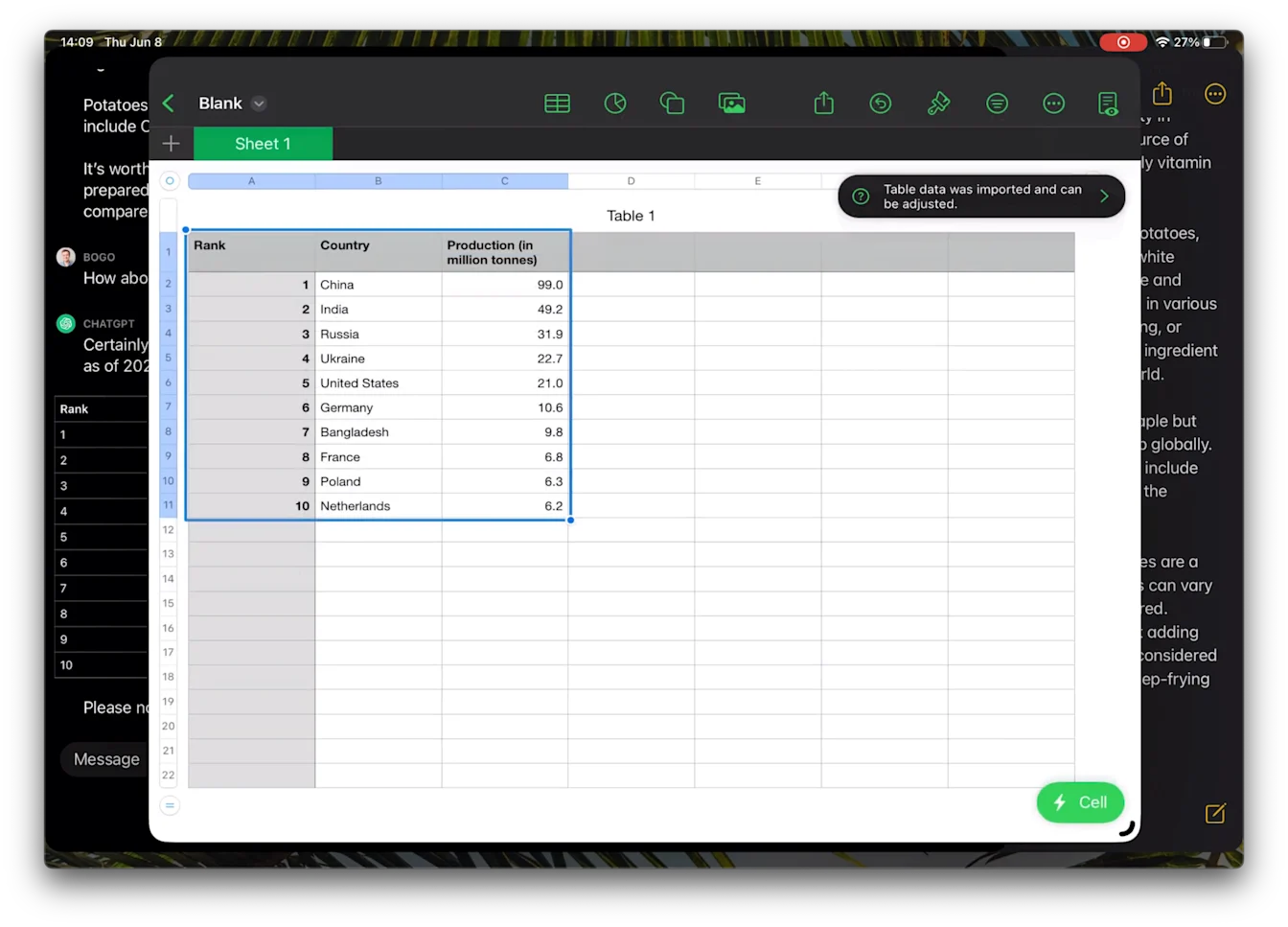
ChatGPT iOS အက်ပ်မှ စာရင်းဇယားသို့

iPad Split View dragging a table from ChatGPT into a spreadsheet app
Image

ဤဆောင်းပါးသည် အထောက်အကူ ဖြစ်ပါသလား။