Enabling Dark mode
On ChatGPT web, you can update your Theme to one of the following:
System - matches your device’s current appearance settings.
Dark - uses a light background with dark text.
Light - uses a dark background with light text.
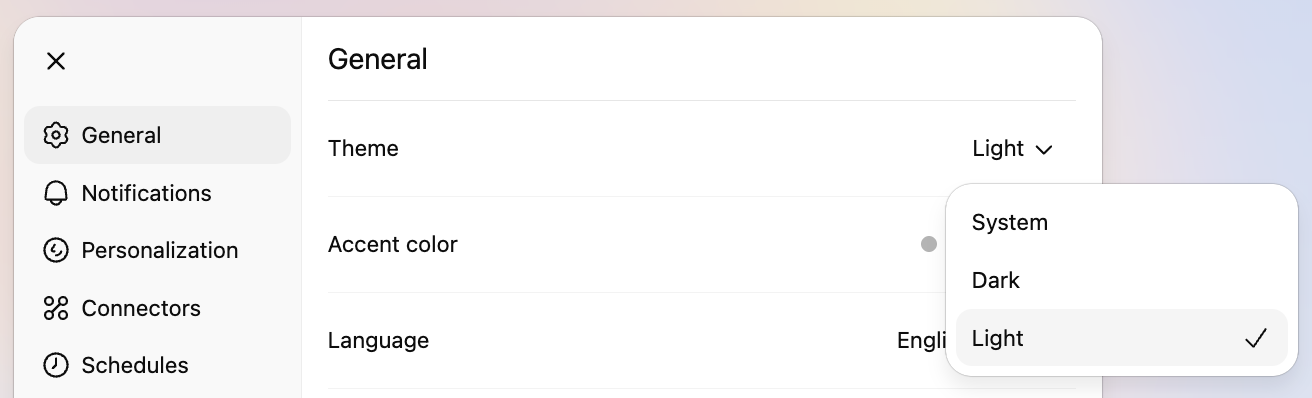
On web: Click your profile icon at the bottom left, select Settings, go to the General tab, and choose an option from the Theme drop-down.
On mobile (iOS and Android): Tap your profile icon at the bottom, go to Personalization, then select Color Scheme to pick your accent color.
Theme settings only apply to the device and platform you set them on (for example, web theme changes won’t affect the mobile app, and Android theme changes won’t apply on iOS).
Changing your accent color
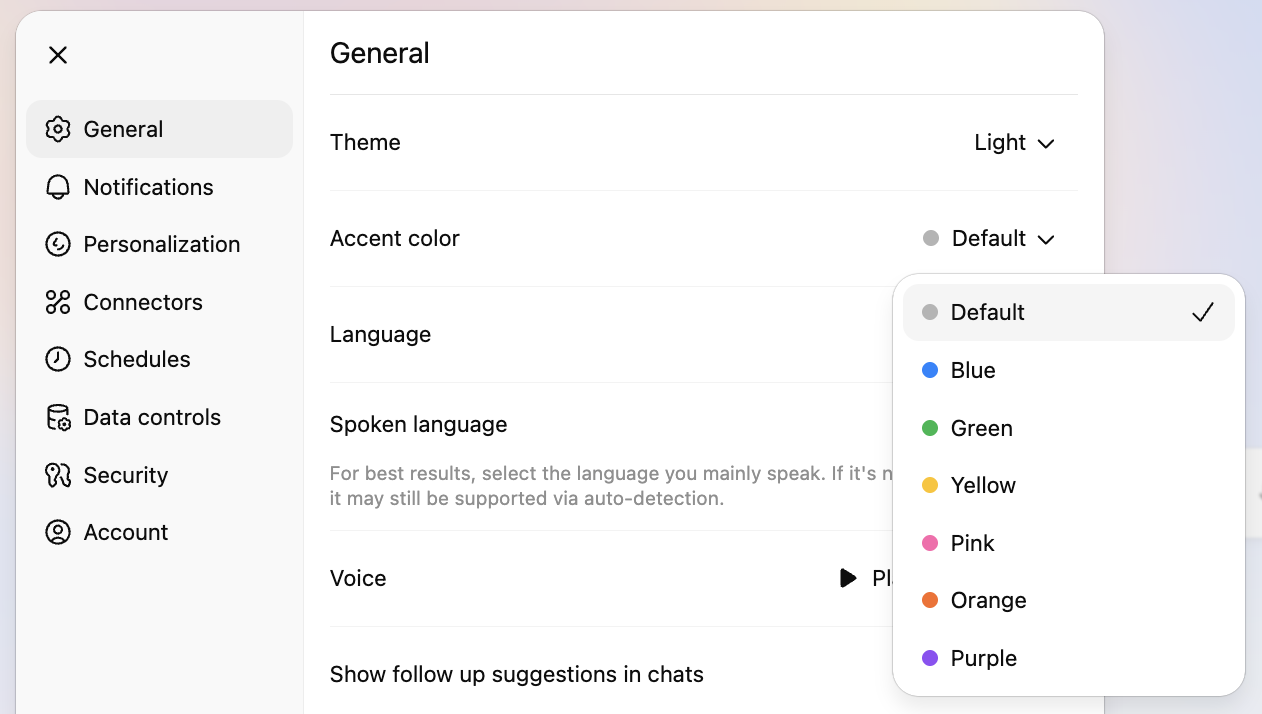
You can set an accent color that applies to elements in ChatGPT, including your conversation bubbles, the Voice button, and highlighted text.
On web: Click your profile icon at the bottom left, select Settings, go to the General tab, and choose an option from the Accent color drop-down.
On mobile (iOS and Android): Tap your profile icon at the bottom, go to Personalization, then select Color Scheme to pick your accent color.