OpenAI
页面内容为机器翻译。查看英文原文

ChatGPT macOS 应用 - 文件上传与照片

使用 ChatGPT macOS 应用上传文件并拍摄照片。

更新于:9 days ago

ChatGPT macOS 应用支持你用电脑里的照片,或你新拍摄的照片,来发起新对话。

开始使用时,打开 ChatGPT macOS 应用或启动器以进入提示窗口。点击加号图标以打开照片工具。

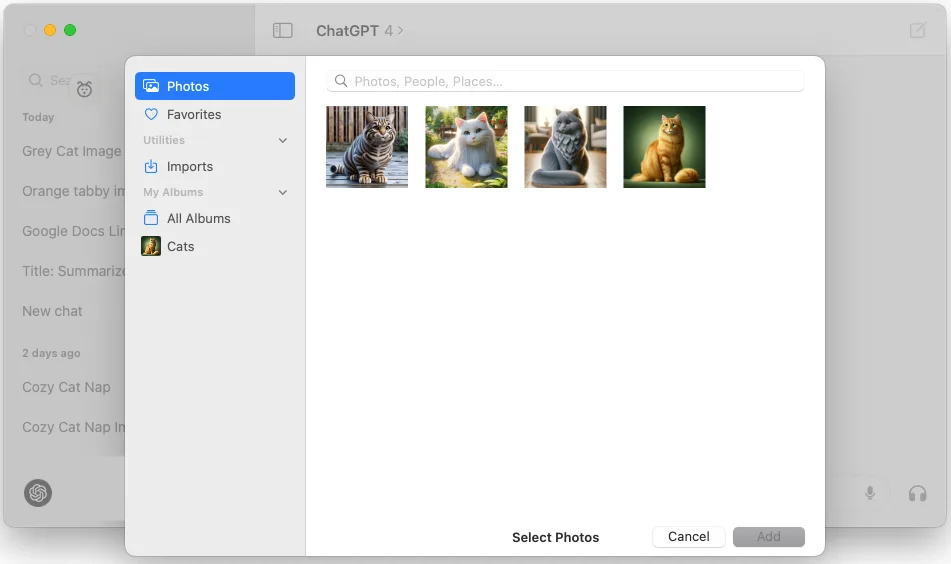
你可以选择“上传文件”,直接从“照片”图库上传照片。你也可以选择“上传文件”,改为从文件系统上传照片或图片。

macOS Photos picker open in ChatGPT with the Cats album selected

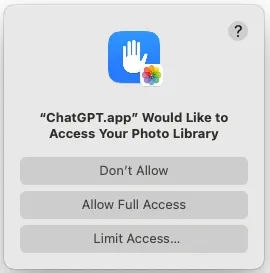
请注意,要使用此功能,你需要授予 ChatGPT 应用访问你的照片图库的权限。

macOS permission prompt asking to allow ChatGPT.app access to the Photo Library

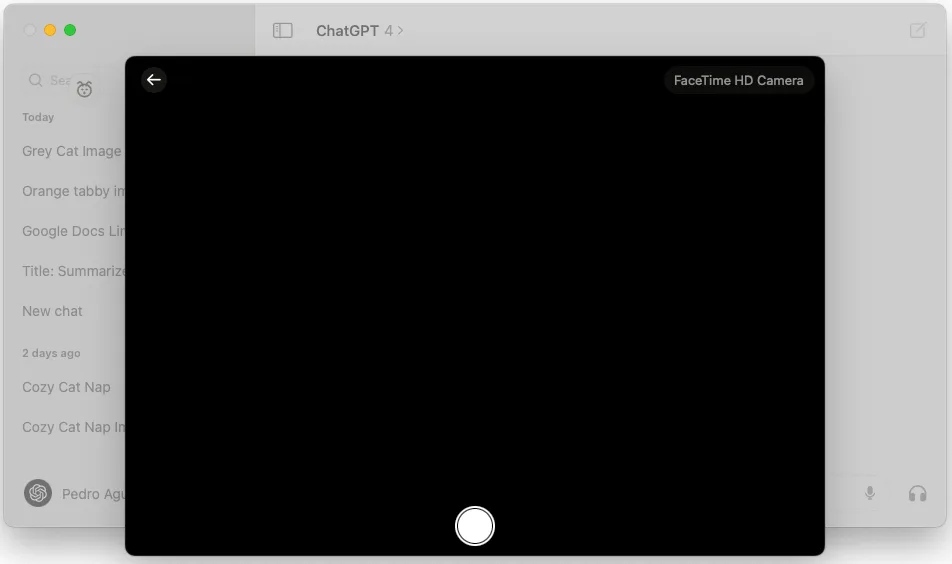
你也可以选择“拍照”,使用摄像头拍摄并将照片上传到对话中。

ChatGPT macOS app camera capture view for taking a photo upload

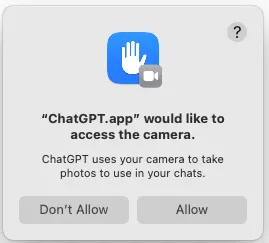
请注意,要使用此功能,你需要授予 ChatGPT 应用访问你的摄像头的权限。

macOS permission dialog asking to allow ChatGPT.app to access the camera

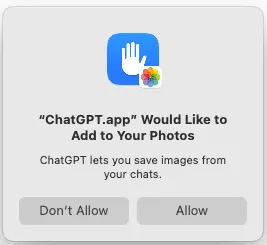
要添加使用此功能拍摄的任何照片,你需要授予 ChatGPT 应用添加照片的权限。

macOS Photos permission dialog asking to allow ChatGPT.app to add images to your Photos

照片附加后,你可以用该照片开始新对话,或在现有对话中继续交流。

这篇文章对你有帮助吗?