
2025年1月30日
使用 winget 安裝
現在支援以 winget 安裝 ChatGPT。這對於 ChatGPT Enterprise 工作區會很有用,因為其 IT 管理員可能較偏好使用 winget 作為管理團隊安裝的方法。
winget.exe install --id=9NT1R1C2HH7J --source=msstore --accept-package-agreements --accept-source-agreements –silent2024年11月14日
附加螢幕截圖
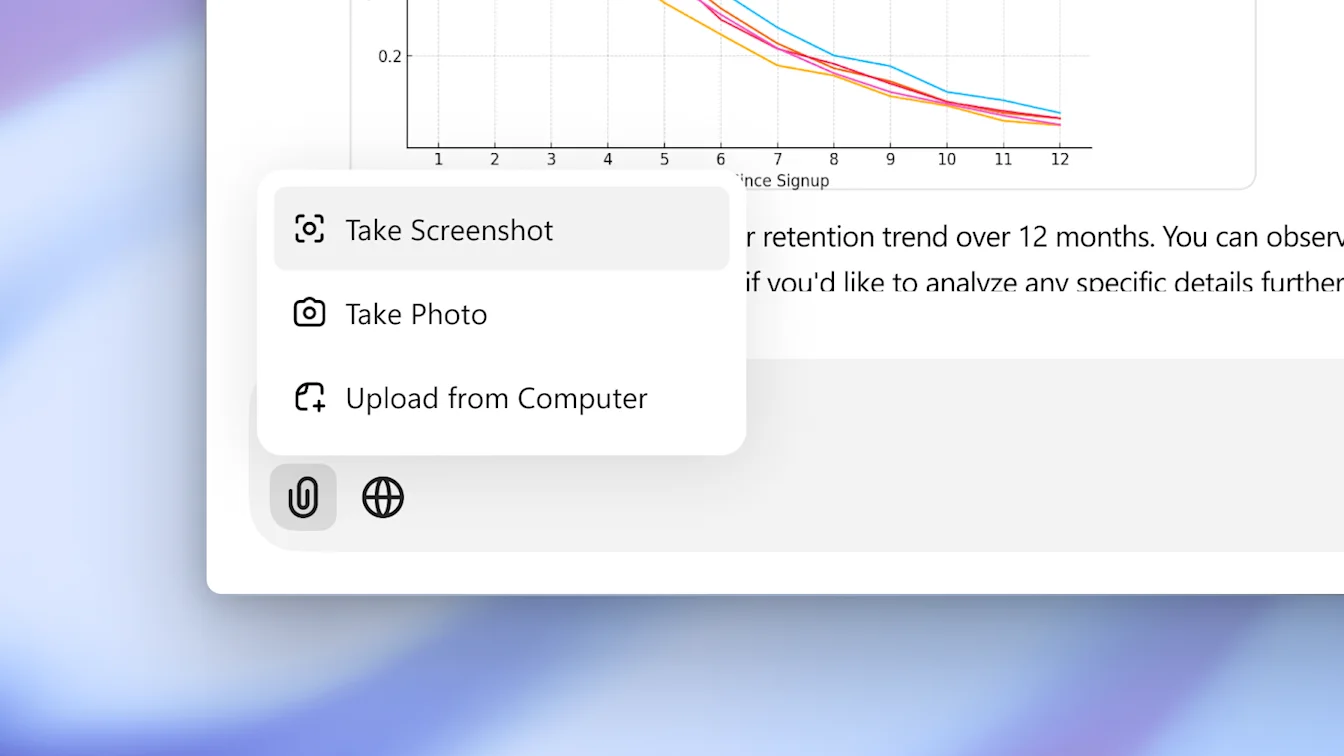
現在你可以即時擷取螢幕截圖,並插入至聊天中。螢幕截圖會使用剪取工具擷取,因此你可以方便地選擇擷取視窗、整個螢幕或自訂區域。
修正及改進
修正了「在主視窗中開啟」按鈕不會在空白伴隨視窗中顯示的錯誤。
修正了導致對話檢視捲動卡住的問題。
重新設計側邊欄,並新增浮動側邊欄模式。
其他
已為部分用戶遷移應用程式用戶資料的儲存位置。這些用戶更新後可能需要重新登入。
2024年11月7日
拍照
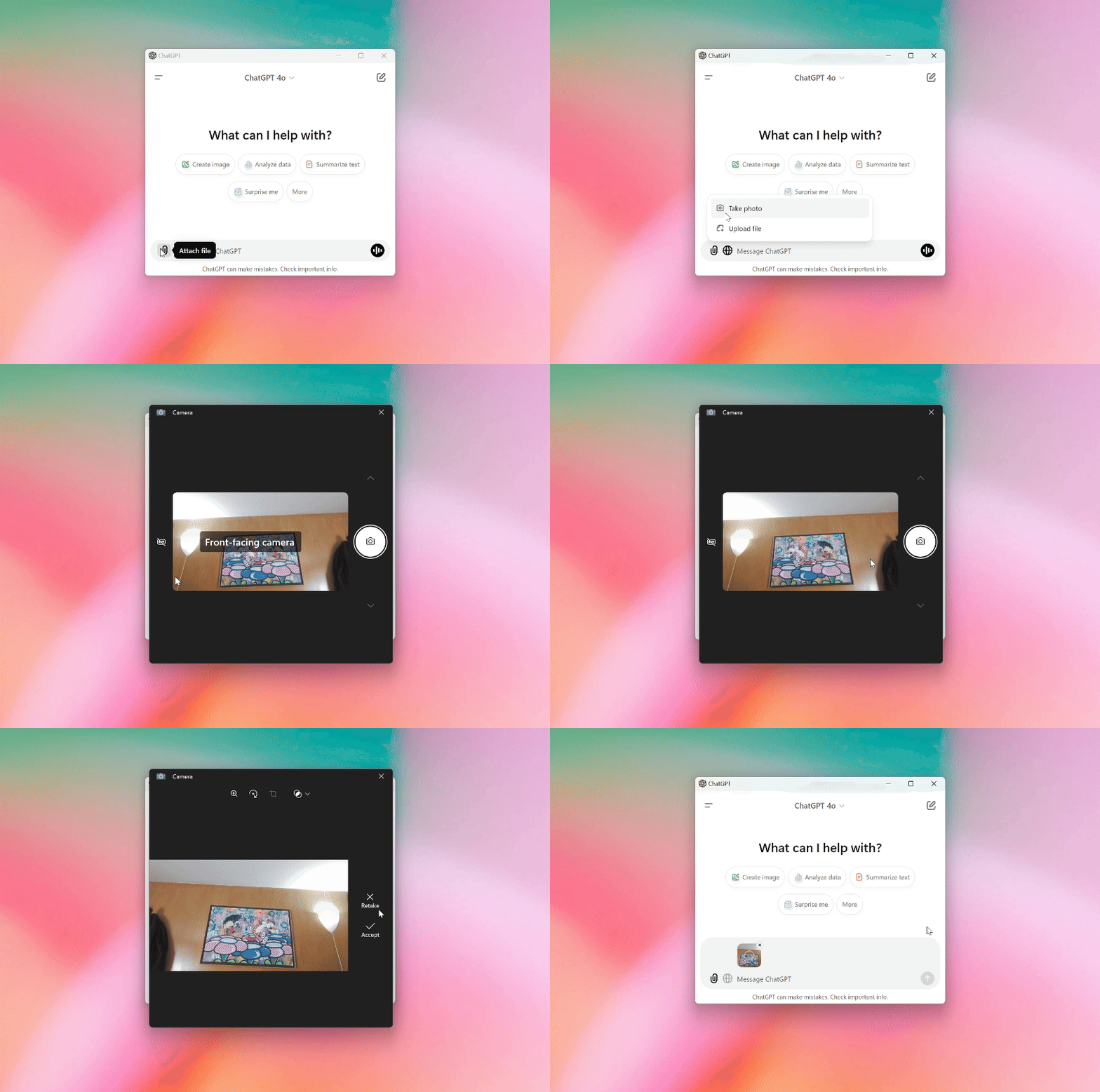
現在你可以使用網絡攝影機拍照,並直接附加至與 ChatGPT 的對話中。
修正及改進
新增設定,可自訂開啟伴隨視窗的快捷鍵。
在設定中新增檢查更新的按鈕。
新增調整文字縮放的支援。(使用 Ctrl + 或 Ctrl -。)
2024年10月30日
進階語音模式
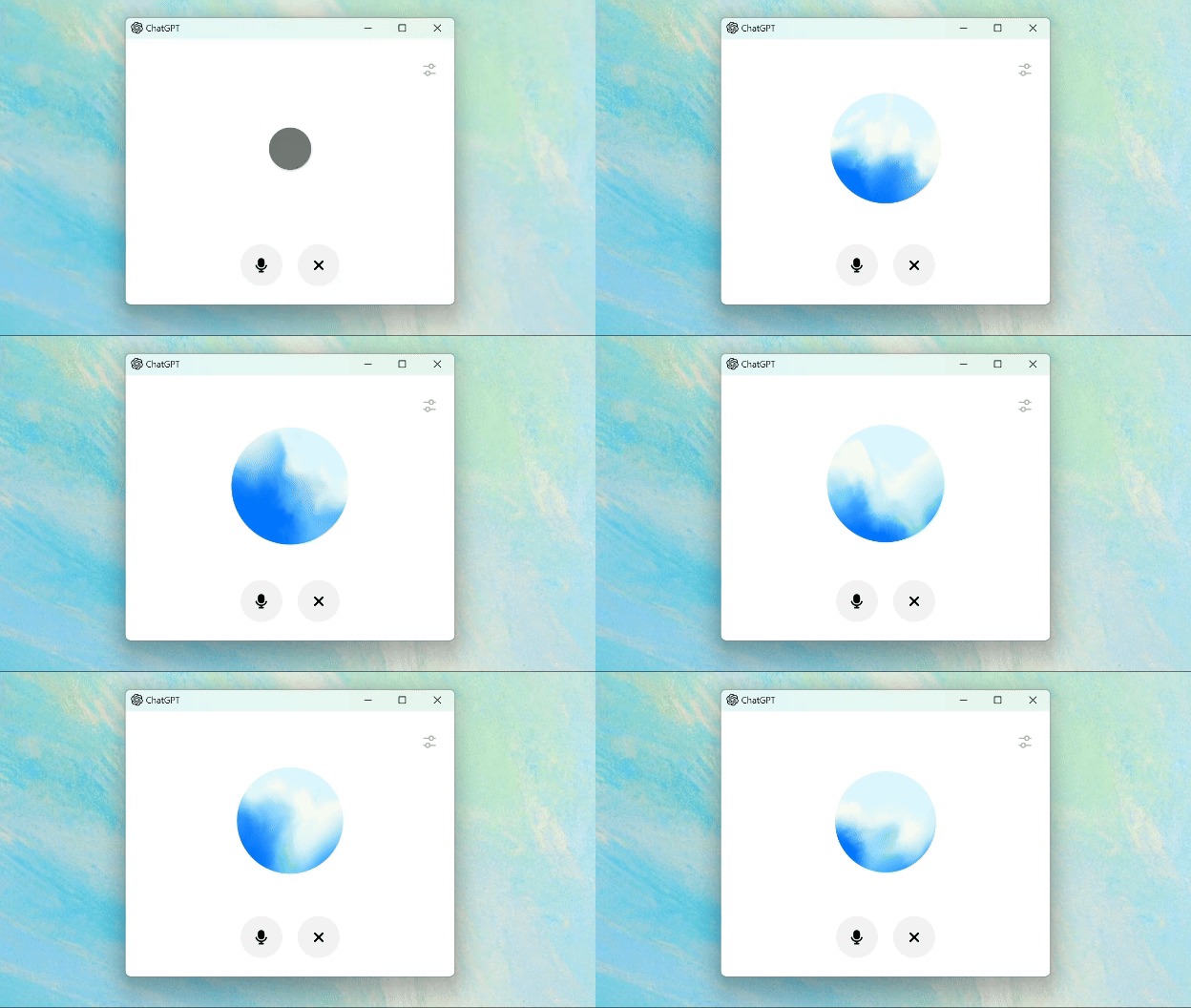
與你的電腦聊天,在工作時免提取得建議和答案。進階語音模式提供更自然的即時對話,讓你隨時打斷,並能感知及回應你的情緒。
搜尋聊天記錄
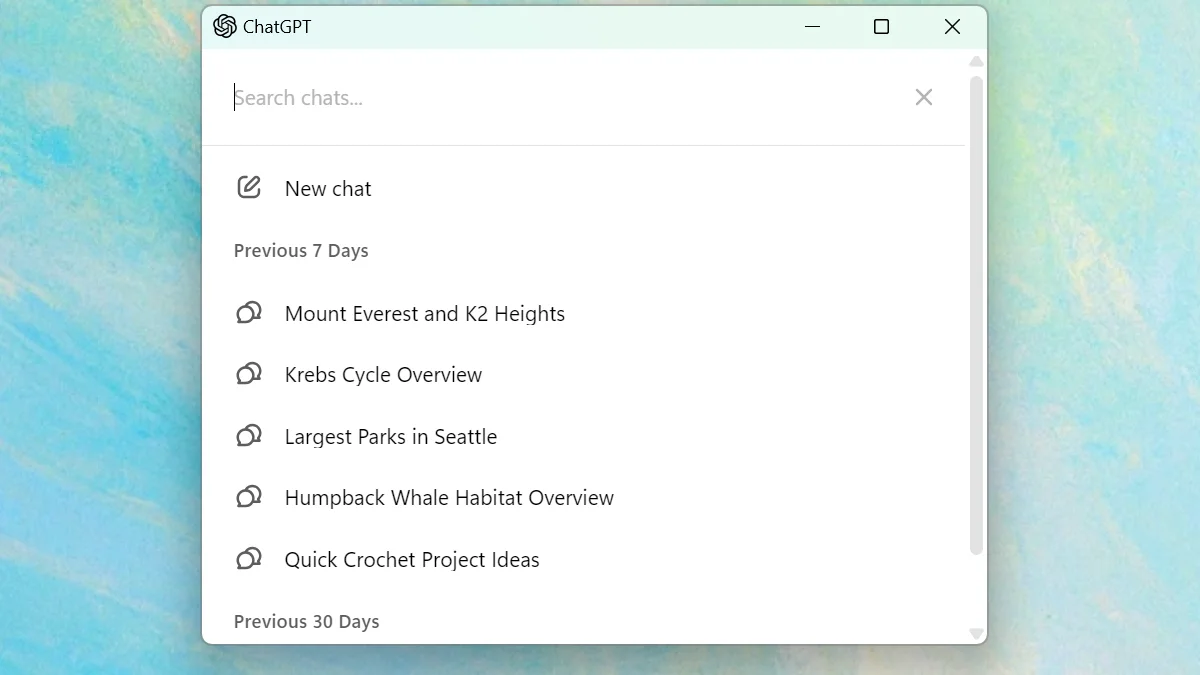
現在你可以搜尋記錄,快速找出聊天以供參考,或從上次中斷的地方繼續聊天。使用 Control+K 即可立即開啟搜尋。
Plus、Team、Enterprise 及 EDU 的早期版本(2024年10月17日)
由今天起,ChatGPT Plus、Enterprise、Team 及 Edu 用戶可以開始測試 Windows 應用程式的早期版本。免費用戶的存取權限以及多項額外功能即將推出。
伴隨視窗
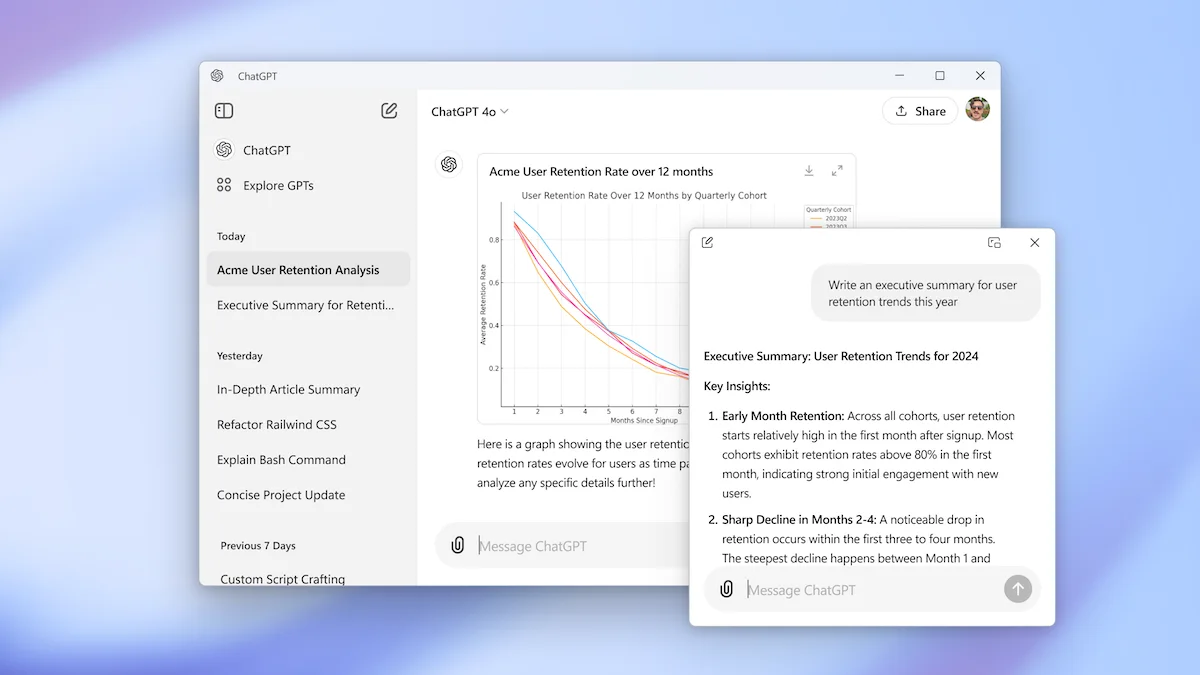
使用 Alt + Space 快捷鍵,在你的 PC 上更快存取 ChatGPT。