OpenAI
此頁面由機器翻譯。查看原文英文文章

ChatGPT macOS 應用程式 - 檔案上載及相片

使用 ChatGPT macOS 應用程式上載檔案及拍攝相片。

更新日期:5 days ago

ChatGPT macOS 應用程式讓你可使用電腦上的相片,或你新拍攝的相片來開始新對話。

如要開始,請開啟 ChatGPT macOS 應用程式或啟動器,以存取提示詞視窗。按一下加號圖示以存取相片工具。

你可以選擇「上載檔案」,直接從你的相片圖庫上載相片。你也可以改為選擇「上載檔案」,從你的檔案系統上載相片或圖片。
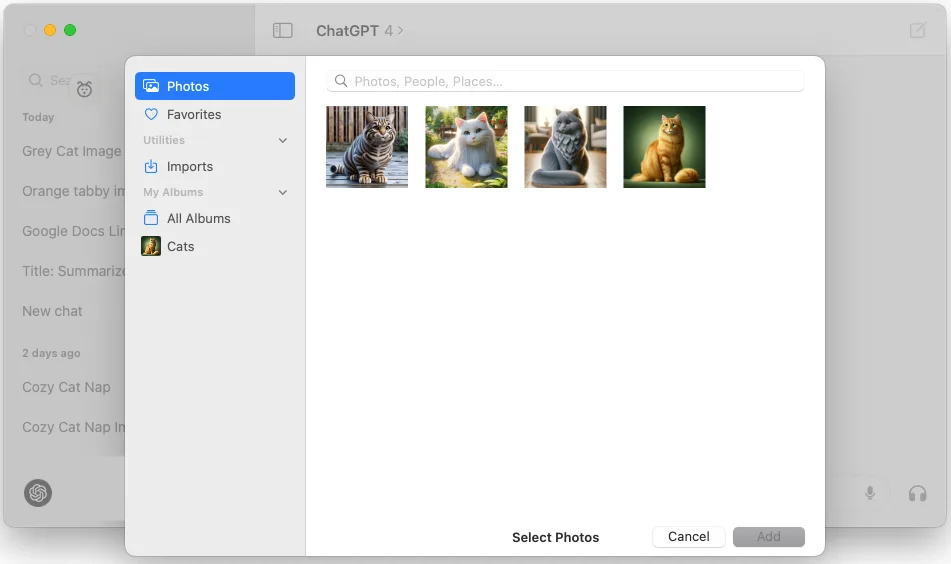
macOS Photos picker open in ChatGPT with the Cats album selected

請注意,你需要授予 ChatGPT 應用程式存取相片圖庫的權限,才能使用此功能。
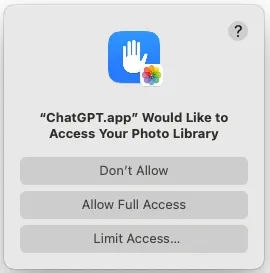
macOS permission prompt asking to allow ChatGPT.app access to the Photo Library

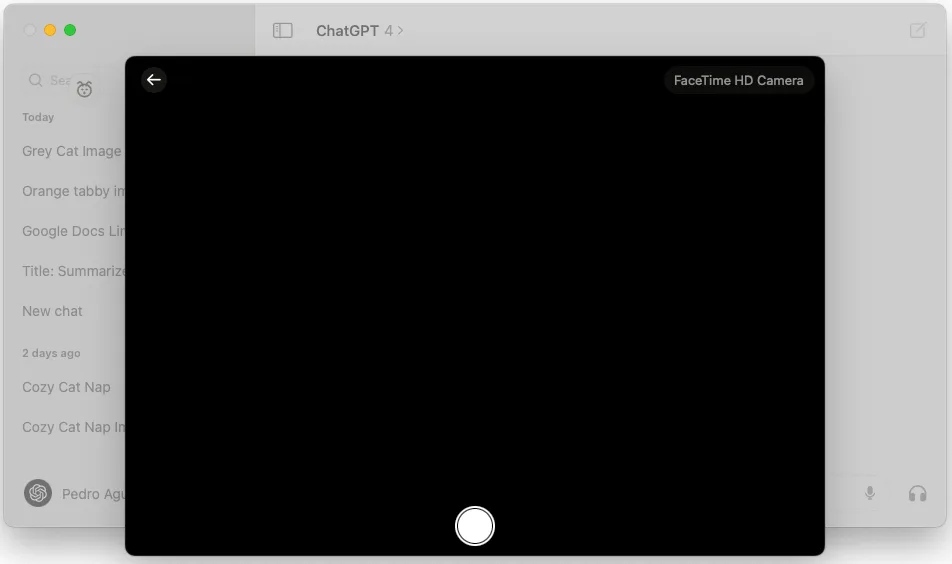
你也可以選擇「拍照」,使用你的網絡攝影機拍攝相片並上載至你的對話。

ChatGPT macOS app camera capture view for taking a photo upload

請注意,你需要授予 ChatGPT 應用程式存取相機的權限,才能使用此功能。
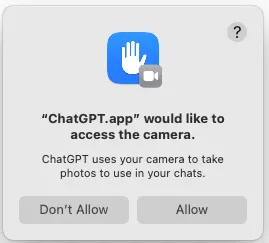
macOS permission dialog asking to allow ChatGPT.app to access the camera

如要加入你使用此功能拍攝的任何相片,你需要授予 ChatGPT 應用程式加入相片的權限。
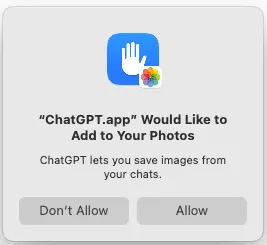
macOS Photos permission dialog asking to allow ChatGPT.app to add images to your Photos

相片附加後,你便可開始新對話,或使用該相片繼續對話。

這篇文章對你有幫助嗎?