
ChatGPT and Codex
Phone verification is not generally required to create an OpenAI account or use ChatGPT. However, you may be asked to verify your phone number when accessing Codex in the ChatGPT desktop app.
API
Phone verification is now mandated on platform.openai.com for generating your initial API key, though not for any subsequent API key generation after that.
Our default drop-down is set to the United States. Verification codes can only be sent by SMS or, where available, WhatsApp; they cannot be sent by email or phone call.
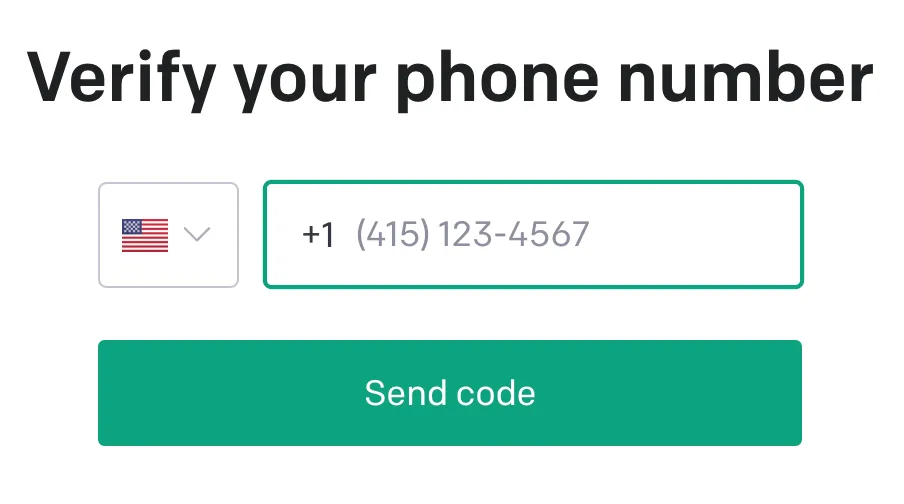
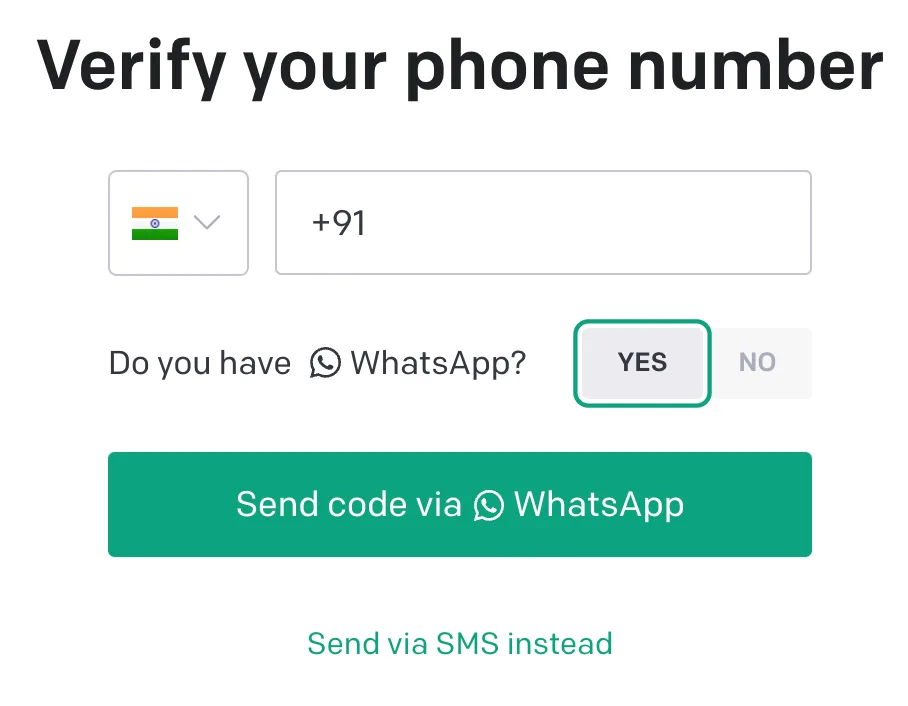
If WhatsApp verification is available for the country you select, the screen may tell you that your one-time code will be sent to your number on WhatsApp.
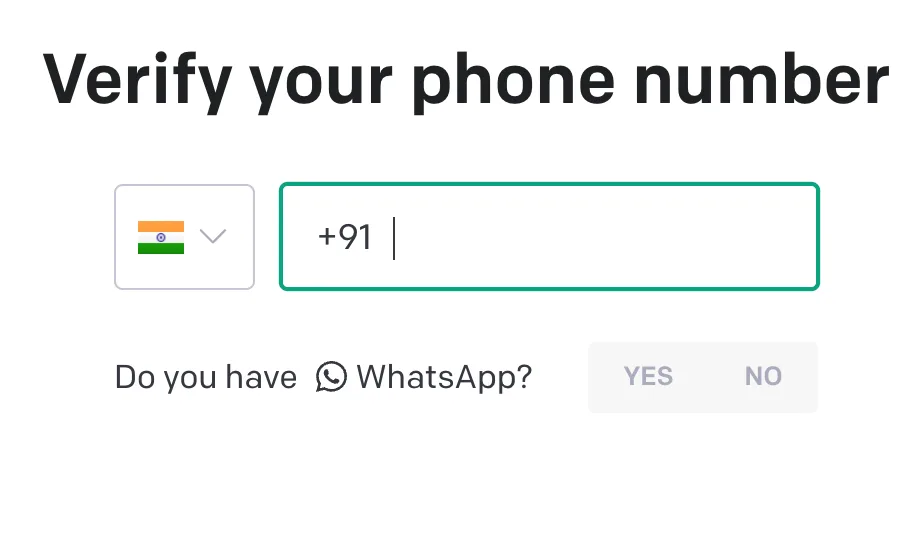
After the code is sent, enter the code from WhatsApp to continue.
Why does the ChatGPT desktop app ask for my phone number when I access Codex?
You may be asked to verify your phone number when accessing Codex in the ChatGPT desktop app.
Use a supported mobile number and the verification options offered. WhatsApp may be available depending on your location. Email or an authenticator app does not replace this required phone-verification step.
My number isn’t supported, or I can’t complete verification
Check our guidance on supported phone-number types.
If the verification screen asks you to use a different number, you can try another supported mobile number you control while staying signed in to the same OpenAI account. Use the verification options shown, and follow any waiting period in the error message.
If an error prevents verification when your number is from a supported country, or your Enterprise SSO sign-in unexpectedly requests phone verification, contact Support with the exact error.