
Campaigns define your overall advertising objective and budget in ChatGPT Ads Manager Beta. A good campaign groups together ad groups and ads that support a shared business goal.
Each campaign contains:
Campaign title
Objective
Conversion event (for campaigns with the Conversions objective)
Budget
Start and end dates
Countries to target
Platforms to target (optional)
Custom audiences to include or exclude (optional)
Choose a campaign objective
Your campaign objective determines how your ads are priced and how delivery is optimized. Choose Views (CPM), Clicks (CPC), or Conversions.
Views (CPM): Best for maximizing visibility and exposure. You pay per 1,000 impressions served.
Clicks (CPC): Best for driving users to click through to your website or product. You pay per valid click.
Conversions: Best for optimizing toward a selected supported conversion event. Select a billing method: valid clicks (oCPC), billed per valid click, or impressions served (oCPM), billed per 1,000 impressions served. You do not pay per conversion.
For eligibility, setup, and more details, see Conversion-optimized Campaigns.
Set your budget
Your campaign budget controls how much you are willing to spend across all ads within the campaign. When creating a campaign, choose either a campaign-total budget or a daily budget.
When setting your budget:
Campaign-total budget: Set the total amount you want to spend over the full duration of the campaign. This is the stricter control for total spend.
Daily budget: Set the average amount you want the campaign to spend per day over a 7-day period. This is a delivery target, so actual spend may fluctuate above or below the selected amount on an individual day. If delivery is below your daily budget on some days, unused amounts may be used later in the same 7-day period. Daily spend will not exceed twice your selected daily budget, and spend over the applicable 7-day period will not exceed seven times your selected daily budget, subject to applicable proration when a budget changes. See Daily Budgets for details. The current minimum daily budget varies by your ad account’s billing currency. See the Minimum campaign spend table below for the applicable amount. The budget week runs from Sunday through Saturday in your ad account’s timezone. Delivery need not be even within a day or across the week. If a campaign uses up its weekly allowance early, it may stop delivering until the next budget week even while marked active.
Distribute your planned spend across campaigns based on priority, and adjust budget amounts over time as you learn what performs best. If you are new to the platform, we recommend starting with a daily budget so you can monitor delivery and performance before committing to a campaign-total budget.
Choose start and end dates
Your campaign start and end dates control how long your ads are eligible to run.
When you create your first campaign, you may not see options to choose a start or end date before publication. These settings are available when you edit the campaign after it’s created, and when you create future campaigns.
If you need your ads to start on a specific date, don’t publish the campaign just to access these settings. Your ads could start running before you’ve had a chance to set your schedule.
For ads created during signup, the onboarding notice below explains that ads can go live after review. Approval, account readiness, billing, campaign status, budget, and schedule determine whether ads can run. If you need a later start date, follow the guidance above before publishing.
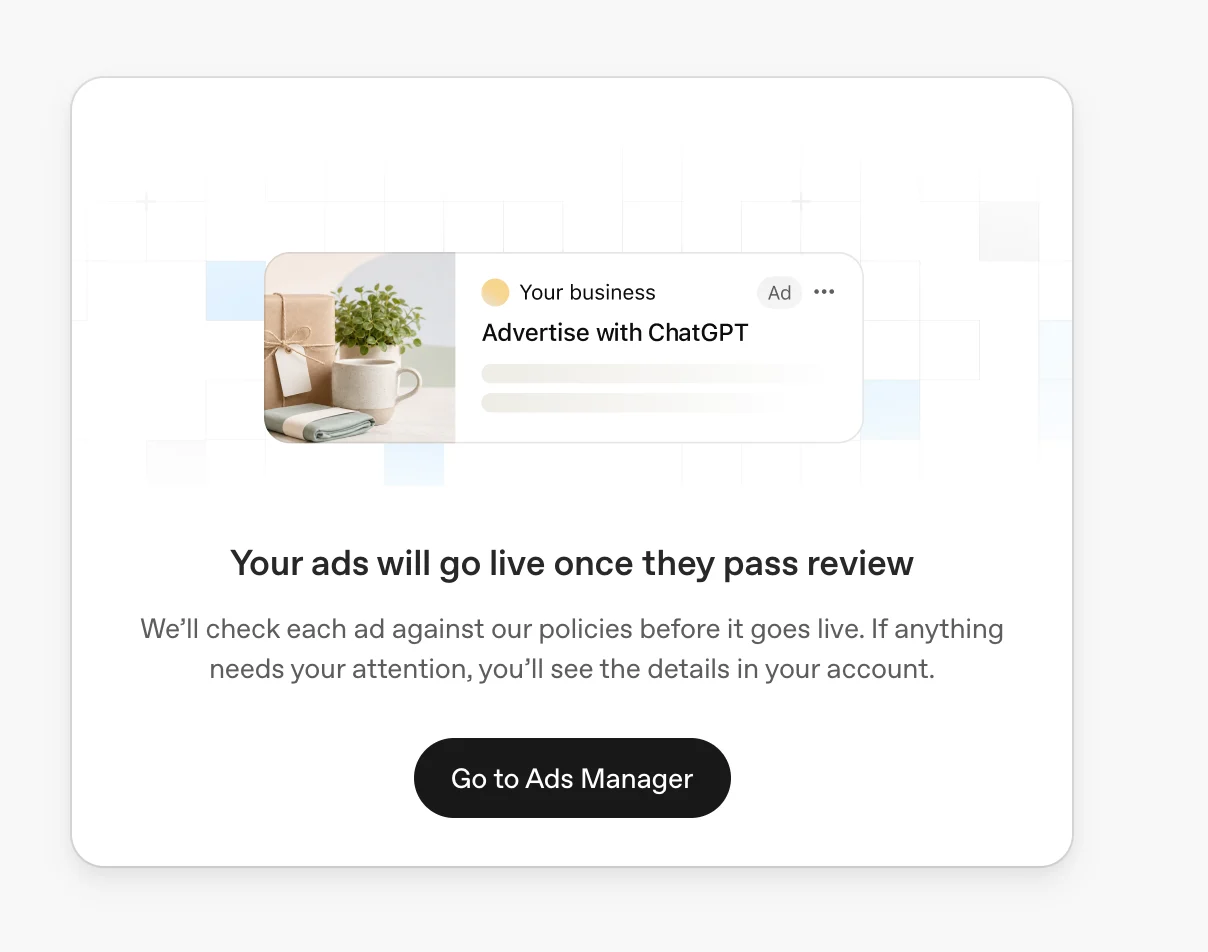
Example onboarding notice: “Your ads will go live once they pass review.” Ads can begin delivering after approval when account, billing, and campaign requirements are also met.
When choosing dates:
Give campaigns enough time to gain traction and gather meaningful performance data. Campaigns can always be paused or adjusted later.
Consider seasonality, including seasonal products, new launches, promotions, holidays, or other time-sensitive campaigns.
Align campaign timing with your broader marketing budget and business goals.
Choose countries to target
Country targeting determines where your ads are eligible to appear.
To target only the United States, explicitly include the United States in your campaign locations. Excluding other countries alone does not restrict delivery to the United States.
International targeting for new self-serve accounts
Some new self-serve ad accounts can initially advertise only in their home country—the country associated with the ad account. Selecting other countries does not override this restriction.
Your account automatically becomes eligible to advertise in other supported countries once identity verification is approved and you reach the required advertising spend from running campaigns in your home country. Creating a campaign or setting a budget alone is not enough. Normal campaign delivery requirements still apply.
Why Ads Manager says there is no eligible targeting country
Your selected locations do not include a country where your account can currently advertise. Review both included locations and exclusions. An active campaign or an approved ad does not override your account’s country restrictions.
Ads Manager may prevent publication or activation when no eligible location remains. Saving a draft does not establish that the campaign can deliver. Choose an allowed location only if it suits your business. If the warning conflicts with your settings, contact Support with the campaign details and a screenshot.
Choose platforms to target
Use platform targeting to choose where your campaign can deliver. In the Campaign dialog, select one or more supported platforms: Android app, Android web, Desktop web, iOS app, or iOS web. In Insights, segment by Platform to see results for each of those five platforms.
Choose custom audiences to include or exclude
For campaigns targeting the EEA or Switzerland, avoid custom audiences while ads personalization is unavailable there. Inclusion targeting requires at least 25,000 matched users; exclusions can use smaller audiences. You can add, remove, or replace audience members without recreating the audience or reconfiguring the campaign.
To include or exclude custom audiences from a campaign, see Set up Custom Audiences for your campaign.
Best practices
Structure campaigns around distinct business goals or initiatives.
Use separate campaigns for meaningfully different objectives, regions, or product categories.
Keep campaign naming clear and consistent for easier reporting and management.
Create multiple ad groups within each campaign to test different themes, value propositions, or messaging approaches.
Campaign setup FAQ
Can I change a campaign objective after creation?
The campaign objective determines pricing and optimization. If you need a different objective, create a new campaign with the objective you want instead of editing an existing campaign into a different objective.
Can I clone a campaign with the same objective?
Clone Campaign creates a new campaign with a different objective or supported billing model. It doesn’t currently support duplicating a campaign while keeping both unchanged. For example, you can’t clone a Clicks campaign into another Clicks campaign.
To create another campaign with the same objective, select Create > Create campaign, choose the objective you want, and manually enter the campaign settings, ad groups, and ads.
Can I change the budget type after creation?
You can adjust supported budget amounts over time, but some budget type changes are not reversible. For example, if you change a campaign-total budget to a daily budget, you can't change that campaign back to a campaign-total budget. If the budget type is wrong, create a new campaign with the correct setup.
Can I target a state, city, market, or postal code?
New product-feed campaigns support geographic targeting and exclusions only at country level. Existing product-feed campaigns were not automatically changed, so earlier sub-national selections may remain, but new sub-national selections cannot be added. For other campaigns, yes. In addition to country targeting, you can target supported locations such as states or regions, cities, markets, and postal codes where available. Location availability may vary by country. Search for a location during campaign setup to see the options available to you.
To select a subset of your product catalog, use custom feed metadata and ad-group product filters. See Create Campaigns from Product Feeds.
Why is my campaign not serving?
Confirm that your ad account verification and billing are complete, the campaign and ads are active, the campaign dates include today, and the ads have completed review. For troubleshooting guidance, see Troubleshooting.
Next steps
After creating your campaigns, you can:
Minimum campaign spend
| Billing currency | Minimum daily budget |
|---|---|
| AED | 65 AED |
| AUD | 25 AUD |
| BRL | 40 BRL |
| CAD | 25 CAD |
| CHF | 20 CHF |
| CLP | 3,750 CLP |
| COP | 10,000 COP |
| CZK | 350 CZK |
| DKK | 110 DKK |
| EUR | 15 EUR |
| GBP | 15 GBP |
| HUF | 5,500 HUF |
| IDR | 90,000.00 IDR |
| ILS | 60 ILS |
| INR | 725 INR |
| JPY | 2,500 JPY |
| KRW | 25,000 KRW |
| KZT | 1,375 KZT |
| MXN | 150 MXN |
| MYR | 35.00 MYR |
| NGN | 3,250 NGN |
| NOK | 160 NOK |
| NZD | 25 NZD |
| PEN | 13 PEN |
| PHP | 300.00 PHP |
| PKR | 2,100 PKR |
| PLN | 65 PLN |
| QAR | 60 QAR |
| RON | 80 RON |
| SAR | 50 SAR |
| SEK | 175 SEK |
| SGD | 25.00 SGD |
| THB | 205.00 THB |
| TWD | 360.00 TWD |
| USD | 25 USD |
| VND | 120,000 VND |
| ZAR | 83 ZAR |