
As a self-serve ChatGPT customer, you can retrieve your past invoices directly from the embedded billing portal. Depending on whether you are a Plus / Pro or Business subscriber, this location may slightly vary within your account settings.
For invoices related to Apple or Google subscriptions please review our article here.
Plus / Pro
Navigate to your Settings > Account page and click on Payment > Manage:
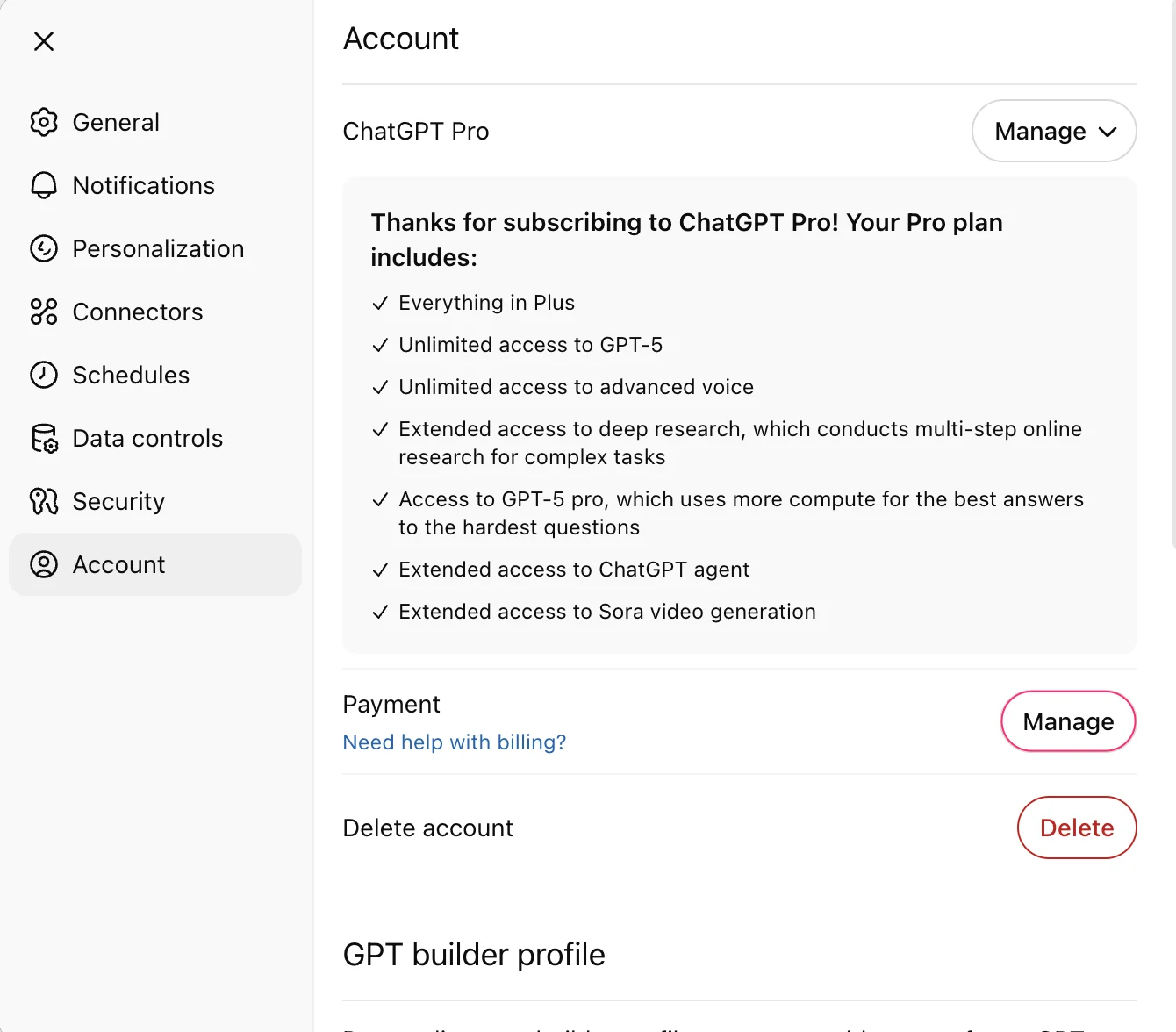
From your customer billing portal, you can download a copy of your past invoices under the Invoice History section:

Troubleshooting: If your Invoice History section is missing or empty, make sure you’re signed into the correct ChatGPT account or workspace. Receipts for subscriptions started through the Apple App Store or Google Play won’t appear here—check your app-store purchase history instead. If you still can’t locate an invoice after switching accounts or reviewing app-store receipts, confirm you’re using the correct account or workspace and contact OpenAI Support with your account email.
Business
From your workspace settings, open your workspace settings, select Billing, then Invoices to view invoices available for that workspace/account. If none appear, confirm you are an owner on the correct workspace/account and that invoice records exist. If you still can’t locate invoices, contact OpenAI Support with your account email.

Similarly, if you click on Manage plan > Payment method, you should also be brought to your customer billing portal (which has your past invoices).

Workspace deactivated or billing inaccessible?
If you are a workspace owner and cannot open Billing, contact Support for help locating past invoices. Include your account email, workspace name or ID if known, the billing periods you need, and any previous invoice number. Tell us whether the workspace is deactivated and which billing page you cannot access.