
Free users have access to GPT-5.6 Luna. Think is available in the ChatGPT mobile app and is rolling out on the web. On mobile, open the + menu and select Think. In addition to advanced intelligence capabilities, Free tier users can now:
Search the web and obtain up-to-date information
Analyze and extract insights from your data
Upload images or files in your prompts
Discover and use GPTs
Create images in ChatGPT
Use Library with 500 MB of storage
Users on ChatGPT Plus have access to higher rate limits. Learn more about ChatGPT Plus.
Ads may appear in the Free tier in certain countries. See the ads FAQ for current availability and controls.
Can I create a GPT as a Free tier user?
No. New GPT creation and publishing are not available on personal ChatGPT accounts, including Free, Go, Plus, and Pro.
You can continue using existing GPTs. Editing an existing GPT still depends on your plan and permissions.
GPT creation remains available in Business, Enterprise, and Edu workspaces when workspace settings and permissions allow it.
How do rate limits work on the Free tier?
Free users have unlimited everyday text chats, subject to abuse-prevention safeguards. File uploads, image generation, voice, data analysis, and other tools have separate usage limits. ChatGPT will notify you when you reach an applicable limit.
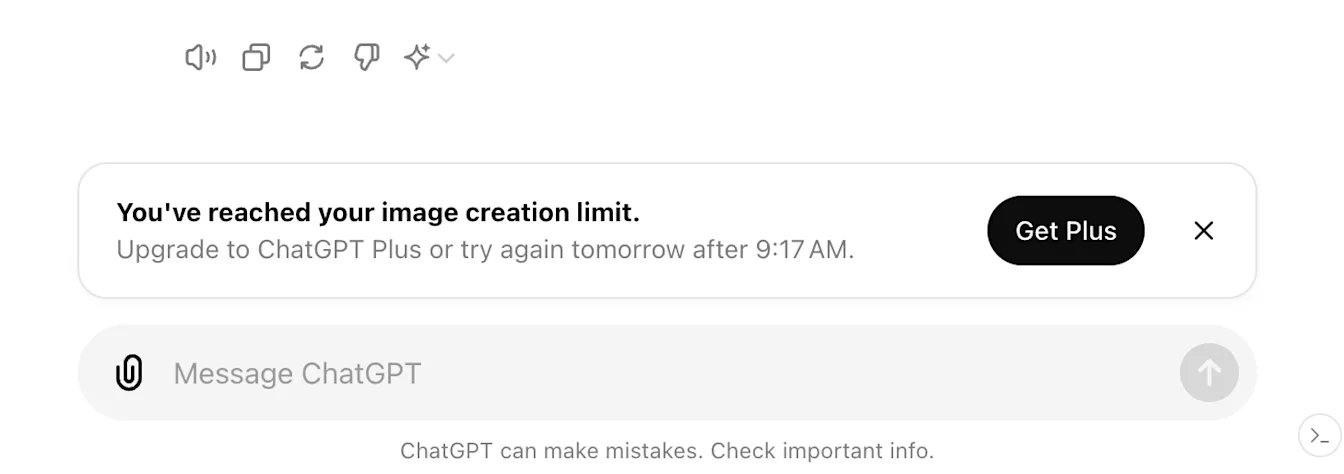
GPT usage follows your current Free tier model limit. When you reach that limit, GPT access pauses until the limit resets; ChatGPT shows the reset timing in-product.
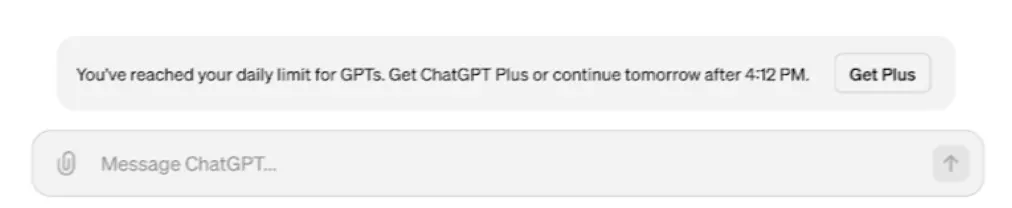
The following tools can have usage limits separate from the main chat limit:
Data analysis with ChatGPT
File and image uploads
Create images in ChatGPT
If you reach a rate limit for any of these tools, you will need to wait for a later time to use any of these tools.
Will my rate limit reset when I upgrade my account to ChatGPT Plus?
Yes. If you reach a rate limit on your Free tier account, your usage rates will reset when you update your account to a Plus plan, a Pro plan, or a Business plan.
Is performance for GPTs different for users on the Free tier?
GPTs and the tools they use may have separate usage limits. ChatGPT shows applicable limits and reset timing in the product.
Why does ChatGPT say my chat is full?
“Context window full” and “Chat memory full” refer to how much information ChatGPT can use in the current conversation. Your messages and ChatGPT’s replies both take up space. A few long exchanges can take up more room than many short ones, so there’s no fixed number of messages per chat.
The limit applies to this conversation. You don’t need to turn off Memory, delete saved memories, or clear other chats.
Do I have to wait or upgrade to keep chatting?
You can start a new chat right away on the Free tier. The full-chat notice doesn’t give a reset time for the original conversation. If the notice offers an upgrade, you can choose it to continue in the same chat.
What carries over when I continue in a new chat?
If the notice offers to start a new chat with a summary, that summary can bring over some context. It may leave out an earlier instruction or the exact wording of something you wrote. If you’re working on a draft, paste the passage you want to revise and tell ChatGPT where you’d like to pick up.
Can I still read my original chat?
You can still read earlier messages even when you can’t send another one in that chat. If the conversation is saved in your history, open it and copy any details you need. If you don’t see it in the sidebar, search your chat history for a phrase you remember.
If the chat opens blank or won’t load, refresh the page or restart the app, then reopen the chat from your history. If it still won’t load, open a private browser window, sign in to the same account, and try opening the chat there.
What if a new chat fills up after only a few messages?
If you continued with a summary and hit the limit again, start a separate chat from the sidebar. Send just the question or passage you want to work on. For example, if you’re editing a document, paste the paragraph you want to revise and add earlier instructions as you need them.
If you get the same notice after sending one short message in a fresh chat, check OpenAI Status. If there’s an incident affecting ChatGPT conversations, try again after it’s resolved. If there’s no related incident, sign in to ChatGPT in a private browser window and try the same short message in a new chat.