
2026 ഓഗസ്റ്റ് 20
എന്റർപ്രൈസ് ഫീച്ചർ അപ്ഡേറ്റുകൾ
ക്ഷണങ്ങളും അംഗത്വവും കൈകാര്യം ചെയ്യുന്നത് സ്വയമേവയാക്കാൻ വർക്ക്സ്പേസ് ഉടമകൾക്കും അഡ്മിനുകൾക്കും പുതിയ വർക്ക്സ്പേസ് പരിധിയിലുള്ള അഡ്മിൻ API-കൾ ഉപയോഗിക്കാം. ക്ഷണങ്ങൾ പട്ടികപ്പെടുത്താനും വീണ്ടെടുക്കാനും സൃഷ്ടിക്കാനും വീണ്ടും അയയ്ക്കാനും ഇല്ലാതാക്കാനും ഇൻവിറ്റേഷൻ API-കൾ പിന്തുണയ്ക്കുന്നു. അംഗീകരിച്ച അംഗങ്ങളുടെ വിവരങ്ങൾ വീണ്ടെടുക്കാൻ യൂസർ API-കൾ സഹായിക്കുന്നു. കൂടാതെ, വർക്ക്സ്പേസ് ഉടമകൾക്ക് ബിൽറ്റ്-ഇൻ റോളുകളോ സീറ്റുകളോ അപ്ഡേറ്റ് ചെയ്യാനും വർക്ക്സ്പേസ് അംഗത്വങ്ങൾ നീക്കം ചെയ്യാനും കഴിയും. SCIM നിയന്ത്രിക്കുന്ന മാറ്റങ്ങൾ ഐഡന്റിറ്റി ദാതാവിലൂടെ തുടരും. അവസാന ഉടമയ്ക്കുള്ള സംരക്ഷണങ്ങളും ബാധകമാണ്. സജ്ജീകരണത്തെയും അനുമതികളെയും കുറിച്ച് അറിയാൻ അഡ്മിൻ കീകൾ കൈകാര്യം ചെയ്യൽ കാണുക. എൻഡ്പോയിന്റ് പാതകൾക്കും സ്കീമകൾക്കും അഡ്മിൻ API റഫറൻസ് കാണുക.
നിങ്ങൾ ഏത് ടെനന്റിലോ വർക്ക്സ്പേസിലോ പ്രവർത്തിക്കുന്നുവെന്ന് ഗ്ലോബൽ അഡ്മിൻ കൺസോൾ ഇപ്പോൾ കൂടുതൽ വ്യക്തമായി കാണിക്കുന്നു. പിന്തുണയ്ക്കുന്ന പേജുകൾക്കായി വർക്ക്സ്പേസ്-നിർദ്ദിഷ്ട URL-കളും ചേർത്തിട്ടുണ്ട്. വർക്ക്സ്പേസ് അംഗങ്ങൾക്ക് സ്വന്തം പ്രവർത്തനത്തിലേക്ക് പരിമിതപ്പെടുത്തിയ അനലിറ്റിക്സ് കാണാം. ഒന്നിലധികം ഉപയോക്താക്കളുടെ വിവരങ്ങൾ ഉൾപ്പെടുന്ന കാഴ്ചകൾ അംഗീകൃത റോളുകൾക്ക് മാത്രമേ ലഭിക്കൂ. ChatGPT വർക്ക്സ്പേസ് ക്രമീകരണങ്ങൾ നിലവിലുള്ള സ്ഥാനത്തുതന്നെ തുടരും. ഗ്ലോബൽ അഡ്മിൻ കൺസോളിനെക്കുറിച്ച് കൂടുതലറിയുക.
യോഗ്യമായ എന്റർപ്രൈസ്, വിദ്യാഭ്യാസ വർക്ക്സ്പേസുകളിൽ ജോലി, Codex എന്നിവയെ പേഴ്സണൽ അനലിറ്റിക്സ് പിന്തുണയ്ക്കുന്നു. ഒരു അഡ്മിൻ പ്ലഗിൻ പ്രവർത്തനക്ഷമമാക്കിയ ശേഷം, അംഗങ്ങൾക്ക് അത് ChatGPT ഡെസ്ക്ടോപ്പിൽ ഇൻസ്റ്റാൾ ചെയ്യാം. തുടർന്ന്, തങ്ങൾ സൈൻ ഇൻ ചെയ്ത ഐഡന്റിറ്റിയുമായി ബന്ധപ്പെട്ട പ്രവർത്തനത്തെക്കുറിച്ചും സ്വകാര്യത സംരക്ഷിച്ചിട്ടുള്ള മൊത്തത്തിലുള്ള വർക്ക്സ്പേസ് പ്രവണതകളെക്കുറിച്ചും ചോദിക്കാം. ഇത് വായിക്കാൻ മാത്രമുള്ളതാണ്. മറ്റൊരു ഉപയോക്താവിന്റെ വ്യക്തിഗത പ്രവർത്തനമോ മറ്റൊരു വർക്ക്സ്പേസിലെ ഡാറ്റയോ ഇതിന് കാണിക്കാനാകില്ല. പേഴ്സണൽ അനലിറ്റിക്സിനെക്കുറിച്ച് കൂടുതലറിയുക.
ChatGPT Sites-ൽ സഹകരിക്കുക. എന്റർപ്രൈസ് ഉപയോക്താക്കൾക്ക് മാത്രം. എന്റർപ്രൈസ് വർക്ക്സ്പേസുകളിൽ, സൈറ്റ് ഉടമകൾക്ക് അതേ വർക്ക്സ്പേസിലെ സജീവ അംഗങ്ങളെ എഡിറ്റർമാരായി ചേർക്കാം. എഡിറ്റർമാർക്ക് ഒരു സൈറ്റ് അപ്ഡേറ്റ് ചെയ്ത് സേവ് ചെയ്യാം. ഉടമ ആദ്യമായി പ്രസിദ്ധീകരിച്ച ശേഷം, പിന്നീടുള്ള പതിപ്പുകൾ അതേ സൈറ്റ് URL-ൽ പ്രസിദ്ധീകരിക്കാനും കഴിയും. പങ്കിടൽ, സൈറ്റ് ക്രമീകരണങ്ങൾ, അനലിറ്റിക്സ്, ഉടമസ്ഥാവകാശം, പതിപ്പ് പുനഃസ്ഥാപിക്കൽ, എഡിറ്റർ ആക്സസ് എന്നിവയുടെ നിയന്ത്രണം ഉടമകൾക്കുതന്നെ തുടരും. കൂട്ടായ എഡിറ്റിംഗിന് നിലവിലുള്ള Sites വർക്ക്സ്പേസ് നിയന്ത്രണങ്ങളാണ് ഉപയോഗിക്കുന്നത്. പ്രത്യേക RBAC സ്വിച്ച് ചേർക്കുന്നില്ല. പൊതുവായി പ്രസിദ്ധീകരിക്കൽ ഡിഫോൾട്ടായി ഓഫായിരിക്കും; അതിന്റെ നിയന്ത്രണം അഡ്മിനുകൾക്കാണ്. നിങ്ങളുടെ വർക്ക്സ്പേസിലെ ChatGPT Sites കൈകാര്യം ചെയ്യുന്നതിനെക്കുറിച്ച് കൂടുതലറിയുക.
Codex, ChatGPT ജോലി എന്നിവയിൽനിന്ന് ആപ്പിൾ മെസേജസ് ഉപയോഗിക്കുക. ആപ്പിൾ സിലിക്കൺ മാക് കമ്പ്യൂട്ടറുകളിൽ, ChatGPT ഡെസ്ക്ടോപ്പ് ആപ്പിലെ ആപ്പിൾ മെസേജസ് പ്ലഗിന് iMessage, SMS, RCS സംഭാഷണങ്ങൾ വായിക്കാനും തിരയാനും മെസേജസ് വഴി സന്ദേശങ്ങൾ തയ്യാറാക്കാനോ അയയ്ക്കാനോ കഴിയും. സന്ദേശം അയയ്ക്കുന്നതിന് മുമ്പ് അതും സ്വീകർത്താക്കളെയും അംഗീകരിക്കാൻ ChatGPT ഡിഫോൾട്ടായി ഉപയോക്താവിനോട് ആവശ്യപ്പെടും. നിയന്ത്രിത വർക്ക്സ്പേസുകളിലെ അഡ്മിനുകൾക്ക് നിലവിലുള്ള കമ്പ്യൂട്ടർ ഉപയോഗ നിയന്ത്രണത്തിലൂടെ ആപ്പിൾ മെസേജസ് പ്രവർത്തനരഹിതമാക്കാം. ആപ്പിൾ മെസേജസ് പ്ലഗിനെക്കുറിച്ച് കൂടുതലറിയുക.
കൂടുതൽ പ്രദേശങ്ങളിൽ കമ്പ്യൂട്ടർ ഹിസ്റ്ററി ഉപയോഗിക്കുക. എന്റർപ്രൈസ് ഉപയോക്താക്കൾക്ക് മാത്രം. macOS-ലെ ChatGPT ഡെസ്ക്ടോപ്പ് ആപ്പ് ഉപയോഗിക്കുന്ന എന്റർപ്രൈസ് ഉപയോക്താക്കൾക്ക് കമ്പ്യൂട്ടർ ഹിസ്റ്ററി ഇപ്പോൾ യൂറോപ്യൻ സാമ്പത്തിക മേഖല, സ്വിറ്റ്സർലൻഡ്, യുണൈറ്റഡ് കിങ്ഡം എന്നിവിടങ്ങളിൽ ലഭ്യമാണ്. ഇത് ഡിഫോൾട്ടായി ഓഫാണ്, മെമ്മറി ആവശ്യമാണ്, കൂടാതെ ഒരു അംഗത്തിന് പങ്കെടുക്കാൻ തിരഞ്ഞെടുക്കുന്നതിന് മുമ്പ് വർക്ക്സ്പേസ് അഡ്മിൻ ഇത് പ്രവർത്തനക്ഷമമാക്കണം. കമ്പ്യൂട്ടർ ഹിസ്റ്ററിയെക്കുറിച്ച് കൂടുതലറിയുക.
ഒരു Codex ചാറ്റിന്റെ വായിക്കാൻ മാത്രമുള്ള സ്നാപ്പ്ഷോട്ട് പങ്കിടുക. വർക്ക്സ്പേസ് പങ്കിടൽ ലിങ്കുകൾ അവ സൃഷ്ടിച്ച വർക്ക്സ്പേസിലെ ആധികാരികത പരിശോധിച്ച അംഗങ്ങൾക്ക് മാത്രമായി പരിമിതപ്പെടുത്തിയിരിക്കുന്നു. അഡ്മിനുകൾക്ക് ഈ ലിങ്കുകൾ ഓഫാക്കാം. യഥാർഥ ചാറ്റിൽ മാറ്റം വരുത്തുമ്പോൾ സ്നാപ്പ്ഷോട്ട് അപ്ഡേറ്റ് ചെയ്യപ്പെടില്ല. അറിയപ്പെടുന്ന രഹസ്യ പാറ്റേണുകൾ Codex മറയ്ക്കും. എന്നാൽ സൂക്ഷ്മവിവരങ്ങളുള്ള പാതകൾ, വ്യത്യാസങ്ങൾ, ചിത്രങ്ങൾ, മറ്റ് ഉള്ളടക്കം എന്നിവ ശേഷിക്കാനിടയുള്ളതിനാൽ ഉപയോക്താക്കൾ സ്നാപ്പ്ഷോട്ട് പരിശോധിക്കണം. ഒരു Codex ചാറ്റ് പങ്കിടുന്നതിനെക്കുറിച്ച് കൂടുതലറിയുക.
പൊതു പ്ലഗിൻ കാറ്റലോഗ് കയറ്റുമതി ചെയ്യുക. യോഗ്യരായ ChatGPT Enterprise വർക്ക്സ്പേസ് ഉടമകൾക്കും അഡ്മിനുകൾക്കും Admin > Plugins > Public > Export CSV എന്നതിൽനിന്ന് ഒരു CSV കയറ്റുമതി ചെയ്യാം. കയറ്റുമതിയിലെ വിവരങ്ങൾക്ക് 48 മണിക്കൂർവരെ പഴക്കമുണ്ടാകാം. വർക്ക്സ്പേസിൽ സൃഷ്ടിച്ച പ്ലഗിനുകൾ ഇതിൽ ഉൾപ്പെടില്ല. പൊതു കാറ്റലോഗ് കയറ്റുമതി ചെയ്യുന്നതിനെക്കുറിച്ച് കൂടുതലറിയുക.
August 13, 2026
Chat model defaults
Workspace owners and admins can configure the starting Chat model and reasoning level from Workspace settings > Models. Owners and admins can apply an admin default or allow User’s last choice for new chats - note that defaults do not grant access to unavailable models or override enforced workspace requirements.
The ChatGPT Desktop app should be upgraded to version 26.812.10818 or later for the new controls to take effect.
Updated model picker for Enterprise and Edu
Members in the Enterprise/Edu workspaces have updated model-picker and composer experience. The picker makes the available intelligence choices easier to compare while preserving workspace model availability and access controls.
Audit logs in the Global Admin Console
Workspace owners and admins can now review supported audit events from the Global Admin Console. Access and event coverage depend on the selected workspace and admin role. Read more.
Additive role-based access controls
Workspace owners in Enterprise and Edu workspaces can now configure eligible permissions in ordinary custom roles with Default, On, or Off. Default inherits the workspace setting, On explicitly grants the permission, and Off explicitly denies access. ChatGPT evaluates all applicable ordinary roles together: at least one role must grant the permission, and an explicit Off in any applicable role prevents access. Lockdown Mode is evaluated separately and can further restrict network-enabled capabilities. Learn more about role-based access controls.
Work and Codex usage and cost data
Members of eligible Enterprise workspaces with credit-based billing can review per-chat lifetime credit usage across Work and Codex. Usage figures and estimated costs are planning aids and are not invoices. Members can also review monthly usage and history from the Usage & billing tab in ChatGPT Desktop. Regular Chat usage is not included. This feature requires ChatGPT Desktop version 26.812.10818 or later. Read more.
Personal Analytics plugin
The Personal Analytics plugin is available for eligible workspaces. After a workspace owner or admin enables the plugin, members can install it in ChatGPT Desktop and ask questions about their own Work and Codex activity and available aggregated workspace trends. Read more.
Codex service accounts
Eligible workspaces can create non-human service accounts for Codex automation. Workspace owners and admins can assign roles and groups, configure plugins, share account management, and issue scoped access tokens for CI runners and scheduled jobs. Read more.
Windows desktop performance improvements
The ChatGPT desktop app for Windows includes performance improvements. These improvements require ChatGPT Desktop version 26.803.41515 or later.
Computer History for ChatGPT Enterprise
Computer History is an optional feature in the ChatGPT macOS app that lets Enterprise members bring context from selected apps and websites into ChatGPT and Codex. It records interaction events—not screenshots, screen recordings, microphone input, or system audio—and private browsing is not included.
Computer History is off by default, and Enterprise admins can grant access by role before each member chooses whether to opt in. Members can pause Computer History, choose included apps and sites, and inspect or delete timeline items. Note that Computer History is not currently available in the EEA, UK or Switzerland.
2026 ഓഗസ്റ്റ് 10
ബന്ധിപ്പിച്ച ആപ്പുകളുടെ വ്യക്തിഗത ഉപയോക്തൃ സമന്വയം അവസാനിപ്പിക്കുന്നു
ഓഗസ്റ്റ് 10 മുതൽ പുതുതായി വ്യക്തിഗത അംഗീകാരം നൽകുന്ന സമന്വയ കണക്ഷനുകൾ ലഭ്യമാകില്ല. ഓഗസ്റ്റ് 14-ന് നിലവിലുള്ള വ്യക്തിഗത ഉപയോക്തൃ സമന്വയ കണക്ഷനുകൾ പ്രവർത്തനരഹിതമാക്കുകയും ബന്ധപ്പെട്ട സമന്വയ ഡാറ്റ ഇല്ലാതാക്കിത്തുടങ്ങുകയും ചെയ്യും. അഡ്മിനിസ്ട്രേറ്റർ നിയന്ത്രിത സമന്വയത്തെ ഇത് ബാധിക്കില്ല. ഓഗസ്റ്റ് 14-നകം വർക്ക്സ്പേസിന്റെ കണക്ടർ ക്രമീകരണങ്ങൾ പരിശോധിച്ച് ബാധകമായിടത്ത് ഇനിപ്പറയുന്ന നടപടികൾ സ്വീകരിക്കുക:
| കണക്ടർ | ആവശ്യമായ അഡ്മിൻ നടപടി |
|---|---|
| Google Drive | Google Drive പ്ലഗിൻ പ്രവർത്തനക്ഷമമാക്കുക. സമന്വയ വിജ്ഞാനം ആവശ്യമെങ്കിൽ ഡൊമെയ്ൻതല ഡെലിഗേഷൻ ഉപയോഗിച്ച് അഡ്മിൻ നിയന്ത്രിത Google Drive സമന്വയം ക്രമീകരിക്കുക. |
| SharePoint | SharePoint പ്ലഗിൻ പ്രവർത്തനക്ഷമമാക്കുക. സമന്വയ വിജ്ഞാനം ആവശ്യമെങ്കിൽ അഡ്മിൻ സമന്വയം ക്രമീകരിക്കുക. |
| GitHub | സമന്വയമില്ലാത്ത GitHub പ്ലഗിൻ പ്രവർത്തനക്ഷമമാക്കുക. |
| GitLab പ്രശ്നങ്ങൾ | പകരം പ്ലഗിന്റെ ലഭ്യത ഉടൻ അറിയിക്കും. |
| Azure ബോർഡുകൾ (Azure DevOps) | പകരം പ്ലഗിന്റെ ലഭ്യത ഉടൻ അറിയിക്കും. |
| Basecamp | പകരം പ്ലഗിന്റെ ലഭ്യത ഉടൻ അറിയിക്കും. |
| Help Scout | ബാധിക്കപ്പെടുന്ന ഉപയോക്താക്കളെയും വർക്ക്ഫ്ലോകളെയും കണ്ടെത്തി സമന്വയ ആക്സസ് അവസാനിക്കുമെന്ന് അറിയിക്കുക. പകരം സംവിധാനം നൽകാൻ പങ്കാളിയുമായി സജീവമായി പ്രവർത്തിക്കുന്നു. |
| Zoho Desk | ബാധിക്കപ്പെടുന്ന ഉപയോക്താക്കളെയും വർക്ക്ഫ്ലോകളെയും കണ്ടെത്തി സമന്വയ ആക്സസ് അവസാനിക്കുമെന്ന് അറിയിക്കുക. പകരം സംവിധാനം നൽകാൻ പങ്കാളിയുമായി സജീവമായി പ്രവർത്തിക്കുന്നു. |
| Teamwork | ബാധിക്കപ്പെടുന്ന ഉപയോക്താക്കളെയും വർക്ക്ഫ്ലോകളെയും കണ്ടെത്തി സമന്വയ ആക്സസ് അവസാനിക്കുമെന്ന് അറിയിക്കുക. പകരം സംവിധാനം നൽകാൻ പങ്കാളിയുമായി സജീവമായി പ്രവർത്തിക്കുന്നു. |
| Aha! | ബാധിക്കപ്പെടുന്ന ഉപയോക്താക്കളെയും വർക്ക്ഫ്ലോകളെയും കണ്ടെത്തി സമന്വയ ആക്സസ് അവസാനിക്കുമെന്ന് അറിയിക്കുക. പകരം സംവിധാനം നൽകാൻ പങ്കാളിയുമായി സജീവമായി പ്രവർത്തിക്കുന്നു. |
| Zoho CRM | ബാധിക്കപ്പെടുന്ന ഉപയോക്താക്കളെയും വർക്ക്ഫ്ലോകളെയും കണ്ടെത്തി സമന്വയ ആക്സസ് അവസാനിക്കുമെന്ന് അറിയിക്കുക. പകരം സംവിധാനം നൽകാൻ പങ്കാളിയുമായി സജീവമായി പ്രവർത്തിക്കുന്നു. |
| Pipedrive | ബാധിക്കപ്പെടുന്ന ഉപയോക്താക്കളെയും വർക്ക്ഫ്ലോകളെയും കണ്ടെത്തി സമന്വയ ആക്സസ് അവസാനിക്കുമെന്ന് അറിയിക്കുക. പകരം സംവിധാനം നൽകാൻ പങ്കാളിയുമായി സജീവമായി പ്രവർത്തിക്കുന്നു. |
2026 ഓഗസ്റ്റ് 7
ChatGPT വോയ്സിലെ ഫയലുകളും പ്രോജക്റ്റുകളും
ChatGPT വോയ്സിലെ GPT-Live ഇപ്പോൾ ഫയൽ അപ്ലോഡുകളും പ്രോജക്റ്റുകളും പിന്തുണയ്ക്കുന്നു. വോയ്സ് സംഭാഷണത്തിൽ ഫയലുകൾ അപ്ലോഡ് ചെയ്ത് അവയുടെ ഉള്ളടക്കം വിശകലനം ചെയ്യാനോ ചോദ്യങ്ങൾ ചോദിക്കാനോ ഇപ്പോൾ കഴിയും. സമീപകാല പ്രോജക്റ്റ് ചാറ്റുകൾ, ഉറവിടങ്ങൾ, പ്രോജക്റ്റ് നിർദേശങ്ങൾ എന്നിവ പരാമർശിച്ച് പ്രോജക്റ്റുകളിലും വോയ്സ് ഉപയോഗിക്കാം.
Live ഇപ്പോൾ സ്വതവേയുള്ള വോയ്സ് അനുഭവമാണ്.
Enterprise, Edu, Healthcare വർക്ക്സ്പേസുകളിൽ വർക്ക്സ്പേസ് ഉടമ വോയ്സ് പ്രവർത്തനക്ഷമമാക്കിയാൽ Live ഇപ്പോൾ സ്വതവേയുള്ള വോയ്സ് അനുഭവമാണ്. മുൻകൂർ മോഡൽ പ്രവേശന ക്രമീകരണം ഇനി പ്രവർത്തനക്ഷമമാക്കേണ്ടതില്ല. വർക്ക്സ്പേസ് ക്രമീകരണങ്ങളിൽ വോയ്സ് പ്രവർത്തനരഹിതമാക്കി ഉടമകൾക്ക് വോയ്സ് ഓഫാക്കാം.
ChatGPT വോയ്സിനെക്കുറിച്ച് കൂടുതലറിയുക.
2026 ഓഗസ്റ്റ് 6
ഡെസ്ക്ടോപ്പ് ആപ്പ് പുതുക്കലുകൾക്കുള്ള പുതിയ നിയന്ത്രണങ്ങൾ
പിന്തുണയ്ക്കുന്ന macOS, Windows പതിപ്പുകളിലെ ChatGPT ഡെസ്ക്ടോപ്പ് ആപ്പിനുള്ള ആപ്പിനകത്തെ പുതുക്കലുകൾ ChatGPT Enterprise, ChatGPT ആരോഗ്യ പരിരക്ഷയ്ക്ക് വേണ്ടി, ChatGPT Edu അഡ്മിനുകൾക്ക് ഇപ്പോൾ ഓഫാക്കാം. ഉപയോക്താക്കൾക്ക് ലഭിക്കുന്നതിന് മുമ്പ് പുതിയ പതിപ്പുകൾ അവലോകനം ചെയ്യാനും നിലവിലുള്ള ഉപകരണ മാനേജ്മെന്റ് നടപടിയിലൂടെ അംഗീകൃത പതിപ്പുകൾ വിന്യസിക്കാനും ഇത് സ്ഥാപനങ്ങളെ അനുവദിക്കുന്നു.
ആപ്പിന്റെ അന്തർനിർമിത പുതുക്കൽ സംവിധാനം സ്വതവേ പ്രവർത്തനക്ഷമമായി തുടരും. അത് ഓഫാക്കുന്ന സ്ഥാപനങ്ങൾ പുതിയ പതിപ്പുകളും സുരക്ഷാ പരിഹാരങ്ങളും ഉടൻ വിന്യസിക്കേണ്ടതാണ്. പതിപ്പ് നിശ്ചലമാക്കൽ, പ്രത്യേക സ്ഥിരപതിപ്പ് ചാനൽ, പഴയ പതിപ്പുകൾക്ക് ദീർഘകാല പിന്തുണ എന്നിവ OpenAI നൽകുന്നില്ല. കൂടുതലറിയുക.
2026 ഓഗസ്റ്റ് 4
വലിയ അളവിൽ ഒട്ടിക്കുന്ന ഉള്ളടക്കം ഇനി എല്ലാ പ്ലാനുകളിലും അറ്റാച്ച്മെന്റുകളായി കൈകാര്യം ചെയ്യും
ഇന്നുമുതൽ ChatGPT Enterprise, Education ഉപയോക്താക്കൾ ദൈർഘ്യമേറിയ ഉള്ളടക്കം ഒട്ടിക്കുമ്പോൾ ChatGPT അത് വ്യത്യസ്തമായി കൈകാര്യം ചെയ്യും.
കമ്പോസറിൽ 10,000-ത്തിലധികം അക്ഷരങ്ങൾ ഒട്ടിച്ചാൽ, ടെക്സ്റ്റ് ഫീൽഡിൽ നേരിട്ട് ചേർക്കുന്നതിനുപകരം ChatGPT അത് സ്വയമേവ ഒരു അറ്റാച്ച്മെന്റാക്കി മാറ്റും. ഇത് കമ്പോസർ വൃത്തിയായി നിലനിർത്തുകയും വലിയ ഉള്ളടക്കം നിങ്ങളുടെ മുഴുവൻ സന്ദർഭ പരിധിയും ഉപയോഗിക്കുന്നത് തടയുകയും ചെയ്യുന്നു.
ടെക്സ്റ്റ് ഫീൽഡിൽ കാണിക്കുക ക്ലിക്ക് ചെയ്ത് അറ്റാച്ച്മെന്റിനെ വീണ്ടും നേരിട്ട് ഒട്ടിച്ച ഉള്ളടക്കമാക്കി മാറ്റി എപ്പോൾ വേണമെങ്കിലും സന്ദേശത്തിലേക്ക് തിരികെ കൊണ്ടുവരാം.
മറ്റെല്ലാ പ്ലാനുകളിലുമുള്ള ഉപയോക്താക്കൾക്ക് ഇത് ഇതിനകം ലഭ്യമാണ്.
പഠിപ്പിക്കലിനും പഠനത്തിനുമുള്ള വിദ്യാഭ്യാസ പ്ലഗിനുകൾ
ChatGPT Edu വർക്ക്സ്പേസുകൾക്ക് ഇപ്പോൾ ChatGPT ജോലി, Codex എന്നിവയിൽ മൂന്ന് മാർഗനിർദേശമുള്ള പ്ലഗിനുകൾ ലഭ്യമാണ്: കോളേജ് അധ്യാപകൻ, കെ–12 അധ്യാപകൻ, കോളേജ് വിദ്യാർഥി. ജില്ലാ ഡൊമെയ്ൻ അവകാശവാദത്തിലൂടെ നിയന്ത്രിക്കുന്ന അധ്യാപകർക്കായുള്ള ChatGPT വർക്ക്സ്പേസുകൾക്ക് കെ–12 അധ്യാപകൻ ലഭ്യമാണ്. പാഠ്യസാമഗ്രികളെ അടിസ്ഥാനമാക്കി പാഠങ്ങൾ, മൂല്യനിർണയങ്ങൾ, ആശയവിനിമയങ്ങൾ എന്നിവ സൃഷ്ടിക്കാൻ അധ്യാപകരെയും പഠനപദ്ധതികൾ തയ്യാറാക്കാനും പാഠ്യവിഷയ ആശയങ്ങൾ പരിശീലിക്കാനും കോളേജ് വിദ്യാർഥികളെയും ഈ പ്ലഗിനുകൾ സഹായിക്കും.
കോളേജ് അധ്യാപകൻ: കോഴ്സുകളും പാഠ്യപദ്ധതികളും രൂപകൽപ്പന ചെയ്യാനും പുതുക്കാനും, സംവേദനാത്മക പഠനസാമഗ്രികളും ബഹുമാധ്യമ മൂല്യനിർണയങ്ങളും സൃഷ്ടിക്കാനും, വിവിധ പഠിതാക്കൾക്കായി സാമഗ്രികൾ മാറ്റാനും, LMS-നായി ഉള്ളടക്കം ക്രമീകരിക്കാനും അധ്യാപകരെ സഹായിക്കുന്നു.
കെ–12 അധ്യാപകൻ: സംസ്ഥാന മാനദണ്ഡങ്ങളോടും പഠനപുരോഗതിയോടും സാമഗ്രികൾ പൊരുത്തപ്പെടുത്താൻ ലേണിങ് കോമൺസ് സന്ദർഭം ഉപയോഗിച്ച് പാഠസാമഗ്രികൾ, അസൈൻമെന്റുകൾ, മൂല്യനിർണയ മാനദണ്ഡങ്ങൾ, അധ്യാപന വിഭവങ്ങൾ എന്നിവ സൃഷ്ടിക്കാൻ സഹായിക്കുന്നു.
കോളേജ് വിദ്യാർഥി: പാഠ്യസാമഗ്രികളും പഠനലക്ഷ്യവും ഉപയോഗിച്ച് ഉറവിടാധിഷ്ഠിത വിശദീകരണങ്ങൾ, മാർഗനിർദേശമുള്ള പരിശീലനം, പഠനപദ്ധതികൾ, ക്വിസുകൾ, ഫ്ലാഷ് കാർഡുകൾ, ദൃശ്യ വിശദീകരണങ്ങൾ എന്നിവ നേടാൻ സഹായിക്കുന്നു.
പ്ലഗിനുകൾ പ്ലഗിൻ ഡയറക്ടറിയിൽ ലഭ്യമാണ്, എന്നാൽ സ്വതവേ ഇൻസ്റ്റാൾ ചെയ്തിട്ടില്ല. ഈ പ്ലഗിനുകൾ Enterprise അക്കൗണ്ടുകൾക്ക് ലഭ്യമല്ലെന്നത് ശ്രദ്ധിക്കുക. വർക്ക്സ്പേസ് അഡ്മിനുകൾക്ക് പ്ലഗിനുകളുടെ ലഭ്യതയും അനുമതികളും നിയന്ത്രിക്കാം. ChatGPT, Codex എന്നിവയിലെ പ്ലഗിനുകൾ എന്നതിൽ കൂടുതലറിയുക.
ഉപയോഗപരിധികൾ ആഴ്ചതോറുമുള്ളതിൽനിന്ന് മാസത്തിലേക്ക് മാറ്റുക
അനുമതികളും ചുമതലകളും എന്നതിൽ ക്രമീകരിച്ച ആഴ്ചപരിധികൾ ഇപ്പോൾ വർക്ക്സ്പേസ് ഉടമകൾക്ക് എളുപ്പത്തിൽ മാസപരിധികളിലേക്ക് മാറ്റാം. വർക്ക്സ്പേസ് ക്രമീകരണങ്ങൾ → അനുമതികളും ചുമതലകളും തുറന്ന് ഏതെങ്കിലും ചുമതല തിരഞ്ഞെടുത്ത് ആഴ്ചപരിധികളിലേക്ക് സ്ക്രോൾ ചെയ്യുക. തുടർന്ന് മാറ്റുക തിരഞ്ഞെടുത്ത് സ്ഥിരീകരിക്കുക. ഏതെങ്കിലും ചുമതലയിൽനിന്ന് മാറ്റം ആരംഭിച്ചാൽ വർക്ക്സ്പേസിൽ ശേഷിക്കുന്ന എല്ലാ ആഴ്ചതോറുമുള്ള ചുമതലാധിഷ്ഠിത പരിധികളും മാറും. വർക്ക്സ്പേസിന്റെ വലുപ്പമനുസരിച്ച് ഇതിന് ഏതാനും മിനിറ്റ് എടുത്തേക്കാം.
ഓഗസ്റ്റ് 15-ന്, ആഴ്ചതോറുമുള്ള ചുമതലാധിഷ്ഠിത ചെലവുപരിധികൾ ഇപ്പോഴും ഉപയോഗിക്കുന്ന ശേഷിക്കുന്ന ChatGPT Enterprise വർക്ക്സ്പേസുകൾ മാസ ഉപയോഗപരിധികളിലേക്ക് സ്വയമേവ മാറും. ഉപയോഗപരിധികളും അധിക ഉപയോഗവും നിയന്ത്രിക്കുന്നതിനെക്കുറിച്ച് കൂടുതലറിയുക.
2026 ജൂലൈ 23
കൂടുതൽ സ്വാഭാവികമായ ChatGPT വോയ്സ് അനുഭവം
രണ്ട് വ്യത്യസ്ത അനുഭവങ്ങളോടെ ChatGPT വോയ്സ് Enterprise, Edu വർക്ക്സ്പേസുകളിൽ അവതരിപ്പിക്കുന്നു:
ചാറ്റിലെ വോയ്സ്: ചോദ്യങ്ങൾ ചോദിക്കാനും ആശയരൂപീകരണം നടത്താനും ആശയങ്ങൾ പരിശോധിക്കാനും സ്വാഭാവികമായ തത്സമയ സംഭാഷണങ്ങൾ നടത്തുക. GPT-Live കരുത്തേകുന്ന ചാറ്റിലെ വോയ്സ് തടസ്സപ്പെടുത്തൽ, തുടർചോദ്യങ്ങൾ, ലഭ്യമായിടത്ത് വെബ് തിരയൽ പോലുള്ള ശേഷികൾ എന്നിവ പിന്തുണയ്ക്കുന്നു. ഇത് ഡെസ്ക്ടോപ്പ് ചാറ്റിലും പിന്തുണയ്ക്കുന്ന വെബ്, iOS, Android അനുഭവങ്ങളിലും ലഭ്യമാണ്.
ജോലിയിലും Codex-ലുമുള്ള വോയ്സ്: ഡെസ്ക്ടോപ്പ് ആപ്പിൽ ആരംഭിച്ച് ChatGPT വോയ്സിന് നിങ്ങളുടെ കമ്പ്യൂട്ടർ നിയന്ത്രിക്കാനും ഒന്നിലധികം ഏജന്റുകൾ, സജീവ സംഭാഷണങ്ങൾ, പ്രോജക്റ്റുകൾ എന്നിവയിലുടനീളം ജോലി ഏകോപിപ്പിക്കാനും കഴിയും. ജോലികൾ ആരംഭിക്കാനും പുരോഗതി പരിശോധിക്കാനും ജോലി തടസ്സപ്പെടുത്താനോ ദിശ മാറ്റാനോ, പശ്ചാത്തലത്തിൽ ജോലികൾ തുടരുമ്പോൾ പുതുക്കലുകൾ നേടാനോ ഇത് ഉപയോഗിക്കുക. ജോടിയാക്കിയ iOS വിദൂര പ്രവേശനത്തോടെ macOS, Windows എന്നിവയിൽ ലഭ്യമാണ്. ജോലിയിലും Codex-ലുമുള്ള സ്വതന്ത്ര വോയ്സ് വെബിലോ മൊബൈലിലോ ലഭ്യമല്ല.
ആദ്യ രണ്ടാഴ്ച അംഗങ്ങൾക്ക് വോയ്സ് ക്രമീകരണങ്ങളിൽ Live തിരഞ്ഞെടുക്കാൻ വർക്ക്സ്പേസ് ഉടമകൾ വോയ്സും മുൻകൂർ മോഡൽ പ്രവേശനവും പ്രവർത്തനക്ഷമമാക്കണം. നിലവിലുള്ള അഡ്വാൻസ്ഡ് വോയ്സ് സംഭാഷണങ്ങൾ ഈ കാലയളവിൽ സ്വയമേവ Live-ലേക്ക് മാറില്ല.
മുൻകൂർ പ്രവേശന കാലയളവിനുശേഷം വോയ്സ് പ്രവർത്തനക്ഷമമാക്കിയ വർക്ക്സ്പേസുകളിൽ Live സ്വതവേയുള്ള വോയ്സ് അനുഭവമാകും. വോയ്സ് പ്രവർത്തനരഹിതമാക്കി വർക്ക്സ്പേസ് ഉടമകൾക്ക് വോയ്സ് പൂർണമായി ഓഫാക്കാം.
വഴക്കമുള്ള വിലനിർണയമുള്ള വർക്ക്സ്പേസുകളിൽ ചാറ്റിലെ വോയ്സ് മിനിറ്റിന് 5 ക്രെഡിറ്റുകൾ ഉപയോഗിക്കുന്നു. ക്രെഡിറ്റ് അധിഷ്ഠിത Enterprise വർക്ക്സ്പേസുകളിൽ ജോലിയിലും Codex-ലുമുള്ള വോയ്സ് മിനിറ്റിന് ഏകദേശം 6 ക്രെഡിറ്റുകൾ ഉപയോഗിക്കുന്നു. പഴയ Enterprise വർക്ക്സ്പേസുകളിൽ ഓരോ അഞ്ച് മണിക്കൂർ കാലയളവിലും ഒരു മണിക്കൂർ വോയ്സ്, രണ്ട് മണിക്കൂർ വോയ്സ് Mini, ജോലിയിലും Codex-ലുമുള്ള ഏകദേശം 45 മിനിറ്റ് വോയ്സ് എന്നിവ ഉൾപ്പെടുന്നു. ജോലി അല്ലെങ്കിൽ Codex വഴി ഏൽപ്പിക്കുന്ന ജോലികൾ സാധാരണ നിരക്കിൽ നിലവിലുള്ള പങ്കിട്ട ഉപയോഗശേഖരത്തിൽനിന്ന് ഉപയോഗിക്കും.
ChatGPT വോയ്സിനെക്കുറിച്ചും Business, Enterprise, Edu എന്നിവയ്ക്കുള്ള വോയ്സ് വിലനിർണയത്തെക്കുറിച്ചും കൂടുതലറിയുക.
ChatGPT ജോലി പ്രവർത്തനക്ഷമമാക്കൽ
ChatGPT Enterprise/Edu വർക്ക്സ്പേസുകളിൽ വർക്ക്സ്പേസ് ഉടമയോ അഡ്മിനോ ഓഫാക്കുന്നില്ലെങ്കിൽ അംഗങ്ങൾക്ക് ജോലി സ്വതവേ പ്രവർത്തനക്ഷമമാണ്. എന്റർപ്രൈസ് കീ മാനേജ്മെന്റ് പ്രവർത്തനക്ഷമമാക്കിയ യോഗ്യമായ Enterprise വർക്ക്സ്പേസുകൾ ഉൾപ്പെടെ ഓരോ അംഗത്തിന്റെയും പ്രവേശനം വർക്ക്സ്പേസ് ക്രമീകരണങ്ങളും ചുമതലാധിഷ്ഠിത പ്രവേശന നിയന്ത്രണങ്ങളും തുടർന്നും നിർണയിക്കും.
ChatGPT ജോലിയും Codex-ഉം, ChatGPT Enterprise-ൽ വർക്ക്സ്പേസ് ക്രമീകരണങ്ങൾ നിയന്ത്രിക്കൽ എന്നിവയിൽ കൂടുതലറിയുക.
സ്വതവേയുള്ള മോഡലുകൾ
വർക്ക്സ്പേസ് ക്രമീകരണങ്ങൾ → മോഡലുകൾ എന്നതിൽ ജോലി, Codex എന്നിവയ്ക്കുള്ള ആരംഭ മോഡൽ, റീസണിംഗ് നില, വേഗം, പുതിയ ചാറ്റിന്റെ പെരുമാറ്റം എന്നിവ വർക്ക്സ്പേസ് ഉടമകൾക്കും അഡ്മിനുകൾക്കും നിശ്ചയിക്കാം. ഈ ക്രമീകരണങ്ങൾ ആരംഭ അനുഭവം നിർവചിക്കുന്നു. ലഭ്യമല്ലാത്ത മോഡലുകളിലേക്ക് ഇവ പ്രവേശനം നൽകുകയോ ലഭ്യമായ മോഡലുകളുടെ നിയന്ത്രണങ്ങൾ, ചുമതലാധിഷ്ഠിത പ്രവേശനം, നിർബന്ധിത വർക്ക്സ്പേസ് ആവശ്യകതകൾ എന്നിവയ്ക്ക് പകരമാകുകയോ ചെയ്യുന്നില്ല.
ChatGPT Enterprise-ൽ വർക്ക്സ്പേസ് ക്രമീകരണങ്ങൾ നിയന്ത്രിക്കൽ, ChatGPT ജോലിയും Codex-ഉം എന്നിവയിൽ കൂടുതലറിയുക.
ഉപയോഗപരിധികൾ
ഉപയോഗപരിധികൾ വർക്ക്സ്പേസ് ക്രമീകരണങ്ങളിൽനിന്ന് ആഗോള അഡ്മിൻ കൺസോളിലേക്ക് മാറ്റുന്നു. ഉടമകൾക്കും അഡ്മിനുകൾക്കും വർക്ക്സ്പേസിന്റെ സ്വതവേയുള്ള പരിധി നിശ്ചയിക്കാനും ഗ്രൂപ്പ്, ഉപയോക്തൃ മറികടക്കലുകൾ സൃഷ്ടിക്കാനും പ്രാബല്യത്തിലുള്ള പരിധികൾ അവലോകനം ചെയ്യാനും കൂടുതൽ ഉപയോഗത്തിനുള്ള അഭ്യർഥനകൾ നിയന്ത്രിക്കാനും കഴിയും. ഉപയോഗപരിധികൾ → വർക്ക്സ്പേസ് എന്നതിൽ അഡ്മിനുകൾക്ക് ഓരോ കലണ്ടർ മാസത്തിന്റെയും ആദ്യദിവസം UTC-യിൽ പുനഃസജ്ജീകരിക്കുന്ന സ്വതവേയുള്ള മാസ കാലയളവ് നിലനിർത്താം. ലഭ്യമായപ്പോൾ ബില്ലിങ് ചക്രവുമായി പൊരുത്തപ്പെടുത്തിയത് തിരഞ്ഞെടുക്കാം.
ഉപയോഗപരിധികളും അധിക ഉപയോഗവും നിയന്ത്രിക്കുക, ആഗോള അഡ്മിൻ കൺസോൾ എന്നിവയിൽ കൂടുതലറിയുക.
ഉപയോഗ കണക്കുകൂട്ടലുകളും ഗ്രൂപ്പ് വിശകലനവും
യോഗ്യമായ വർക്ക്സ്പേസുകളിൽ വിശകലനം, ബില്ലിങ്, ഉപയോഗപരിധി എഡിറ്ററുകൾ, ചെലവ് API, Codex വിശകലന API എന്നിവയിൽ ക്രെഡിറ്റുകൾക്ക് അടുത്തായി കണക്കാക്കിയ ഡോളർ മൂല്യങ്ങൾ പ്രത്യക്ഷപ്പെട്ടേക്കാം. കണക്കുകൾ തിരഞ്ഞെടുത്ത വർക്ക്സ്പേസിന്റെ അധിക ഉപയോഗ നിരക്ക് ഉപയോഗിക്കുന്നു. അവ ആസൂത്രണത്തിനുള്ളതാണ്. ബില്ലിങ് → ഇൻവോയ്സുകൾ ആണ് പുറപ്പെടുവിച്ച നിരക്കുകളുടെ ആധികാരിക ഉറവിടം. ഉൽപ്പന്നം, അളക്കുന്ന ഇനം, മോഡൽ എന്നിവ അനുസരിച്ചുള്ള ഗ്രൂപ്പ് തല വിഭജനങ്ങളുള്ള ഗ്രൂപ്പുകൾ ടാബും ഇപ്പോൾ വിശകലന മുൻനിരപ്പട്ടികകളിൽ ഉൾപ്പെടുന്നു.
ആഗോള അഡ്മിൻ കൺസോളിലും വർക്ക്സ്പേസ് വിശകലനത്തിലും കൂടുതലറിയുക.
2026 ജൂലൈ 22
OpenAI Presence, AI ഫോൺ പിന്തുണാ പുതുക്കലുകൾ
ഉയർന്ന അളവിലുള്ള പ്രവർത്തനക്രമങ്ങൾക്കായി നിയന്ത്രിത AI ഏജന്റുകൾ നിർമ്മിച്ച് പ്രവർത്തിപ്പിക്കുന്ന സ്ഥാപനങ്ങൾക്കുള്ള നിയന്ത്രിത പ്ലാറ്റ്ഫോമെന്ന നിലയിൽ OpenAI Presence ഇപ്പോൾ പരിമിത പൊതുലഭ്യതയിൽ ലഭ്യമാണ്. പരീക്ഷണം, അനുമതികൾ, നിരീക്ഷണം, മനുഷ്യരിലേക്കുള്ള ഉയർത്തൽ എന്നിവയ്ക്കുള്ള നിയന്ത്രണങ്ങളോടെ വോയ്സ് അല്ലെങ്കിൽ ചാറ്റ് വിന്യാസങ്ങളെ Presence പിന്തുണയ്ക്കുന്നു. പ്രവർത്തനക്രമത്തിന്റെ യോജ്യത, നടപ്പാക്കൽ സന്നദ്ധത, വിതരണ ശേഷി എന്നിവയെ ആശ്രയിച്ചാണ് ലഭ്യത. പ്രവേശനത്തെക്കുറിച്ച് ചർച്ച ചെയ്യാൻ OpenAI അക്കൗണ്ട് ടീമിനെ ബന്ധപ്പെടുക. OpenAI Presence-നെക്കുറിച്ച് കൂടുതലറിയുക.
OpenAI Presence ഉപയോഗിക്കുന്ന AI ഫോൺ പിന്തുണ ഇനി പരീക്ഷണാത്മകമല്ല. അമേരിക്ക, കാനഡ, ഓസ്ട്രേലിയ എന്നിവിടങ്ങളിലെ ഉപയോക്താക്കൾക്ക് സാധാരണ ഉൽപ്പന്ന, അക്കൗണ്ട്, പിശക് പരിഹാര ചോദ്യങ്ങൾക്ക് ChatGPT അക്കൗണ്ടില്ലാതെ വിളിക്കാം. ഈ യാന്ത്രിക പിന്തുണാ ചാനലിന് റിപ്പോർട്ടുകളോ അഭ്യർഥനകളോ സമർപ്പിക്കാനോ ഉപയോക്താക്കളെ തത്സമയ ഏജന്റുമായി ബന്ധിപ്പിക്കാനോ ഉയർത്തലോ അക്കൗണ്ട് അവലോകനമോ ആരംഭിക്കാനോ തുടർനടപടി ഉറപ്പുനൽകാനോ കഴിയില്ല. AI ഫോൺ പിന്തുണയെക്കുറിച്ച് കൂടുതലറിയുക.
2026 ജൂലൈ 16
വിപുലീകരിച്ച അഡ്മിൻ API-കളും വിശകലനവും
ആഗോള അഡ്മിൻ കൺസോളിലെ പ്രാമാണികവിവരങ്ങൾ > അഡ്മിൻ കീകൾ എന്നതിൽ വർക്ക്സ്പേസ് പരിധിയുള്ള അഡ്മിൻ കീകൾ അഡ്മിനുകൾക്ക് ഇപ്പോൾ സൃഷ്ടിച്ച് നിയന്ത്രിക്കാം. ഗ്രൂപ്പ് മാനേജ്മെന്റ്, ചെലവ് നിയന്ത്രണ API, ചെലവ് റിപ്പോർട്ടിങ്, വിശകലനം എന്നിവയ്ക്കുള്ള പിന്തുണയ്ക്കുന്ന ChatGPT, Codex അഡ്മിൻ API-കളുമായി ഈ കീകൾ പ്രവർത്തിക്കുന്നു. ലഭ്യമായ അനുമതികൾ അഡ്മിന്റെ വർക്ക്സ്പേസ് ചുമതലയെ ആശ്രയിച്ചിരിക്കും. മോഡൽ ഇൻഫറൻസിന് അഡ്മിൻ കീകൾ ഉപയോഗിക്കാനാകില്ല.
ആഗോള അഡ്മിൻ കൺസോളിൽ ഇപ്പോൾ 120 ദിവസംവരെയുള്ള ക്രെഡിറ്റ്, Codex വിശകലന ചരിത്രം ഉൾപ്പെടുന്നു. ചെലവ് നിയന്ത്രണങ്ങളും ഉപയോഗപരിധികൾ ടാബും ChatGPT-യിൽ തന്നെ തുടരും. അവ ഈ ആഗോള അഡ്മിൻ കൺസോൾ പുറത്തിറക്കലിന്റെ ഭാഗമല്ല. ലഭ്യമായിടത്ത് പരിധിയില്ല തിരഞ്ഞെടുപ്പ് ഉൾപ്പെടെ ഉപയോഗപരിധികൾ വർക്ക്സ്പേസ് ക്രമീകരണങ്ങൾ → ഉപയോഗപരിധികൾ എന്നതിൽനിന്ന് അഡ്മിനുകൾക്ക് തുടർന്നും നിയന്ത്രിക്കാം. ChatGPT Enterprise, Edu എന്നിവയിൽ ഉപയോഗപരിധികളും അധിക ഉപയോഗവും നിയന്ത്രിക്കുക, ആഗോള അഡ്മിൻ കൺസോൾ എന്നിവയിൽ കൂടുതലറിയുക.
ChatGPT ഡെസ്ക്ടോപ്പ് ആപ്പ് അനുഭവത്തിന്റെ പുതുക്കലുകൾ
ചാറ്റിനും ജോലിക്കും ഇടയിൽ തിരഞ്ഞെടുക്കാനും സംഭാഷണങ്ങളും പ്രോജക്റ്റുകളും കണ്ടെത്താനും ഉപകരണങ്ങളിലുടനീളം ജോലി തുടരാനും എളുപ്പമാക്കാൻ ChatGPT ഡെസ്ക്ടോപ്പ് ആപ്പ് പുതുക്കി. ഈ പുതുക്കലുകൾ ഇപ്പോൾ macOS, Windows എന്നിവയിലെ എല്ലാ പ്ലാനുകൾക്കും ലഭ്യമാണ്.
macOS, Windows
കൂടുതൽ വ്യക്തമായ ഡെസ്ക്ടോപ്പ് വിന്യാസം: ആഗോള മാറ്റി തിരഞ്ഞെടുക്കൽ വഴി ChatGPT, Codex എന്നിവയ്ക്കിടയിൽ തിരഞ്ഞെടുക്കാം. ChatGPT-യിൽ വേഗത്തിലുള്ള ചോദ്യങ്ങൾക്കും സംഭാഷണ സഹായത്തിനും ചാറ്റും ജോലികൾ ആദ്യംമുതൽ അവസാനംവരെ പൂർത്തിയാക്കാൻ ജോലിയും തിരഞ്ഞെടുക്കുക.
ഏകീകൃത സമീപകാല ഇനങ്ങൾ: ചാറ്റ്, ജോലി സംഭാഷണങ്ങൾ ഇപ്പോൾ സമീപകാല ഇനങ്ങളിൽ ഒരുമിച്ച് പ്രത്യക്ഷപ്പെടുന്നു. അവ അടുക്കാനും അരിക്കാനും പിൻ ചെയ്യാനും കഴിയും.
ഡെസ്ക്ടോപ്പ് ആപ്പിലെ പ്രോജക്റ്റുകൾ: നിലവിലുള്ള ChatGPT പ്രോജക്റ്റുകൾ ഇപ്പോൾ ആപ്പിൽ പ്രത്യക്ഷപ്പെടുന്നു. പ്രോജക്റ്റിനുള്ളിൽ ചാറ്റ് സംഭാഷണം ആരംഭിക്കാം അല്ലെങ്കിൽ പ്രോജക്റ്റ് സന്ദർഭം ഉപയോഗിച്ച് ജോലി ത്രെഡ് തുടങ്ങാം.
ഉപകരണങ്ങളിലുടനീളം ജോലി തുടരുക: ക്ലൗഡ് ജോലി സംഭാഷണങ്ങൾ ഇപ്പോൾ വെബ്, മൊബൈൽ, ഡെസ്ക്ടോപ്പ് എന്നിവയിലുടനീളം സമന്വയിക്കും. ഒന്നിൽ ആരംഭിച്ച് മറ്റൊന്നിൽ തുടരാം. പ്രാദേശിക സംഭാഷണങ്ങൾ നിങ്ങളുടെ കമ്പ്യൂട്ടറിൽ തന്നെ തുടരും.
Codex-ന് മാറ്റമില്ല: ഈ പുതുക്കലിന്റെ ഭാഗമായി Codex പ്രത്യേക കാഴ്ചയായി തുടരും. അതിന്റെ പ്രവർത്തനക്രമങ്ങൾക്കും ചരിത്രത്തിനും മാറ്റമില്ല. വേഗത്തിലുള്ള സംഭാഷണങ്ങൾക്ക് ദ്രുത ചാറ്റുകൾ തുടർന്നും ലഭ്യമാണ്.
വർക്ക്സ്പേസ് നിയന്ത്രണങ്ങൾക്ക് മാറ്റമില്ല: നിലവിലുള്ള പ്രവേശനാനുമതികൾ, സുരക്ഷാ ക്രമീകരണങ്ങൾ, ഭരണം, ചെലവ് നിയന്ത്രണങ്ങൾ എന്നിവയ്ക്ക് മാറ്റമില്ല.
2026 ജൂലൈ 15
സമന്വയമുള്ള ആപ്പുകൾ ഇപ്പോൾ EKM വർക്ക്സ്പേസുകളെ പിന്തുണയ്ക്കുന്നു
എന്റർപ്രൈസ് കീ മാനേജ്മെന്റ് (EKM) പ്രവർത്തനക്ഷമമാക്കിയ ChatGPT Enterprise, Edu വർക്ക്സ്പേസുകൾക്ക് സമന്വയമുള്ള ആപ്പുകൾ ഇപ്പോൾ ലഭ്യമാണ്. സമന്വയമുള്ള എല്ലാ ആപ്പുകൾക്കും ഈ പുതുക്കൽ ബാധകമാണ്.
കൂടുതലറിയാൻ സമന്വയമുള്ള ChatGPT ആപ്പുകൾ, OpenAI എന്റർപ്രൈസ് കീ മാനേജ്മെന്റ് (EKM) അവലോകനം എന്നിവ കാണുക.
2026 ജൂലൈ 9
ChatGPT ജോലി അവതരിപ്പിക്കുന്നു
ChatGPT ജോലി ദൈർഘ്യമേറിയതും കൂടുതൽ സങ്കീർണവുമായ ജോലികൾക്കുള്ള ഏജന്റാണ്. വിവരങ്ങൾ ഗവേഷണം ചെയ്ത് വിശകലനം ചെയ്യാനും ബന്ധിപ്പിച്ച ആപ്പുകളിലും ഫയലുകളിലും പ്രവർത്തിക്കാനും പൂർത്തിയായ രേഖകൾ, സ്പ്രെഡ്ഷീറ്റുകൾ, അവതരണങ്ങൾ, റിപ്പോർട്ടുകൾ, Sites എന്നിവ സൃഷ്ടിക്കാനും ഇതിന് കഴിയും. പ്രവർത്തിക്കുമ്പോൾ പുരോഗതി പിന്തുടരാനും ചോദ്യങ്ങൾക്ക് മറുപടി നൽകാനും ദിശ മാറ്റാനും പ്രധാന പ്രവർത്തനങ്ങൾ അംഗീകരിക്കാനും കഴിയും.
ഒരിക്കൽ പ്രവർത്തിക്കുന്നതോ സമയക്രമമോ ട്രിഗറോ അനുസരിച്ച് ആവർത്തിക്കുന്നതോ മാറ്റങ്ങൾ നിരീക്ഷിക്കുന്നതോ ആയ ഷെഡ്യൂൾ ചെയ്ത ജോലികളിലൂടെ ജോലി പ്രോജക്റ്റുകൾ മുന്നോട്ടുകൊണ്ടുപോകും.
വെബിലും മൊബൈലിലും Free, Go ഒഴികെയുള്ള പണമടച്ച പ്ലാനുകളിൽ ജോലി ലഭ്യമാക്കുന്നു. Pro, Pro Lite, Enterprise, Edu ഉപയോക്താക്കൾക്ക് ആദ്യം ആക്സസ് ലഭിക്കും. Plus, Business ഉപയോക്താക്കൾക്ക് വരും ദിവസങ്ങളിൽ ലഭിക്കും. പിന്തുണയ്ക്കുന്ന എല്ലാ പ്രദേശങ്ങളിലും ജോലി ലഭ്യമാണ്.
വെബിലും മൊബൈലിലും Enterprise, Edu വർക്ക്സ്പേസുകൾക്ക് രണ്ടാഴ്ചത്തെ പ്രിവ്യൂ ലഭിക്കും. പ്രിവ്യൂ സമയത്ത് ജോലി സ്വതവേ ഓഫായിരിക്കും. പ്രിവ്യൂ അവസാനത്തിൽ സ്വയമേവ ഓണാകുന്നതിനുമുമ്പ് അഡ്മിനുകൾക്ക് ഒഴിവാകാം.
ആപ്പ് ഡയറക്ടറിക്ക് പകരം പ്ലഗിൻ ഡയറക്ടറിയും കൊണ്ടുവരുന്നു. നിലവിലുള്ള ആപ്പ് കണക്ഷനുകളെ ഇത് ബാധിക്കില്ല. പ്രത്യേക പ്രവർത്തനക്രമങ്ങൾക്കുള്ള നൈപുണ്യങ്ങൾ, ആപ്പുകൾ, ആപ്പ് ടെംപ്ലേറ്റുകൾ എന്നിവ പ്ലഗിനുകളിൽ പാക്കേജുചെയ്യാം. ജോലി, Codex എന്നിവ ഉൾപ്പെടെ വെബിലെയും ഡെസ്ക്ടോപ്പിലെയും ChatGPT-യിൽ അവ ലഭ്യമാണ്.
ChatGPT ജോലി, Codex എന്നിവയെക്കുറിച്ച് കൂടുതലറിയുക.
പ്ലഗിനുകളെയും പുതിയ പ്ലഗിൻ ഡയറക്ടറിയെയും കുറിച്ച് കൂടുതലറിയുക.
നൈപുണ്യങ്ങൾ ഇപ്പോൾ പൊതുവായി ലഭ്യമാണ്
Enterprise, Edu ഉപയോക്താക്കൾക്ക് പാർശ്വപ്പട്ടികയിലെ പ്ലഗിനുകൾക്ക് കീഴിൽ, പ്ലഗിൻ ഡയറക്ടറിയിലെ നൈപുണ്യങ്ങൾ ടാബിൽ അവ കണ്ടെത്താം.
പുതിയ ChatGPT ഡെസ്ക്ടോപ്പ് ആപ്പ് ചാറ്റ്, ജോലി, Codex എന്നിവ ഒരുമിപ്പിക്കുന്നു
പുതിയ ChatGPT ഡെസ്ക്ടോപ്പ് ആപ്പ് macOS, Windows എന്നിവയ്ക്കായി ലോകമെമ്പാടും ലഭ്യമാണ്. ചോദ്യങ്ങൾക്കും സംഭാഷണത്തിനുമുള്ള ചാറ്റ്, ഗവേഷണത്തിനും പൂർത്തിയായ ഫലങ്ങൾക്കുമുള്ള ജോലി, സോഫ്റ്റ്വെയർ വികസനത്തിനുള്ള Codex എന്നിവ ഒരൊറ്റ ആപ്പിൽ സംയോജിപ്പിക്കുന്നു.
നിങ്ങളുടെ അനുമതിയോടെ ഡെസ്ക്ടോപ്പിലെ ജോലിക്ക് പ്രാദേശിക ഫയലുകളും ഡെസ്ക്ടോപ്പ് ആപ്പുകളും ഉപയോഗിക്കാം. ബിൽറ്റ്-ഇൻ ബ്രൗസർ വെബ്സൈറ്റുകളിൽനിന്ന് വിവരങ്ങൾ ശേഖരിക്കാനും പിന്തുണയ്ക്കുന്ന വെബ് അധിഷ്ഠിത ഉപകരണങ്ങളും ഫയലുകളും ഉപയോഗിക്കാനും ChatGPT-യെ സഹായിക്കുന്നു. വ്യത്യാസങ്ങൾക്കുള്ളിലെ തിരുത്തൽ, പാർശ്വപ്പാളിയിലെ പുൾ-റിക്വസ്റ്റ് അവലോകനം, വേഗത്തിലുള്ള കമ്പ്യൂട്ടർ ഉപയോഗം, ഒരൊറ്റ പ്രോജക്റ്റിൽ ഒന്നിലധികം ശേഖരങ്ങൾക്കുള്ള പിന്തുണ എന്നിവയും Codex ചേർക്കുന്നു.
Codex ആപ്പ് ഇതിനകം ഉപയോഗിക്കുന്നുണ്ടെങ്കിൽ പുതിയ ChatGPT ഡെസ്ക്ടോപ്പ് ആപ്പിലേക്ക് മാറാൻ പതിവുപോലെ പുതുക്കുക. മുമ്പത്തെ ChatGPT ഡെസ്ക്ടോപ്പ് ആപ്പ് ഉപയോഗിക്കുന്നവർ പുതിയ പതിപ്പ് ഡൗൺലോഡ് ചെയ്യാൻ ആപ്പിലെ പ്രോംപ്റ്റ് പിന്തുടരുക. മുമ്പത്തെ ആപ്പ് ChatGPT Classic എന്ന പേരിൽ ഇൻസ്റ്റാൾ ചെയ്ത നിലയിൽ തുടർന്നേക്കാം. ChatGPT Classic-ന് മോഡൽ അപ്ഡേറ്റുകളും പിശക് പരിഹാരങ്ങളും സുരക്ഷാ പാച്ചുകളും നിലവിലുള്ള Enterprise ശേഷികൾക്കുള്ള പിന്തുണയും തുടരും. ജോലി, Codex തുടങ്ങിയ പുതിയ ഏജന്റ് ഫീച്ചറുകൾ പുതിയ ആപ്പിൽ ലഭ്യമാണ്.
പുതിയ ChatGPT ഡെസ്ക്ടോപ്പ് ആപ്പിലേക്ക് മാറുന്നതിനെക്കുറിച്ച് കൂടുതലറിയുക.
പൊതു ബീറ്റയിൽ ChatGPT Sites അവതരിപ്പിക്കുന്നു
ChatGPT വിടാതെ നിങ്ങളുടെ ജോലിയോ ആശയങ്ങളോ സംവേദനാത്മക വെബ്സൈറ്റോ ഭാരംകുറഞ്ഞ ആപ്പോ ആക്കാൻ ChatGPT Sites സഹായിക്കുന്നു. ഡാഷ്ബോർഡുകൾ, പ്രോജക്റ്റ് ട്രാക്കറുകൾ, ലോഞ്ച് കലണ്ടറുകൾ, മാതൃകകൾ, ആന്തരിക പോർട്ടലുകൾ, റിപ്പോർട്ടുകൾ എന്നിവ സൃഷ്ടിച്ച് പങ്കിടുന്നതിനുമുമ്പ് ChatGPT ഉപയോഗിച്ച് പ്രിവ്യൂ ചെയ്യുകയും മെച്ചപ്പെടുത്തുകയും ചെയ്യാം.
Business, Enterprise ഉപയോക്താക്കൾക്ക് Sites ഇതിനകം ലഭ്യമാണ്. ഇന്ന് മുതൽ Sites പൊതുവായി പ്രസിദ്ധീകരിക്കാനും URL വഴി ആരുമായും പങ്കിടാനും കഴിയും. ഇതോടെ വർക്ക്സ്പേസിന് പുറത്തുള്ളവർക്കും Sites ലഭ്യമാകും.
Site സൃഷ്ടിക്കാൻ വെബിലെ ChatGPT ജോലിയിലോ ChatGPT ഡെസ്ക്ടോപ്പ് ആപ്പിലെ ജോലി അല്ലെങ്കിൽ Codex-ലോ ആരംഭിക്കുക. എന്താണ് നിർമിക്കേണ്ടതെന്ന് വിവരിച്ച് പ്രസക്തമായ ഉള്ളടക്കം, ഫയലുകൾ, ഡാറ്റ, ലിങ്കുകൾ, നിയന്ത്രണങ്ങൾ എന്നിവ ചേർക്കുക; പ്രസിദ്ധീകരിക്കുന്നതിനുമുമ്പ് സ്വകാര്യ പ്രിവ്യൂ പരിശോധിക്കുക.
Enterprise വർക്ക്സ്പേസുകളിൽ പൊതു പ്രസിദ്ധീകരണം സ്വതവേ ഓഫാണ്; അഡ്മിൻ പ്രവർത്തനക്ഷമമാക്കണം. Pro, Pro Lite, Edu ഉപയോക്താക്കൾക്കും Sites പൊതു ബീറ്റയിൽ ലഭ്യമാക്കുന്നു. Plus ഉപയോക്താക്കൾക്ക് വരും ദിവസങ്ങളിൽ ലഭിക്കും. Free, Go പ്ലാനുകളിൽ Sites ലഭ്യമല്ല. ലഭ്യമാക്കുന്ന സമയത്ത് EEA, സ്വിറ്റ്സർലൻഡ്, യുണൈറ്റഡ് കിങ്ഡം എന്നിവിടങ്ങളിൽ പൊതു പ്രസിദ്ധീകരണവും വിപുലീകരിച്ച ബീറ്റയും ലഭ്യമല്ല.
ChatGPT Sites സൃഷ്ടിക്കുന്നതും നിയന്ത്രിക്കുന്നതും സംബന്ധിച്ച് കൂടുതലറിയുക.
ChatGPT-യിലെ ഗ്രൂപ്പ് ചാറ്റുകൾ അവസാനിപ്പിക്കുന്നു
ജൂലൈ 9 മുതൽ വെബ്, iOS, Android ഉപയോക്താക്കൾക്ക് പുതിയ ഗ്രൂപ്പ് ചാറ്റുകൾ സൃഷ്ടിക്കാനോ നിലവിലുള്ള സംഭാഷണങ്ങൾ ഗ്രൂപ്പ് ചാറ്റുകളാക്കാനോ ക്ഷണലിങ്കിലൂടെ ഗ്രൂപ്പ് ചാറ്റിൽ ചേരാനോ കഴിയില്ല.
നിലവിലുള്ള ഗ്രൂപ്പ് ചാറ്റുകൾ തൽക്കാലം ലഭ്യമായിരിക്കുകയും ഉപയോഗിക്കുന്നത് തുടരുകയും ചെയ്യും. നിലവിലുള്ള ഗ്രൂപ്പ് ചാറ്റ് വായനമാത്രമാകുമ്പോൾ അവിടെ ഇതിനകം പങ്കിട്ട സന്ദേശങ്ങൾ, ഫയലുകൾ, ചിത്രങ്ങൾ എന്നിവയിലേക്കുള്ള ആക്സസ് ഉപയോക്താക്കൾക്ക് തുടരും. വ്യക്തിഗത ChatGPT സംഭാഷണങ്ങളെ ഇത് ബാധിക്കില്ല.
Atlas അവസാനിപ്പിക്കുന്നു
ബ്രൗസർ അധിഷ്ഠിത ഏജന്റിക് ശേഷികൾ ChatGPT-യിലേക്കും Codex-ലേക്കും കൊണ്ടുവരുന്നതിനാൽ Atlas നിർത്തലാക്കുന്നു. Atlas 2026 ഓഗസ്റ്റ് 9-ന് പ്രവർത്തനം നിർത്തും.
ഈ മാറ്റം കഴിയുന്നത്ര എളുപ്പമാക്കാൻ ഞങ്ങൾ ആഗ്രഹിക്കുന്നു. അതിനുമുമ്പ് സൂക്ഷിക്കേണ്ട Atlas ഡാറ്റ മാറ്റുക. ബുക്ക്മാർക്കുകൾ, തുറന്ന ടാബുകൾ, ബ്രൗസർ ചരിത്രം എന്നിവയുൾപ്പെടെയുള്ള Atlas ബ്രൗസർ ഡാറ്റ സ്വയമേവ കൈമാറില്ല. കുക്കികളും പാസ്വേഡുകളും ChatGPT ഡെസ്ക്ടോപ്പ് ആപ്പിലേക്കും ബുക്ക്മാർക്കുകൾ Chrome-ലേക്കും എക്സ്പോർട്ട് ചെയ്യാം. ഓഗസ്റ്റ് 9-ന് മുമ്പ് തുറന്ന ടാബുകളിലും ബ്രൗസർ ചരിത്രത്തിലുമുള്ള പ്രധാനപ്പെട്ട പേജുകളോ URL-കളോ സംരക്ഷിക്കുക.
ChatGPT സംഭാഷണ ചരിത്രം വേറിട്ടതാണ്; പ്ലാൻ, വർക്ക്സ്പേസ് ക്രമീകരണങ്ങൾ, അക്കൗണ്ട് ആക്സസ് എന്നിവയ്ക്ക് വിധേയമായി അത് ChatGPT-യിൽ ലഭ്യമായി തുടരും.
ഒന്നിലധികം ടാബുകൾ, ഡൗൺലോഡുകൾ, മെച്ചപ്പെടുത്തിയ നാവിഗേഷൻ, ലഭ്യമായിടത്തെ അക്കൗണ്ട് ലോഗിൻ പിന്തുണ എന്നിവ ഉൾപ്പെടുന്ന കൂടുതൽ ശേഷിയുള്ള ബ്രൗസർ അനുഭവം ChatGPT-യിലേക്ക് കൊണ്ടുവരാൻ Atlas-ൽനിന്ന് പഠിച്ച കാര്യങ്ങൾ പ്രയോജനപ്പെടുത്തുന്നു. കൂടുതൽ ആഴത്തിലുള്ള ബ്രൗസർ അധിഷ്ഠിത ഏജന്റിക് ജോലിക്ക് ChatGPT ഡെസ്ക്ടോപ്പ് ആപ്പ് പരീക്ഷിക്കുക. Chrome-ൽ ബ്രൗസ് ചെയ്യുമ്പോഴുള്ള സഹായത്തിന് ലഭ്യമായിടത്ത് ChatGPT Chrome വിപുലീകരണമോ പാർശ്വപ്പട്ടികയോ പരീക്ഷിക്കുക.
Atlas-ൽനിന്ന് മാറുന്നതിനെക്കുറിച്ച് ഞങ്ങളുടെ ഹെൽപ്പ് സെന്റർ ലേഖനത്തിൽ കൂടുതലറിയാം.
2026 ജൂലൈ 6 PowerPoint-നുള്ള ChatGPT ഇപ്പോൾ പൊതുവായി ലഭ്യമാണ്
PowerPoint-നുള്ള ChatGPT ഇപ്പോൾ Enterprise, Edu വർക്ക്സ്പേസുകൾക്ക് പൊതുവായി ലഭ്യമാണ്. Microsoft PowerPoint-ൽ നേരിട്ട് തിരുത്താവുന്ന അവതരണങ്ങൾ സൃഷ്ടിക്കാനും പരിഷ്കരിക്കാനും, അവതരണശേഖരത്തിന്റെ ആഖ്യാനവും ഘടനയും വിശകലനം ചെയ്യാനും, അംഗീകൃത ഉറവിടങ്ങളിൽനിന്ന് പ്രവർത്തിക്കാൻ അംഗീകൃത നൈപുണ്യങ്ങളും ആപ്പുകളും ഉപയോഗിക്കാനും ഉപയോക്താക്കൾക്ക് കഴിയും. അഡ്വാൻസ്ഡ് തിരുത്തലുകളും മാതൃകയുമായി പൊരുത്തപ്പെടുത്തലും ഇപ്പോഴും അവലോകനം ആവശ്യപ്പെട്ടേക്കാം.
അഡ്മിനുകൾക്ക് വർക്ക്സ്പേസ് ക്രമീകരണങ്ങളിലൂടെ ആഡ്-ഇൻ പ്രവർത്തനക്ഷമമാക്കുകയോ Microsoft 365 വഴി വിന്യസിക്കുകയോ ചെയ്യാം. ബാധകമായിടത്ത് RBAC അധിഷ്ഠിത പ്രവേശനവും ഉൾപ്പെടുന്നു. യോഗ്യമായ വർക്ക്സ്പേസുകളിൽ PowerPoint-നുള്ള ChatGPT വർക്ക്സ്പേസ് നയപാലനം, പരിധിനിർണയിച്ച ഉറവിട പ്രവേശനം, പ്രോംപ്റ്റുകൾക്കും പ്രതികരണങ്ങൾക്കുമുള്ള കമ്പ്ലയൻസ് API പരിരക്ഷ, EU ഇൻഫറൻസ് റെസിഡൻസി, എന്റർപ്രൈസ് കീ മാനേജ്മെന്റ് എന്നിവ പിന്തുണയ്ക്കുന്നു. PowerPoint-നുള്ള ChatGPT-യെക്കുറിച്ച് കൂടുതലറിയുക.
Excel/Sheets, വർക്ക്സ്പേസ് ഏജന്റ് വിലനിർണയം
Excel/Sheets-നുള്ള ChatGPT ജോലികൾ ഇപ്പോൾ Enterprise, Edu വർക്ക്സ്പേസുകളിൽ ടോക്കൺ അധിഷ്ഠിത ക്രെഡിറ്റ് വിലനിർണയം ഉപയോഗിക്കുന്നു. വർക്ക്സ്പേസ് ഏജന്റ് പ്രവർത്തനങ്ങളും Enterprise വർക്ക്സ്പേസുകളിൽ ടോക്കൺ അധിഷ്ഠിത ക്രെഡിറ്റ് വിലനിർണയം ഉപയോഗിക്കുന്നു. നിശ്ചിത ക്രെഡിറ്റ് ചെലവിനുപകരം ഇൻപുട്ട് ടോക്കണുകൾ, കാഷ് ചെയ്ത ഇൻപുട്ട് ടോക്കണുകൾ, ഔട്ട്പുട്ട് ടോക്കണുകൾ എന്നിവയെ അടിസ്ഥാനമാക്കിയാണ് ക്രെഡിറ്റ് ഉപയോഗം.
PowerPoint-നുള്ള ChatGPT 2026 ഓഗസ്റ്റ് 6 വരെ Enterprise ഉപഭോക്താക്കൾക്ക് സൗജന്യമായി തുടരും. അതിനുശേഷം Excel/Sheets-നുള്ള ChatGPT-യുടെ അതേ ടോക്കൺ അധിഷ്ഠിത വിലനിർണയ മാതൃകയിൽ നിരക്ക് ഈടാക്കും. ChatGPT നിരക്ക് പട്ടികയിൽ കൂടുതലറിയുക.
2026 ജൂൺ 26
മോഡൽ പിക്കറിലെ ലളിതമാക്കിയ നിയന്ത്രണങ്ങൾ
വെബ്, iOS, Android എന്നിവയിലെ ChatGPT Enterprise, Edu എന്നിവയ്ക്കായി പുതുക്കിയ മോഡൽ പിക്കർ അവതരിപ്പിക്കുന്നു. വർക്ക്സ്പേസിന് ലഭ്യമായ അടിസ്ഥാന മോഡലുകൾ മാറ്റാതെ തന്നെ ഒരു ജോലിക്ക് ഏറ്റവും അനുയോജ്യമായ വേഗവും റീസണിംഗ് ശ്രമവും തമ്മിലുള്ള സന്തുലനം തിരഞ്ഞെടുക്കാൻ ഇത് എളുപ്പമാക്കുന്നു.
പിക്കറിൽ ഇപ്പോൾ ഇവ ഉൾപ്പെടുന്നു:
ഇൻസ്റ്റൻ്റ്
മാധ്യമം
ഉയർന്നത്
അത്യധികം ഉയർന്നത്
Pro സ്റ്റാൻഡേർഡ്
Pro Extended
മാധ്യമം Thinking Standard-നെയും ഉയർന്നത് Thinking Extended-നെയും അത്യധികം ഉയർന്നത് Thinking Heavy-യെയും മാറ്റിസ്ഥാപിക്കുന്നു. Pro സ്റ്റാൻഡേർഡും Pro Extended-ഉം GPT-5.5 Pro ഉപയോഗിക്കുന്നത് തുടരും. Thinking Light ഇനി ലഭ്യമല്ല.
വർക്ക്സ്പേസ് പ്രവേശന ക്രമീകരണങ്ങൾക്ക് വിധേയമായി Enterprise, Edu വർക്ക്സ്പേസുകൾക്ക് ആറ് തിരഞ്ഞെടുപ്പുകളും ലഭ്യമാണ്. റീസണിംഗ് മോഡൽ പ്രവേശനം മാധ്യമം, ഉയർന്നത്, അത്യധികം ഉയർന്നത് എന്നിവ നിയന്ത്രിക്കുന്നു. Pro മോഡൽ പ്രവേശനം Pro സ്റ്റാൻഡേർഡ്, Pro Extended എന്നിവ നിയന്ത്രിക്കുന്നു. അംഗത്തിന് ഉപയോഗിക്കാനാകാത്ത തിരഞ്ഞെടുപ്പുകൾ പിക്കറിൽനിന്ന് മറയ്ക്കും.
സ്വയമേവയുള്ള റൂട്ടറെ Thinking mini-യിലേക്ക് തിരിച്ചുവിടുക എന്ന ക്രമീകരണത്തിന് മാറ്റമില്ല. ഇത് സ്വയമേവയുള്ള റീസണിംഗിന് മാത്രം ബാധകമായി തുടരും. iOS, Android എന്നിവയിൽ സംഭാഷണത്തിന്റെ മുകളിൽ പിക്കർ പ്രത്യക്ഷപ്പെടും. വെബിൽ ഇത് മെസേജ് കമ്പോസറിൽ പ്രത്യക്ഷപ്പെടും.
ChatGPT Enterprise, Edu പ്ലഗിനുകൾക്കുള്ള അഡ്മിൻ നിയന്ത്രണങ്ങൾ
വർക്ക്സ്പേസ് അഡ്മിനുകൾക്കും ഉടമകൾക്കും വർക്ക്സ്പേസ് ക്രമീകരണങ്ങൾ > പ്ലഗിനുകൾ എന്നതിൽനിന്ന് പ്ലഗിനുകൾ നിയന്ത്രിക്കാം. നില, ഇൻസ്റ്റാളേഷൻ നയം, ചുമതലകൾ, വിഭാഗം, പട്ടിക എന്നിവയ്ക്കുള്ള തിരയലും അരിപ്പകളും ഉൾപ്പെടെ പ്ലഗിൻ കണ്ടെത്തലും ഭരണവും ഈ പേജ് ഒരിടത്ത് കൊണ്ടുവരുന്നു. കൂടാതെ, വർക്ക്സ്പേസ് ഉടമകൾക്ക് വർക്ക്സ്പേസ് ക്രമീകരണങ്ങൾ > അനുമതികളും ചുമതലകളും എന്നതിൽനിന്ന് മുഴുവൻ വർക്ക്സ്പേസിനോ തിരഞ്ഞെടുത്ത ചുമതലകൾക്കോ പ്ലഗിനുകൾ പ്രവർത്തനക്ഷമമാക്കുകയോ പ്രവർത്തനരഹിതമാക്കുകയോ ചെയ്യാം.
അംഗങ്ങൾക്ക് ഇൻസ്റ്റാൾ ചെയ്യാൻ പ്ലഗിനുകൾ ലഭ്യമാകണമോ സ്വതവേ ഇൻസ്റ്റാൾ ചെയ്യണമോ എന്ന് മുഴുവൻ വർക്ക്സ്പേസിനോ പ്രത്യേക ചുമതലകൾക്കോ അഡ്മിനുകൾക്കും ഉടമകൾക്കും നിശ്ചയിക്കാം. പ്ലഗിൻ ഉപയോഗിക്കുന്ന ആപ്പുകൾ കാണാനും ഈ കാഴ്ചയിൽനിന്ന് പ്ലഗിൻ നിയന്ത്രിക്കാനും അഡ്മിനുകൾക്ക് കഴിയും. കൂടുതലറിയുക: Codex-ലെ പ്ലഗിനുകൾ.
2026 ജൂൺ 25
ChatGPT Enterprise, Edu എന്നിവയ്ക്കുള്ള മെമ്മറി മെച്ചപ്പെടുത്തലുകൾ
ChatGPT Enterprise, Edu എന്നിവയ്ക്കായി മെച്ചപ്പെടുത്തിയ മെമ്മറി അവതരിപ്പിക്കുന്നു. മെമ്മറി പ്രവർത്തനക്ഷമമാക്കിയാൽ, കൈയോടെ സംരക്ഷിച്ച വിവരങ്ങൾ മാത്രം ആശ്രയിക്കുന്നതിനുപകരം മുൻ ചാറ്റുകളിലെ പ്രസക്തമായ സന്ദർഭം ഉപയോഗിച്ച് മെമ്മറി കാലികമായി നിലനിർത്താനും ജോലി മാറുന്നതിനനുസരിച്ച് പ്രതികരണങ്ങൾ കൂടുതൽ പ്രസക്തമാക്കാനും ChatGPT-ക്ക് കഴിയും.
ഉപയോക്താക്കൾക്ക് ഇപ്പോൾ ഇവ ചെയ്യാം:
പ്രതികരണങ്ങൾ വ്യക്തിഗതമാക്കാൻ ChatGPT ഉപയോഗിച്ചേക്കാവുന്ന വിവരങ്ങൾ കാണിക്കുന്ന മെമ്മറി സംഗ്രഹം അവലോകനം ചെയ്യുക.
മെമ്മറികൾ, മുൻ ചാറ്റുകൾ, ഇഷ്ടാനുസൃത നിർദേശങ്ങൾ എന്നിവയിലെ പ്രസക്തമായ സന്ദർഭം കാണാൻ വ്യക്തിഗതമാക്കിയ പ്രതികരണങ്ങൾക്ക് താഴെയുള്ള ഉറവിടങ്ങൾ കാണുക.
മെമ്മറി തിരുത്തുക, പരാമർശിച്ച ചാറ്റ് ഇല്ലാതാക്കുക, ഉറവിടം പ്രസക്തമല്ലെന്ന് അടയാളപ്പെടുത്തുക, മെമ്മറി ഓഫാക്കുക, പഴയ സംരക്ഷിച്ച മെമ്മറികളിലേക്ക് മടങ്ങുക.
മെമ്മറി സംഗ്രഹം പ്രസക്തമായ സന്ദർഭത്തിന്റെ ഉയർന്നതല കാഴ്ചയാണ്. ChatGPT-ക്ക് ഓർക്കാനോ പരാമർശിക്കാനോ കഴിയുന്ന എല്ലാം അതിൽ ഉൾപ്പെടണമെന്നില്ല.
ChatGPT Enterprise-ൽ മെച്ചപ്പെടുത്തിയ അനുഭവം ഏകദേശം രണ്ടാഴ്ചത്തെ മുൻകൂർ പ്രവേശന കാലയളവോടെ ആരംഭിക്കും. മുൻകൂർ പ്രവേശന സമയത്ത് വർക്ക്സ്പേസ് ക്രമീകരണങ്ങളിൽ മെച്ചപ്പെടുത്തിയ മെമ്മറി ഉപയോഗിക്കുക എന്നത് അഡ്മിനുകൾക്ക് ഓണാക്കാം. മുൻകൂർ പ്രവേശനശേഷം അഡ്മിൻ ഒഴിവാക്കുന്നില്ലെങ്കിൽ യോഗ്യമായ വർക്ക്സ്പേസുകളിൽ ഇത് സ്വതവേ ഓണാകും. അഡ്മിനുകൾക്കും ഉപയോക്താക്കൾക്കും പഴയ സംരക്ഷിച്ച മെമ്മറികളിലേക്ക് മടങ്ങാം.
ഈ പുതുക്കൽ Codex മെമ്മറിയെ ബാധിക്കുന്നില്ല. പ്രോജക്റ്റിന് മാത്രമുള്ള മെമ്മറി അതത് പ്രോജക്റ്റിനുള്ളിൽ തന്നെ തുടരും. പുറത്തുള്ള മെമ്മറികളോ സംഭാഷണങ്ങളോ ഉപയോഗിക്കില്ല. ഈ മെച്ചപ്പെടുത്തലുകൾ അധിക ചെലവില്ലാതെ ലഭ്യമാണ്.
ChatGPT-യിലെ ഈ മെമ്മറി മെച്ചപ്പെടുത്തലുകൾക്ക് പിന്നിലെ ഗവേഷണത്തെക്കുറിച്ച് കൂടുതലറിയുക.
Codex Remote പൊതുലഭ്യതയും DigitalOcean വർക്ക്സ്പേസുകളും
ChatGPT Enterprise, Edu വർക്ക്സ്പേസുകളിലെ ഉപയോക്താക്കൾക്ക് Codex Remote ഇപ്പോൾ പൊതുവായി ലഭ്യമാണ്. ChatGPT മൊബൈൽ ആപ്പിൽനിന്ന് ബന്ധിപ്പിച്ച Mac അല്ലെങ്കിൽ Windows ഹോസ്റ്റിൽ ഉപയോക്താക്കൾക്ക് ജോലി ആരംഭിക്കാനോ തുടരാനോ, പുരോഗതി അവലോകനം ചെയ്യാനോ, ഫോണിൽനിന്ന് പ്രവർത്തനങ്ങൾ അംഗീകരിക്കാനോ കഴിയും. ഓരോ പിന്തുണയ്ക്കുന്ന മൊബൈൽ ഉപകരണത്തിനും ഓരോ ഹോസ്റ്റിനുമിടയിൽ പ്രാമാണീകരിച്ച ഒരാൾക്കൊരാൾ QR ജോടിയാക്കൽ വിദൂര നിയന്ത്രണം ഇപ്പോൾ ഉപയോഗിക്കുന്നു. ജൂൺ 8 മുതൽ ഉപയോഗിച്ച കണക്ഷനുകൾ ജോടിയായി തുടരും. പഴയ നിഷ്ക്രിയ കണക്ഷനുകൾ വീണ്ടും ജോടിയാക്കണം. സൈൻ ഔട്ട് ചെയ്താൽ നിലവിലുള്ള ജോടികൾ നീക്കം ചെയ്യാതെ വിദൂര നിയന്ത്രണം ഓഫാകും.
പുതിയ DigitalOcean Droplet വർക്ക്സ്പേസ് പ്ലഗിനും ChatGPT Enterprise, Edu ഉപയോക്താക്കൾക്ക് ലഭ്യമാണ്. DigitalOcean Droplet സജ്ജമാക്കാനും SSH പ്രവേശനം ക്രമീകരിക്കാനും വിദൂര വർക്ക്സ്പേസായി Codex ആപ്പുമായി ബന്ധിപ്പിക്കാനും ഇത് Codex-നെ അനുവദിക്കുന്നു. ബന്ധിപ്പിക്കുന്നതിന് മുമ്പ് ChatGPT മൊബൈൽ ആപ്പും Codex ആപ്പും ഏറ്റവും പുതിയ പതിപ്പുകളിലേക്ക് പുതുക്കണം. ChatGPT പ്ലാനിനൊപ്പം Codex ഉപയോഗിക്കുന്നതിനെക്കുറിച്ച് കൂടുതലറിയുക.
2026 ജൂൺ 19
Slack കണക്ടർ പ്രവർത്തനങ്ങളും OAuth പരിധി അംഗീകാരങ്ങളും
Enterprise, Edu വർക്ക്സ്പേസുകൾക്ക് ഇപ്പോൾ ChatGPT-യിൽ Slack കണക്ടർ പ്രവർത്തനങ്ങൾ പ്രവർത്തനക്ഷമമാക്കാം. Slack തിരയുന്നതിനുപുറമേ കണക്ടറും പ്രസക്തമായ പ്രവർത്തനങ്ങളും പ്രവർത്തനക്ഷമമാണെങ്കിൽ ചാനലിൽ ചേരുക, ഓർമപ്പെടുത്തൽ സൃഷ്ടിക്കുക, ഫയൽ അപ്ലോഡ് ചെയ്യുക, ഉപയോക്താവിന്റെ Slack പ്രൊഫൈൽ പുതുക്കുക തുടങ്ങിയ പിന്തുണയ്ക്കുന്ന പ്രവർത്തനങ്ങൾ ChatGPT-ക്ക് നടത്താം.
ChatGPT-യിലെ ആപ്പുകൾക്ക് കീഴിലുള്ള Slack അഡ്മിനുകൾക്ക് അവലോകനം ചെയ്യാം. ലഭ്യമായ പ്രവർത്തനങ്ങൾ നിയന്ത്രിക്കാൻ പ്രവർത്തന നിയന്ത്രണം ഉപയോഗിക്കാം. ചില പ്രവർത്തനങ്ങൾക്ക് അധിക Slack OAuth പരിധികളോ Slack വർക്ക്സ്പേസ് അല്ലെങ്കിൽ Enterprise Grid അഡ്മിന്റെ അംഗീകാരമോ ആവശ്യമായേക്കാം. പുതിയ പരിധികൾ ആവശ്യമില്ലാത്ത നിലവിലുള്ള Slack ശേഷികൾ അധിക പരിധികൾ അംഗീകരിച്ചില്ലെങ്കിലും തുടർന്നും പ്രവർത്തിക്കും. ChatGPT Slack ആപ്പ് ലേഖനത്തിൽ കൂടുതലറിയുക.
2026 ജൂൺ 18
ഉപയോഗപരിധികൾ, ആഗോള അഡ്മിൻ കൺസോൾ ബില്ലിങ്, വിശകലനം
ക്രെഡിറ്റ് ഉപയോഗം നിയന്ത്രിക്കാനും ബില്ലിങ് പ്രവർത്തനം അവലോകനം ചെയ്യാനും Enterprise, Edu അഡ്മിനുകൾക്ക് ഇപ്പോൾ പുതിയ ടൂളുകളുണ്ട്. വർക്ക്സ്പേസ് ക്രമീകരണങ്ങളിലെ ഉപയോഗപരിധികൾ വഴി അഡ്മിനുകൾക്കും ഉടമകൾക്കും വർക്ക്സ്പേസ്, ഗ്രൂപ്പ്, ഉപയോക്താവ് എന്നിവ അനുസരിച്ച് മാസ ക്രെഡിറ്റ് പരിധികൾ നിശ്ചയിക്കാനും വർധന അഭ്യർഥനകൾ അവലോകനം ചെയ്യാനും അനുമതികളും ചുമതലകളും എന്നതിലെ നിലവിലുള്ള ആഴ്ചപരിധികളിൽനിന്ന് മാറാനും കഴിയും.
യോഗ്യമായ വർക്ക്സ്പേസുകൾക്കായി ആഗോള അഡ്മിൻ കൺസോളിൽ പുതുക്കിയ വിശകലന, ബില്ലിങ് മേഖലകളും ലഭ്യമാണ്. ക്രെഡിറ്റ് വിശകലനം, Codex-ന്റെയും ChatGPT-യുടെയും ഉപയോഗക്കാഴ്ചകൾ, പ്ലാൻ വിവരങ്ങൾ, ക്രെഡിറ്റ് ബാലൻസ്, അനുവദിച്ച ക്രെഡിറ്റുകളുടെ പ്രവർത്തനം, ഇൻവോയ്സുകൾ, ഉപയോഗ മുന്നറിയിപ്പുകൾ, അധിക ഉപയോഗപരിധി ക്രമീകരണങ്ങൾ എന്നിവ ഇതിൽ ഉൾപ്പെടുന്നു. അഡ്മിനുകൾക്കും ഉടമകൾക്കും വിശകലന കാഴ്ചക്കാർക്കും ഉപയോഗ ഡാറ്റ കാണാനും വിവിധ സവിശേഷതകളും മാനങ്ങളും അനുസരിച്ച് കയറ്റുമതി ചെയ്യാനും കഴിയും. Codex, ChatGPT എന്നിവ ഉപയോഗിച്ച ക്രെഡിറ്റുകൾ, ഉപയോക്താക്കളുടെയും ഏജന്റുകളുടെയും മുൻനിരപ്പട്ടികകൾ, സവിശേഷത അനുസരിച്ചുള്ള Codex, ChatGPT ഉപയോഗം എന്നിവ ഇതിൽ ഉൾപ്പെടുന്നു.
കൂടുതലറിയുക: ChatGPT Enterprise, Edu എന്നിവയിൽ ഉപയോഗപരിധികൾ നിശ്ചയിക്കൽ, ആഗോള അഡ്മിൻ കൺസോൾ.
Codex-ൽ റെക്കോർഡ് ചെയ്യലും ആവർത്തിക്കലും
യോഗ്യരായ Enterprise, Edu ഉപയോക്താക്കൾക്ക് ഒരു പ്രവർത്തനക്രമം ഒരിക്കൽ പ്രകടിപ്പിച്ച് പുനരുപയോഗിക്കാവുന്ന നൈപുണ്യമാക്കാൻ അനുവദിക്കുന്ന macOS-നുള്ള പുതിയ Codex ആപ്പ് സവിശേഷതയാണ് റെക്കോർഡ് ചെയ്യലും ആവർത്തിക്കലും. വിവരിക്കുന്നതിനേക്കാൾ കാണിക്കാൻ എളുപ്പമുള്ള സ്ഥിരവും ആവർത്തിക്കാവുന്നതുമായ പ്രവർത്തനക്രമങ്ങൾക്കാണ് ഇത് രൂപകൽപ്പന ചെയ്തിരിക്കുന്നത്. സൃഷ്ടിച്ച നൈപുണ്യം പിന്നീട് കമ്പ്യൂട്ടർ ഉപയോഗം, ബ്രൗസർ പ്രവർത്തനങ്ങൾ, ഇൻസ്റ്റാൾ ചെയ്ത പ്ലഗിനുകൾ തുടങ്ങിയ ലഭ്യമായ ടൂളുകൾ ഉപയോഗിച്ച് സമാന ജോലികളിൽ Codex-നെ നയിക്കും.
റെക്കോർഡ് ചെയ്യലും ആവർത്തിക്കലും ഉപയോഗിക്കാൻ കമ്പ്യൂട്ടർ ഉപയോഗം ലഭ്യവും പ്രവർത്തനക്ഷമവുമായിരിക്കണം. തുടക്കത്തിൽ യൂറോപ്യൻ യൂണിയൻ, യുകെ, സ്വിറ്റ്സർലൻഡ് എന്നിവിടങ്ങളിൽ ഇത് ലഭ്യമല്ല. നിയന്ത്രിത Codex വിന്യാസങ്ങളിൽ കമ്പ്യൂട്ടർ ഉപയോഗം പ്രവർത്തനരഹിതമാക്കിയാൽ റെക്കോർഡ് ചെയ്യലും ആവർത്തിക്കലും അനുബന്ധ പ്രവർത്തനക്ഷമമാക്കൽ നടപടികളും പ്രവർത്തനരഹിതമാകും. റെക്കോർഡ് ചെയ്യലും ആവർത്തിക്കലും സംബന്ധിച്ച മാർഗദർശികയിൽ കൂടുതലറിയുക.
2026 ജൂൺ 17
ChatGPT Edu വർക്ക്സ്പേസുകൾക്കുള്ള ഡാറ്റ കയറ്റുമതി
ഡാറ്റ റെസിഡൻസി ക്രമീകരണമില്ലാത്ത ChatGPT Edu വർക്ക്സ്പേസുകളിലെ അംഗങ്ങൾക്ക് വർക്ക്സ്പേസ് അഡ്മിൻ ഡാറ്റ കയറ്റുമതി പ്രവർത്തനക്ഷമമാക്കിയാൽ ഇപ്പോൾ വർക്ക്സ്പേസ് ഡാറ്റ കയറ്റുമതി ചെയ്യാം. അംഗങ്ങൾക്ക് ക്രമീകരണങ്ങൾ > ഡാറ്റ നിയന്ത്രണങ്ങൾ എന്നതിൽനിന്ന് കയറ്റുമതി അഭ്യർഥിക്കാം, ലഭിക്കുന്ന ഇമെയിലിൽനിന്ന് അത് ഡൗൺലോഡ് ചെയ്യാം, പരാമർശത്തിനായി ഉൾപ്പെടുത്തിയ സംഭാഷണ JSON വ്യക്തിഗത ChatGPT അക്കൗണ്ടിലെ പുതിയ സംഭാഷണത്തിലേക്ക് അപ്ലോഡ് ചെയ്യാം.
ഡാറ്റ കയറ്റുമതി സ്വതവേ ഓഫാണ്. ഈ ക്രമീകരണം എല്ലാ വർക്ക്സ്പേസ് അംഗങ്ങൾക്കും ബാധകമാണ്. കൂടുതലറിയുക.
2026 ജൂൺ 11
Enterprise, Edu, ആരോഗ്യപരിരക്ഷാ വർക്ക്സ്പേസുകൾക്കുള്ള ലൈബ്രറി
Enterprise, Edu, ആരോഗ്യപരിരക്ഷാ വർക്ക്സ്പേസുകളിൽ ലൈബ്രറി അവതരിപ്പിക്കുന്നു. ChatGPT-യിലേക്ക് അപ്ലോഡ് ചെയ്യുന്നതോ അതിൽ സൃഷ്ടിക്കുന്നതോ ആയ ഫയലുകൾ കണ്ടെത്താനും പുനരുപയോഗിക്കാനും അംഗങ്ങൾക്ക് പ്രത്യേക ഇടം ഇതിലൂടെ ലഭിക്കും. ലൈബ്രറിയിൽ സംരക്ഷിച്ച ഫയലുകൾ വർക്ക്സ്പേസിന്റെ നിലനിർത്തൽ നയങ്ങൾ പാലിക്കും.
മറുപടി നൽകുമ്പോൾ ChatGPT ലൈബ്രറി ഫയലുകൾ സ്വയമേവ പരാമർശിക്കണമോ എന്ന് വർക്ക്സ്പേസ് ഉടമകൾക്ക് നിയന്ത്രിക്കാം. സ്വയമേവ പരാമർശിക്കുന്നത് ഓഫാക്കിയാലും ലൈബ്രറി നീക്കം ചെയ്യില്ല. അംഗങ്ങൾക്ക് ഫയലുകൾ ബ്രൗസ് ചെയ്യുന്നതും തിരയുന്നതും തുറക്കുന്നതും സ്വയം അറ്റാച്ച് ചെയ്യുന്നതും തടയുകയുമില്ല. ആരോഗ്യപരിരക്ഷാ വർക്ക്സ്പേസുകളിൽ സ്വയമേവ പരാമർശിക്കൽ ഡിഫോൾട്ടായി ഓഫാണ്.
ലൈബ്രറി ഫയലുകൾ എക്സ്പോർട്ട് ചെയ്യാനും ഇല്ലാതാക്കാനും ലൈബ്രറിക്കായുള്ള കമ്പ്ലയൻസ് API എൻഡ്പോയിന്റുകളും ലഭ്യമാണ്. ലൈബ്രറി പുതിയ ബാഹ്യ പങ്കിടലോ ഒന്നിലധികം ഉപയോക്താക്കളുടെ സഹകരണമോ അവതരിപ്പിക്കുന്നില്ല.
ChatGPT-യിലെ ഫയൽ സംഭരണത്തെയും ലൈബ്രറിയെയും കുറിച്ച് കൂടുതലറിയുക.
ആഗോള അഡ്മിൻ കൺസോൾ അപ്ഡേറ്റുകൾ
ChatGPT ഉപയോഗിച്ച് സൈൻ ഇൻ ചെയ്യുന്നതിനുള്ള ബാഹ്യ ആപ്പ് ആക്സസ് നിയന്ത്രണങ്ങൾ ഇപ്പോൾ ക്ലൗഡ് കൺസോളിലുണ്ട്. സ്ഥാപനത്തിനായുള്ള ബാഹ്യ ആപ്പ് ആക്സസ് ഓൺ അല്ലെങ്കിൽ ഓഫ് ചെയ്യാനും അംഗങ്ങൾ ഉപയോഗിക്കുന്നതിനുമുമ്പ് ആപ്പുകൾക്ക് അംഗീകാരം നിർബന്ധമാക്കാനും ഓരോ ആപ്പിനും അംഗീകാരം നൽകാനോ പ്രവർത്തനരഹിതമാക്കാനോ അഡ്മിനുകൾക്ക് കഴിയും.
Codex അപ്ഡേറ്റുകൾ
ഇനിപ്പറയുന്നവ ഉൾപ്പെടെ ചില Codex അപ്ഡേറ്റുകൾ പുറത്തിറക്കി:
Enterprise പ്ലാനുകൾക്കായി Windows-ൽ കമ്പ്യൂട്ടർ ഉപയോഗം. കമ്പ്യൂട്ടർ ഉപയോഗം, നിയന്ത്രിത കോൺഫിഗറേഷൻ, കോൺഫിഗറേഷൻ റഫറൻസ് എന്നിവ കാണുക.
ലഭ്യമായിടത്ത് Chrome-ലെ ബ്രൗസർ ഉപയോഗത്തിനും Codex-ലെ ഇൻ-ആപ്പ് ബ്രൗസറിനും ഡെവലപ്പർ മോഡ്. പ്രകടന പ്രൊഫൈലിങ്ങിനും നെറ്റ്വർക്ക് ട്രാഫിക്, കൺസോൾ ഔട്ട്പുട്ട്, റൺടൈം പിശകുകൾ, DOM നില, പ്രയോഗിച്ച ശൈലികൾ എന്നിവയുടെ ആഴത്തിലുള്ള ഡീബഗ്ഗിങ്ങിനും നിയന്ത്രിത Chrome DevTools Protocol (CDP) ആക്സസ് ഉപയോഗിക്കാൻ ഡെവലപ്പർ മോഡ് Codex-നെ അനുവദിക്കുന്നു. ഉപയോക്തൃ തലത്തിൽ ഈ ഫീച്ചർ ഡിഫോൾട്ടായി ഓഫാണ്. Codex ആപ്പ് ക്രമീകരണങ്ങളിൽനിന്ന് ഇത് പ്രവർത്തനക്ഷമമാക്കാം. അഡ്മിനുകൾക്കും ഉടമകൾക്കും Codex ക്ലൗഡ് ക്രമീകരണങ്ങളിലെ നയങ്ങളും കോൺഫിഗറേഷനുകളും പാനൽ വഴി വർക്ക്സ്പേസിനായി ഈ ഫീച്ചർ ഓഫാക്കാം. കൂടുതലറിയുക.
AGENTS.md അടിസ്ഥാനരൂപം സൃഷ്ടിക്കാൻ ആപ്പ് കമ്പോസറിൽ /init, Windows-ലെ കമ്പ്യൂട്ടർ ഉപയോഗത്തിന് ഓരോ ആപ്പിനുമുള്ള ആക്സസ് നിയന്ത്രണം ക്രമീകരിക്കാനുള്ള പിന്തുണ, ലഭ്യമായിടത്ത് വർക്ക്സ്പേസ് മാർഗനിർദേശവും പുനഃസജ്ജീകരണ സമയവും നൽകുന്ന കൂടുതൽ വ്യക്തമായ ഉപയോഗപരിധി പിശകുകൾ, കമാൻഡ് മെനുവിലെ പുതിയ വായിക്കാത്ത ചാറ്റുകൾ വിഭാഗം എന്നിവയും ഈ റിലീസിൽ ഉൾപ്പെടുന്നു. കൂടുതലറിയുക.
2026 ജൂൺ 8
ബന്ധിപ്പിച്ച ആപ്പുകൾക്കുള്ള ആപ്പ് അനുമതികൾ
ബന്ധിപ്പിച്ച ആപ്പുകൾ ഉപയോഗിക്കുന്നതിന് മുമ്പ് ChatGPT അംഗങ്ങളോട് എപ്പോൾ ചോദിക്കണമെന്ന് തിരഞ്ഞെടുക്കാൻ ലഭ്യമായിടത്ത് വർക്ക്സ്പേസ് അഡ്മിനുകൾക്ക് ഇപ്പോൾ ആപ്പ് അനുമതികൾ ഉപയോഗിക്കാം. വർക്ക്സ്പേസിനാകെ ഒരു സ്വതവേയുള്ള അനുമതി നിശ്ചയിക്കാനും ഓരോ ആപ്പിനും വ്യത്യസ്ത അനുമതി തിരഞ്ഞെടുക്കാനും അഡ്മിനുകൾക്ക് കഴിയും. എപ്പോഴും ചോദിക്കുക, ഏത് മാറ്റത്തിനും, പ്രധാന പ്രവർത്തനങ്ങൾ എന്നിവ തിരഞ്ഞെടുപ്പുകളിൽ ഉൾപ്പെടുന്നു.
പ്രധാന പ്രവർത്തനങ്ങളാണ് സ്വതവേയുള്ളത്. ChatGPT-ക്ക് ആപ്പുകളിൽനിന്ന് സ്വയമേവ വായിക്കാൻ ഇത് അനുവദിക്കും. എന്നാൽ ChatGPT-ക്ക് പുറത്ത് കാര്യമായ സ്വാധീനം ചെലുത്താവുന്നതോ സംവേദനക്ഷമ വിവരങ്ങൾ വെളിപ്പെടുത്താവുന്നതോ പഴയപടിയാക്കാൻ പ്രയാസമുള്ളതോ ആയ പ്രവർത്തനങ്ങൾക്ക് മുമ്പ് ചോദിക്കും. ലഭ്യമായിടത്ത് മുൻ പ്രവർത്തന സമ്മത ക്രമീകരണത്തിന് പകരമാണ് ആപ്പ് അനുമതികൾ. ആപ്പ് പ്രവേശനം, RBAC, പ്രവർത്തന നിയന്ത്രണം എന്നിവ പ്രത്യേക അഡ്മിൻ നിയന്ത്രണങ്ങളായി തുടരും.
കൂടുതലറിയുക: ChatGPT-യിലെ ആപ്പുകൾ; ആപ്പുകളിലെ അഡ്മിൻ നിയന്ത്രണങ്ങൾ, സുരക്ഷ, നിയമാനുസൃതത.
2026 ജൂൺ 5
Enterprise വർക്ക്സ്പേസുകൾക്കുള്ള പ്ലഗിൻ പങ്കിടൽ
യോഗ്യമായ ChatGPT Enterprise വർക്ക്സ്പേസുകൾക്ക് Codex-ൽ പ്ലഗിൻ പങ്കിടൽ ഇപ്പോൾ ഡിഫോൾട്ടായി ലഭ്യമാണ്. ഉപയോക്താക്കൾക്ക് പ്രാദേശിക പ്ലഗിനുകൾ വർക്ക്സ്പേസുമായി പങ്കിടാം. ഇതിലൂടെ ടീമംഗങ്ങൾക്ക് Codex പ്ലഗിൻ ഡയറക്ടറിയിൽനിന്ന് പങ്കിട്ട പ്ലഗിനുകൾ ഇൻസ്റ്റാൾ ചെയ്ത് ഉപയോഗിക്കാം.
MDM അല്ലെങ്കിൽ ക്ലൗഡ് നിയന്ത്രിത കോൺഫിഗറേഷൻ ഉപയോഗിച്ച് requirements.toml-ൽ വർക്ക്സ്പേസ് അഡ്മിനുകൾക്ക് പ്ലഗിൻ പങ്കിടൽ പ്രവർത്തനരഹിതമാക്കാം. കൂടുതലറിയുക: വർക്ക്സ്പേസുമായി പ്രാദേശിക പ്ലഗിൻ പങ്കിടുക.
2026 ജൂൺ 2
Sites ഉപയോഗിച്ച് ആന്തരിക വർക്ക്സ്പേസ് ആപ്പുകൾ നിർമ്മിച്ച് വിന്യസിക്കുക
യോഗ്യമായ ChatGPT Enterprise, Edu വർക്ക്സ്പേസുകൾക്ക് ChatGPT Sites ഇപ്പോൾ പ്രിവ്യൂവിൽ ലഭ്യമാണ്. പ്ലഗിനായി ലഭ്യമായ ഇതിലൂടെ, ഹോസ്റ്റ് ചെയ്ത സൈറ്റ് URL-കൾ, ChatGPT ഉപയോഗിച്ചുള്ള സൈൻ-ഇൻ ആക്സസ്, ഡാറ്റ/ഫയൽ സംഭരണം എന്നിവയുള്ള ലഘുവായ സമ്പൂർണ JavaScript/TypeScript വെബ് ആപ്പുകൾ സൃഷ്ടിക്കാനും ആവർത്തിച്ച് മെച്ചപ്പെടുത്താനും വിന്യസിക്കാനും ഉപയോക്താക്കൾക്ക് Codex-നോട് ആവശ്യപ്പെടാം. ആക്സസ് വർക്ക്സ്പേസിനുള്ളിൽ നിലനിർത്തും.
Enterprise/Edu വർക്ക്സ്പേസുകളിൽ ChatGPT Sites ഡിഫോൾട്ടായി ഓഫാണ്. അഡ്മിനുകൾക്കും ഉടമകൾക്കും വർക്ക്സ്പേസ് ക്രമീകരണങ്ങളും RBAC-യും വഴി പ്രവർത്തനക്ഷമതയും ആക്സസും നിയന്ത്രിക്കാം. വർക്ക്സ്പേസ് ക്രമീകരണം > അനുമതികളും റോളുകളും എന്നതിൽനിന്ന് ChatGPT Sites പ്രവർത്തനക്ഷമമാക്കാം. അഡ്മിനുകൾക്കും ഉടമകൾക്കും **വർക്ക്സ്പേസ് ക്രമീകരണം > Sites എന്നതിൽനിന്ന് പ്രസിദ്ധീകരിച്ച സൈറ്റുകൾ പ്രവർത്തനരഹിതമാക്കാം.
**നിർമാണം, വിന്യാസം, സംഭരണം, ആക്സസ്, പരിമിതികൾ എന്നിവയുടെ വിശദാംശങ്ങൾക്ക് Codex Sites ഡെവലപ്പർ ഗൈഡ് കാണുക.
Codex-ലെ റോൾ-നിർദ്ദിഷ്ട പ്ലഗിനുകൾ
പിന്തുണയ്ക്കുന്ന ChatGPT Enterprise വർക്ക്സ്പേസുകൾക്കായി Codex-ൽ റോൾ-നിർദ്ദിഷ്ട പ്ലഗിനുകൾ അവതരിപ്പിക്കുന്നു. ആദ്യ സഞ്ചയത്തിൽ വിൽപ്പന, ഡാറ്റാ വിശകലനം, ഉൽപ്പന്ന രൂപകൽപ്പന, സർഗാത്മക നിർമാണം, നിക്ഷേപ ബാങ്കിങ്, പൊതു ഓഹരി നിക്ഷേപം എന്നിവ ഉൾപ്പെടുന്നു. വിൽപ്പനാ തയ്യാറെടുപ്പ്, വിശകലനവും ഡാഷ്ബോർഡുകളും, പ്രോട്ടോടൈപ്പുകൾ, സർഗാത്മക ആസ്തികൾ, സാമ്പത്തിക ഗവേഷണം എന്നിവയ്ക്കായി ടീമുകൾക്ക് Codex ഉപയോഗിക്കാനാകുന്ന വിധത്തിൽ റോൾ-നിർദ്ദിഷ്ട കഴിവുകൾ, ആപ്പ് സംയോജനങ്ങൾ, പ്രാരംഭ പ്രോംപ്റ്റുകൾ, വർക്ക്ഫ്ലോ മാർഗനിർദേശം എന്നിവ ഈ പ്ലഗിനുകൾ ഒരുമിപ്പിക്കുന്നു.
Databricks, Salesforce, Hex, Clay തുടങ്ങിയ ഉപകരണങ്ങൾ ഉൾപ്പെടെ Codex-ൽ ലഭ്യമായ സംയോജനങ്ങൾ വിപുലീകരിക്കുന്ന 66 ഏക-ആപ്പ് പ്ലഗിനുകളും ഈ റിലീസ് ചേർക്കുന്നു. Codex പ്ലഗിൻ ഡയറക്ടറിയിൽനിന്ന് ലഭ്യമായ പ്ലഗിനുകൾ ഉപയോക്താക്കൾക്ക് ചേർക്കാം. സജ്ജീകരണം പൂർത്തിയാക്കാൻ Codex സഹായിക്കും. വർക്ക്സ്പേസ് ക്രമീകരണങ്ങളിൽ അടിസ്ഥാന ആപ്പ് അനുമതികൾ വർക്ക്സ്പേസ് അഡ്മിനുകൾ നിയന്ത്രിക്കും. ഡാറ്റാ വിശകലനത്തിൽ Databricks അല്ലെങ്കിൽ Snowflake ഉപയോഗിക്കുന്നത് പോലുള്ള ചില വർക്ക്ഫ്ലോകൾക്ക്, ഉപയോക്താക്കൾ പ്ലഗിൻ ഉപയോഗിക്കുന്നതിനുമുമ്പ് അഡ്മിനുകൾ കണക്ടർ സജ്ജീകരണം പൂർത്തിയാക്കേണ്ടിവന്നേക്കാം.
കൂടുതലറിയുക: Codex-ലെ പ്ലഗിനുകൾ.
സജീവ അക്കൗണ്ട് സെഷൻ നിയന്ത്രണങ്ങൾ
അക്കൗണ്ടുമായി ബന്ധപ്പെട്ട സെഷനുകൾ പരിശോധിക്കാനും തിരിച്ചറിയാത്തവയിൽനിന്ന് സൈൻ ഔട്ട് ചെയ്യാനും സഹായിക്കുന്ന ChatGPT-യിലെ പുതിയ സുരക്ഷാ ഫീച്ചറായ സജീവ സെഷനുകൾ അവതരിപ്പിക്കുന്നു. ലഭ്യത: SAML അല്ലെങ്കിൽ OIDC ഉൾപ്പെടെ, സ്ഥാപനത്തിന്റെ SSO സൈൻ-ഇന്നുമായി ബന്ധിപ്പിച്ച അക്കൗണ്ടുകൾക്ക് ഈ ഫീച്ചർ ലഭ്യമല്ല. എല്ലാ സൈൻ-ഇന്നിനും സ്ഥാപനം SSO നിർബന്ധമാക്കുന്നില്ലെങ്കിലും നിലവിലെ സെഷനിൽ ഉപയോക്താവ് മറ്റൊരു രീതിയിൽ സൈൻ ഇൻ ചെയ്താലും ഇത് ബാധകമായേക്കാം.
ആക്സസുള്ള ഉപയോക്താക്കൾക്ക് ഇപ്പോൾ ഇനിപ്പറയുന്നവ ചെയ്യാം:
ക്രമീകരണം > സുരക്ഷ > സജീവ സെഷനുകൾ എന്നതിൽനിന്ന് നേരിട്ടുള്ള OpenAI സെഷനുകൾ പരിശോധിക്കാം. ഉപകരണം, ആപ്പ്, ഏകദേശ സ്ഥലം, സൈൻ-ഇൻ സമയം, വിശ്വസനീയ ഉപകരണ നില, ഇത് നിലവിലെ സെഷനാണോ എന്നിവയുടെ ലഭ്യമായ വിവരങ്ങളും കാണാം.
സജീവ സെഷനുകളിൽനിന്ന് ഓരോ സെഷനിൽനിന്നോ എല്ലാ സെഷനുകളിൽനിന്നോ ലോഗ് ഔട്ട് ചെയ്യുക.
ലഭ്യമായിടത്ത് ChatGPT, Codex, API പ്ലാറ്റ്ഫോം സെഷനുകൾ ഉൾപ്പെടെ സെഷൻ മാനേജ്മെന്റിന് അറിയാവുന്ന സെഷനുകളാണ് സജീവ സെഷനുകൾ കാണിക്കുന്നത്. മൂന്നാം കക്ഷി ആപ്പ് സെഷനുകൾ, ബന്ധിപ്പിച്ച ആപ്പുകൾ, മൂന്നാം കക്ഷി സേവനങ്ങൾക്കായി മാത്രം ഉപയോഗിക്കുന്ന ChatGPT സൈൻ-ഇൻ സെഷനുകൾ, Codex CLI സെഷനുകൾ എന്നിവ ഇത് നിയന്ത്രിക്കില്ല.
കൂടുതലറിയുക: ChatGPT-യിലെ സജീവ സെഷനുകളുടെ നിയന്ത്രണം
2026 മേയ് 29
Codex പുതുക്കലുകൾ: Windows-ൽ കമ്പ്യൂട്ടർ ഉപയോഗവും വിദൂര നിയന്ത്രണവും, GitHub Enterprise ആപ്പ് മാതൃകാ പിന്തുണയും
Codex ആപ്പിൽ Windows-നുള്ള കമ്പ്യൂട്ടർ ഉപയോഗം Codex ഇപ്പോൾ പിന്തുണയ്ക്കുന്നു. Codex പ്രവേശനമുള്ള ഉപയോക്താക്കൾക്ക് Windows ആപ്പുകൾ കാണാനും ക്ലിക്ക് ചെയ്യാനും ടൈപ്പ് ചെയ്യാനും Codex-നെ അനുവദിക്കാൻ കമ്പ്യൂട്ടർ ഉപയോഗം ഉപയോഗിക്കാം. വിദൂര നിയന്ത്രണത്തോടെ iOS അല്ലെങ്കിൽ Android-ലെ ChatGPT-യിൽനിന്നോ Mac-ലെ Codex-ൽനിന്നോ Windows പ്രവർത്തനക്രമങ്ങൾ തുടരാം. മേശയിൽനിന്ന് അകലെയിരിക്കുമ്പോൾ പുരോഗതി പരിശോധിക്കാനും പ്രോംപ്റ്റുകൾക്ക് പ്രതികരിക്കാനും ദിശ നിയന്ത്രിക്കാനും കഴിയും. പ്രോജക്റ്റ് ഫയലുകൾ, ഷെൽ, ആപ്പ് സെർവർ, പ്രാദേശിക സന്ദർഭം എന്നിവയ്ക്ക് Windows യന്ത്രം ഹോസ്റ്റായി തുടരും.
Windows കമ്പ്യൂട്ടർ ഉപയോഗവും വിദൂര നിയന്ത്രണവും Enterprise ഉപയോക്താക്കൾക്ക് സ്വതവേ പ്രവർത്തനരഹിതമാണ്. പ്രവർത്തനക്ഷമമാക്കാൻ മുൻകൂർ പ്രവേശനത്തിൽ ചേർക്കുന്നതിനായി നിങ്ങളുടെ OpenAI അക്കൗണ്ട് പ്രതിനിധിയെ ബന്ധപ്പെടുക.
ഉപഭോക്താവ് ഹോസ്റ്റ് ചെയ്യുന്ന GitHub Enterprise Server സംഭരണികൾക്കായി വർക്ക്സ്പേസ് അഡ്മിനുകൾക്ക് ChatGPT ആപ്പ് മാതൃകയിൽനിന്ന് GitHub Enterprise ആപ്പ് സജ്ജമാക്കി പ്രസിദ്ധീകരിക്കാം. തുടർന്ന് Codex Web, കോഡ് അവലോകനം, സുരക്ഷാ അവലോകനം എന്നിവയ്ക്കായി വർക്ക്സ്പേസ്-നിർദ്ദിഷ്ട കണക്ടർ Codex-ന് ഉപയോഗിക്കാം.
കൂടുതലറിയുക: കമ്പ്യൂട്ടർ ഉപയോഗം, വിദൂര നിയന്ത്രണം, ChatGPT-യിൽ GitHub Enterprise ആപ്പ് മാതൃക സജ്ജീകരിക്കൽ.
2026 മേയ് 28
ChatGPT വർക്ക്സ്പേസ് ഏജന്റുകൾക്കുള്ള പുതിയ നിയന്ത്രണങ്ങളും ശേഷികളും
Enterprise, Edu എന്നിവയിലെ ChatGPT വർക്ക്സ്പേസ് ഏജന്റുകൾക്കായി പുതിയ മോഡൽ, അഡ്മിൻ, ആപ്പ് ആക്സസ്, പ്രതികരണ ശേഷികൾ അവതരിപ്പിക്കുന്നു.
വർക്ക്സ്പേസ് ഏജന്റുകൾ ഇപ്പോൾ ഇനിപ്പറയുന്നവ പിന്തുണയ്ക്കുന്നു:
GPT-5.5, റീസണിംഗ് ശ്രമ നിയന്ത്രണങ്ങൾ: ഒരു ഏജന്റ് നിർമ്മിക്കുമ്പോൾ സ്രഷ്ടാക്കൾക്ക് GPT-5.5 തിരഞ്ഞെടുക്കാനും ഏജന്റ് ഉപയോഗിക്കുന്ന റീസണിംഗ് ശ്രമം സജ്ജീകരിക്കാനും കഴിയും. എല്ലാ ഏജന്റുകളുടെയും പ്രതികരണ വേഗവും മെച്ചപ്പെടുത്തി.
റോൾ അധിഷ്ഠിത പ്രസിദ്ധീകരണ അനുമതികൾ: പങ്കിട്ട വർക്ക്സ്പേസ് ഡയറക്ടറിയിൽ ഏജന്റുകളെ പ്രസിദ്ധീകരിക്കാവുന്ന റോളുകൾ വർക്ക്സ്പേസ് അഡ്മിനുകൾക്ക് നിയന്ത്രിക്കാം.
മാർഗനിർദേശത്തോടെയുള്ള ഏജന്റ് സജ്ജീകരണം: പ്രയോജനകരമായ ഏജന്റുകൾ വേഗത്തിൽ സൃഷ്ടിക്കാൻ സഹായിക്കുന്ന സജ്ജീകരണ ചോദ്യങ്ങൾ ChatGPT ഇപ്പോൾ ചോദിക്കും.
സംസാര ഔട്ട്പുട്ട്: ഏജന്റുകൾക്ക് ഇപ്പോൾ മറുപടികളുടെ ഭാഗമായി ഓഡിയോ ഫയലുകൾ സൃഷ്ടിക്കാം.
കൂടുതൽ ബുദ്ധിപരമായ Slack ത്രെഡ് മറുപടികൾ: Slack-ൽ ഉപയോഗിക്കുന്ന ഏജന്റുകൾക്ക് ആദ്യ പരാമർശത്തിനുശേഷം ത്രെഡിലെ പ്രസക്തമായ തുടർസന്ദേശങ്ങൾക്ക് മറുപടി നൽകാം. പ്രസക്തമായ ത്രെഡ് സന്ദേശങ്ങൾക്കോ പരാമർശിക്കുമ്പോൾ മാത്രമോ ഏജന്റ് മറുപടി നൽകണമെന്ന് സ്രഷ്ടാക്കൾക്ക് തിരഞ്ഞെടുക്കാം.
GitHub Enterprise, Snowflake, Databricks എന്നിവയ്ക്കുള്ള ആപ്പ് ടെംപ്ലേറ്റുകൾ
Enterprise, Edu പ്ലാനുകളിലെ വർക്ക്സ്പേസ് അഡ്മിനുകൾക്കും ഉടമകൾക്കും ChatGPT ആപ്പ് ടെംപ്ലേറ്റുകൾ ഉപയോഗിച്ച് GitHub Enterprise, Snowflake, Databricks എന്നിവയ്ക്കായി വർക്ക്സ്പേസ്-നിർദ്ദിഷ്ട ആപ്പുകൾ സൃഷ്ടിക്കാം. അഡ്മിനുകൾ അംഗങ്ങൾക്കായി ആപ്പ് പ്രസിദ്ധീകരിക്കുന്നതിനുമുമ്പ് OAuth ക്രെഡൻഷ്യലുകൾ, കോൾബാക്ക് URL-കൾ, വെബ്ഹുക്ക് വിവരങ്ങൾ, നിയന്ത്രിത MCP സെർവർ URL-കൾ, വർക്ക്സ്പേസ് ആക്സസ് നിയന്ത്രണങ്ങൾ തുടങ്ങിയ ദാതാവ്-നിർദ്ദിഷ്ട കോൺഫിഗറേഷനുകൾക്കായി ആപ്പ് ടെംപ്ലേറ്റുകൾ മാർഗനിർദേശത്തോടെയുള്ള സജ്ജീകരണ പ്രവാഹം നൽകുന്നു.
പൊതുവായ ആപ്പ്-ടെംപ്ലേറ്റ് പ്രവാഹവും ഓരോ ടെംപ്ലേറ്റിന്റെയും ദാതാവ്-നിർദ്ദിഷ്ട ഘട്ടങ്ങളും മനസ്സിലാക്കാൻ പുതിയ സജ്ജീകരണ ഗൈഡുകൾ ഉപയോഗിക്കുക: ChatGPT ആപ്പ് ടെംപ്ലേറ്റുകൾ, GitHub Enterprise ആപ്പ് ടെംപ്ലേറ്റ്, Snowflake ആപ്പ് ടെംപ്ലേറ്റ്, Databricks ആപ്പ് ടെംപ്ലേറ്റ്.
പ്രസിദ്ധീകരിച്ചശേഷം റോളുകളുടെ ആക്സസ്, പ്രവർത്തന നിയന്ത്രണങ്ങൾ, പ്രവർത്തന സ്ഥിരീകരണം എന്നിവ ഉൾപ്പെടെ, വർക്ക്സ്പേസ് ക്രമീകരണം > ആപ്പുകൾ > പ്രവർത്തനക്ഷമം എന്നതിൽനിന്ന് അഡ്മിനുകൾക്ക് ആപ്പ് നിയന്ത്രിക്കാം.
2026 മേയ് 22
വർക്ക്സ്പേസ് ഏജന്റുകൾ ഇപ്പോൾ ChatGPT Business, Enterprise, Edu എന്നിവയിൽ പൊതുവായി ലഭ്യമാണ്.
ടൂളുകളിലുടനീളം ഒരുമിച്ച് കൂടുതൽ ജോലി പൂർത്തിയാക്കാൻ വർക്ക്സ്പേസ് ഏജന്റുകൾ ടീമുകളെ സഹായിക്കുന്നു. മുഴുവൻ പ്രവർത്തനക്രമങ്ങളും സ്വയം കൈകാര്യം ചെയ്യാനും ടീം നടപടികൾ പാലിക്കാനും ടീമിലുടനീളം പങ്കിടാനും ഇവയ്ക്ക് കഴിയും. ഒരിക്കൽ നിർമ്മിച്ച് എല്ലാവർക്കും ഒരുമിച്ച് ഉപയോഗിക്കാം.
പുതിയ അഡ്മിൻ നിയന്ത്രണങ്ങളും ദൃശ്യതയും ചേർത്തിട്ടുണ്ട്:
വർക്ക്സ്പേസിൽ പ്രവർത്തനക്ഷമമാക്കിയ ഓരോ ആപ്പിലും ഏജന്റുകൾക്ക് നടത്താവുന്ന പ്രവർത്തനങ്ങൾക്ക് ഏജന്റ് നിർമ്മാതാക്കൾക്ക് സുരക്ഷാനിയന്ത്രണങ്ങൾ നിശ്ചയിക്കാം.
Business, Enterprise, Edu അഡ്മിനുകൾക്ക് വർക്ക്സ്പേസ് ഏജന്റ് പ്രവർത്തനവും ഉപയോഗവും കാണാം:
.
വർക്ക്സ്പേസ് ഏജന്റുകളുടെ സൗജന്യ കാലയളവ് 2026 ജൂലൈ 6 വരെ നീട്ടി. ആ തീയതിമുതൽ ക്രെഡിറ്റ് അധിഷ്ഠിത വിലനിർണയം ആരംഭിക്കും. (തിരുത്തിയത്)
2026 മേയ് 21
Codex അപ്ഡേറ്റുകൾ: ലക്ഷ്യ മോഡ്, ബ്രൗസർ മെച്ചപ്പെടുത്തലുകൾ, വിദൂര ലോക്ക്ഡ് ഉപയോഗം, അഡ്മിൻ അനലിറ്റിക്സ്, പ്ലഗിൻ പങ്കിടൽ നില
ദീർഘകാല ലക്ഷ്യങ്ങൾക്കായി പ്രവർത്തിക്കാനും ബ്രൗസറിൽ ആവർത്തിച്ച് മെച്ചപ്പെടുത്താനും Enterprise, Edu ഉപയോക്താക്കൾക്ക് Codex ഇപ്പോൾ കൂടുതൽ മാർഗങ്ങൾ നൽകുന്നു. യോഗ്യരായ അഡ്മിനുകൾക്ക് പുതുക്കിയ ഉപയോഗ അനലിറ്റിക്സും ലഭിക്കും:
macOS ആപ്പിലെ ആപ്പ്ഷോട്ടുകൾ ഉപയോഗിച്ച് ഒരു ഹോട്ട്കീയിലൂടെ സ്ക്രീൻഷോട്ടും ലഭ്യമായ ടെക്സ്റ്റും ഉൾപ്പെടെ ഒരു ആപ്പ് വിൻഡോ Codex ത്രെഡിൽ അറ്റാച്ച് ചെയ്യാം. ChatGPT Edu അക്കൗണ്ടുകൾക്ക് ആപ്പ്ഷോട്ടുകൾ ഇന്ന് ലഭ്യമാണ്. ChatGPT Enterprise അക്കൗണ്ടുകൾക്കുള്ള പിന്തുണ ഉടൻ വരും.
Codex ആപ്പ്, IDE വിപുലീകരണം, CLI എന്നിവയിലുടനീളം ലക്ഷ്യ മോഡ് പൊതുവായി ലഭ്യമാണ്. ഉപയോക്താക്കൾക്ക് ഫലവും വിജയ മാനദണ്ഡങ്ങളും നിർവചിച്ച് അതിനായി Codex-നെ തുടർന്നും പ്രവർത്തിക്കാൻ അനുവദിക്കാം.
ബ്രൗസർ അധിഷ്ഠിത, ഫ്രണ്ട്എൻഡ് ജോലികൾക്കായി കൂടുതൽ കൃത്യമായ ശൈലി പ്രതികരണം നൽകാൻ ഇൻ-ആപ്പ് ബ്രൗസർ വ്യാഖ്യാനങ്ങൾ സഹായിക്കുന്നു.
നിലവിലുള്ള പ്രാദേശിക നിയന്ത്രണങ്ങൾക്ക് വിധേയമായി Mac ലോക്ക് ചെയ്തശേഷവും Codex-നെ സുരക്ഷിതമായി വിദൂരമായി പ്രവർത്തിപ്പിക്കാൻ ലോക്ക്ഡ് കമ്പ്യൂട്ടർ ഉപയോഗം അനുവദിക്കുന്നു. Codex ക്ലൗഡിലെ നയങ്ങളും കോൺഫിഗറേഷനുകളും ക്രമീകരണത്തിൽ remote_computer_use = false സജ്ജീകരിച്ച് അഡ്മിനുകൾക്കും ഉടമകൾക്കും ഈ ഫീച്ചർ ഓഫാക്കാം. കൂടുതൽ വിവരങ്ങൾക്ക് കോൺഫിഗറേഷൻ റഫറൻസ് പരിശോധിക്കുക.
ബ്രൗസർ ഉപയോഗ മെച്ചപ്പെടുത്തലുകളിൽ വിപുലമായ വ്യാഖ്യാന മോഡ്, വേഗത്തിലുള്ള ആസ്തി വേർതിരിക്കൽ, വായന-മാത്രം JavaScript സന്ദർഭം, ടാബ് ഗ്രൂപ്പിങ്ങിന്റെ മെച്ചപ്പെട്ട ഉപയോഗക്ഷമത, Chrome വിപുലീകരണ ടാബുകളുടെ കുറഞ്ഞ തിരക്ക്, വിശ്വാസ്യതാ മെച്ചപ്പെടുത്തലുകൾ എന്നിവ ഉൾപ്പെടുന്നു.
Enterprise അഡ്മിനുകൾക്കുള്ള Codex അനലിറ്റിക്സ് ഇപ്പോൾ ആഗോള അഡ്മിൻ കൺസോളിൽ ഉൾപ്പെടുന്നു. സജീവ ഉപയോക്താക്കൾ, ക്രെഡിറ്റുകളും ടോക്കണുകളും, ത്രെഡുകളും ഊഴങ്ങളും, ഉപയോക്തൃ ലീഡർബോർഡുകൾ, പ്ലഗിൻ ഉപയോഗം, സ്വീകരിച്ച കോഡ് വരികൾ, മോഡൽ ഉപയോഗം, കൺസോളുമായി പൊരുത്തപ്പെടുന്ന UI എന്നിവ ഇതിലുണ്ട്.
പ്രാദേശികമായി നിർമ്മിച്ച പ്ലഗിനുകൾ Codex ആപ്പിൽനിന്ന് വർക്ക്സ്പേസ് അംഗങ്ങളുമായി പങ്കിടാൻ പ്ലഗിൻ പങ്കിടൽ ടീമുകളെ അനുവദിക്കുന്നു. ChatGPT Enterprise-നായി പ്ലഗിൻ പങ്കിടൽ ഡിഫോൾട്ടായി പ്രവർത്തനരഹിതമാണ്. ഫീച്ചർ പ്രവർത്തനക്ഷമമാക്കുന്നതിനെക്കുറിച്ചുള്ള വിവരങ്ങൾക്ക് OpenAI അക്കൗണ്ട് കോൺടാക്റ്റുമായി ബന്ധപ്പെടുക. ChatGPT Edu അക്കൗണ്ടുകൾക്ക് പ്ലഗിൻ പങ്കിടൽ ഡിഫോൾട്ടായി പ്രവർത്തനക്ഷമമാണ്.
കൂടുതലറിയുക: ലക്ഷ്യ മോഡ്, ലോക്ക്ഡ് കമ്പ്യൂട്ടർ ഉപയോഗം, ഇൻ-ആപ്പ് ബ്രൗസർ വ്യാഖ്യാനങ്ങൾ, പ്ലഗിൻ പങ്കിടൽ.
ChatGPT Business, Enterprise, Edu എന്നിവയിൽ വർക്ക്സ്പേസ് ഏജന്റുകൾ ഇപ്പോൾ പൊതുവായി ലഭ്യമാണ്.
ടൂളുകളിലുടനീളം ഒരുമിച്ച് കൂടുതൽ കാര്യങ്ങൾ പൂർത്തിയാക്കാൻ വർക്ക്സ്പേസ് ഏജന്റുകൾ ടീമുകളെ സഹായിക്കുന്നു. അവയ്ക്ക് മുഴുവൻ വർക്ക്ഫ്ലോകളും സ്വയം കൈകാര്യം ചെയ്യാനും ടീം പ്രക്രിയകൾ പാലിക്കാനും ടീമിലുടനീളം പങ്കിടാനും കഴിയും. അതിനാൽ ഒരിക്കൽ നിർമ്മിച്ച് എല്ലാവർക്കും ഒരുമിച്ച് ഉപയോഗിക്കാം.
പുതിയ അഡ്മിൻ നിയന്ത്രണങ്ങളും ദൃശ്യതയും ചേർത്തിട്ടുണ്ട്:
വർക്ക്സ്പേസിൽ പ്രവർത്തനക്ഷമമാക്കിയ ഓരോ ആപ്പിനും ഏജന്റുകൾക്ക് ചെയ്യാവുന്ന പ്രവർത്തനങ്ങളിൽ സുരക്ഷാ പരിധികൾ ഏജന്റ് നിർമാതാക്കൾക്ക് സജ്ജീകരിക്കാം.
Business, Enterprise, Edu അഡ്മിനുകൾക്ക് വർക്ക്സ്പേസ് ഏജന്റുകളുടെ പ്രവർത്തനവും ഉപയോഗവും ഇനിപ്പറയുന്നിടത്ത് കാണാം:
അഡ്മിൻ കൺസോൾ.
വർക്ക്സ്പേസ് ഏജന്റുകളുടെ സൗജന്യ കാലയളവ് 2026 ജൂലൈ 6 വരെ നീട്ടി. അന്നുമുതൽ ക്രെഡിറ്റ് അധിഷ്ഠിത വിലനിർണ്ണയം ആരംഭിക്കും.
2026 മേയ് 18
ആപ്പ് ഡയറക്ടറിയിലും ആപ്പ് സൃഷ്ടിക്കൽ നടപടിയിലുംനിന്ന് പരീക്ഷണപതിപ്പ് ലേബൽ നീക്കി
വെബ്, ഡെസ്ക്ടോപ്പ് എന്നിവയിലെ ChatGPT ആപ്പ് ഡയറക്ടറിയിൽനിന്നും പുതിയ ആപ്പ് സൃഷ്ടിക്കൽ നടപടിയിൽനിന്നും പരീക്ഷണപതിപ്പ് ലേബൽ നീക്കി.
ഇത് ലേബലിലെ മാറ്റം മാത്രമാണ്. ആപ്പ് ഡയറക്ടറി അനുഭവം, ആപ്പ് സൃഷ്ടിക്കൽ പ്രവർത്തനക്രമങ്ങൾ, ഡെവലപ്പർ മോഡ് ശേഷികൾ, ഡെവലപ്പർ മോഡിന്റെ നിലവിലുള്ള ഉയർന്ന അപകടസാധ്യതാ മാർഗനിർദേശം എന്നിവയ്ക്ക് മാറ്റമില്ല.
2026 മേയ് 15
ChatGPT-യിൽ അഡ്മിൻ നിയന്ത്രിത സമന്വയമുള്ള Microsoft Teams ആപ്പ്
അഡ്മിൻ നിയന്ത്രിത സമന്വയമുള്ള Microsoft Teams ആപ്പ് ഇപ്പോൾ യോഗ്യമായ ChatGPT Enterprise, Edu വർക്ക്സ്പേസുകൾക്ക് ലഭ്യമാണ്. ഉടമകൾക്കും അഡ്മിനുകൾക്കും വർക്ക്സ്പേസിനായി Microsoft Teams ഒരിക്കൽ ബന്ധിപ്പിക്കാം. തുടർന്ന് അംഗങ്ങൾക്ക് ഇതിനകം പ്രവേശനാനുമതിയുള്ള പിന്തുണയ്ക്കുന്ന Teams സന്ദേശങ്ങളും സംഭാഷണ മെറ്റാഡാറ്റയും ChatGPT-ക്ക് പരാമർശിക്കാം.
ഉടമകൾക്കും അഡ്മിനുകൾക്കും വർക്ക്സ്പേസ് ക്രമീകരണങ്ങൾ → ആപ്പുകൾ എന്നതിൽനിന്ന് സമന്വയം പ്രവർത്തനക്ഷമമാക്കാം. പരിധി പിക്കറും ഐച്ഛിക Microsoft Purview സംവേദനക്ഷമതാ ലേബൽ അരിപ്പയും ഉപയോഗിച്ച് ഉൾപ്പെടുത്തേണ്ട Teams ഉള്ളടക്കം തിരഞ്ഞെടുത്ത് നിങ്ങളുടെ ടീമിലേക്ക് വിന്യസിക്കുക വഴി അത് വിന്യസിക്കാം. സമന്വയിപ്പിച്ച അനുഭവം വായനയ്ക്ക് മാത്രമാണ്. ക്രമീകരണശേഷം പൂർണമായി നിറയാൻ സമയമെടുത്തേക്കാം. സാധാരണ സ്വയംസേവന Microsoft Teams ആപ്പിൽനിന്ന് ഇത് വേറിട്ടതാണ്.
2026 മേയ് 14
Codex വിദൂര പ്രവേശനവും യാന്ത്രികപ്രവർത്തനത്തിനുള്ള പ്രവേശന ടോക്കണുകളും
ChatGPT മൊബൈൽ ആപ്പിൽനിന്നുള്ള വിദൂര പ്രവേശനം Codex ഇപ്പോൾ പിന്തുണയ്ക്കുന്നു. Codex അടിസ്ഥാന Mac ഹോസ്റ്റിലോ ബന്ധിപ്പിച്ച വിദൂര പരിതസ്ഥിതിയിലോ പ്രവർത്തനം തുടരുമ്പോൾ ഉപയോക്താക്കൾക്ക് ദീർഘകാല ജോലിയുമായി ബന്ധപ്പെട്ടു നിൽക്കാനും ചോദ്യങ്ങൾക്ക് ഉത്തരം നൽകാനും നിർവഹണത്തിന്റെ ദിശ മാറ്റാനും പ്രവർത്തനങ്ങൾ അംഗീകരിക്കാനും ഫലങ്ങൾ അവലോകനം ചെയ്യാനും ബന്ധിപ്പിച്ച ഹോസ്റ്റുകൾക്കിടയിൽ മാറാനും കഴിയും. പ്രോജക്റ്റ് സന്ദർഭം, അംഗീകാരങ്ങൾ, സ്ക്രീൻഷോട്ടുകൾ, ടെർമിനൽ ഫലം, വ്യത്യാസങ്ങൾ, പരിശോധനാഫലങ്ങൾ എന്നിവ ഉൾപ്പെടെ ആ പരിതസ്ഥിതിയിലെ തത്സമയ നില മൊബൈൽ അനുഭവം കാണിക്കുന്നു. ബ്രൗസർ സൈൻ-ഇൻ ഇല്ലാതെ ChatGPT വർക്ക്സ്പേസ് ഐഡന്റിറ്റിയും എന്റർപ്രൈസ് നിയന്ത്രണങ്ങളും ആവശ്യമായ വിശ്വസനീയവും സംവേദനാത്മകമല്ലാത്തതുമായ പ്രാദേശിക പ്രവർത്തനക്രമങ്ങൾക്ക് Enterprise വർക്ക്സ്പേസുകൾക്ക് Codex പ്രവേശന ടോക്കണുകളും ഉപയോഗിക്കാം.
പരീക്ഷിക്കാൻ ChatGPT മൊബൈൽ ആപ്പും macOS-ലെ Codex ആപ്പും പുതുക്കുക. മൊബൈൽ ക്രമീകരണത്തിന് വർക്ക്സ്പേസ് പ്രവർത്തനക്ഷമമാക്കിയ വിദൂര നിയന്ത്രണ പ്രവേശനം ആവശ്യമായേക്കാം. SSO, ബഹുഘടക പ്രാമാണീകരണം, പാസ്കീ നടപടികൾ എന്നിവയും ഉൾപ്പെട്ടേക്കാം.
കൂടാതെ, ChatGPT Enterprise വർക്ക്സ്പേസുകൾക്ക് പ്രവേശന ടോക്കണുകൾ ലഭ്യമാണ്. അഡ്മിനുകൾക്ക് വർക്ക്സ്പേസ് തല ലഭ്യത നിയന്ത്രിക്കാം, അനുമതിയുള്ള ചുമതലകളിലുള്ള അംഗങ്ങൾക്ക് സ്വന്തം ടോക്കണുകൾ സൃഷ്ടിക്കാം, ലഭ്യമായിടത്ത് ഭരണ പ്രതലങ്ങൾ പ്രവേശന ടോക്കൺ പ്രവർത്തനം പ്രതിഫലിപ്പിക്കും.
വിദൂര നിയന്ത്രണം സ്വതവേ ഓഫാണ്. അഡ്മിനുകൾക്കും ഉടമകൾക്കും വർക്ക്സ്പേസ് ക്രമീകരണങ്ങളിൽനിന്ന് പ്രവർത്തനക്ഷമമാക്കാം.
വിദൂര കണക്ഷനുകൾ, പ്രവേശന ടോക്കണുകൾ, അഡ്മിൻ ക്രമീകരണം, ഭരണം എന്നിവയിൽ കൂടുതലറിയുക.
2026 മേയ് 7
ChatGPT വർക്ക്സ്പേസ് ഏജന്റുകൾ ഇപ്പോൾ EKM ഉള്ള Enterprise വർക്ക്സ്പേസുകളെ പിന്തുണയ്ക്കുന്നു
എന്റർപ്രൈസ് കീ മാനേജ്മെന്റ് (EKM) ഉള്ള യോഗ്യമായ ChatGPT Enterprise വർക്ക്സ്പേസുകൾക്ക് ChatGPT വർക്ക്സ്പേസ് ഏജന്റുകൾ ഇപ്പോൾ ലഭ്യമാണ്.
ChatGPT, Slack എന്നിവ ഉൾപ്പെടെയുള്ള ബന്ധിപ്പിച്ച ആപ്പുകളിലുടനീളം ആവർത്തിക്കാവുന്ന ജോലികൾക്കും ബിസിനസ് പ്രവർത്തനക്രമങ്ങൾക്കും ഏജന്റുകളെ നിർമ്മിച്ച് ഉപയോഗിക്കാൻ വർക്ക്സ്പേസ് ഏജന്റുകൾ സ്ഥാപനങ്ങളെ അനുവദിക്കുന്നു. മാതൃകകളിൽനിന്നോ ആദ്യംമുതലോ ഏജന്റുകൾ സൃഷ്ടിക്കാം, പ്രസിദ്ധീകരിക്കുന്നതിന് മുമ്പ് മുൻകൂട്ടി കാണാം, വർക്ക്സ്പേസിൽ പങ്കിടാം, സമയക്രമത്തിൽ പ്രവർത്തിപ്പിക്കാം.
യോഗ്യമായ EKM വർക്ക്സ്പേസുകൾക്ക് ഇപ്പോൾ വർക്ക്സ്പേസ് ഏജന്റുകൾ സൃഷ്ടിക്കാനും ഉപയോഗിക്കാനും, പിന്തുണയ്ക്കുന്ന ടൂളുകളും ആപ്പുകളും ബന്ധിപ്പിക്കാനും, നൈപുണ്യങ്ങൾ, ഫയലുകൾ, ഇഷ്ടാനുസൃത MCP സെർവറുകൾ എന്നിവ ചേർക്കാനും, ആവർത്തിച്ചുള്ള പ്രവർത്തനങ്ങൾ നിശ്ചയിക്കാനും, ബന്ധിപ്പിച്ച Slack ചാനലുകളിൽ ഏജന്റുകൾ ഉപയോഗിക്കാനും, പതിപ്പ് ചരിത്രവും വിശകലനവും കാണാനും കഴിയും.
വർക്ക്സ്പേസ് ഏജന്റുകൾ സ്വതവേ ഓഫായി തുടരും. യോഗ്യമായ വർക്ക്സ്പേസുകളിൽ ഏജന്റ് നിർമ്മാണം, പ്രസിദ്ധീകരണം, Slack ഉപയോഗം എന്നിവ അഡ്മിനുകൾക്ക് നിയന്ത്രണങ്ങളിലൂടെ പ്രവർത്തനക്ഷമമാക്കാം.
2026 മേയ് 6
iOS, iPadOS എന്നിവയ്ക്കുള്ള ChatGPT for Intune
Apple App Store-ൽ ChatGPT for Intune ചേർത്തിട്ടുണ്ട്. Microsoft Intune, Microsoft Entra എന്നിവയിലൂടെ മൊബൈൽ ആക്സസ് നിയന്ത്രിക്കുന്ന ChatGPT Enterprise സ്ഥാപനങ്ങൾക്കുള്ള പ്രത്യേക iOS ആപ്പാണ് ChatGPT for Intune. iOS, iPadOS എന്നിവയിലെ ChatGPT മൊബൈൽ അനുഭവത്തിന് Microsoft ആപ്പ് സംരക്ഷണ നയങ്ങളും സോപാധിക ആക്സസ് നയങ്ങളും പ്രയോഗിക്കാൻ ഈ ആപ്പ് ഐടി ടീമുകളെ അനുവദിക്കുന്നു.
Enterprise അക്കൗണ്ടുകൾക്ക് മാത്രമാണ് ChatGPT for Intune ലഭ്യം. ഉപയോഗത്തിനുമുമ്പ് OpenAI-യുമായുള്ള സ്ഥാപന ഓൺബോർഡിങ് ആവശ്യമാണ്. ഓൺബോർഡിങ് ആരംഭിക്കാൻ Enterprise ഉടമകളും അഡ്മിനുകളും OpenAI അക്കൗണ്ട് ഡയറക്ടറുമായി ബന്ധപ്പെടണം. തുടർന്ന് പുറത്തിറക്കുന്നതിനുമുമ്പ് ആവശ്യമായ Microsoft Entra, Intune ക്രമീകരണങ്ങൾ പൂർത്തിയാക്കണം.
ഓൺബോർഡിങ്ങിനുശേഷം ഉപയോക്താക്കൾക്ക് Apple App Store-ൽനിന്ന് ആപ്പ് ഡൗൺലോഡ് ചെയ്ത് സ്ഥാപനത്തിന്റെ Microsoft ആധികാരികത ഉപയോഗിച്ച് സൈൻ ഇൻ ചെയ്യാം. ChatGPT for Intune സജ്ജീകരിക്കൽ എന്നതിൽ കൂടുതലറിയുക.
ChatGPT-യിൽ എളുപ്പമുള്ള മോഡൽ തിരഞ്ഞെടുപ്പ്
സന്ദേശം അയയ്ക്കുന്നതിനുമുമ്പ് ശരിയായ മോഡൽ തിരഞ്ഞെടുക്കുന്നത് എളുപ്പമാക്കുന്നു. മോഡൽ തിരഞ്ഞെടുപ്പ് ഇപ്പോൾ കമ്പോസറിൽ ദൃശ്യമാകും. അതിനാൽ പ്രോംപ്റ്റ് എഴുതുന്നിടത്തുതന്നെ മോഡലുകൾ കണ്ടെത്തി മാറാം.
ചിന്തിക്കൽ ശ്രമത്തിന്റെ നിയന്ത്രണങ്ങളും മോഡൽ പിക്കറിലേക്ക് മാറ്റുന്നു. ചിന്തിക്കൽ അല്ലെങ്കിൽ Pro മോഡൽ തിരഞ്ഞെടുക്കുമ്പോൾ മോഡൽ പിക്കറിൽനിന്നുതന്നെ ചിന്തിക്കൽ ശ്രമത്തിന്റെ നില തിരഞ്ഞെടുക്കാം.
ആഗോള അഡ്മിൻ കൺസോളിലെ അനലിറ്റിക്സും ഏജന്റുകളും
ആഗോള അഡ്മിൻ കൺസോളിൽ ഇപ്പോൾ പുതിയ അനലിറ്റിക്സ്, ഏജന്റുകൾ മേഖലകൾ ഉൾപ്പെടുന്നു. സജീവ ഉപയോക്താക്കളുടെയും സന്ദേശ പ്രവർത്തനത്തിന്റെയും പ്രവണതാ കാഴ്ചകളും GPT-കൾ, പ്രോജക്റ്റുകൾ, കഴിവുകൾ, ഉപയോക്താക്കൾ, ടൂൾ ഇടപെടലുകൾ, കണക്ടർ ഇടപെടലുകൾ, വർക്ക്സ്പേസ് ആരോഗ്യം എന്നിവയുടെ വിശദാംശങ്ങളും ഉൾപ്പെടുത്തി സ്വീകരണത്തിന്റെയും ഉപയോഗത്തിന്റെയും ഏകീകൃത കാഴ്ച അനലിറ്റിക്സ് അഡ്മിനുകൾക്ക് നൽകുന്നു.
സ്ഥാപനത്തിലുടനീളമുള്ള വർക്ക്സ്പേസ് ഏജന്റുകളുടെ ഏകീകൃത കാഴ്ച ഏജന്റുകൾ അഡ്മിനുകൾക്ക് നൽകുന്നു. അഡ്മിനുകൾക്ക് ഒരു ഏജന്റ് തുറന്ന് ഏജന്റ് ID, സമീപകാല പ്രവർത്തനം, ബന്ധിപ്പിച്ച ആപ്പുകൾ, മെമ്മറി ഫയലുകൾ, ഷെഡ്യൂളുകൾ, തനതായ ഉപയോക്താക്കളും കാലക്രമത്തിലെ റണ്ണുകളും പോലുള്ള ഏജന്റ് അനലിറ്റിക്സ് എന്നിവ പരിശോധിക്കാം. തിരുത്താൻ ബിൽഡറിലേക്കും പോകാം. വർക്ക്സ്പേസ് ഉടമകൾക്ക് ആഗോള അഡ്മിൻ കൺസോളിൽനിന്ന് ഈ കാഴ്ചകൾ ആക്സസ് ചെയ്യാം. കൂടുതലറിയുക.
2026 മേയ് 5
Excel, Google Sheets എന്നിവയ്ക്കുള്ള ChatGPT
Excel, Google Sheets എന്നിവയ്ക്കുള്ള ChatGPT ഇപ്പോൾ Enterprise, Edu, കെ-12 വർക്ക്സ്പേസുകൾക്ക് ലോകമെമ്പാടും ലഭ്യമാണ്. ഒന്നിലധികം ടാബുകളുള്ള സ്പ്രെഡ്ഷീറ്റുകൾ നിർമ്മിക്കാനും പുതുക്കാനും വിശദീകരിക്കാനും അവലോകനം ചെയ്യാനും Excel, Google Sheets എന്നിവയിൽ സ്വാഭാവികമായി പ്രവർത്തിക്കുന്ന ChatGPT സൈഡ്ബാർ ഇതിലൂടെ ലഭിക്കും. ലഭ്യമായിടത്ത് ഇത് നൈപുണ്യങ്ങളും ആപ്പുകളും പിന്തുണയ്ക്കുന്നു. അതിനാൽ സ്പ്രെഡ്ഷീറ്റ് ജോലികൾ അംഗീകൃത ഫയലുകൾ, സംവിധാനങ്ങൾ, ഡാറ്റാ ഉറവിടങ്ങൾ എന്നിവയെ അടിസ്ഥാനമാക്കാം.
Enterprise, Edu, കെ-12 ഉപഭോക്താക്കൾക്ക് 2026 ജൂൺ 2 വരെ സൗജന്യ പ്രിവ്യൂ ലഭിക്കും. അതിനുശേഷം ഉപയോഗത്തിന് ക്രെഡിറ്റ്, ഉപയോഗ വ്യവസ്ഥകൾ ബാധകമാകും. RBAC, ലഭ്യമായിടത്ത് ഡാറ്റാ റെസിഡൻസിയും ഇൻഫറൻസ് റെസിഡൻസിയും, എന്റർപ്രൈസ് കീ മാനേജ്മെന്റ്, കമ്പ്ലയൻസ് API പരിരക്ഷ എന്നിവ ഉൾപ്പെടെയുള്ള വർക്ക്സ്പേസ് നിയന്ത്രണങ്ങളെ ഈ അനുഭവം പിന്തുണയ്ക്കുന്നു. വർക്ക്സ്പേസ് ക്രമീകരണങ്ങളിൽനിന്ന് Excel, Sheets എന്നിവയ്ക്കുള്ള ChatGPT അഡ്മിനുകൾക്ക് പ്രവർത്തനക്ഷമമാക്കാം. കൂടുതലറിയുക.
2026 ഏപ്രിൽ 30
അഡ്മിൻ നിയന്ത്രിത SharePoint സമന്വയ അപ്ഡേറ്റുകൾ
അഡ്മിൻ നിയന്ത്രിത “നിങ്ങളുടെ ടീമിലേക്ക് വിന്യസിക്കുക” സമന്വയ ഓപ്ഷനായി ChatGPT SharePoint ആപ്പിന്റെ സ്കോപ്പ് അഭ്യർത്ഥനകൾ ഡെലിഗേറ്റഡ് സ്കോപ്പുകളിൽനിന്ന് Microsoft ആപ്ലിക്കേഷൻ സ്കോപ്പുകളിലേക്ക് മാറ്റുന്നു. സജ്ജീകരണം പൂർത്തിയാക്കിയ അഡ്മിന് ദൃശ്യമാകുന്ന ഫയലുകളെ മാത്രം ആശ്രയിക്കാതെ, തിരഞ്ഞെടുത്ത SharePoint ഉള്ളടക്കം സമന്വയിപ്പിക്കാനും പഴയ SharePoint സൈറ്റ് ഗ്രൂപ്പ് അംഗത്വം ഉൾപ്പെടെയുള്ള അനുമതികൾ വിലയിരുത്താനും ഈ മാറ്റം ChatGPT-യെ സഹായിക്കുന്നു. കൂടാതെ, ആപ്പ് ക്രമീകരണങ്ങളിൽനിന്ന് അഡ്മിനുകൾക്കും ഉടമകൾക്കും Microsoft Purview സംവേദനക്ഷമതാ ലേബലുകൾ ക്രമീകരിക്കാം.
പുതിയ ഫീച്ചർ സഞ്ചയം സജീവമാകാൻ ഈ പുതിയ സ്കോപ്പുകൾക്ക് Microsoft Entra അഡ്മിന്റെ അംഗീകാരം ആവശ്യമാണ്. അഡ്മിനുകൾക്കും ഉടമകൾക്കും വർക്ക്സ്പേസ് ക്രമീകരണം > ആപ്പുകൾ എന്നതിലേക്ക് പോയി കാഴ്ചയുടെ മുകളിലുള്ള “മികച്ച സമന്വയത്തിനായി SharePoint വീണ്ടും ബന്ധിപ്പിക്കുക” എന്ന പ്രോംപ്റ്റ് കണ്ടെത്തിയോ SharePoint ആപ്പ് തിരഞ്ഞ് “വീണ്ടും ആധികാരികമാക്കണം” ബട്ടൺ ക്ലിക്ക് ചെയ്തോ ആപ്പ് എളുപ്പത്തിൽ വീണ്ടും ആധികാരികമാക്കി പുതിയ ഫീച്ചറുകൾ നേടാം. ഇതിലൂടെ കണക്ഷൻ വിച്ഛേദിച്ച് വീണ്ടും ബന്ധിപ്പിക്കേണ്ടതില്ല. അങ്ങനെ ചെയ്താൽ സൂചിക വീണ്ടും സമന്വയിപ്പിക്കേണ്ടിവരും.
ChatGPT-യിലെ SharePoint ആപ്പിനെക്കുറിച്ച് കൂടുതലറിയുക. അഡ്മിൻ നിയന്ത്രിത സമന്വയ ഓപ്ഷന്റെ കൂടുതൽ വിവരങ്ങൾക്ക് പതിവുചോദ്യങ്ങൾ കാണുക.
2026 ഏപ്രിൽ 22
Enterprise, Business എന്നിവയ്ക്കുള്ള ChatGPT വർക്ക്സ്പേസ് ഏജന്റുകൾ
അടുത്ത ഏതാനും ആഴ്ചകളിൽ ChatGPT Business, Enterprise വർക്ക്സ്പേസുകളിൽ ChatGPT വർക്ക്സ്പേസ് ഏജന്റുകൾ ഘട്ടംഘട്ടമായി അവതരിപ്പിക്കുന്നു.
ബന്ധിപ്പിച്ച എല്ലാ ആപ്പുകളും ഉപയോഗിച്ച് ആവർത്തിക്കാവുന്ന ജോലികൾക്കായി ഏജന്റുകൾ നിർമ്മിക്കാനും ബിസിനസ് പ്രവർത്തനക്രമങ്ങൾ യാന്ത്രികമാക്കാനും വർക്ക്സ്പേസ് ഏജന്റുകൾ സ്ഥാപനങ്ങളെ അനുവദിക്കുന്നു. അവ ChatGPT-യിലും Slack-ലും പ്രവർത്തിക്കാം. വർക്ക്സ്പേസ് ഏജന്റുകൾ സൃഷ്ടിക്കാനും പ്രസിദ്ധീകരിക്കുന്നതിന് മുമ്പ് മുൻകൂട്ടി കാണാനും വർക്ക്സ്പേസിൽ പങ്കിടാനും സമയക്രമത്തിൽ പ്രവർത്തിപ്പിക്കാനും കഴിയും.
യോഗ്യമായ വർക്ക്സ്പേസുകൾക്ക് ഇപ്പോൾ ഇവ ചെയ്യാം:
മാതൃകകളിൽനിന്നോ ആദ്യംമുതലോ ഏജന്റുകൾ സൃഷ്ടിക്കുക.
Google Drive, Google Calendar, Slack, SharePoint തുടങ്ങിയ ടൂളുകളുമായും ആപ്പുകളുമായും ഏജന്റുകളെ ബന്ധിപ്പിക്കുക.
നൈപുണ്യങ്ങൾ, ഫയലുകൾ, ഇഷ്ടാനുസൃത MCP സെർവറുകൾ എന്നിവ ചേർക്കുക.
ഏജന്റുകളെ സ്വകാര്യമായോ ലിങ്ക് വഴിയോ വർക്ക്സ്പേസ് ഡയറക്ടറിയിലോ പങ്കിടുക.
ChatGPT-യിൽ ആവർത്തിച്ചുള്ള പ്രവർത്തനങ്ങൾ സമയക്രമപ്പെടുത്തുക.
ബന്ധിപ്പിച്ച Slack ചാനലുകളിൽ ഏജന്റുകൾ ഉപയോഗിക്കുക.
ഏജന്റുകളുടെ പതിപ്പ് ചരിത്രവും വിശകലനവും കാണുക.
ഏജന്റ് നിർമ്മാണം, പ്രസിദ്ധീകരണം, Slack ഉപയോഗം എന്നിവയിലേക്കുള്ള പ്രവേശനം അഡ്മിൻ നിയന്ത്രണങ്ങളിലൂടെ വർക്ക്സ്പേസ് അഡ്മിനുകൾക്ക് നിയന്ത്രിക്കാം. പുറത്തിറക്കുമ്പോൾ ChatGPT വർക്ക്സ്പേസ് ഏജന്റുകൾ സ്വതവേ ഓഫാണ്. യോഗ്യമായ വർക്ക്സ്പേസുകൾക്കായി അഡ്മിനുകൾക്ക് അവ പ്രവർത്തനക്ഷമമാക്കാം.
ശ്രദ്ധിക്കുക: പുറത്തിറക്കുമ്പോൾ EKM ഉള്ള ChatGPT Enterprise വർക്ക്സ്പേസുകൾക്ക് ChatGPT വർക്ക്സ്പേസ് ഏജന്റുകൾ ലഭ്യമല്ല.
ജപ്പാനിലെ സമന്വയമുള്ള ആപ്പുകൾക്കുള്ള ഡാറ്റ റെസിഡൻസി
സമന്വയമുള്ള എല്ലാ ആപ്പുകളും ഇപ്പോൾ ജപ്പാനിലെ ChatGPT Enterprise/Edu വർക്ക്സ്പേസുകൾക്കായി അതത് പ്രദേശത്തെ ഡാറ്റ റെസിഡൻസി പിന്തുണയ്ക്കുന്നു. മുമ്പ് ജപ്പാനിൽ സമന്വയമുള്ള ആപ്പുകളുടെ ഡാറ്റ റെസിഡൻസി Google Drive, GitHub എന്നിവയ്ക്ക് മാത്രമായിരുന്നു. ഈ പുറത്തിറക്കൽ ജപ്പാനിലെ ഡാറ്റ റെസിഡൻസി പിന്തുണ എല്ലാ സമന്വയ കണക്ടറുകളിലേക്കും വിപുലീകരിക്കുന്നു. ഡാറ്റ റെസിഡൻസിയെക്കുറിച്ച് കൂടുതലറിയുക.
2026 ഏപ്രിൽ 9
ChatGPT-യിലെ GPT-5.3 Instant mini
ChatGPT-യിൽ ഇന്ന് GPT-5.3 Instant Mini പുറത്തിറക്കുന്നു. GPT-5.3 Instant-ന്റെ നിരക്ക് പരിധിയിലെത്തിയശേഷം ഉപയോക്താക്കൾക്ക് ലഭിക്കുന്ന പകരം മോഡലായി GPT-5 Instant Mini-യെ ഇത് മാറ്റിസ്ഥാപിക്കുന്നു. പകരം മോഡലായതിനാൽ ഇത് മോഡൽ പിക്കറിൽ ദൃശ്യമാകില്ല.
GPT-5 Instant Mini-യെ അപേക്ഷിച്ച് GPT-5.3 Instant Mini സംഭാഷണത്തിൽ കൂടുതൽ സ്വാഭാവികമാണ്. ചാറ്റിലുടനീളം മികച്ച എഴുത്തും സന്ദർഭബോധവും നൽകുന്നു. വിവിധ ഉപയോഗ സാഹചര്യങ്ങളിൽ ഇത് GPT-5 Instant Mini-യെക്കാൾ മികച്ച പ്രകടനം കാഴ്ചവയ്ക്കുന്നു.
പങ്കിടൽ പ്രവാഹങ്ങളിൽ SCIM ഗ്രൂപ്പുകളുടെ കണ്ടെത്തൽ നിയന്ത്രിക്കുക
പ്രോജക്റ്റുകൾ, GPT-കൾ തുടങ്ങിയ പങ്കിടൽ പ്രവാഹങ്ങളിൽ SCIM നിയന്ത്രിത ഗ്രൂപ്പുകൾ കണ്ടെത്താനാകണമോ എന്ന് വർക്ക്സ്പേസ് ഉടമകൾക്ക് ഇപ്പോൾ നിയന്ത്രിക്കാം. ഐഡന്റിറ്റിയും പ്രൊവിഷനിങ്ങും > ഡയറക്ടറി സമന്വയം (SCIM) എന്നതിന് കീഴിൽ പുതിയ വർക്ക്സ്പേസ് ഉപയോക്താക്കൾക്ക് കണ്ടെത്താനാകും എന്ന ക്രമീകരണം ലഭ്യമാണ്. നിലവിലെ പ്രവർത്തനം നിലനിർത്താൻ ഇത് ഡിഫോൾട്ടായി പ്രവർത്തനക്ഷമമാണ്.
ഈ ക്രമീകരണം പ്രവർത്തനരഹിതമാക്കുമ്പോൾ:
പങ്കിടൽ പ്രവാഹങ്ങളിൽ SCIM നിയന്ത്രിത ഗ്രൂപ്പുകൾ ഇനി ദൃശ്യമാകില്ല.
ഒന്നോ അതിലധികമോ SCIM നിയന്ത്രിത ഗ്രൂപ്പുകളുമായി ഒരു പ്രോജക്റ്റോ GPT-യോ ഇതിനകം പങ്കിട്ടിട്ടുണ്ടെങ്കിൽ, അടുത്ത തവണ അത് പുതുക്കുമ്പോൾ ആ ഗ്രൂപ്പുകൾ പങ്കിടൽ പട്ടികയിൽനിന്ന് നീക്കും.
അബദ്ധത്തിലുള്ള അമിത പങ്കിടൽ കുറയ്ക്കാനും ഗ്രൂപ്പ് അധിഷ്ഠിത പങ്കിടൽ കേന്ദ്രീകൃത ആക്സസ് നയങ്ങളുമായി പൊരുത്തപ്പെടുത്താനും ഈ ക്രമീകരണം സഹായിക്കും.
കൂടുതൽ വിവരങ്ങൾക്ക് കാണുക: SCIM സംയോജന പതിവുചോദ്യങ്ങൾ.
2026 ഏപ്രിൽ 8
Outlook പങ്കിട്ട മെയിൽബോക്സ്, പങ്കിട്ട കലണ്ടർ പ്രവർത്തനങ്ങൾ
ChatGPT-നുള്ള Outlook Email, Calendar ആപ്പുകൾ ഇപ്പോൾ ടീമുകൾക്കായി കൂടുതൽ ഏൽപ്പിച്ച Outlook പ്രവർത്തനക്രമങ്ങൾ പിന്തുണയ്ക്കുന്നു. ശരിയായ Microsoft അനുമതികളോടെ പങ്കിട്ട മെയിൽബോക്സ് സന്ദേശങ്ങൾ പട്ടികപ്പെടുത്താനും വായിക്കാനും ഫോൾഡറുകൾ കാണാനും പങ്കിട്ട മെയിൽ വായിച്ചതായോ വായിക്കാത്തതായോ അടയാളപ്പെടുത്താനും സന്ദേശങ്ങൾ മാറ്റാനും പങ്കിട്ട മെയിൽബോക്സിൽനിന്നോ അതിന്റെ പേരിലോ സാധാരണ ടെക്സ്റ്റ് ഇമെയിൽ അയയ്ക്കാനും ഉപയോക്താക്കൾക്ക് ChatGPT-യോട് ആവശ്യപ്പെടാം. പങ്കിട്ട Outlook കലണ്ടറുകളിലെ ഇവന്റുകൾ സൃഷ്ടിക്കാനും പുതുക്കാനും പ്രതികരിക്കാനും റദ്ദാക്കാനും ഇല്ലാതാക്കാനും ചെറിയ ഫയലുകൾ അറ്റാച്ച് ചെയ്യാനും ChatGPT-ക്ക് കഴിയും.
പുതുതായി ചേർത്ത പ്രവർത്തനങ്ങൾ പ്രവർത്തനക്ഷമമാക്കുന്നതിന് മുമ്പ് വർക്ക്സ്പേസ് ഉടമകളും അഡ്മിനുകളും Microsoft Entra അനുമതികൾ, RBAC പ്രവേശനം, Outlook ആപ്പിന്റെ പ്രവർത്തന നിയന്ത്രണങ്ങൾ എന്നിവ അവലോകനം ചെയ്യണം. മുമ്പ് Outlook ബന്ധിപ്പിച്ച ഉപയോക്താക്കൾ വർക്ക്സ്പേസ് പുതിയ പ്രവർത്തനങ്ങൾ പ്രവർത്തനക്ഷമമാക്കിയശേഷം വീണ്ടും ബന്ധിപ്പിക്കേണ്ടിവരും. Microsoft Entra അംഗീകാരവും ആവശ്യമായേക്കാം. കൂടുതലറിയുക.
2026 ഏപ്രിൽ 2
ChatGPT Enterprise-ലെ പുതിയ Codex സീറ്റുകൾ
ChatGPT Enterprise-നായി പുതിയ സീറ്റ് തരം അവതരിപ്പിക്കുന്നു: Codex സീറ്റ്. ഇത് വഴക്കമുള്ള വിലനിർണയം അടിസ്ഥാനമാക്കുന്നു. Codex സീറ്റുകൾ Codex-ലേക്ക് മാത്രം പ്രവേശനം നൽകുന്നു. ChatGPT വർക്ക്സ്പേസ് പ്രവേശനം ഉൾപ്പെടുന്നില്ല. ഓരോ ഉപയോക്താവിനും പ്രതിമാസം നിശ്ചിത ചെലവുമില്ല. Codex ഉപയോഗിക്കാൻ വർക്ക്സ്പേസ് ക്രെഡിറ്റുകൾ ആവശ്യമാണ്. സാധാരണ ChatGPT സീറ്റുകളിൽ ChatGPT, Codex എന്നിവയുടെ അടിസ്ഥാന പ്രവേശനം തുടരും. ഉൾപ്പെടുത്തിയ നിരക്ക് പരിധികൾക്ക് മുകളിലുള്ള ഉപയോഗത്തിന് ഐച്ഛിക വഴക്കമുള്ള വിലനിർണയവും ലഭ്യമാണ്.
Codex സീറ്റിനെയും സീറ്റ് തരങ്ങളുടെ പെരുമാറ്റത്തെയും കുറിച്ച് ഇവിടെ കൂടുതലറിയുക. അംഗ മാനേജ്മെന്റ്, SCIM പ്രൊവിഷനിങ്, അംഗത്തിന്റെ സീറ്റ് തരം മാറ്റൽ എന്നിവയ്ക്ക് ChatGPT Enterprise-ൽ അംഗങ്ങൾ, സീറ്റ് തരങ്ങൾ, ചുമതലകൾ, പ്രവേശനം എന്നിവ നിയന്ത്രിക്കൽ കാണുക.
Codex നിരക്ക് പട്ടികയും പുതുക്കിയിട്ടുണ്ട്. പുതിയ ChatGPT Enterprise വർക്ക്സ്പേസുകൾ ടോക്കൺ അധിഷ്ഠിത നിരക്കുകൾ ഉപയോഗിക്കുന്നു. നിലവിലെ Enterprise വർക്ക്സ്പേസുകളും പുതിയതും നിലവിലുള്ളതുമായ ChatGPT Edu, അധ്യാപകർക്കായുള്ള ChatGPT, ChatGPT ആരോഗ്യ പരിരക്ഷയ്ക്ക് വേണ്ടി വർക്ക്സ്പേസുകളും മാറ്റംവരെ പഴയ സന്ദേശാധിഷ്ഠിത നിരക്കുകളിൽ തുടരും. പുതിയ നിരക്കുകളെയോ മാറ്റത്തിന്റെ സമയത്തെയോ കുറിച്ച് ചോദ്യങ്ങളുണ്ടെങ്കിൽ OpenAI പ്രതിനിധിയെ ബന്ധപ്പെടുക.
2026 മാർച്ച് 27
പുതുക്കിയ Box, Notion, Linear, Dropbox ആപ്പുകൾ
ChatGPT Enterprise, Edu എന്നിവയിൽ പുതുക്കിയ Box, Notion, Linear, Dropbox ആപ്പുകൾ അവതരിപ്പിക്കുന്നു. പിന്തുണയ്ക്കുന്നിടത്ത് പുതിയ എഴുത്ത് ശേഷികൾ ഉൾപ്പെടെയുള്ള പുതിയ ആപ്പ് പ്രവർത്തനങ്ങൾ ഈ അപ്ഡേറ്റുകൾ ചേർക്കുകയും ഏറ്റവും പുതിയ ആപ്പ് അനുഭവം ChatGPT-യിലേക്ക് കൊണ്ടുവരികയും ചെയ്യുന്നു.
പുതിയ ആപ്പുകൾ ഡിഫോൾട്ടായി പ്രവർത്തനരഹിതമാണ്. വർക്ക്സ്പേസിന്റെ ആവശ്യങ്ങളുമായി പൊരുത്തപ്പെടുന്നവ പ്രവർത്തനക്ഷമമാക്കാൻ അഡ്മിനുകൾക്കും ഉടമകൾക്കും വർക്ക്സ്പേസ് ക്രമീകരണം > ആപ്പുകൾ എന്നതിൽ ആപ്പും അതിന്റെ പ്രവർത്തനങ്ങളും പരിശോധിക്കാം. പുതിയ പ്രവർത്തനങ്ങൾക്ക്, ഉദാഹരണത്തിന് എഴുത്ത് പ്രവർത്തനങ്ങൾക്ക്, പുതുക്കിയ സ്കോപ്പുകൾ ആവശ്യമായേക്കാം. വിശദാംശങ്ങൾക്ക് അഡ്മിനുകളും ഉടമകളും Box, Notion, Linear, Dropbox ആപ്പ് പേജുകൾ പരിശോധിച്ച് ആവശ്യമായ സ്കോപ്പുകൾക്ക് അംഗീകാരം നൽകണം. സ്കോപ്പ് അംഗീകാരങ്ങൾ ലഭിക്കുന്നതുവരെ, അല്ലെങ്കിൽ അംഗീകൃത സ്കോപ്പുകൾക്ക് അനുസൃതമായി പ്രവർത്തനങ്ങൾ സജ്ജീകരിക്കുന്നതുവരെ, പുതിയ ഉപയോക്താക്കൾക്ക് ഈ ആപ്പുകൾ ബന്ധിപ്പിക്കാനാകില്ലായിരിക്കാം.
ഈ ആപ്പുകൾ മുമ്പ് ബന്ധിപ്പിച്ച അംഗങ്ങൾ പുതുക്കിയ അനുഭവം ഉപയോഗിക്കാൻ അഡ്മിൻ പരിശോധനയ്ക്കുശേഷം ആപ്പ് വീണ്ടും ബന്ധിപ്പിക്കേണ്ടിവന്നേക്കാം.
എവിടെനിന്നും പ്രോജക്റ്റുകളിലേക്ക് ഉറവിടങ്ങൾ ചേർക്കുക
ആപ്പുകൾ, സംഭാഷണങ്ങൾ, ദ്രുത ടെക്സ്റ്റ് ഇൻപുട്ടുകൾ എന്നിവയിൽനിന്ന് ഉറവിടങ്ങൾ ചേർത്ത് തുടർച്ചയായി വളരുന്ന വിജ്ഞാനശേഖരം നിർമ്മിക്കുന്നത് പ്രോജക്റ്റുകൾ ഇപ്പോൾ എളുപ്പമാക്കുന്നു. Slack ചാനലിന്റെയോ Google Drive ഫയലിന്റെയോ ഫോൾഡറിന്റെയോ ലിങ്ക് ഒട്ടിച്ച് നേരിട്ട് പ്രോജക്റ്റ് ഉറവിടമാക്കാം. പ്രയോജനകരമായ ChatGPT മറുപടികൾ പുനരുപയോഗിക്കാവുന്ന വിജ്ഞാനമായി പ്രോജക്റ്റിൽ സംരക്ഷിക്കാം. കുറിപ്പുകൾ, സംക്ഷിപ്ത വിവരണങ്ങൾ, റഫറൻസ് ഉള്ളടക്കം എന്നിവയും നേരിട്ട് പ്രോജക്റ്റിൽ ഒട്ടിക്കാം.
Enterprise, Edu വർക്ക്സ്പേസുകളിൽ ആപ്പ് ആക്സസ് വർക്ക്സ്പേസ് നിയന്ത്രണങ്ങൾ പാലിക്കും. അഡ്മിനുകൾക്കും ഉടമകൾക്കും വർക്ക്സ്പേസ് ക്രമീകരണം > ആപ്പുകൾ എന്നതിൽ ആപ്പ് ലഭ്യത നിയന്ത്രിക്കാനും നിർദ്ദിഷ്ട റോളുകൾക്ക് ആപ്പ് ആക്സസ് നൽകാൻ RBAC ഉപയോഗിക്കാനും കഴിയും. ChatGPT-യിലെ പ്രോജക്റ്റുകളെക്കുറിച്ച് കൂടുതലറിയുക.
2026 മാർച്ച് 26
Codex-ലെ പ്ലഗിനുകൾ
ആപ്പുകളും നൈപുണ്യങ്ങളും ഉപയോഗിച്ച് നിർമ്മിച്ച പൊതിഞ്ഞ പ്രവർത്തനക്രമങ്ങൾ നേരിട്ട് Codex-ൽ കണ്ടെത്താനും ഇൻസ്റ്റാൾ ചെയ്യാനും ഉപയോഗിക്കാനും അനുവദിക്കുന്ന തിരഞ്ഞെടുത്ത പ്ലഗിൻ ഡയറക്ടറി ഇപ്പോൾ Codex-ൽ ഉൾപ്പെടുന്നു. പുനരുപയോഗിക്കാവുന്ന Codex പ്രവർത്തനക്രമങ്ങൾക്കുള്ള ഇൻസ്റ്റാൾ ചെയ്യാവുന്ന ശേഖരങ്ങളാണ് പ്ലഗിനുകൾ. ഒരേ ക്രമീകരണം പ്രോജക്റ്റുകളിലോ ടീമുകളിലോ പങ്കിടാൻ ഇവ എളുപ്പമാക്കുന്നു. നൈപുണ്യങ്ങൾ, ഐച്ഛിക ആപ്പ് സംയോജനങ്ങൾ, MCP സെർവർ ക്രമീകരണങ്ങൾ എന്നിവ പ്ലഗിനുകൾക്ക് ഒരിടത്ത് ഉൾപ്പെടുത്താം. കൂടുതലറിയുക.
പ്ലഗിൻ പ്രവേശനം വർക്ക്സ്പേസ് ആപ്പ് നിയന്ത്രണങ്ങൾ പാലിക്കും. Enterprise, Edu അഡ്മിനുകൾക്ക് വർക്ക്സ്പേസ് ക്രമീകരണങ്ങൾ → ആപ്പുകൾ എന്നതിൽ പ്രവർത്തനക്ഷമമായ ആപ്പുകൾ നിയന്ത്രിക്കാം. പ്രത്യേക ചുമതലകൾക്ക് ആപ്പ് പ്രവേശനം നൽകാൻ RBAC ഉപയോഗിക്കാം.
2026 മാർച്ച് 25
Google Drive കണക്ടറുകളുടെ ഏകീകരണം
ChatGPT-യിലെ Google ഫയൽ കണക്ടറുകൾ ഇപ്പോൾ Google Drive-ന് കീഴിൽ ഏകീകരിച്ചു. Google Drive-ലെ Google Docs, Sheets, Slides എന്നിവയുമായി ഇടപെടാൻ ഇതിലൂടെ ഒരൊറ്റ ആപ്പ് അനുഭവം ലഭിക്കും.
Enterprise/Edu വർക്ക്സ്പേസുകൾക്കായി പുതിയ Google Drive പ്രവർത്തനങ്ങൾ ഡിഫോൾട്ടായി ഓഫാണ്. അഡ്മിനുകൾക്കും ഉടമകൾക്കും വർക്ക്സ്പേസ് ക്രമീകരണം > ആപ്പുകൾ എന്നതിൽനിന്ന് പ്രവർത്തനങ്ങൾ പരിശോധിച്ച് നിയന്ത്രിക്കാം. Google Drive എൻട്രി കണ്ടെത്തി പ്രവർത്തനങ്ങൾ നിയന്ത്രിക്കുക ക്ലിക്ക് ചെയ്യുക.
Google Drive, Docs, Sheets, Slides ആപ്പുകളുടെ നിലവിലെ ഉപയോക്താക്കളെ ഇത് ബാധിക്കില്ല. മുമ്പ് ബന്ധിപ്പിച്ച ആപ്പുകൾ തുടർന്നും പ്രവർത്തിക്കും. അഡ്മിനുകളോ ഉടമകളോ പുതിയ പ്രവർത്തനങ്ങൾ പ്രവർത്തനക്ഷമമാക്കിയശേഷം നിലവിലുള്ള ഉപയോക്താക്കൾക്ക് ChatGPT-യിൽ അവ ഉപയോഗിക്കാൻ Google Drive ആപ്പ് വീണ്ടും ബന്ധിപ്പിക്കാം. പുതിയ ഉപയോക്താക്കൾക്ക് പ്രത്യേകം ആപ്പുകൾ ബന്ധിപ്പിക്കാതെ Docs, Sheets, Slides പ്രവർത്തനങ്ങൾ ഉപയോഗിക്കാൻ Google Drive ആപ്പ് മാത്രം ബന്ധിപ്പിച്ചാൽ മതി.
ആപ്പ് പ്രവർത്തനങ്ങളുമായി ബന്ധപ്പെട്ട Google സ്കോപ്പുകൾക്ക് Google Workspace അഡ്മിനുകൾ വീണ്ടും അംഗീകാരം നൽകേണ്ടിവന്നേക്കാം. അല്ലെങ്കിൽ ബന്ധിപ്പിക്കാൻ ശ്രമിക്കുമ്പോൾ ഉപയോക്താക്കൾക്ക് കണക്ഷൻ പിശകുകൾ നേരിടാം. കൂടുതൽ വായിക്കുക.
2026 മാർച്ച് 20
വർക്ക്സ്പേസ് അനലിറ്റിക്സിലെ ഇംപാക്ട് സർവേ അപ്ഡേറ്റുകൾ
ChatGPT Edu
Enterprise-നു പുറമേ ChatGPT Edu-വിലും ഇംപാക്ട് സർവേകൾ ഇപ്പോൾ ലഭ്യമാണ്. Edu-വിനായി പ്രത്യേക ചോദ്യസഞ്ചയവുമുണ്ട്.
എക്സ്പോർട്ട്
ഇംപാക്ട് സർവേ ഫലങ്ങൾ ഇപ്പോൾ എക്സ്പോർട്ട് ചെയ്യാം.
അഡ്മിൻ സൃഷ്ടിച്ച സർവേകൾ
വർക്ക്സ്പേസ് ഉടമകൾക്ക് ഇംപാക്ട് ടാബിൽനിന്ന് അഡ്മിൻ സൃഷ്ടിച്ച സർവേ ആരംഭിക്കാം. പതിവായി ഷെഡ്യൂൾ ചെയ്യുന്ന OpenAI സൃഷ്ടിച്ച സർവേകളിൽനിന്ന് വ്യത്യസ്തമായി, ആവശ്യാനുസരണം വർക്ക്സ്പേസിനായി ഇംപാക്ട് സർവേ ആരംഭിക്കാൻ ഇവ ഉടമകളെ അനുവദിക്കുന്നു.
ഇപ്പോൾ ഇഷ്ടാനുസൃത ചോദ്യ-ഉത്തര സഞ്ചയങ്ങളെ പിന്തുണയ്ക്കുന്നില്ല.
സർവേ ആരംഭ തീയതിയിലെ മാറ്റം
മുമ്പ് അറിയിച്ച 2026 മാർച്ച് 26-ന് പകരം OpenAI സൃഷ്ടിച്ച ഇംപാക്ട് സർവേകൾ ഇനി 2026 മാർച്ച് 31-നോ അതിനുശേഷമോ ആരംഭിക്കും.
കൂടുതലറിയാൻ കാണുക: വർക്ക്സ്പേസ് അനലിറ്റിക്സിലെ ഇംപാക്ട് സർവേകളുടെ നിയന്ത്രണം.
2026 മാർച്ച് 19
പഴയ ഡീപ് റിസർച്ച് മോഡ് നിർത്തലാക്കൽ അറിയിപ്പ്
പഴയ ഡീപ് റിസർച്ച് മോഡ് 2026 മാർച്ച് 26 വ്യാഴാഴ്ച നീക്കം ചെയ്യും. ഈ മാറ്റം പഴയ മോഡിനെ മാത്രമാണ് ബാധിക്കുന്നത്; നിലവിലെ ഡീപ് റിസർച്ച് അനുഭവം മാറ്റമില്ലാതെ തുടരും.
പഴയ സംഭാഷണങ്ങളും ഫലങ്ങളും തുടർന്നും ലഭ്യമാകും.
ഡീപ് റിസർച്ചിനെക്കുറിച്ച് കൂടുതലറിയാൻ കാണുക: ChatGPT-യിലെ ഡീപ് റിസർച്ച്.
2026 മാർച്ച് 18
ChatGPT-യിലെ GPT-5.4 mini
ChatGPT-യിൽ GPT-5.4 mini അവതരിപ്പിക്കുന്നു. Free, Go ഉപയോക്താക്കൾക്ക് + മെനുവിലെ “Thinking” സവിശേഷത വഴി GPT-5.4 mini ലഭ്യമാണ്. മറ്റെല്ലാ ഉപയോക്താക്കൾക്കും GPT-5.4 Thinking-ന്റെ നിരക്ക് പരിധി പകരം മോഡലായി GPT-5.4 mini ലഭ്യമാണ്.
Plus, Pro, മറ്റ് പണമടച്ച ഉപയോക്താക്കൾ GPT-5.4 Thinking-ന്റെ നിരക്ക് പരിധിയിലെത്തുമ്പോൾ GPT-5.4 mini പകരം മോഡലായി ഉപയോഗിക്കും. ഉയർന്ന ഉപയോഗസമയത്തും റീസണിംഗ് ശേഷികളിലേക്കുള്ള പ്രവേശനം തുടരാൻ ഇത് സഹായിക്കും. ഇഷ്ടമാണെങ്കിൽ സ്വയമേവയുള്ള റൂട്ടിങ് GPT-5.4 mini-യിലേക്ക് സ്വതവേ നയിക്കാനുള്ള തിരഞ്ഞെടുപ്പ് Enterprise ഉപഭോക്താക്കൾക്ക് തുടരും.
മോഡൽ പിക്കറിൽ തിരഞ്ഞെടുക്കാവുന്ന മോഡലായി GPT-5.4 mini പ്രത്യക്ഷപ്പെടില്ല. ഞങ്ങളുടെ ബ്ലോഗ് കുറിപ്പിൽ കൂടുതലറിയുക.
2026 മാർച്ച് 17
ChatGPT-യിലെ മോഡൽ പിക്കറിനുള്ള അപ്ഡേറ്റുകൾ
ശരിയായ റീസണിംഗ് നില തിരഞ്ഞെടുക്കുന്നത് എളുപ്പമാക്കാൻ മോഡൽ പിക്കർ ലളിതമാക്കി.
Plus, Pro, Business, Enterprise, Edu അക്കൗണ്ടുകളിലെ ഉപയോക്താക്കൾക്ക് പ്ലാൻ അനുസരിച്ച് ഇനിപ്പറയുന്നവ ഉൾപ്പെടെയുള്ള മോഡൽ ഓപ്ഷനുകൾ കാണാം:
ഇൻസ്റ്റൻ്റ് – ദൈനംദിന ചോദ്യങ്ങൾക്ക് വേഗത്തിലുള്ള മറുപടികൾ
ചിന്തിക്കൽ – കൂടുതൽ സങ്കീർണ്ണമായ ടാസ്കുകൾക്ക് ആഴത്തിലുള്ള റീസണിംഗ്
Pro – ഏറ്റവും അത്യാധുനിക റീസണിംഗ് മോഡലുകൾ
മോഡൽ പിക്കർ മെനുവിലെ ക്രമീകരിക്കുക ക്ലിക്ക് ചെയ്ത് “ചിന്തിക്കലിലേക്ക് സ്വയമേവ മാറുക” തിരഞ്ഞെടുത്താൽ സ്വയമേവ പ്രവർത്തനം ഉപയോഗിക്കാം. നിങ്ങളുടെ അവസാന ചാറ്റ് സ്വയമേവ എന്നതിലേക്ക് സജ്ജീകരിച്ചിരുന്നെങ്കിൽ ഈ ക്രമീകരണം സ്വയമേവ ഓണായിരിക്കും.
കൂടുതൽ വിപുലമായ ക്രമീകരണങ്ങൾ നിർവഹിക്കുക
കൂടുതൽ നിയന്ത്രണം വേണമെങ്കിൽ ക്രമീകരിക്കുക ക്ലിക്ക് ചെയ്ത് ഇനിപ്പറയുന്നവ ചെയ്യാം:
ഇൻസ്റ്റൻ്റിനും ചിന്തിക്കലിനുമിടയിലെ സ്വയമേവ മാറൽ ഓൺ അല്ലെങ്കിൽ ഓഫ് ചെയ്യുക.
പഴയ മോഡലുകൾ ഉപയോഗിക്കുക.
ചിന്തിക്കൽ അല്ലെങ്കിൽ Pro തിരഞ്ഞെടുക്കുമ്പോൾ ചിന്തിക്കൽ ശ്രമം സജ്ജീകരിക്കുക.
വീണ്ടും ശ്രമിക്കൽ മെനുവും ലളിതമാക്കി. മറുപടിക്കുതാഴെയുള്ള മൂന്ന് കുത്തുകളിൽ ക്ലിക്ക് ചെയ്ത് ചിന്തിക്കൽ അല്ലെങ്കിൽ Pro മോഡലുകൾ ഉപയോഗിച്ച് മറുപടികൾ വീണ്ടും സൃഷ്ടിക്കുന്നത് ഇപ്പോൾ എളുപ്പമാണ്.
2026 മാർച്ച് 13
ChatGPT-യിലെ Google, Microsoft ആപ്പുകൾക്കുള്ള എഴുത്ത് പ്രവർത്തനങ്ങൾ
എഴുത്ത് പ്രവർത്തനങ്ങൾക്ക് പിന്തുണ നൽകാൻ ChatGPT-യിലെ Google, Microsoft ആപ്പുകളുടെ സ്കോപ്പുകളും പ്രവർത്തനങ്ങളും പുതുക്കി. Microsoft Outlook ഇമെയിൽ പോലുള്ള ആപ്പുകൾ ഉപയോഗിച്ച് ഇമെയിൽ കരടുകൾ തയ്യാറാക്കാം, Google Docs, Sheets ഉപയോഗിച്ച് സ്പ്രെഡ്ഷീറ്റുകളോ പ്രമാണങ്ങളോ സൃഷ്ടിക്കാം, ബന്ധപ്പെട്ട കലണ്ടർ ആപ്പുകൾ ഉപയോഗിച്ച് യോഗങ്ങൾ സജ്ജീകരിക്കാം.
വർക്ക്സ്പേസ് അഡ്മിനുകൾ ഓരോ ആപ്പിനുമായി ക്രമീകരണം > ആപ്പുകൾ > പ്രവർത്തനങ്ങൾ നിയന്ത്രിക്കുക എന്നതിൽ പ്രവർത്തനക്ഷമമാക്കുന്നതുവരെ എഴുത്ത് പ്രവർത്തനങ്ങൾ ഡിഫോൾട്ടായി പ്രവർത്തനരഹിതമായിരിക്കും. Microsoft ആപ്പുകൾക്കായി, പുതിയ ഉപയോക്താക്കൾ വിജയകരമായി ബന്ധിപ്പിക്കുന്നതിനുമുമ്പ് ചില ഉപഭോക്താക്കൾക്ക് പുതുക്കിയ സ്കോപ്പുകൾക്കുള്ള Microsoft Entra അഡ്മിൻ അംഗീകാരവും ആവശ്യമായേക്കാം. ഹെൽപ്പ് സെന്ററിൽ കൂടുതലറിയുക: ChatGPT-യിലെ ആപ്പുകൾ, ChatGPT-നുള്ള Microsoft Outlook ആപ്പ്, ChatGPT-നുള്ള Microsoft Calendar ആപ്പ്, ChatGPT-നുള്ള Microsoft Teams ആപ്പ്.
2026 മാർച്ച് 12
വർക്ക്സ്പേസ് അനലിറ്റിക്സ്
വർക്ക്സ്പേസ് അനലിറ്റിക്സ് എന്ന പുതുക്കിയ അനലിറ്റിക്സ് അനുഭവം ChatGPT Enterprise, Edu എന്നിവയ്ക്ക് ഇപ്പോൾ ലഭ്യമാണ്. ഉപയോക്തൃ അനലിറ്റിക്സിന് പകരമുള്ള വർക്ക്സ്പേസ് അനലിറ്റിക്സ്, സ്ഥാപനത്തിലുടനീളം ChatGPT സ്വീകരിക്കുന്നതും ഉപയോഗിക്കുന്നതും ടീമുകളുടെ ഉപയോഗരീതികളും മനസ്സിലാക്കാൻ അഡ്മിനുകളെ സഹായിക്കുന്ന വർക്ക്സ്പേസ് തല അനലിറ്റിക്സ് അവതരിപ്പിക്കുന്നു.
പ്രധാന സവിശേഷതകൾ:
പുതുക്കിയ അനലിറ്റിക്സ് അനുഭവം: ടീമുകൾ ChatGPT ഉപയോഗിക്കുന്ന രീതിയെയും ലഭിക്കുന്ന ഫലങ്ങളെയും കുറിച്ചുള്ള ഉൾക്കാഴ്ച നൽകുന്ന പുതിയ ടാബുകൾ ഉൾപ്പെടെ പുതുക്കിയ ദൃശ്യങ്ങളും നാവിഗേഷനും.
മാനദണ്ഡ താരതമ്യങ്ങൾ: സ്വീകരിക്കൽ, ഉപയോഗം എന്നിവയുടെ മെട്രിക്കുകൾ വ്യവസായ മധ്യനിലയുമായി താരതമ്യം ചെയ്യുക.
ഇംപാക്ട്: ഉപയോക്താക്കൾക്ക് അയയ്ക്കുന്ന സർവേകളിലൂടെ ഉൽപ്പാദനക്ഷമത, ലാഭിച്ച സമയം, ജോലിയുടെ ഗുണനിലവാരം, തൊഴിൽ സംതൃപ്തി തുടങ്ങിയ സ്വയം റിപ്പോർട്ട് ചെയ്ത ഫലങ്ങൾ മനസ്സിലാക്കുക.
ടാസ്ക് ഉൾക്കാഴ്ചകൾ: ടാസ്ക് വിഭാഗങ്ങളും സംഭാഷണ വിഷയങ്ങളും ഉൾപ്പെടെ ChatGPT-യിലെ ജോലിയുടെ സംയോജിത മാതൃകകൾ കാണുക.
കൂടാതെ, അനലിറ്റിക്സ് വ്യൂവർ എന്ന പുതിയ ഉപയോക്തൃ തരം, നിശ്ചിത വർക്ക്സ്പേസ് അംഗങ്ങൾക്ക് ഉടമകൾക്കും അഡ്മിനുകൾക്കുമൊപ്പം വർക്ക്സ്പേസ് അനലിറ്റിക്സ് കാണാൻ അനുവദിക്കുന്നു.
ശ്രദ്ധിക്കുക:* ടാസ്ക് ഉൾക്കാഴ്ചകളും ഉപയോക്താക്കൾക്ക് വിതരണം ചെയ്യുന്ന ഇംപാക്ട് സർവേകളും *ഡിഫോൾട്ടായി പ്രവർത്തനക്ഷമമാണ്.* വർക്ക്സ്പേസ് അഡ്മിനുകൾക്കും ഉടമകൾക്കും ഇവയിൽ ഒന്നോ രണ്ടുമോ ഒഴിവാക്കാം. ഉപയോക്താക്കൾക്ക് സർവേകൾ അയയ്ക്കുന്നതിനുമുമ്പ് ഒഴിവാക്കാൻ പ്രാരംഭ റിലീസ് മുതൽ വർക്ക്സ്പേസുകൾക്ക് *ഏകദേശം 2 ആഴ്ച ലഭിക്കും*.
വർക്ക്സ്പേസ് അനലിറ്റിക്സ്* ഫീച്ചറിന്റെ കൂടുതൽ വിവരങ്ങൾക്കും അവലോകനത്തിനും കാണുക: ChatGPT Enterprise, Edu എന്നിവയ്ക്കുള്ള വർക്ക്സ്പേസ് അനലിറ്റിക്സ്.
ഈ ഉൾക്കാഴ്ചകൾ പ്രായോഗികമാക്കുന്നതിനുള്ള മാർഗനിർദേശത്തിന് ഞങ്ങളുടെ അക്കാദമി ഗൈഡ് കാണുക: ChatGPT Enterprise വർക്ക്സ്പേസ് അനലിറ്റിക്സ് ഗൈഡ്.
2026 മാർച്ച് 11
Microsoft ആപ്പുകളുടെ പുതുക്കിയ പരിധികൾ
കൂടുതൽ പ്രവർത്തനങ്ങൾ പിന്തുണയ്ക്കാൻ Outlook Calendar, Outlook Email, Microsoft SharePoint, Microsoft Teams ആപ്പുകൾ അഭ്യർഥിക്കുന്ന പരിധികൾ പുതുക്കി. പുതിയ ഉപയോക്താക്കൾ ബന്ധിപ്പിക്കുന്നതിന് മുമ്പ് Microsoft Entra അഡ്മിനുകൾ പുതുക്കിയ ആപ്പ് പരിധികൾ അവലോകനം ചെയ്ത് അംഗീകരിക്കണം. ഇല്ലെങ്കിൽ ഉപയോക്താക്കൾക്ക് കണക്ഷൻ പ്രശ്നങ്ങൾ ഉണ്ടായേക്കാം.
പുതിയ പരിധികൾ ഈ ആപ്പുകൾക്ക് എഴുത്ത് പ്രവർത്തനങ്ങൾ ഉൾപ്പെടെയുള്ള പുതിയ പ്രവർത്തനങ്ങൾ സ്വയമേവ ലഭ്യമാക്കുകയോ പ്രവർത്തനക്ഷമമാക്കുകയോ ചെയ്യുന്നില്ല. വർക്ക്സ്പേസ് അഡ്മിനുകളും ഉടമകളും വർക്ക്സ്പേസ് ക്രമീകരണങ്ങൾ > ആപ്പുകൾ എന്നതിൽ ആപ്പ് കണ്ടെത്തി പ്രവർത്തനങ്ങൾ നിയന്ത്രിക്കുക ക്ലിക്ക് ചെയ്ത് ലഭ്യമായ പ്രവർത്തനങ്ങൾ അവലോകനം ചെയ്യണം.
ലഭ്യമാകുന്ന പുതിയ പ്രവർത്തനങ്ങൾ സ്വതവേ പ്രവർത്തനരഹിതമാണ്. വർക്ക്സ്പേസിന് അനുയോജ്യമെങ്കിൽ അവലോകനശേഷം അഡ്മിനുകൾക്കും ഉടമകൾക്കും പ്രവർത്തനക്ഷമമാക്കാം.
GPT-5.1 മോഡലുകൾ നിർത്തലാക്കുന്നു
2026 മാർച്ച് 11 മുതൽ GPT-5.1 മോഡലുകൾ ChatGPT-യിൽ ലഭ്യമല്ല.
GPT-5.1 ഇൻസ്റ്റൻ്റ്, GPT-5.1 Thinking, GPT-5.1 Pro എന്നിവയ്ക്ക് ഇത് ബാധകമാണ്. GPT-5.1 ഉപയോഗിച്ച നിലവിലെ സംഭാഷണങ്ങൾ അനുയോജ്യമായ നിലവിലെ മോഡലിൽ സ്വയമേവ തുടരും: GPT-5.3 ഇൻസ്റ്റൻ്റ്, GPT-5.4 Thinking, അല്ലെങ്കിൽ GPT-5.4 Pro.
2026 മാർച്ച് 6
ChatGPT Enterprise, Edu എന്നിവയ്ക്കുള്ള നൈപുണ്യങ്ങളുടെ പരീക്ഷണപതിപ്പ്
സ്ഥിരീകരിച്ച പ്രവർത്തനക്രമങ്ങളെ ChatGPT-ക്ക് സ്വയമേവ പ്രയോഗിക്കാവുന്ന പുനരുപയോഗ നിർദേശങ്ങളാക്കി മാറ്റാൻ ടീമുകളെ സഹായിക്കുന്ന പുതിയ മാർഗമായ നൈപുണ്യങ്ങൾ അവതരിപ്പിക്കുന്നു. ഒരു പ്രവർത്തനക്രമം എപ്പോൾ ഉപയോഗിക്കണം, പിന്തുടരേണ്ട നടപടികൾ, ഫലത്തിന്റെ രൂപം എന്നിവ നൈപുണ്യങ്ങൾ നിർവചിക്കുന്നു. അതിനാൽ ഓരോ പ്രോംപ്റ്റിലും ഒരേ നിർദേശങ്ങൾ ആവർത്തിക്കാതെ ടീമുകൾക്ക് സ്ഥിരതയുള്ള ഫലങ്ങൾ ലഭിക്കും.
നൈപുണ്യങ്ങൾ വർക്ക്സ്പേസിലുടനീളം പങ്കിടുകയും പ്രസക്തമായപ്പോൾ സംഭാഷണത്തിൽ സ്വയമേവ പ്രയോഗിക്കുകയും ചെയ്യാം. Enterprise, Edu എന്നിവയിൽ ചുമതലാധിഷ്ഠിത നിയന്ത്രണങ്ങൾ ഉപയോഗിച്ച് നൈപുണ്യങ്ങൾ സൃഷ്ടിക്കാനും പങ്കിടാനും ഇൻസ്റ്റാൾ ചെയ്യാനും കഴിയുന്നവരെ അഡ്മിനുകൾക്ക് നിയന്ത്രിക്കാം. നൈപുണ്യങ്ങൾ നിലവിൽ പരീക്ഷണപതിപ്പിലാണ്. Enterprise, Edu വർക്ക്സ്പേസുകളിൽ അവ സ്വതവേ ഓഫാണ്. അഡ്മിനുകൾക്ക് എപ്പോൾ വേണമെങ്കിലും അവ പ്രവർത്തനക്ഷമമാക്കാം.
2026 മാർച്ച് 4
Windows-ലെ Codex ആപ്പ്
Codex ഉൾപ്പെടുന്ന ChatGPT Enterprise, Edu വർക്ക്സ്പേസുകൾക്ക് Codex ആപ്പ് ഇപ്പോൾ Windows-ൽ ലഭ്യമാണ്. അംഗങ്ങൾക്ക് Windows ഡെസ്ക്ടോപ്പിൽനിന്ന് ഒന്നിലധികം Codex ഏജന്റുകളെ സമാന്തരമായി പ്രവർത്തിപ്പിക്കാം. വേർതിരിച്ച വർക്ക്ട്രീകളും അവലോകനം ചെയ്യാവുന്ന വ്യത്യാസങ്ങളും CLI, IDE എന്നിവയിലെ Codex-മായി പരസ്പരപ്രവർത്തനക്ഷമമായി തുടരും.
ആപ്പിനായി പ്രത്യേകം അനുമതികൾ അഡ്മിനുകൾ സജ്ജീകരിക്കേണ്ടതില്ല. പ്രാദേശിക ഉപയോഗം Codex ലോക്കൽ അനുമതികളും ആപ്പിൽനിന്നും മറ്റ് ക്ലൗഡ് അധിഷ്ഠിത Codex പ്രതലങ്ങളിൽനിന്നും ഏൽപ്പിക്കുന്ന ക്ലൗഡ് ജോലികൾ Codex ക്ലൗഡ് അനുമതികളും തുടർന്നും നിയന്ത്രിക്കും. കൂടുതലറിയുക: നിങ്ങളുടെ ChatGPT പ്ലാനിനൊപ്പം Codex ഉപയോഗിക്കൽ.
2026 മാർച്ച് 3
GPT-5.3 ഇൻസ്റ്റൻ്റ് പുതുക്കൽ
GPT‑5.3 ഇൻസ്റ്റൻ്റ് കൂടുതൽ കൃത്യമായ ഉത്തരങ്ങളും വെബ് തിരയലിൽ കൂടുതൽ സമ്പന്നവും സന്ദർഭോചിതവുമായ ഫലങ്ങളും നൽകുന്നു. സംഭാഷണത്തിന്റെ ഒഴുക്ക് തടസ്സപ്പെടുത്താവുന്ന അനാവശ്യ വഴിമുട്ടലുകളും മുൻകരുതൽ പ്രസ്താവനകളും അമിത ഉറപ്പുള്ള ഭാഷയും കുറയ്ക്കുന്നു. ChatGPT Enterprise, Edu വർക്ക്സ്പേസുകളിൽ GPT-5.3 ഇൻസ്റ്റൻ്റ് സ്വതവേ ഓഫാണ്. വർക്ക്സ്പേസ് ക്രമീകരണങ്ങളിലെ “മോഡലുകൾ” വിഭാഗത്തിലുള്ള മുൻകൂർ മോഡൽ പ്രവേശന മാറ്റുബട്ടൺ വഴി അഡ്മിനുകൾക്ക് ഇത് പ്രവർത്തനക്ഷമമാക്കാം.
ആളുകൾ ദിവസേന അനുഭവിക്കുന്ന ChatGPT ഘടകങ്ങളായ ഭാവം, പ്രസക്തി, സംഭാഷണ ഒഴുക്ക് എന്നിവയിലാണ് ഈ പുതുക്കൽ ശ്രദ്ധ കേന്ദ്രീകരിക്കുന്നത്. ഇവ മാനദണ്ഡങ്ങളിൽ എപ്പോഴും പ്രകടമാകാത്ത സൂക്ഷ്മ പ്രശ്നങ്ങളാണ്. എന്നാൽ ChatGPT സഹായകരമാണോ നിരാശാജനകമാണോ എന്ന അനുഭവത്തെ ഇവ രൂപപ്പെടുത്തുന്നു. ഈ മേഖലകളിലെ ഉപയോക്തൃ പ്രതികരണം GPT‑5.3 ഇൻസ്റ്റൻ്റിൽ നേരിട്ട് പ്രതിഫലിക്കുന്നു.
2026 ഫെബ്രുവരി 27
ChatGPT വെബ്, Android അപ്ഡേറ്റുകൾ: ഇമേജ് പ്രോംപ്റ്റുകൾ തിരുത്തുക, വേഗത്തിൽ പങ്കിടുക, സുഗമമായി സംഭാഷണം നടത്തുക
വെബ്
ഇമേജുകളുള്ള സന്ദേശങ്ങൾ തിരുത്തുക. ഇമേജ് അറ്റാച്ച്മെന്റുകളുള്ള സന്ദേശങ്ങൾ ഇപ്പോൾ തിരുത്താം. അതിനാൽ പ്രോംപ്റ്റ് മാറ്റാനോ ഫലങ്ങൾ വീണ്ടും സൃഷ്ടിക്കാനോ ആദ്യം മുതൽ തുടങ്ങേണ്ടതില്ല.
തിരയൽ ഫലങ്ങൾ പുതിയ ടാബിൽ തുറക്കുക. തിരയൽ പാനലിൽ Cmd+ക്ലിക്ക് ചെയ്താൽ ഇപ്പോൾ ഫലങ്ങൾ പുതിയ ടാബിൽ തുറക്കും. ഇതിലൂടെ നിലവിലെ സ്ഥാനം നഷ്ടപ്പെടാതെ പര്യവേക്ഷണം ചെയ്യാം.
വേഗത്തിലുള്ള പങ്കിടൽ. വേഗത്തിൽ ലോഡ് ചെയ്യുന്ന പങ്കിടൽ മെനുവിലൂടെ ചാറ്റുകൾ പങ്കിടുന്നത് ഇപ്പോൾ കൂടുതൽ എളുപ്പവും വേഗവുമാണ്.
കോഡ് ബ്ലോക്കുകളിൽനിന്ന് ദൃശ്യങ്ങൾ എക്സ്പോർട്ട് ചെയ്യുക. കോഡ് ബ്ലോക്കുകളിൽ സൃഷ്ടിച്ച ഫ്ലോചാർട്ടുകളും ഡയഗ്രാമുകളും ഡാറ്റാ ദൃശ്യവൽക്കരണങ്ങളും എളുപ്പത്തിൽ പുനരുപയോഗിക്കാൻ ഇമേജുകളായി എക്സ്പോർട്ട് ചെയ്യാം.
Android
ഏറ്റവും പുതിയ സന്ദേശത്തിലേക്ക് സ്വയമേവ സ്ക്രോൾ ചെയ്യുക. നിലവിലുള്ള സംഭാഷണങ്ങൾ ഇപ്പോൾ സ്വയമേവ താഴേക്ക് സ്ക്രോൾ ചെയ്യുന്നതിനാൽ എളുപ്പത്തിൽ തുടരാം.
വേഗത്തിലുള്ള സൈഡ്ബാർ പ്രവർത്തനങ്ങൾ. ചാറ്റുകളുടെ പേര് മാറ്റുന്നത് പോലുള്ള സൈഡ്ബാർ ഇടപെടലുകൾ ഇപ്പോൾ കൂടുതൽ വേഗത്തിലും പ്രതികരണക്ഷമമായും പ്രവർത്തിക്കും.
മെച്ചപ്പെടുത്തിയ ഡിക്റ്റേഷൻ ദൃശ്യങ്ങൾ. ടെക്സ്റ്റ് ദൃശ്യമായി നിലനിർത്തുകയും സംസാരിക്കുമ്പോൾ പുതുക്കുകയും ചെയ്യുന്ന കൂടുതൽ വ്യക്തവും ലളിതവുമായ ഇന്റർഫേസാണ് ഡിക്റ്റേഷനിൽ ഇപ്പോഴുള്ളത്.
ഫയലുകൾ അറ്റാച്ച് ചെയ്യുമ്പോൾ കീബോർഡ് സ്വയമേവ തുറക്കും. ഫയൽ അറ്റാച്ച് ചെയ്തശേഷം കീബോർഡ് ഇപ്പോൾ സ്വയമേവ തുറക്കുന്നതിനാൽ സന്ദേശം തടസ്സമില്ലാതെ തുടരാം.
ബഗ് പരിഹാരങ്ങൾ
GPT-5.2 Thinking-ൽ വർധിച്ച സന്ദേശ സ്ട്രീമിംഗ് പിശകുകൾ പരിഹരിച്ചു.
സംഭാഷണം തുറക്കുമ്പോൾ വോയ്സ് മോഡ് ബട്ടണിനെ ബാധിച്ചിരുന്ന മിന്നൽ പരിഹരിച്ചു.
മൊബൈൽ വെബിൽ സ്ക്രോൾ ചെയ്യുമ്പോൾ സൈഡ്ബാർ പ്രവർത്തനങ്ങൾ ഇനി കുടുങ്ങില്ല.
2026 ഫെബ്രുവരി 23
പ്രോജക്റ്റുകൾ: ചാറ്റുകൾ, ഉറവിടങ്ങൾ ടാബുകൾ
ചാറ്റുകൾക്കൊപ്പം ഉറവിടങ്ങളും എളുപ്പത്തിൽ ആക്സസ് ചെയ്യാൻ പുതിയ ടാബ് വിന്യാസത്തോടെ പ്രോജക്റ്റുകൾ പുതുക്കുന്നു:
പ്രോജക്റ്റുകളിൽ ഇപ്പോൾ രണ്ട് ടാബുകളുണ്ട്: ചാറ്റുകളും ഉറവിടങ്ങളും.
പ്രോജക്റ്റ് ഫയലുകൾ പ്രോജക്റ്റ് ക്രമീകരണങ്ങളിൽനിന്ന് ഉറവിടങ്ങൾ ടാബിലേക്ക് മാറ്റി.
ഉറവിടങ്ങളിലെ ഫയലുകൾ ഇപ്പോൾ ഏറ്റവും പുതിയത്, ഏറ്റവും പഴയത്, അക്ഷരമാലാക്രമം എന്നിവ അനുസരിച്ച് അടുക്കാം.
2026 ഫെബ്രുവരി 20
സമന്വയമുള്ള Google Drive, GitHub ആപ്പുകൾക്കുള്ള ഡാറ്റ റെസിഡൻസി
സമന്വയമുള്ള Google Drive, GitHub ആപ്പുകൾ ഇപ്പോൾ പിന്തുണയ്ക്കുന്ന എല്ലാ ഡാറ്റ റെസിഡൻസി പ്രദേശങ്ങളിലും ChatGPT Enterprise/Edu-യ്ക്കായി അതത് പ്രദേശത്തെ ഡാറ്റ റെസിഡൻസി പിന്തുണയ്ക്കുന്നു. മുമ്പ് ഈ ആപ്പുകളുടെ ഡാറ്റ റെസിഡൻസി യുഎസിൽ മാത്രമാണ് പിന്തുണച്ചിരുന്നത്. Google Drive ഉപയോക്തൃ പ്രാമാണീകരണ സമന്വയവും വർക്ക്സ്പേസ് പ്രാമാണീകരണ സമന്വയവും ഈ പുറത്തിറക്കലിൽ ഉൾപ്പെടുന്നു. ഡാറ്റ റെസിഡൻസിയെക്കുറിച്ച് കൂടുതലറിയുക.
2026 ഫെബ്രുവരി 19
പഴയ GPT-5 മോഡലുകൾ നിർത്തലാക്കുന്നു
മുമ്പ് പ്രഖ്യാപിച്ചതുപോലെ GPT-5, ഇൻസ്റ്റൻ്റ്, Thinking എന്നിവയും മുമ്പ് പ്രഖ്യാപിച്ചതുപോലെ നിർത്തലാക്കുന്നു. ഇപ്പോൾ API മാറ്റങ്ങളൊന്നുമില്ല. വിശദാംശങ്ങൾക്ക് ഞങ്ങളുടെ ബ്ലോഗ് കുറിപ്പും ഹെൽപ്പ് സെന്ററും കാണുക.
ChatGPT-യിലെ സംവേദനാത്മക കോഡ് ബ്ലോക്കുകൾ
ChatGPT-യിലെ കോഡ് ബ്ലോക്കുകൾ കൂടുതൽ സംവേദനാത്മകമാക്കി.
ഒരിടത്ത് ChatGPT-യിൽ കോഡ് എഴുതാനും തിരുത്താനും മുൻകൂട്ടി കാണാനും കഴിയും:
ടെക്സ്റ്റ് നേരിട്ട് എഴുതുകയും തിരുത്തുകയും ചെയ്യുക.
ഡയഗ്രമുകളും ചെറിയ ആപ്പുകളും നേരിട്ട് ചാറ്റിൽ മുൻകൂട്ടി കാണുക.
വിഭജിച്ച സ്ക്രീൻ കാഴ്ചകളിൽ കോഡ് അവലോകനം ചെയ്യുക.
2026 ഫെബ്രുവരി 10
ഡീപ് റിസർച്ച് പുതുക്കലുകൾ
കൂടുതൽ നിയന്ത്രണത്തോടെ കൂടുതൽ കൃത്യവും വിശ്വസനീയവുമായ റിപ്പോർട്ടുകൾ സൃഷ്ടിക്കാൻ സഹായിക്കുന്ന ChatGPT ഡീപ് റിസർച്ച് മെച്ചപ്പെടുത്തലുകൾ അവതരിപ്പിക്കുന്നു. വിശ്വസനീയ ഉറവിടങ്ങളായി പ്രത്യേക വെബ്സൈറ്റുകളിലും കൂടുതൽ വിപുലമായ ബന്ധിപ്പിച്ച ആപ്പുകളിലും ഗവേഷണം കേന്ദ്രീകരിക്കാം.
പുനർരൂപകൽപ്പന ചെയ്ത സൈഡ്ബാർ പ്രവേശനസ്ഥലവും പൂർണസ്ക്രീൻ റിപ്പോർട്ട് കാഴ്ചയും ഒരിടത്ത് ഗവേഷണം ആരംഭിക്കാനും അവലോകനം ചെയ്യാനും നിയന്ത്രിക്കാനും എളുപ്പമാക്കുന്നു. ഗവേഷണം തുടങ്ങുന്നതിനുമുമ്പ് പദ്ധതി സൃഷ്ടിച്ച് തിരുത്താം. പുരോഗതി നിരീക്ഷിക്കുകയും പ്രവർത്തനത്തിനിടെ ദിശ മാറ്റുകയും ചെയ്യാം.
Enterprise, Edu വർക്ക്സ്പേസുകളിൽ ഈ പുതുക്കൽ നിലവിലെ ചുമതലാധിഷ്ഠിത പ്രവേശന നിയന്ത്രണങ്ങളെയോ സ്വതവേയുള്ള ഡീപ് റിസർച്ച് ക്രമീകരണത്തെയോ മാറ്റുന്നില്ല.
കൂടുതൽ വിവരങ്ങൾക്ക് ഞങ്ങളുടെ ഹെൽപ്പ് സെന്റർ ലേഖനം കാണുക: ChatGPT-യിലെ ഡീപ് റിസർച്ച്.
2026 ഫെബ്രുവരി 2
Codex ആപ്പ് അവതരിപ്പിക്കുന്നു
ഒരേസമയം നിരവധി കോഡിംഗ് ഏജന്റുകളെ നിയന്ത്രിക്കാനുള്ള കമാൻഡ് സെന്ററായ macOS-നുള്ള Codex ആപ്പ് ഇന്ന് പുറത്തിറക്കുന്നു. ദീർഘകാല, പശ്ചാത്തല ടാസ്കുകൾ പ്രവർത്തിപ്പിക്കാനും ഒറ്റപ്പെട്ട വർക്ക്ട്രീകളിലെ വൃത്തിയുള്ള വ്യത്യാസങ്ങൾ പരിശോധിക്കാനും ഏജന്റിന്റെ പുരോഗതിയും തീരുമാനങ്ങളും കാണാനും പുനരുപയോഗിക്കാവുന്ന കഴിവുകളും ഓട്ടോമേഷനുകളും പ്രവർത്തിപ്പിക്കാനും ആപ്പ് സഹായിക്കുന്നു.
Codex ലോക്കലിനും Codex ക്ലൗഡിനുമുള്ള അതേ അഡ്മിൻ നിയന്ത്രണങ്ങളാണ് Codex ആപ്പിനും ബാധകം. അംഗങ്ങൾക്ക് Codex ആപ്പ് ഉപയോഗിക്കാൻ Codex ലോക്കൽ പ്രവർത്തനക്ഷമമാക്കണം. അഡ്മിനുകൾക്കും ഉടമകൾക്കും വർക്ക്സ്പേസ് ക്രമീകരണം -> അനുമതികളും റോളുകളും എന്നതിൽനിന്നും RBAC വഴിയും Codex ആക്സസ് നിയന്ത്രിക്കാം. Codex ഉപയോഗം നിയന്ത്രിക്കാനും രേഖപ്പെടുത്താനും കമ്പ്ലയൻസ് API ഉപയോഗിക്കാം.
പരിമിത കാലത്തേക്ക്, ഫ്ലെക്സിബിൾ വിലനിർണ്ണയം ഇല്ലാത്ത Enterprise/Edu ഉപയോക്താക്കൾക്ക് Codex-ന്റെ 2 മടങ്ങ് നിരക്ക് പരിധി ലഭിക്കും. ഫ്ലെക്സിബിൾ വിലനിർണ്ണയമുള്ള Enterprise/Edu ഉപയോക്താക്കൾക്ക് പ്രത്യേക പ്രമോഷൻ ലഭ്യമാണ്. കൂടുതലറിയാൻ വിൽപ്പന വിഭാഗവുമായി ബന്ധപ്പെടുക.
macOS ആപ്പ് ഡൗൺലോഡ് ചെയ്ത് ആരംഭിക്കുക. Codex-നെക്കുറിച്ച് കൂടുതലറിയുക.
2026 ജനുവരി 30
ഇഷ്ടാനുസൃത പ്രവർത്തനങ്ങളുള്ള GPT-കൾക്ക് കൂടുതൽ മോഡലുകൾ
ഇഷ്ടാനുസൃത പ്രവർത്തനങ്ങളുള്ള GPT-കൾക്ക് ഇപ്പോൾ മോഡൽ പിക്കറിൽ GPT-5.2 ഇൻസ്റ്റൻ്റ്, GPT-5.2 Thinking എന്നിവ ഉൾപ്പെടെ കൂടുതൽ മോഡലുകൾ ഉപയോഗിക്കാം. o-ശ്രേണിയും Pro മോഡലുകളും ഇഷ്ടാനുസൃത പ്രവർത്തനങ്ങൾക്ക് പിന്തുണയ്ക്കുന്നില്ല. നിങ്ങളുടെ വർക്ക്സ്പേസിനായി അഡ്മിൻ പ്രവർത്തനക്ഷമമാക്കിയവയെ ആശ്രയിച്ചാണ് മോഡൽ ലഭ്യത.
മുമ്പ് ഇഷ്ടാനുസൃത പ്രവർത്തനങ്ങളുള്ള GPT-കൾക്ക് GPT-4o, GPT-4.1, GPT-5 ഇൻസ്റ്റൻ്റ് എന്നിവ മാത്രമേ ഉപയോഗിക്കാനായിരുന്നുള്ളൂ.
2025 ഡിസംബർ 18
ChatGPT-യിൽ ആപ്പ് ഡയറക്ടറി അവതരിപ്പിക്കുന്നു
പുതിയ ആപ്പ് ഡയറക്ടറിയിൽ അംഗീകൃത ആപ്പുകൾ ഇപ്പോൾ കണ്ടെത്താനും ചേർക്കാനും കഴിയും. ചാറ്റിനുള്ളിലെ സംവേദനാത്മക അനുഭവങ്ങൾമുതൽ മൂന്നാംകക്ഷി സേവനങ്ങളിൽനിന്നുള്ള വിവരങ്ങൾ സുരക്ഷിതമായി തിരയാനും പരാമർശിക്കാനും ChatGPT-യെ അനുവദിക്കുന്ന കണക്ഷനുകൾവരെ, ഒരു സംഭാഷണത്തിനുള്ളിൽ നേരിട്ട് ടൂളുകളും ഡാറ്റയും ഉപയോഗിക്കാൻ ആപ്പുകൾ സഹായിക്കുന്നു.
ഈ പുതുക്കലിന്റെ ഭാഗമായി കണക്ടറുകൾ ഇപ്പോൾ ഡയറക്ടറിയിൽ ആപ്പുകളായി പ്രത്യക്ഷപ്പെടുന്നു. അതിനാൽ എല്ലാ ടൂളുകളും ഒരിടത്ത് നിയന്ത്രിക്കാൻ എളുപ്പമാണ്. ഈ പുതിയ പദപ്രയോഗം പ്രതിഫലിപ്പിക്കാൻ ഹെൽപ്പ് സെന്ററിലുടനീളമുള്ള പരാമർശങ്ങൾ പുതുക്കിയിട്ടുണ്ട്.
ChatGPT Enterprise, Edu എന്നിവയിൽ ആപ്പുകൾ സ്വതവേ പ്രവർത്തനരഹിതമാണ്. ചുമതലാധിഷ്ഠിത പ്രവേശന നിയന്ത്രണങ്ങൾ ഉപയോഗിച്ച് ഉപയോക്താക്കൾക്ക് ലഭ്യമായ ആപ്പുകൾ ഏതൊക്കെയെന്ന് അഡ്മിനുകൾക്കും ഉടമകൾക്കും നിയന്ത്രിക്കാം. ഓരോ ആപ്പിനും അനുവദിച്ച പ്രവർത്തനങ്ങൾ വർക്ക്സ്പേസ് ക്രമീകരണങ്ങളിൽ നിശ്ചയിക്കാം.
ലോഗിൻ ചെയ്ത എല്ലാ ChatGPT ഉപയോക്താക്കൾക്കും ആപ്പുകൾ ലഭ്യമാണ്. പ്ലാനും പ്രദേശവും അനുസരിച്ച് ലഭ്യതയും പ്രവർത്തനക്ഷമതയും മാറാം. ചില ആപ്പുകളോ ശേഷികളോ ചില പ്രദേശങ്ങളിൽ, EEA, GB, സ്വിറ്റ്സർലൻഡ് എന്നിവ ഉൾപ്പെടെ, ലഭ്യമാകാതിരിക്കാം അല്ലെങ്കിൽ പ്രത്യേക പ്ലാൻ നിലകൾ ആവശ്യമായേക്കാം.
കൂടാതെ, അംഗീകൃത ആപ്പുകൾ കൂടുതൽ ChatGPT ഉപയോക്താക്കൾക്ക് ലഭ്യമാക്കാൻ ഡെവലപ്പർമാർക്ക് ആപ്പ് ഡയറക്ടറിയിൽ അവലോകനത്തിനും പ്രസിദ്ധീകരണത്തിനുമായി ആപ്പുകൾ സമർപ്പിക്കാം.
2025 ഡിസംബർ 15
ആപ്പുകളുടെയും കണക്ടറുകളുടെയും അഡ്മിൻ UI പുതുക്കൽ
അഡ്മിനുകൾക്കും ഉടമകൾക്കുമായി വർക്ക്സ്പേസ് ക്രമീകരണങ്ങളിലെ ആപ്പുകളും കണക്ടറുകളും വിഭാഗം കൂടുതൽ വ്യക്തമായ വിന്യാസത്തോടെ പുതുക്കി. പ്രവർത്തനക്ഷമം, ലഭ്യം, കരട് എന്നീ ടാബുകൾ, ലളിതമായ പട്ടികാ കാഴ്ച, തിരയലും ഫിൽട്ടറുകളും, റോളുകൾ നിയന്ത്രിക്കാനോ പ്രവർത്തനരഹിതമാക്കാനോ ഒന്നിലധികം ആപ്പുകൾ തിരഞ്ഞെടുക്കുന്നത് പോലുള്ള കൂട്ടപ്രവർത്തനങ്ങളും ഇതിലുണ്ട്. പിന്തുണയ്ക്കുന്നിടത്തെ സമന്വയം ഉൾപ്പെടെയുള്ള പ്രവർത്തനങ്ങൾ പ്രവർത്തനക്ഷമമാക്കാനുള്ള ഓപ്ഷനുകൾ ഇപ്പോൾ ഓരോ കണക്ടറിന്റെയും പട്ടികയിൽ നേരിട്ട് ലഭ്യമാണ്.
ChatGPT Enterprise/Edu അഡ്മിനുകൾക്ക് വർക്ക്സ്പേസ് ക്രമീകരണങ്ങളിൽ ലഭ്യമാണ്. Enterprise/Edu പ്ലാനുകളിൽ ആപ്പുകളും കണക്ടറുകളും ഡിഫോൾട്ടായി പ്രവർത്തനരഹിതമാണെന്നത് ശ്രദ്ധിക്കുക. ലഭ്യം ടാബിൽനിന്ന് കണക്ടറുകൾ പ്രവർത്തനക്ഷമമാക്കി സമന്വയവും RBAC-യും സജ്ജീകരിക്കുകയും ആപ്പ്/കണക്ടർ അനുസരിച്ച് MCP പ്രവർത്തനങ്ങൾ ക്രമീകരിക്കുകയും ചെയ്യുക.
ആപ്പുകളെക്കുറിച്ചും കണക്ടറുകളെക്കുറിച്ചും കൂടുതൽ വായിക്കുക.
2025 ഡിസംബർ 11
Enterprise-നായി മുൻകൂർ പ്രവേശനത്തിലുള്ള GPT-5.2
സ്പ്രെഡ്ഷീറ്റുകൾപോലുള്ള ജോലി ഫലങ്ങൾ സൃഷ്ടിക്കൽ, ടൂൾ ഉപയോഗം, ദൈർഘ്യമേറിയ സന്ദർഭം വീണ്ടെടുക്കൽ എന്നിവ മെച്ചപ്പെടുത്തിയ, തൊഴിൽപരമായ വിജ്ഞാന ജോലികൾക്കുള്ള ഇതുവരെയുള്ള ഏറ്റവും ശേഷിയുള്ള മോഡൽ ശ്രേണിയായ GPT-5.2 ഈ ആഴ്ച അവതരിപ്പിക്കുന്നു. GPT-5.1 പോലെ, എല്ലാവർക്കും കൂടുതൽ ഉപകാരപ്രദവും ആസ്വാദ്യകരവുമാക്കാൻ പ്രധാന മോഡലുകൾ പതിവായി മെച്ചപ്പെടുത്തുന്നത് തുടരുന്നു.
GPT-5.2 Enterprise, Edu വർക്ക്സ്പേസുകളിൽ മുൻകൂർ പ്രവേശനമായി പുറത്തിറക്കുന്നു. അഡ്മിൻ ക്രമീകരണങ്ങളിൽ ഇപ്പോൾ ഇത് ഓണാക്കാം. പഴയ മോഡലുകളിലേക്കുള്ള പ്രവേശനവും അവിടെ നിയന്ത്രിക്കാം. 2026 ജനുവരി 12-ന് ഇഷ്ടാനുസൃത GPT-കളെ GPT-5.2-ലേക്ക് മാറ്റും. GPT സ്രഷ്ടാക്കൾ കഴിയുന്നത്ര വേഗം മാറണമെന്ന് ശുപാർശ ചെയ്യുന്നു. ഇഷ്ടാനുസൃത GPT-കളെക്കുറിച്ച് കൂടുതലറിയുക.
GPT-5.2-ന്റെ ക്രെഡിറ്റുകൾ GPT-5-ന് സമാനമായി തുടരും. വിലവിവരങ്ങൾക്ക് നിലവിലെ ChatGPT നിരക്ക് പട്ടിക കാണുക.
ChatGPT കമ്പ്ലയൻസ് API ഇപ്പോൾ OpenAI കമ്പ്ലയൻസ് ലോഗുകളുടെ പ്ലാറ്റ്ഫോമിന്റെ ഭാഗമാണ്
മാറ്റാനാകാത്തതും സമയപരിധി തിരിച്ചുള്ളതുമായ JSONL ലോഗ് ഫയലുകൾ വഴി നിരീക്ഷണ, നിയമാനുസൃത ഡാറ്റ കയറ്റുമതി ചെയ്യാൻ എന്റർപ്രൈസുകൾക്ക് പുതിയ ഏകീകൃത മാർഗമാണ് OpenAI കമ്പ്ലയൻസ് ലോഗുകളുടെ പ്ലാറ്റ്ഫോം. കമ്പ്ലയൻസ് ലോഗുകളുടെ പ്ലാറ്റ്ഫോം ഇപ്പോൾ ഓഡിറ്റ്, പ്രാമാണീകരണം, Codex ലോഗുകളോടെയും ലഭ്യമാണ്.
പുതിയ ChatGPT ഓഡിറ്റ്, പ്രാമാണീകരണ ലോഗുകളും Codex ഉപയോഗ ലോഗുകളും ഉൾപ്പെടെ നിരവധി ലോഗ് വിഭാഗങ്ങൾക്ക് മെച്ചപ്പെട്ട വിശ്വാസ്യതയും മിനിറ്റ് തലത്തിലുള്ള വൈകലും ഒരൊറ്റ ഉൾക്കൊള്ളൽ രീതിയും നൽകാൻ ഇത് സഹായിക്കുന്നു. വർക്ക്സ്പേസുകളിൽ വരുത്തിയ മാറ്റങ്ങൾ ഓഡിറ്റ് ചെയ്യാനും പ്രാമാണീകരണ പ്രവർത്തനങ്ങൾ നിരീക്ഷിക്കാനും Codex ഉപയോഗം മനസ്സിലാക്കാനും ഈ ലോഗുകൾ സഹായിക്കുന്നു. കൂടുതലറിയുക.
2025 ഡിസംബർ 3
Atlassian Rovo MCP കണക്ടർ ചേർക്കുന്നു
MCP കണക്ടറുകളുടെ പട്ടികയിലേക്ക് Atlassian Rovo ചേർക്കുന്നു. ചാറ്റുകളിൽ പ്രസക്തമായ പ്രോജക്റ്റ് സന്ദർഭം നൽകാൻ ഇത് Jira, Compass, Confluence വിവരങ്ങൾ ഉൾപ്പെടുത്തുന്നു. നിങ്ങളുടെ അഭ്യർഥനയും പ്രോജക്റ്റ് ഡാറ്റയിൽ കണ്ടെത്തിയ രീതികളും അടിസ്ഥാനമാക്കി പ്രശ്നങ്ങൾ സൃഷ്ടിക്കൽ, പ്രവർത്തനക്രമങ്ങൾ ആരംഭിക്കൽ തുടങ്ങിയ പിന്തുണയ്ക്കുന്ന എഴുത്ത് പ്രവർത്തനങ്ങൾ നേരിട്ട് ChatGPT-യിൽനിന്ന് Jira-യിൽ നടത്താൻ ഈ കണക്ടർ അനുവദിക്കുന്നു. എല്ലാ പ്രവർത്തനങ്ങളും നേരിട്ട് ചാറ്റിൽ ആരംഭിക്കുകയും അംഗീകരിക്കുകയും പൂർത്തിയാക്കുകയും ചെയ്യും.
അഡ്മിനുകൾക്ക് വർക്ക്സ്പേസ് ക്രമീകരണങ്ങൾ → ആപ്പുകൾ എന്നതിൽ പ്രവർത്തനങ്ങളും കണക്ടറുകളെക്കുറിച്ചുള്ള അടിസ്ഥാന വിവരങ്ങളും അവലോകനം ചെയ്യാം. RBAC ഉപയോഗിച്ച് ഉപയോക്തൃ അനുമതികൾ നിശ്ചയിക്കാം. ഉപയോക്താക്കൾക്ക് ക്രമീകരണങ്ങൾ → ആപ്പുകളും കണക്ടറുകളും എന്നതിൽനിന്ന് Atlassian Rovo ചേർക്കാം.
വർക്ക്സ്പേസിൽ കണക്ടറുകൾ പ്രവർത്തനക്ഷമമാക്കിയ Enterprise, Edu, Business, Pro, Plus ഉപഭോക്താക്കൾക്ക് Atlassian Rovo കണക്ടർ ലഭ്യമാണ്.
2025 നവംബർ 25
Enterprise, Edu മോഡൽ പുതുക്കലുകൾ
ChatGPT Enterprise, Edu വർക്ക്സ്പേസുകളുടെ മോഡൽ പിക്കറിൽ GPT-5.1 ഇൻസ്റ്റൻ്റ് ഇപ്പോൾ ലഭ്യമാണ്. GPT-5.1 Auto, GPT-5.1 Thinking എന്നിവ ഇനി മുൻകൂർ പ്രവേശന തിരഞ്ഞെടുപ്പുകളായി ലഭ്യമല്ല.
GPT-5.1 Pro ഇപ്പോൾ Enterprise, Edu എന്നിവയ്ക്ക് മുൻകൂർ പ്രവേശനത്തിൽ ലഭ്യമാണ്. അഡ്മിനുകൾക്കും ഉടമകൾക്കും വർക്ക്സ്പേസ് ക്രമീകരണങ്ങളിൽ പ്രവേശനം പ്രവർത്തനക്ഷമമാക്കാം. കൂടുതൽ റീസണിംഗ് സഹായകരമായ സങ്കീർണ ജോലികൾക്കാണ് GPT-5.1 Pro ഉദ്ദേശിച്ചിരിക്കുന്നത്.
Enterprise, Edu എന്നിവയിൽ പുതുതായി സൃഷ്ടിക്കുന്ന ഇഷ്ടാനുസൃത GPT-കൾ സ്വതവേയുള്ള മോഡലായി GPT-5.1 ഉപയോഗിക്കാൻ തുടങ്ങും. നിലവിലുള്ള ഇഷ്ടാനുസൃത GPT-കൾക്ക് മാറ്റമില്ല. വർക്ക്സ്പേസിനും ചുമതലയ്ക്കും പ്രവർത്തനക്ഷമമാക്കിയവയെ ആശ്രയിച്ച് സ്രഷ്ടാക്കൾക്ക് ഇപ്പോഴും മറ്റൊരു മോഡൽ തിരഞ്ഞെടുക്കാം.
2025 നവംബർ 24
പുതിയ MCP കണക്ടറുകൾ ഇന്ന് ലഭ്യമാണ്
പങ്കാളികൾ നിർമ്മിച്ച് OpenAI അവലോകനം ചെയ്ത പുതിയ MCP പ്രവേശന കണക്ടറുകളുടെ ശേഖരം അവതരിപ്പിക്കുന്നു. Amplitude, Fireflies, Vercel, Monday.com, Stripe, Hex, Egnyte, Alpaca, BioRender, Semrush, Jam.dev എന്നിവ ഇതിൽ ഉൾപ്പെടുന്നു. വർക്ക്സ്പേസിൽ കണക്ടറുകൾ പ്രവർത്തനക്ഷമമാക്കിയ Enterprise, Edu, Business, Pro, Plus ഉപഭോക്താക്കൾക്ക് ഇത് ലഭ്യമാണ്. ഉപഭോക്താക്കൾക്ക് ChatGPT-യിലേക്ക് കൊണ്ടുവരാവുന്ന ടൂളുകളുടെ ശേഖരം ഈ കണക്ടറുകൾ വിപുലീകരിക്കുന്നു. തുടർച്ചയായി കൂടുതൽ കണക്ടറുകൾ പിന്നാലെ വരും.
ഇന്ന് പുറത്തിറക്കിയവ MCP ഉപയോഗിച്ച് നിർമ്മിച്ച പ്രവേശന കണക്ടറുകളാണ്. ഉപയോക്താവ് ചോദ്യം ചോദിക്കുമ്പോൾ ഇവ ഉള്ളടക്കം ലഭ്യമാക്കുന്നു. RBAC ഉപയോഗിച്ച് കണക്ടർ പ്രവേശനം അഡ്മിനുകൾ തുടർന്നും നിയന്ത്രിക്കും. Enterprise പ്ലാനുകളിൽ കണക്ടറുകൾ സ്വതവേ ഓഫായും Business പ്ലാനുകളിൽ സ്വതവേ ഓണായും തുടരും.
ഈ കണക്ടറുകളുടെ പ്രവർത്തനങ്ങളും മറ്റ് അടിസ്ഥാന വിവരങ്ങളും വർക്ക്സ്പേസ് ക്രമീകരണങ്ങൾ → ആപ്പുകൾ എന്നതിൽ അഡ്മിനുകൾക്ക് അവലോകനം ചെയ്യാം.
2025 നവംബർ 19
കമ്പനി വിജ്ഞാനത്തിലെ ഇഷ്ടാനുസൃത കണക്ടറുകൾ
ഇന്ന് മുതൽ തിരയൽ/ലഭ്യമാക്കൽ പ്രവർത്തനമുള്ള ഇഷ്ടാനുസൃത MCP കണക്ടറുകളെ കമ്പനി വിജ്ഞാനം പിന്തുണയ്ക്കും. ഈ മാനദണ്ഡങ്ങൾ പാലിക്കുന്നതും നിങ്ങളുടെ സ്ഥാപനത്തിൽ പ്രവർത്തനക്ഷമമാക്കിയതുമായ ഇഷ്ടാനുസൃത കണക്ടറുകൾ അനുമതിയുള്ള ഉപയോക്താക്കളുടെ കമ്പനി വിജ്ഞാന അനുഭവത്തിൽ ദൃശ്യമാകും. ഫീച്ചർ ഉപയോഗിക്കുമ്പോൾ ടീമിന് കൂടുതൽ സമഗ്രവും കൃത്യവും കമ്പനി-നിർദ്ദിഷ്ടവുമായ സന്ദർഭം ലഭിക്കും.
അഡ്മിനുകൾക്കും ഉടമകൾക്കും വർക്ക്സ്പേസ് ക്രമീകരണങ്ങളിലെ RBAC വഴി ഇഷ്ടാനുസൃത കണക്ടറുകളിലേക്കുള്ള ആക്സസ് തുടർന്നും നിയന്ത്രിക്കാം.
കമ്പനി വിജ്ഞാനത്തെക്കുറിച്ചും ഇഷ്ടാനുസൃത MCP കണക്ടറുകളെക്കുറിച്ചും കൂടുതലറിയുക.
2025 നവംബർ 12
ChatGPT-യിലെ GPT-5.1
GPT-5-നെ GPT-5.1 ഇൻസ്റ്റൻ്റ്, GPT-5.1 Thinking എന്നിവയിലേക്ക് പുതുക്കുന്നു. ഇതോടെ ഉത്തരങ്ങൾ കൂടുതൽ സമർഥവും സംഭാഷണസൗഹൃദവുമാകും. വേഗം നിലനിർത്തിക്കൊണ്ട് കൂടുതൽ പ്രയാസമുള്ള ചോദ്യങ്ങൾക്ക് GPT-5.1 ഇൻസ്റ്റൻ്റ് ഇപ്പോൾ ലഘുവായ അനുയോജ്യ റീസണിംഗ് ഉപയോഗിക്കുന്നു. സങ്കീർണ ജോലികൾക്ക് GPT-5.1 Thinking ചിന്താസമയം കൂടുതൽ കൃത്യമായി ക്രമീകരിക്കുകയും സാങ്കേതിക പദങ്ങൾ കുറഞ്ഞ വ്യക്തമായ പ്രതികരണങ്ങൾ നൽകുകയും ചെയ്യുന്നു.
GPT-5.1 Auto ഓരോ ചോദ്യവും ഏറ്റവും അനുയോജ്യമായ മോഡലിലേക്ക് നയിക്കുന്നത് തുടരും. നിങ്ങൾക്ക് സ്വന്തം വേഗത്തിൽ താരതമ്യം ചെയ്ത് മാറാൻ GPT-5 മോഡലുകൾ മൂന്ന് മാസത്തേക്ക് പഴയ മോഡലുകളുടെ ഡ്രോപ്പ്-ഡൗണിൽ ലഭ്യമായിരിക്കും.
ChatGPT Enterprise വർക്ക്സ്പേസുകളിൽ GPT-5.1-ലേക്കുള്ള പ്രവേശനം സ്വതവേ പ്രവർത്തനരഹിതമാണെന്നത് ശ്രദ്ധിക്കുക. അഡ്മിനുകൾക്കും ഉടമകൾക്കും വർക്ക്സ്പേസ് ക്രമീകരണങ്ങളിൽ പ്രവേശനം പ്രവർത്തനക്ഷമമാക്കാം.
2025 നവംബർ 13
ആപ്പുകളും ആപ്പുകളുടെ SDK-യും ഇപ്പോൾ Enterprise/Edu പ്ലാനുകളിൽ ലഭ്യമാണ്
ChatGPT Enterprise/Edu ഉപഭോക്താക്കൾക്ക് ഇനി ChatGPT ആപ്പുകൾ ലഭിക്കും. സ്വാഭാവിക ഭാഷയോട് പ്രതികരിക്കുകയും നിങ്ങളുടെ സംഭാഷണത്തിനനുസരിച്ച് മാറുകയും ചെയ്യുന്ന അവതരണങ്ങൾ, ഭൂപടങ്ങൾ, പ്ലേലിസ്റ്റുകൾ തുടങ്ങിയ സംവേദനാത്മക ഇന്റർഫേസുകൾ ആപ്പുകളിൽ ഉൾപ്പെടുന്നു. ChatGPT വിടാതെ തന്നെ, ബുള്ളറ്റുകളുള്ള ഒരു രൂപരേഖ Canva-യ്ക്ക് നൽകി പ്രൊഫഷണൽ അവതരണമാക്കാനോ പ്രാഥമിക രേഖാചിത്രം FigJam ഡയഗ്രമാക്കാനോ ആവശ്യപ്പെടാം.
Figma, Canva, Booking.com, Coursera, Expedia, Spotify, Zillow തുടങ്ങിയ പരീക്ഷണ പങ്കാളികൾ അവരുടെ സേവനങ്ങൾ ലഭ്യമായ വിപണികളിലെ Enterprise/Edu ഉപഭോക്താക്കൾക്ക് ആദ്യം ഇംഗ്ലീഷിൽ ലഭ്യമാകും. കൂടുതൽ ആപ്പുകൾ പിന്നീട് വരും.
ആപ്പുകളുടെ SDK ഉപയോഗിച്ച് സ്വന്തം ആപ്പുകൾ നിർമ്മിക്കുകയും തുടർന്ന് ഡെവലപ്പർ മോഡ് ഉപയോഗിച്ച് ടീമിനായി പരീക്ഷിച്ച് വിന്യസിക്കുകയും ചെയ്യാം. രേഖകളിലൂടെ ആരംഭിക്കുക. കൂടുതലറിയുക: ChatGPT-യിലെ ആപ്പുകളും ആപ്പുകളുടെ SDK-യും, ആപ്പുകളുടെ SDK ഉപയോഗിച്ച് നിർമ്മിക്കുക.
സമന്വയിപ്പിച്ച കണക്ടറുകളുടെ പുതുക്കലുകൾ
ChatGPT Enterprise/Edu വർക്ക്സ്പേസുകൾക്ക് ഇപ്പോൾ Azure Boards, Basecamp, Zoho CRM എന്നിവയ്ക്കുള്ള ChatGPT കണക്ടറുകൾ ഉപയോഗിക്കാം. തന്ത്രപരമായ സംഗ്രഹങ്ങൾ, നയാന്വേഷണം, ആഭ്യന്തര ഗവേഷണം തുടങ്ങിയ വിജ്ഞാനസാന്ദ്രമായ പ്രോംപ്റ്റുകൾക്ക് ഇവ വേഗമേറിയതും മികച്ച നിലവാരമുള്ളതുമായ ഉത്തരങ്ങൾ നൽകുന്നു.
Enterprise/Edu വർക്ക്സ്പേസുകളിൽ കണക്ടറുകൾ സ്വതവേ പ്രവർത്തനരഹിതമാണ്. അഡ്മിനുകൾക്കും ഉടമകൾക്കും വർക്ക്സ്പേസ് കണക്ടർ ക്രമീകരണങ്ങളിൽനിന്ന് പ്രത്യേക കണക്ടറുകൾ എപ്പോൾ വേണമെങ്കിലും പ്രവർത്തനക്ഷമമാക്കാനും RBAC വഴി പ്രവേശനം ക്രമീകരിക്കാനും കഴിയും. വ്യക്തിഗത ഉപയോക്താക്കൾക്ക് ഉപയോഗിക്കേണ്ട പ്രവർത്തനക്ഷമമായ കണക്ടറുകൾ ക്രമീകരണങ്ങൾ > ആപ്പുകളും കണക്ടറുകളും എന്നതിൽനിന്ന് ബന്ധിപ്പിക്കാം. പ്രവർത്തനക്ഷമമാക്കിയാൽ പ്രസക്തമായപ്പോൾ ChatGPT സൂചികപ്പെടുത്തിയ ഉള്ളടക്കം സ്വയമേവ പരാമർശിക്കും. കണക്ടറുകൾ ഉപയോഗിക്കുന്നതിനെക്കുറിച്ച് ഇവിടെ കൂടുതലറിയുക.
2025 നവംബർ 6
ഇഷ്ടാനുസൃത കണക്ടർ പ്രവർത്തന നിയന്ത്രണങ്ങൾ
അഡ്മിനുകൾക്കും ഉടമകൾക്കും ഇഷ്ടാനുസൃത കണക്ടറുകളുടെ ഓരോ പ്രവർത്തനവും ഇപ്പോൾ പ്രവർത്തനക്ഷമമാക്കുകയോ പ്രവർത്തനരഹിതമാക്കുകയോ ചെയ്യാം. ഉദാഹരണത്തിന്, വായിക്കൽ അനുവദിച്ച് എഴുതൽ അനുവദിക്കാതിരിക്കാം. ഡെവലപ്പർ പുതുക്കലുകൾ ലഭിക്കാൻ പ്രവർത്തനങ്ങൾ കൈയോടെ പുതുക്കാനും കഴിയും. കണക്ടറുകൾക്ക് ChatGPT-യിൽ എന്തുചെയ്യാമെന്നതിൽ ഇത് കൂടുതൽ സൂക്ഷ്മമായ നിയന്ത്രണവും പുതിയ ശേഷികൾ ചേർക്കുമ്പോൾ ലളിതമായ അവലോകന നടപടിയും നൽകുന്നു. ഈ നിയന്ത്രണങ്ങൾ വർക്ക്സ്പേസ് ക്രമീകരണങ്ങൾ → കണക്ടറുകൾ → പ്രവർത്തനങ്ങൾ നിയന്ത്രിക്കുക എന്നതിലോ പ്രസിദ്ധീകരണ സമയത്തോ കണ്ടെത്താം.
ഇഷ്ടാനുസൃത കണക്ടറുകൾ ഉപയോഗിക്കുന്ന ChatGPT Enterprise, Edu വർക്ക്സ്പേസുകൾക്ക് ലഭ്യമാണ്. മാറ്റുബട്ടണുകൾ വർക്ക്സ്പേസ് തലത്തിലാണ് ബാധകം. അംഗീകരിക്കുന്നതുവരെ പുതിയ പ്രവർത്തനങ്ങൾ സ്വതവേ പ്രവർത്തനരഹിതമായിരിക്കും. മാറ്റം വരുത്തിയ പ്രവർത്തനങ്ങൾ മുൻ നില നിലനിർത്തും. പുതുക്കൽ ഉപയോഗിക്കാൻ അഡ്മിനോ ഉടമയോ ഒരു ഉപയോക്താവായി കണക്ടറുമായി ബന്ധിപ്പിക്കണം.
ഞങ്ങളുടെ ഹെൽപ്പ് സെന്റർ ലേഖനത്തിൽ ഈ നിയന്ത്രണങ്ങളെക്കുറിച്ച് കൂടുതലറിയുക.
2025 ഒക്ടോബർ 27
സമന്വയിപ്പിച്ച കണക്ടർ പുതുക്കലുകൾ
Enterprise, Edu വർക്ക്സ്പേസുകൾക്ക് ഇപ്പോൾ Aha!-യ്ക്കുള്ള ChatGPT കണക്ടറുകൾ ഉപയോഗിക്കാം., Asana, ClickUp, GitLab Issues, Help Scout, Teamwork.com, Zoho Desk എന്നിവയും ലഭ്യമാണ്. സമന്വയിപ്പിച്ച കണക്ടറുകൾ വേഗമേറിയതും ഉയർന്ന നിലവാരമുള്ളതുമായ ഉത്തരങ്ങൾ നൽകുന്നു. തന്ത്രപരമായ സംഗ്രഹങ്ങൾ, നയാന്വേഷണം, ആഭ്യന്തര ഗവേഷണം തുടങ്ങിയ വിജ്ഞാനസാന്ദ്രമായ പ്രോംപ്റ്റുകൾക്ക് പ്രത്യേകിച്ചും ഗുണകരമാണ്.
അഡ്മിനുകൾക്കും ഉടമകൾക്കും വർക്ക്സ്പേസ് കണക്ടർ ക്രമീകരണങ്ങളിൽനിന്ന് കണക്ടറുകൾ പ്രവർത്തനക്ഷമമാക്കാനും RBAC ഉപയോഗിച്ച് ഉപയോക്തൃ പ്രവേശനം ക്രമീകരിക്കാനും കഴിയും. അഡ്മിനോ ഉടമയോ ഓണാക്കുന്നതുവരെ കണക്ടറുകൾ സ്വതവേ ഓഫായി തുടരും. വ്യക്തിഗത ഉപയോക്താക്കൾക്ക് ഉപയോഗിക്കേണ്ട പ്രവർത്തനക്ഷമമായ കണക്ടറുകൾ ക്രമീകരണങ്ങൾ > ആപ്പുകളും കണക്ടറുകളും എന്നതിൽനിന്ന് ബന്ധിപ്പിക്കാം. പ്രവർത്തനക്ഷമമാക്കിയാൽ പ്രസക്തമായപ്പോൾ ChatGPT സൂചികപ്പെടുത്തിയ ഉള്ളടക്കം സ്വയമേവ പരാമർശിക്കും. കണക്ടറുകൾ ഉപയോഗിക്കുന്നതിനെക്കുറിച്ച് ഇവിടെ കൂടുതലറിയുക.
2025 ഒക്ടോബർ 23
ChatGPT-യിലെ കമ്പനി വിജ്ഞാനം
നിങ്ങളുടെ എല്ലാ ബന്ധിപ്പിച്ച ടൂളുകളിൽനിന്നുമുള്ള സന്ദർഭം ഏകോപിപ്പിച്ച്, നിങ്ങളുടെ ബിസിനസിനെ മനസ്സിലാക്കുന്ന ഉത്തരങ്ങൾ നൽകാനുള്ള പുതിയ മാർഗമാണ് കമ്പനി വിജ്ഞാനം. ഉദ്ധരണികളും നിങ്ങളുടെ ആപ്പുകളിലെ ഉറവിടങ്ങളിലേക്കുള്ള ലിങ്കുകളും ഇതിൽ ഉൾപ്പെടും. ഉദാഹരണങ്ങൾ: Slack, SharePoint, Google Drive, GitHub, Notion, HubSpot, Zendesk, Azure DevOps, Asana തുടങ്ങിയവ.
കമ്പനി വിജ്ഞാനം നിലവിലുള്ള കമ്പനി അനുമതികൾ പാലിക്കുന്നതിനാൽ ഓരോ ഉപയോക്താവിനും ഇതിനകം കാണാൻ അനുമതിയുള്ള വിവരങ്ങൾ മാത്രമേ ChatGPT-ക്ക് ലഭിക്കൂ. ഓരോ കണക്ടറിനും അഡ്മിനുകൾ സജ്ജമാക്കിയ ചുമതലാധിഷ്ഠിത അനുമതികൾ ഇത് പാലിക്കുന്നു. നിങ്ങളുടെ ഡാറ്റ ഉപയോഗിച്ച് OpenAI സ്വതവേ ഒരിക്കലും പരിശീലനം നടത്തില്ല. OpenAI-യുടെ എന്റർപ്രൈസ് നിലവാരത്തിലുള്ള സുരക്ഷ, നിയമാനുസൃതത, ഡാറ്റാ സ്വകാര്യതാ പരിപാടികളെക്കുറിച്ച് കൂടുതലറിയുക.
അഡ്മിനുകൾ വർക്ക്സ്പേസിനായി കണക്ടറുകൾ പ്രവർത്തനക്ഷമമാക്കുകയും RBAC ഉപയോഗിച്ച് പ്രവേശനം നിയന്ത്രിക്കുകയും ചെയ്യാം. ഒരു ഉപയോക്താവിന് കമ്പനി വിജ്ഞാനം കാണാൻ കുറഞ്ഞത് ഒരു കണക്ടറെങ്കിലും പ്രവർത്തനക്ഷമമാക്കിയിരിക്കണം.
ഇത് ഉപയോഗിക്കാൻ ഒരു ചാറ്റ് ആരംഭിച്ച് മെസേജ് കമ്പോസറിന് കീഴിലുള്ള കമ്പനി വിജ്ഞാനം തിരഞ്ഞെടുത്ത് ചോദ്യം ചോദിക്കുക. അംഗീകൃത കണക്ടറുകളിൽനിന്നുള്ള ഉദ്ധരിച്ച ഫലങ്ങൾ കാണാം. ഞങ്ങളുടെ ഹെൽപ്പ് സെന്റർ ലേഖനത്തിൽ കൂടുതലറിയുക.
2025 ഒക്ടോബർ 17
ChatGPT-യിൽ MCP കണക്ടറുകൾ നിർമ്മിക്കുക, അപ്ലോഡ് ചെയ്യുക, പ്രസിദ്ധീകരിക്കുക [പരീക്ഷണപതിപ്പ്]
ഡെവലപ്പർ മോഡിനൊപ്പം സമ്പൂർണ മോഡൽ കോൺടെക്സ്റ്റ് പ്രോട്ടോക്കോൾ (MCP) പിന്തുണ അവതരിപ്പിക്കുന്നു. ChatGPT-ക്ക് നിങ്ങളുടെ ടൂളുകളിൽ പ്രവർത്തനങ്ങൾ നടത്താൻ അനുവദിക്കുന്ന വായന/എഴുത്ത് ശേഷിയുള്ള MCP അധിഷ്ഠിത കണക്ടറുകൾ നിങ്ങളുടെ സ്ഥാപനത്തിന് നിർമ്മിക്കാനും പരീക്ഷിക്കാനും പ്രസിദ്ധീകരിക്കാനും ഇതിലൂടെ കഴിയും. പ്രവർത്തനക്രമങ്ങൾ ആരംഭിക്കുക, പ്രോജക്റ്റ് മാനേജ്മെന്റ് ജോലികൾ സൃഷ്ടിക്കുക, CRM പുതുക്കുക, കൂടുതൽ സങ്കീർണമായ ഏകോപനങ്ങൾക്കായി കണക്ടറുകൾ സംയോജിപ്പിക്കുക.
അഡ്മിനുകൾക്ക് കണക്ടറുകൾ അവലോകനം ചെയ്ത് വർക്ക്സ്പേസിൽ പ്രസിദ്ധീകരിക്കാം. ഓരോ കണക്ടറും വികസിപ്പിക്കാനും പരീക്ഷിക്കാനും ഉപയോഗിക്കാനും കഴിയുന്നവരെ നിയന്ത്രിക്കാൻ RBAC ഉപയോഗിക്കാം. സ്വന്തം MCP കണക്ടർ നിർമ്മിക്കുകയോ വിശ്വസനീയമായ മൂന്നാംകക്ഷി കണക്ടറുകൾ അപ്ലോഡ് ചെയ്യുകയോ ചെയ്യാം.
ഞങ്ങളുടെ ഹെൽപ്പ് സെന്റർ ലേഖനത്തിൽ കൂടുതലറിയുക.
2025 ഒക്ടോബർ 16
പുതുക്കിയ വർക്ക്സ്പേസ് ക്രമീകരണങ്ങൾ
അഡ്മിൻ നിയന്ത്രണം കൂടുതൽ വ്യക്തവും വേഗവുമാക്കാൻ വർക്ക്സ്പേസ് ക്രമീകരണങ്ങൾ പുതുക്കിയിട്ടുണ്ട്. പുതിയ പൊതുവായവ ടാബ് വർക്ക്സ്പേസ് ഇഷ്ടാനുസൃതമാക്കൽ, പേര്, ലോഗോ, രൂപഭാവം, വർക്ക്സ്പേസ് മുഴുവൻ ബാധകമായ നിർദേശങ്ങൾ എന്നിവ ഒരിടത്ത് കൊണ്ടുവരുന്നു. സ്ഥാപനത്തിന്റെ AI നയങ്ങൾ ഉപയോക്താക്കളെ പതിവായി ഓർമിപ്പിക്കാൻ ക്രമീകരിക്കാവുന്ന AI നയ ജാലകവും ചേർക്കുന്നു.
ഐഡന്റിറ്റിയും പ്രൊവിഷനിങ്ങും IP അനുവദനപട്ടികകളുമായി ചേർത്ത് പുതിയ ഐഡന്റിറ്റിയും പ്രവേശനവും ടാബ് സൃഷ്ടിച്ചും ക്രമീകരണങ്ങളും അനുമതികളും എന്നത് അനുമതികളും ചുമതലകളും എന്ന് പുനർനാമകരണം ചെയ്തും നാവിഗേഷൻ ലളിതമാക്കി.
വിശദാംശങ്ങൾക്ക് എന്റെ വർക്ക്സ്പേസിനായി ഏതെല്ലാം വർക്ക്സ്പേസ് ക്രമീകരണങ്ങൾ നിയന്ത്രിക്കാം കാണുക.
എന്റർപ്രൈസ് കീ മാനേജ്മെന്റ് (EKM)
എന്റർപ്രൈസ് കീ മാനേജ്മെന്റ് (EKM) ഇപ്പോൾ Enterprise, Edu ഉപഭോക്താക്കൾക്ക് ലഭ്യമാണ്. സ്ഥാപനങ്ങൾക്ക് സ്വന്തം ബാഹ്യ കീ മാനേജ്മെന്റ് സിസ്റ്റം (KMS) ഉപയോഗിച്ച് എല്ലാ ഉപഭോക്തൃ ഉള്ളടക്കവും എൻക്രിപ്റ്റ് ചെയ്യാൻ ഈ ശേഷി അനുവദിക്കുന്നു. ഡാറ്റാ സുരക്ഷയിലും നിയമാനുസൃതതയിലും കൂടുതൽ നിയന്ത്രണം ഇതിലൂടെ ലഭിക്കും.
Google Cloud Platform (GCP), Amazon Web Services (AWS), Microsoft Azure എന്നിവയുമായുള്ള സംയോജനങ്ങളെ EKM പിന്തുണയ്ക്കുന്നു.
ആരംഭിക്കാൻ ഞങ്ങളുടെ OpenAI എന്റർപ്രൈസ് കീ മാനേജ്മെന്റ് (EKM) അവലോകനം വായിക്കുക.
തുടക്കത്തിൽ EKM ChatGPT Enterprise, Edu വർക്ക്സ്പേസുകൾക്ക് ലഭ്യമാകും. വരും ആഴ്ചകളിൽ OpenAI API-ക്കും ലഭ്യമാകും.
2025 ഒക്ടോബർ 13
Slack-നുള്ള ChatGPT ആപ്പും കണക്ടറും അവതരിപ്പിക്കുന്നു
Slack-നെയും ChatGPT-യെയും ബന്ധിപ്പിക്കാൻ രണ്ട് പുതിയ മാർഗങ്ങൾ അവതരിപ്പിക്കുന്നു: Slack-ലെ സന്ദർഭം ChatGPT-യിലേക്ക് കൊണ്ടുവരുന്ന ഒരു കണക്ടറും Slack-നുള്ള ChatGPT ആപ്പും. ഈ സംയോജനത്തിലൂടെ Slack-ൽനിന്നുതന്നെ ChatGPT-യുമായി ചാറ്റ് ചെയ്യാം.
Slack-നുള്ള ChatGPT ആപ്പ് ഉപയോഗിച്ച് പ്രത്യേക Slack സൈഡ്ബാറിൽ ChatGPT-യുമായി നേരിട്ട് ചാറ്റ് ചെയ്യാം. ചോദ്യങ്ങൾ ചോദിക്കാനും നീണ്ട ത്രെഡുകൾ പ്രവർത്തന ഇനങ്ങളായി സംഗ്രഹിക്കാനും മറുപടികൾ തയ്യാറാക്കാനും നിങ്ങൾക്ക് ഇതിനകം ആക്സസുള്ള സന്ദേശങ്ങളും ഫയലുകളും തിരയാനും ഈ ഇടം ഉപയോഗിക്കാം. Slack-ൽ ആരംഭിക്കുന്ന ചാറ്റുകൾ ChatGPT സൈഡ്ബാറിലും ദൃശ്യമാകും. അതിനാൽ പിന്നീട് വെബിലോ മൊബൈലിലോ എളുപ്പത്തിൽ തുടരാം. Business+ അല്ലെങ്കിൽ Enterprise+ പ്ലാനിൽ AI പ്രവർത്തനക്ഷമമാക്കിയ Slack ഉപഭോക്താക്കൾക്ക് സെമാന്റിക് തിരയൽ ലഭ്യമാണ്. മറ്റ് പ്ലാനുകളിൽ കീവേഡ് തിരയൽ ഉപയോഗിക്കും.
Slack-നുള്ള ChatGPT കണക്ടർ ഉപയോഗിച്ച് Slack ചാനലുകളിലും നേരിട്ടുള്ള സന്ദേശങ്ങളിലുമുള്ള സന്ദർഭം സുരക്ഷിതമായി ഉൾപ്പെടുത്തി മറുപടികൾ കൂടുതൽ പ്രയോജനകരമാക്കാം. ചാറ്റ്, ഡീപ് റിസർച്ച്, ഏജന്റ് മോഡ് എന്നിവയിൽ ലഭ്യമാണ്. അഡ്മിനുകൾക്ക് വർക്ക്സ്പേസ് കണക്ടർ ക്രമീകരണങ്ങളിൽനിന്ന് കണക്ടർ പ്രവർത്തനക്ഷമമാക്കാനും RBAC വഴി ഉപയോക്തൃ ആക്സസ് ക്രമീകരിക്കാനും കഴിയും. ഉപയോക്താക്കൾക്ക് ക്രമീകരണം > ആപ്പുകളും കണക്ടറുകളും എന്നതിൽനിന്ന് കണക്ടർ പ്രവർത്തനക്ഷമമാക്കാം.
ആപ്പും കണക്ടറും Plus, Pro, Business, Enterprise/Edu ഉപഭോക്താക്കൾക്ക് ലഭ്യമാണ്. കൂടാതെ, Slack-നുള്ള ChatGPT ആപ്പിന് പണമടച്ച Slack അക്കൗണ്ട് ആവശ്യമാണ്. ലഭ്യതയും വർക്ക്സ്പേസ് ഇൻസ്റ്റാളേഷനും Slack വർക്ക്സ്പേസ് ക്രമീകരണങ്ങളെ ആശ്രയിച്ചിരിക്കും.
ആപ്പ് ഇൻസ്റ്റാൾ ചെയ്യാൻ നിങ്ങളുടെ അക്കൗണ്ടിൽ കണക്ടർ പ്രവർത്തനക്ഷമമായിരിക്കണം.
ഇൻസ്റ്റാളേഷൻ ആരംഭിക്കാൻ Slack-നുള്ള ChatGPT ആപ്പ് പേജ് സന്ദർശിക്കുക.
സംഭാഷണങ്ങൾ, ടിക്കറ്റുകൾ, ഹെൽപ്പ് സെന്റർ ഉള്ളടക്കം എന്നിവ ഉൾപ്പെടെയുള്ള Intercom ഡാറ്റ ആക്സസ് ചെയ്യാനും ഉപയോഗിക്കാനും സഹായിക്കുന്ന Intercom സമന്വയ കണക്ടറും ചേർത്തിട്ടുണ്ട്.
2025 ഒക്ടോബർ 9
കണക്ടർ പുതുക്കലുകൾ
Enterprise, Edu വർക്ക്സ്പേസുകൾക്ക് ഇപ്പോൾ SharePoint-നുള്ള അഡ്മിൻ നിയന്ത്രിത സമന്വയ കണക്ടർ ഉപയോഗിക്കാം. അഡ്മിനുകൾ ഒരിക്കൽ പ്രാമാണീകരിച്ച് വർക്ക്സ്പേസ് തലത്തിൽ വിന്യസിക്കുന്നു. എല്ലാ സൈറ്റുകളും അല്ലെങ്കിൽ ഫയൽ പിക്കർ വഴി പ്രത്യേക ഫോൾഡറുകളും സമന്വയിപ്പിക്കാം. നിലവിലുള്ള SharePoint അനുമതികൾ ChatGPT പാലിക്കും. ഉപയോക്താക്കളെ ഇമെയിൽ ഉപയോഗിച്ച് പൊരുത്തപ്പെടുത്തുന്നു. ഓരോ ഉപയോക്താവിനും പ്രത്യേക ക്രമീകരണം ആവശ്യമില്ലാതെ ഇതിനകം പ്രവേശനമുള്ള ഫയലുകൾ മാത്രം കാണാം. കണക്ഷനുകൾ എപ്പോൾ വേണമെങ്കിലും പ്രവർത്തനക്ഷമമാക്കുകയോ പുതുക്കുകയോ നീക്കം ചെയ്യുകയോ ചെയ്യാം. ഞങ്ങളുടെ SharePoint കണക്ടർ ഹെൽപ്പ് സെന്റർ ലേഖനത്തിൽ കൂടുതലറിയുക.
Notion, Linear എന്നിവയും സമന്വയിപ്പിച്ച കണക്ടറുകളായി ചേർക്കുന്നു. അതിനാൽ വേഗത്തിലുള്ള ഉത്തരങ്ങൾക്കും സംഗ്രഹങ്ങൾക്കും ടീമുകൾക്ക് Notion പേജുകളും Linear പ്രശ്നങ്ങളും ചർച്ചകളും സുരക്ഷിതമായി ചാറ്റിലേക്ക് കൊണ്ടുവരാം.
മൂന്ന് കണക്ടറുകളും ChatGPT വർക്ക്സ്പേസിലെ അഡ്മിൻ കണക്ടർ ക്രമീകരണങ്ങളിലെ സമന്വയിപ്പിച്ച കണക്ടറുകൾ വിഭാഗത്തിൽ നിയന്ത്രിക്കുന്നു. RBAC പിന്തുണയ്ക്കുന്നു. പ്രവർത്തനക്ഷമമാക്കിയാൽ പ്രസക്തമായപ്പോൾ ChatGPT സൂചികപ്പെടുത്തിയ ഉള്ളടക്കം സ്വയമേവ പരാമർശിക്കും.
2025 ഒക്ടോബർ 6
Codex പുതുക്കലുകൾ
ടീമുകളെ കൂടുതൽ നന്നായി പ്രവർത്തിക്കാനും നിർമ്മിക്കാനും സഹായിക്കുന്ന പുതിയ Codex ശേഷികൾ അവതരിപ്പിക്കുന്നു: Codex ഇപ്പോൾ Slack-ൽ പ്രവർത്തിക്കുന്നു, Codex SDK വഴി പ്രോഗ്രാമാറ്റിക് നിയന്ത്രണവും പിന്തുണയ്ക്കുന്നു. വർക്ക്സ്പേസ് അഡ്മിനുകൾക്ക് Codex ക്ലൗഡ് പരിതസ്ഥിതികൾ നിയന്ത്രിക്കാനും CLI/IDE ഉപയോഗത്തിനായി സുരക്ഷിത സ്വതവേയുള്ള ക്രമീകരണങ്ങൾ നിശ്ചയിക്കാനും മെച്ചപ്പെടുത്തിയ ഡാഷ്ബോർഡുകളിൽ ഉപയോഗം നിരീക്ഷിക്കാനും പുതിയ അഡ്മിൻ നിയന്ത്രണങ്ങളും വിശകലനവും ചേർത്തിട്ടുണ്ട്. കൂടാതെ, Codex നിരക്കുകൾ പുതുക്കിയിട്ടുണ്ട്.
കൂടുതൽ വിവരങ്ങൾക്ക് Codex സംബന്ധിച്ച ഹെൽപ്പ് സെന്റർ ലേഖനവും Codex ഡെവലപ്പർ രേഖകളും പരിശോധിക്കുക.
2025 ഒക്ടോബർ 3
റീസണിംഗിനുള്ള GPT-5 Auto റൂട്ടിങ് നിയന്ത്രണം
വഴക്കമുള്ള വിലനിർണയം ഉപയോഗിക്കുന്ന എന്റർപ്രൈസുകൾക്ക് GPT-5 Auto റീസണിംഗ് അഭ്യർഥനകൾ കൈകാര്യം ചെയ്യുന്ന രീതി ഇപ്പോൾ ക്രമീകരിക്കാം. പ്രവർത്തനക്ഷമമാക്കിയാൽ ഈ അഭ്യർഥനകൾ GPT-5 Thinking-ന് പകരം GPT-5 Thinking Mini-യിലേക്ക് നയിക്കും.
വർക്ക്സ്പേസിലോ ഇഷ്ടാനുസൃത ചുമതലകളിലോ GPT-5 Thinking പ്രവർത്തനക്ഷമമാണെങ്കിൽ അംഗങ്ങൾക്ക് എപ്പോൾ വേണമെങ്കിലും മോഡൽ പിക്കറിൽനിന്ന് അത് കൈയോടെ തിരഞ്ഞെടുക്കാം.
ഈ ക്രമീകരണം പ്രവർത്തനക്ഷമമാക്കുന്നതിനെക്കുറിച്ച് ChatGPT Enterprise, Edu - മോഡലുകളും പരിധികളും എന്നതിൽ കൂടുതലറിയുക.
2025 സെപ്റ്റംബർ 25
പ്രോജക്റ്റ് പങ്കിടൽ അവതരിപ്പിക്കുന്നു
ഇന്ന് ChatGPT-യിലെ പ്രോജക്റ്റുകൾക്ക് ഒരു പുതുക്കൽ പ്രഖ്യാപിക്കുന്നു. ഇപ്പോൾ വർക്ക്സ്പേസിലെ സഹപ്രവർത്തകരുമായി പ്രോജക്റ്റുകൾ പങ്കിടാം. പങ്കിട്ട ലക്ഷ്യത്തിലേക്ക് ChatGPT-യുടെ പ്രതികരണങ്ങളെ നയിക്കാൻ എല്ലാവർക്കും ചേർന്ന് ഫയലുകളും നിർദേശങ്ങളും ചേർക്കാം. പുതിയ വിവരങ്ങൾ ചേർക്കുമ്പോൾ ഒരേ ധാരണയിൽ തുടരാനും ഒരേ ഭാവമുള്ള ജോലി സൃഷ്ടിക്കാനും അംഗങ്ങൾക്ക് പ്രോജക്റ്റിന്റെ സന്ദർഭം ഉപയോഗിച്ച് ചാറ്റ് ചെയ്യാം.
ക്ലയന്റ് മാനേജ്മെന്റ്, ഉള്ളടക്ക സൃഷ്ടി, റിപ്പോർട്ടിങ്, ഗവേഷണം തുടങ്ങിയ തുടർച്ചയായ ജോലികൾക്ക് പങ്കിട്ട പ്രോജക്റ്റുകൾ അനുയോജ്യമാണ്.
വ്യക്തിഗത ഇമെയിൽ, ഗ്രൂപ്പ് ഇമെയിൽ, പങ്കിട്ട ലിങ്ക് എന്നിവ വഴി വർക്ക്സ്പേസ് അംഗങ്ങളെ ക്ഷണിക്കുക. അംഗങ്ങളെ ചേർക്കുകയോ നീക്കുകയോ, പ്രവേശനാനുമതികൾ നിശ്ചയിക്കുകയോ, പുതിയ ചാറ്റുകൾ സൃഷ്ടിക്കുകയോ, ഫയലുകൾ ചേർക്കുകയോ നീക്കുകയോ, നിലവിലുള്ള ചാറ്റുകൾ പ്രോജക്റ്റിലേക്ക് കൊണ്ടുവരാൻ അംഗങ്ങളെ അനുവദിക്കുകയോ ചെയ്യാം. മെമ്മറി പ്രോജക്റ്റിന് മാത്രമായതിനാൽ സംവേദനക്ഷമ ഡാറ്റ പ്രോജക്റ്റിനുള്ളിൽ സുരക്ഷിതമായി തുടരും.
കൂടുതൽ വിവരങ്ങൾക്ക് പ്രോജക്റ്റ് പങ്കിടലിനെക്കുറിച്ചുള്ള ഹെൽപ്പ് സെന്റർ ലേഖനം കാണുക.
ശ്രദ്ധിക്കുക: പങ്കിട്ട പ്രോജക്റ്റുകൾക്ക് 2025 ഒക്ടോബർ 23 വരെ നാലാഴ്ചത്തെ മുൻകൂർ പ്രവേശന കാലയളവുണ്ട്. ഈ സമയത്ത് അവ സ്വതവേ ഓഫാണ്. ചുമതലാധിഷ്ഠിത പ്രവേശന നിയന്ത്രണങ്ങൾ (RBAC) ഉപയോഗിച്ച് പ്രത്യേക ചുമതലകൾക്ക് എപ്പോൾ വേണമെങ്കിലും പ്രവേശനം പ്രവർത്തനക്ഷമമാക്കാം. അല്ലെങ്കിൽ ക്രമീകരണങ്ങളിൽ മുഴുവൻ വർക്ക്സ്പേസിനുമായി സവിശേഷത ഓഫായി നിലനിർത്താം. നടപടിയൊന്നും എടുക്കുന്നില്ലെങ്കിൽ മുൻകൂർ പ്രവേശനം അവസാനിക്കുമ്പോൾ നിങ്ങൾ നിശ്ചയിച്ച RBAC ക്രമീകരണങ്ങൾ പാലിച്ച് എല്ലാവർക്കും സവിശേഷത ഓണാകും. കൂടുതൽ അറിയാൻ ഇവിടെ കാണുക.
2025 സെപ്റ്റംബർ 15
Codex പുതുക്കലുകൾ
Codex-ലെ ഏജന്റിക് കോഡിംഗിനായി ക്രമീകരിച്ച GPT-5 വകഭേദമായ GPT-5-codex ചേർക്കുന്നു. Codex ഉപയോഗിക്കുന്ന എല്ലായിടത്തും ഇത് ലഭ്യമാണ്. ക്ലൗഡ് ജോലികൾക്കും കോഡ് അവലോകനത്തിനും സ്വതവേയുള്ളതാണ്. Codex CLI, IDE വിപുലീകരണം എന്നിവയിലൂടെ പ്രാദേശിക പ്രവർത്തനക്രമങ്ങൾക്ക് തിരഞ്ഞെടുക്കാം. Codex-ലെയോ സമാന പരിതസ്ഥിതികളിലെയോ കോഡിംഗ് കേന്ദ്രീകൃത ജോലികൾക്ക് GPT-5-codex ഉപയോഗിക്കുക. പൊതുവായ കോഡിംഗ് ഇതര ജോലികൾക്ക് GPT-5 ഉപയോഗിക്കുക. കൂടുതൽ വിവരങ്ങൾക്ക് പ്രഖ്യാപന ബ്ലോഗ് പരിശോധിക്കുക.
ശ്രദ്ധിക്കുക: GPT-5-Codex നിലവിൽ ChatGPT-യിലോ API-യിലോ പിന്തുണയ്ക്കുന്നില്ല.
Codex-നെക്കുറിച്ച് കൂടുതലറിയാൻ ഡെവലപ്പർ സൈറ്റും പൊതുവായ സഹായലേഖനമായ നിങ്ങളുടെ ChatGPT പ്ലാനിനൊപ്പം Codex ഉപയോഗിക്കൽ എന്നതും സന്ദർശിക്കുക.
2025 സെപ്റ്റംബർ 4
ChatGPT ഏജന്റിനുള്ള വെബ്സൈറ്റ് തടയൽ
ChatGPT ഏജന്റിന്റെ ബ്രൗസിങ്ങിലും പ്രവർത്തനങ്ങളിലുംനിന്ന് പ്രത്യേക വെബ്സൈറ്റുകളോ മുഴുവൻ ഡൊമെയ്നുകളോ, എല്ലാ ഉപഡൊമെയ്നുകളും ഉൾപ്പെടെ, തടയാൻ Enterprise, Edu വർക്ക്സ്പേസ് ഉടമകൾക്ക് ഇപ്പോൾ അഭ്യർഥിക്കാം.
നിങ്ങളുടെ വർക്ക്സ്പേസിനായി തടയൽപട്ടിക സജ്ജീകരിക്കണമെങ്കിൽ OpenAI അക്കൗണ്ട് ഡയറക്ടറെയോ കസ്റ്റമർ സക്സസ് മാനേജറെയോ ബന്ധപ്പെടുക.
അക്കൗണ്ട് ടീം ഇല്ലെങ്കിൽ OpenAI പിന്തുണയുമായി ബന്ധപ്പെടുക.
ChatGPT ഏജന്റിലെ വെബ്സൈറ്റ് തടയലിനെക്കുറിച്ച് കൂടുതലറിയുക.
2025 സെപ്റ്റംബർ 3
SharePoint സമന്വയ കണക്ടർ
Enterprise, Edu വർക്ക്സ്പേസുകൾക്ക് ഇപ്പോൾ SharePoint സമന്വയ കണക്ടർ ഉപയോഗിക്കാം. ഇതിലൂടെ അംഗങ്ങൾക്ക് സ്വന്തം OneDrive, SharePoint ഫയലുകളിൽനിന്ന് നേരിട്ട് സുരക്ഷിതമായി ചോദ്യങ്ങൾ ചോദിച്ച് ഉത്തരങ്ങൾ നേടാം. കണക്ഷനുകൾ എപ്പോൾ വേണമെങ്കിലും സൃഷ്ടിക്കാനോ ഇല്ലാതാക്കാനോ മാറ്റാനോ കഴിയും. പ്രവർത്തനക്ഷമമാക്കിയശേഷം പ്രസക്തമായപ്പോൾ ChatGPT സ്വയമേവ നിങ്ങളുടെ SharePoint ഉള്ളടക്കം പരാമർശിക്കും.
ChatGPT Enterprise വർക്ക്സ്പേസ് അഡ്മിനുകൾ SharePoint കണക്ടറിലേക്കും SharePoint സമന്വയ കണക്ടറിലേക്കും ഉള്ള ആക്സസ് വർക്ക്സ്പേസിന്റെ അഡ്മിൻ കണക്ടർ ക്രമീകരണങ്ങളിൽ പ്രവർത്തനക്ഷമമാക്കണം. ഇത് പ്രവർത്തനക്ഷമമാക്കിയശേഷം ഓരോ ഉപയോക്താവിനും OAuth പ്രവാഹത്തിലൂടെ SharePoint-ലേക്ക് സൈൻ ഇൻ ചെയ്ത് വ്യക്തിഗത അക്കൗണ്ട് ബന്ധിപ്പിക്കാം. അഡ്മിനുകൾക്ക് RBAC ഉപയോഗിച്ച് ആക്സസ് ക്രമീകരണങ്ങൾ കൂടുതൽ ക്രമീകരിക്കാം.
വർക്ക്സ്പേസിനായി SharePoint സമന്വയ കണക്ടർ സജ്ജീകരിക്കുന്നതിനെക്കുറിച്ച് കൂടുതലറിയുക.
IP അനുവദനീയ പട്ടിക
ChatGPT-യും കമ്പ്ലയൻസ് API-യും ആക്സസ് ചെയ്യാവുന്ന IP വിലാസങ്ങൾ നിയന്ത്രിക്കാൻ Enterprise, Edu വർക്ക്സ്പേസുകൾക്ക് ഇപ്പോൾ IP അനുവദനീയ പട്ടിക പ്രവർത്തനക്ഷമമാക്കാം. പ്രവർത്തനക്ഷമമാക്കിയാൽ നിങ്ങൾ വ്യക്തമാക്കുന്ന IP-കളിൽനിന്നുള്ള ഉപയോക്താക്കൾക്കുമാത്രമേ ആക്സസ് അനുവദിക്കൂ. ഉപയോക്താവിന് സാധുവായ ക്രെഡൻഷ്യലുകൾ ഉണ്ടെങ്കിലും പട്ടികയിലില്ലാത്ത IP-യിൽനിന്നുള്ള എല്ലാ അഭ്യർത്ഥനകളും തടയും.
ആധികാരിക ഫയൽ ഡൗൺലോഡുകളും കമ്പ്ലയൻസ് API കീകളും ഉൾപ്പെടെ എല്ലാ ChatGPT എൻഡ്പോയിന്റുകൾക്കും ഈ ഫീച്ചർ ബാധകമാണ്. കമ്പ്ലയൻസ് API ട്രാഫിക്കിന് IP അനുവദനീയ പട്ടിക എല്ലായ്പ്പോഴും നിർബന്ധമാണ്, അത് ഓഫാക്കാനാകില്ല.
ശ്രദ്ധിക്കുക: IP അനുവദനീയ പട്ടിക ChatGPT-നു മാത്രമുള്ളതാണ്. ഇത് API പ്ലാറ്റ്ഫോമിന് (platform.openai.com) ബാധകമല്ല.
വർക്ക്സ്പേസ് ഉടമകൾക്കും അഡ്മിനുകൾക്കും വർക്ക്സ്പേസ് ക്രമീകരണങ്ങളിലെ പുതിയ IP അനുവദനീയ പട്ടിക ടാബിൽ പട്ടികകൾ നിയന്ത്രിക്കാം.
ഞങ്ങളുടെ ലേഖനത്തിൽ IP അനുവദനീയ പട്ടിക സജ്ജീകരിക്കുന്നതും നിയന്ത്രിക്കുന്നതും അറിയുക: ChatGPT-നുള്ള IP അനുവദനീയ പട്ടിക.
2025 ഓഗസ്റ്റ് 28
Enterprise, Edu എന്നിവയ്ക്കുള്ള GitHub കണക്ടർ പ്രവേശനം
ലോകമെമ്പാടുമുള്ള Enterprise, Edu വർക്ക്സ്പേസുകൾക്ക് GitHub ഡീപ് റിസർച്ച് കണക്ടറിനു പുറമേ GitHub സമന്വയിപ്പിച്ച കണക്ടറും ചാറ്റ് കണക്ടറും ChatGPT-യിൽ ഉപയോഗിക്കാം.
സമന്വയിപ്പിച്ച കണക്ടർ നിങ്ങളുടെ സ്ഥാപനത്തിന്റെ GitHub സംഭരണികൾ മുൻകൂട്ടി സൂചികപ്പെടുത്തുന്നു. അതിനാൽ കോഡ്, കമ്മിറ്റുകൾ, പുൾ അഭ്യർഥനകൾ എന്നിവയെക്കുറിച്ച് വേഗമേറിയതും ഉയർന്ന നിലവാരമുള്ളതുമായ സന്ദർഭോചിത പ്രതികരണങ്ങൾ ലഭിക്കും. മെച്ചപ്പെട്ട നിലവാരത്തിനുള്ള ശുപാർശിത മാർഗമാണിത്.
ചില സംഭരണികൾ ഒഴിവാക്കുന്നതുൾപ്പെടെയുള്ള വിശദമായ ക്രമീകരണ നടപടികൾക്ക് GitHub-നെ ChatGPT-യുമായി ബന്ധിപ്പിക്കൽ കാണുക. കണക്ടറുകളിലേക്കുള്ള പ്രവേശനം ChatGPT-യുടെ കണക്ടറുകൾക്കുള്ള RBAC നിയന്ത്രണങ്ങളിലൂടെ നിയന്ത്രിക്കാം.
കണക്ടറുകളെക്കുറിച്ച് കൂടുതലറിയുക.
കണക്ടറുകൾക്കുള്ള RBAC
ചുമതലാധിഷ്ഠിത പ്രവേശന നിയന്ത്രണങ്ങൾ ഇപ്പോൾ കണക്ടറുകൾക്കും ബാധകമാണ്. Enterprise, Edu വർക്ക്സ്പേസുകൾക്ക് ഇഷ്ടാനുസൃത ചുമതലകൾക്ക് നേരിട്ട് കണക്ടർ പ്രവേശനം നൽകാം. ടീമുകളിലുടനീളം അനുമതികൾ നിയന്ത്രിക്കാൻ ഇതിലൂടെ അഡ്മിനുകൾക്ക് കൂടുതൽ വഴക്കം ലഭിക്കും.
കണക്ടറുകൾക്കായി RBAC ക്രമീകരിക്കുന്നതിനുള്ള വിശദീകരണത്തിന് ഈ ലേഖനം കാണുക: കണക്ടറുകളിലെ അഡ്മിൻ നിയന്ത്രണങ്ങൾ, സുരക്ഷ, നിയമാനുസൃതത.
RBAC-നെക്കുറിച്ച് കൂടുതലറിയുക.
ChatGPT-യിലെ Gmail, Google Calendar, Google Contacts കണക്ടറുകൾ
Gmail, Google Calendar, Google Contacts എന്നിവ ഇപ്പോൾ ചാറ്റിൽ ബന്ധിപ്പിച്ച് ഉപയോഗിക്കാം. ഇവ പ്രവർത്തനക്ഷമമാക്കിയാൽ പ്രസക്തമായപ്പോൾ ChatGPT സ്വയമേവ പരാമർശിക്കും. ഓരോ തവണയും കൈയോടെ തിരഞ്ഞെടുക്കാതെ ഈ ടൂളുകളിലെ വിവരങ്ങൾ സംഭാഷണങ്ങളിലേക്ക് വേഗത്തിലും എളുപ്പത്തിലും കൊണ്ടുവരാം.
ഡീപ് റിസർച്ചിനായി Gmail അല്ലെങ്കിൽ Google Calendar ഇതിനകം പ്രവർത്തനക്ഷമമാക്കിയിട്ടുണ്ടെങ്കിൽ അവ ഇപ്പോൾ ചാറ്റിലും ഉപയോഗിക്കാം. ഡീപ് റിസർച്ചിൽ ഉപയോഗിക്കാൻ ഓരോ കണക്ടറും പ്രത്യേകം പ്രവർത്തനക്ഷമമാക്കുകയും ഓരോ പുതിയ ഡീപ് റിസർച്ച് അഭ്യർഥന ആരംഭിക്കുമ്പോഴും തിരഞ്ഞെടുക്കുകയും വേണം.
കണക്ടറുകളെക്കുറിച്ച് കൂടുതലറിയുക.
2025 ഓഗസ്റ്റ് 27
Codex പുതുക്കലുകൾ
ഇന്നുമുതൽ നിങ്ങൾ നിർമ്മിക്കുന്ന എല്ലായിടത്തും Codex നിങ്ങളോടൊപ്പം പ്രവർത്തിക്കും: ടെർമിനൽ അല്ലെങ്കിൽ IDE, വെബ്, GitHub, ChatGPT iOS ആപ്പ് എന്നിവയിൽ. നിങ്ങളുടെ ChatGPT അക്കൗണ്ട് എല്ലാം ബന്ധിപ്പിക്കുന്നതിനാൽ നില നഷ്ടപ്പെടാതെ പ്രാദേശിക പരിതസ്ഥിതിക്കും Codex ക്ലൗഡിനുമിടയിൽ തടസ്സമില്ലാതെ പ്രവർത്തിക്കാം.
Codex-ന്റെ ഏറ്റവും പുതിയ പുതുക്കലുകൾ അവതരിപ്പിക്കുന്നതിൽ സന്തോഷമുണ്ട്:
IDE വിപുലീകരണം: പുതിയ വിപുലീകരണം Codex-നെ VS Code, Cursor, മറ്റ് VS Code ശാഖകൾ എന്നിവയിലേക്ക് കൊണ്ടുവരുന്നു. ഇതിലൂടെ പ്രാദേശിക മാറ്റങ്ങൾ തടസ്സമില്ലാതെ മുൻകൂട്ടി കാണാനും കോഡ് തിരുത്താനും കഴിയും.
ChatGPT ഉപയോഗിച്ച് സൈൻ ഇൻ ചെയ്യുക: IDE, CLI എന്നിവയിൽ ലഭ്യമാണ്. API കീ ക്രമീകരണം ഒഴിവാക്കി നിലവിലുള്ള ChatGPT പ്ലാനിലൂടെ നേരിട്ട് പ്രവേശനം നൽകുന്നു.
തടസ്സമില്ലാത്ത പ്രാദേശിക ↔ ക്ലൗഡ് കൈമാറ്റം: ഡെവലപ്പർമാർക്ക് പ്രാദേശികമായി Codex-നൊപ്പം പ്രവർത്തിച്ചശേഷം നില നഷ്ടപ്പെടാതെ അസമകാലികമായി നടപ്പാക്കാൻ ജോലികൾ ക്ലൗഡിന് ഏൽപ്പിക്കാം.
മെച്ചപ്പെടുത്തിയ Codex CLI: പുതുക്കിയ ഉപയോക്തൃ ഇന്റർഫേസ്, പുതിയ കമാൻഡുകൾ, പിശക് പരിഹാരങ്ങൾ.
GitHub-ലെ കോഡ് അവലോകനങ്ങൾ: സംഭരണിയിലെ പുതിയ PR-കൾ Codex സ്വയമേവ അവലോകനം ചെയ്യാൻ ക്രമീകരിക്കുക. അവലോകനങ്ങളും നിർദേശിച്ച പരിഹാരങ്ങളും ലഭിക്കാൻ PR-കളിൽ @codex പരാമർശിക്കാം.
ഇനി മുതൽ Codex-ന്റെ എല്ലാ ഉൽപ്പന്ന വിവരങ്ങളും പുതുക്കലുകളും ഞങ്ങളുടെ പുതിയ സൈറ്റിൽ പ്രഖ്യാപിക്കും: developers.openai.com/codex. Codex Enterprise അഡ്മിൻ മാർഗദർശികയും ഇപ്പോൾ ഈ സൈറ്റിൽ ലഭ്യമാണ്: developers.openai.com/codex/chatgpt-enterprise
ഈ പുതിയ സവിശേഷതകളുടെ കൂടുതൽ വിവരങ്ങളും ആരംഭിക്കാനുള്ള മാർഗദർശികകളും അറിയാൻ സൈറ്റ് പരിശോധിക്കുക.
Codex-നെക്കുറിച്ച് കൂടുതലറിയാൻ പുതിയ ഡെവലപ്പർ സൈറ്റും പൊതുവായ സഹായലേഖനമായ നിങ്ങളുടെ ChatGPT പ്ലാനിനൊപ്പം Codex ഉപയോഗിക്കൽ എന്നതും സന്ദർശിക്കുക.
2025 ഓഗസ്റ്റ് 22
പ്രോജക്റ്റിന് മാത്രമുള്ള മെമ്മറി
പ്രോജക്റ്റുകൾക്കുള്ള ഒരു മെച്ചപ്പെടുത്തൽ ഇപ്പോൾ ലഭ്യമാണ്. പ്രോജക്റ്റ് സൃഷ്ടിക്കുമ്പോൾ പ്രോജക്റ്റിന് മാത്രമുള്ള മെമ്മറി പ്രവർത്തനക്ഷമമാക്കാം.
പ്രോജക്റ്റിന് മാത്രമുള്ള മെമ്മറി പ്രവർത്തനക്ഷമമാക്കിയാൽ കൂടുതൽ സന്ദർഭത്തിനായി അതേ പ്രോജക്റ്റിലെ മറ്റ് സംഭാഷണങ്ങൾ ChatGPT-ക്ക് ഉപയോഗിക്കാം. പ്രതികരണങ്ങൾ രൂപപ്പെടുത്താൻ പ്രോജക്റ്റിന് പുറത്തുള്ള നിങ്ങളുടെ സംരക്ഷിച്ച മെമ്മറികൾ ഉപയോഗിക്കില്ല. കൂടാതെ, പ്രോജക്റ്റിലെ ഒന്നും അതിന് പുറത്തുള്ള ഭാവി ചാറ്റുകളിലേക്ക് കൊണ്ടുപോകില്ല.
ഇത് കേന്ദ്രീകൃതവും സ്വയംപര്യാപ്തവുമായ ഇടം സൃഷ്ടിക്കുന്നു. ChatGPT ആ പ്രോജക്റ്റിന്റെ ഭാവം, സന്ദർഭം, ചരിത്രം എന്നിവയിൽ ഉറച്ചുനിൽക്കണമെന്ന് ആഗ്രഹിക്കുന്ന ദീർഘകാലമോ സംവേദനക്ഷമമോ ആയ ജോലികൾക്ക് ഇത് ഉപകാരപ്പെടും.
ശ്രദ്ധിക്കുക:
ഈ സവിശേഷത ഉപയോഗിക്കാൻ വ്യക്തിഗത മെമ്മറി പ്രവർത്തനക്ഷമമാക്കിയിരിക്കണം.
ക്രമീകരണങ്ങൾ -> വ്യക്തിഗതമാക്കൽ -> മെമ്മറി
ഈ സവിശേഷത ഉപയോഗിക്കാൻ വർക്ക്സ്പേസ് മെമ്മറി പ്രവർത്തനക്ഷമമാക്കിയിരിക്കണം.
വർക്ക്സ്പേസ് ഉടമകൾക്ക് വർക്ക്സ്പേസ് ക്രമീകരണങ്ങൾ -> മെമ്മറി വഴി ഇത് പ്രവർത്തനക്ഷമമാക്കാം.
തുടക്കത്തിൽ ഈ സവിശേഷത ChatGPT വെബ്സൈറ്റിലും Windows ആപ്പിലും മാത്രം ലഭ്യമാകും. മൊബൈൽ, iOS, Android, macOS ആപ്പുകളുടെ പിന്തുണ വരും ആഴ്ചകളിൽ ലഭിക്കും.
പ്രോജക്റ്റുകളിലെ മെമ്മറിയെക്കുറിച്ച് കൂടുതലറിയുക.
2025 ഓഗസ്റ്റ് 14
സ്റ്റഡി മോഡ്
സ്റ്റഡി മോഡ് ഇപ്പോൾ ChatGPT Enterprise ഉപയോക്താക്കൾക്ക് ലഭ്യമാണ്. iOS, Android, വെബ്, ഡെസ്ക്ടോപ്പ് എന്നിവയിലെ ChatGPT-യിൽ ലഭ്യമായ ഏത് മോഡലിലും സ്റ്റഡി മോഡ് പ്രവർത്തിക്കും.
ഏത് വിഷയവും കൂടുതൽ ആഴത്തിൽ മനസ്സിലാക്കാൻ സഹായിക്കുന്ന ChatGPT-യിലെ പുതിയ പഠനാനുഭവമാണ് സ്റ്റഡി മോഡ്. ഇത് ഓണാക്കുമ്പോൾ നിങ്ങളുടെ ലക്ഷ്യങ്ങളും നൈപുണ്യനിലയും മനസ്സിലാക്കാൻ ChatGPT സംവേദനാത്മക ചോദ്യങ്ങൾ ചോദിക്കുകയും തുടർന്ന് ഉത്തരം കണ്ടെത്താൻ നിങ്ങളോടൊപ്പം പ്രവർത്തിക്കുകയും ചെയ്യും.
സ്റ്റഡി മോഡ് പ്രവർത്തനക്ഷമമാക്കിയാൽ ChatGPT-ക്ക് ഇവ ചെയ്യാനാകും:
സോക്രട്ടീസ് ശൈലിയിലുള്ള ചോദ്യങ്ങളിലൂടെ ധാരണ വളർത്താൻ വഴികാട്ടുക.
ലളിതമായി തുടങ്ങി നിങ്ങൾ പുരോഗമിക്കുമ്പോൾ സങ്കീർണത കൂട്ടിക്കൊണ്ട് ആശയങ്ങളെ എളുപ്പം പിന്തുടരാവുന്ന ഭാഗങ്ങളാക്കുക.
മെമ്മറി ഓണാണെങ്കിൽ മുൻ ചാറ്റുകൾ അടിസ്ഥാനമാക്കി നിങ്ങൾക്കനുസരിച്ച ഉദാഹരണങ്ങളും നിർദേശങ്ങളും ഉപയോഗിച്ച് പ്രതികരണങ്ങൾ വ്യക്തിഗതമാക്കുക.
തുറന്ന ചോദ്യങ്ങളായ പ്രോംപ്റ്റുകളും പ്രതികരണവും ഉപയോഗിച്ച് നിങ്ങളുടെ ധാരണ പരിശോധിക്കുക.
നിങ്ങൾ അപ്ലോഡ് ചെയ്യുന്ന ചിത്രങ്ങളോ PDF-കളോ പരാമർശിച്ച് നിങ്ങളുടെ പഠനസാമഗ്രികളുമായി പ്രവർത്തിക്കുക.
പ്രോംപ്റ്റ് വിൻഡോയിൽ ടൂളുകൾ തിരഞ്ഞെടുത്ത് ഡ്രോപ്പ്-ഡൗൺ മെനുവിൽനിന്ന് പഠിക്കുകയും മനസ്സിലാക്കുകയും ചെയ്യുക തിരഞ്ഞെടുക്കുകയോ chatgpt.com/studymode സന്ദർശിക്കുകയോ ചെയ്ത് എപ്പോൾ വേണമെങ്കിലും സ്റ്റഡി മോഡ് പ്രവർത്തനക്ഷമമാക്കാം.
ഇഷ്ടാനുസൃത സിസ്റ്റം നിർദേശങ്ങളാണ് സ്റ്റഡി മോഡിന് കരുത്തേകുന്നത്. അതിനാൽ സംഭാഷണങ്ങൾക്കിടയിൽ ചില പൊരുത്തക്കേടുകളും പിശകുകളും ഉണ്ടാകാം. ആവർത്തിച്ചുള്ള മെച്ചപ്പെടുത്തലിലൂടെയും ഉപയോക്തൃ പ്രതികരണത്തിലൂടെയും ഏറ്റവും ഫലപ്രദമായത് കണ്ടെത്തിയശേഷം ഈ പെരുമാറ്റം പ്രധാന മോഡലുകളിൽ നേരിട്ട് പരിശീലിപ്പിക്കാനാണ് പദ്ധതി.
സ്റ്റഡി മോഡിനെക്കുറിച്ച് കൂടുതലറിയുക.
2025 ഓഗസ്റ്റ് 12
GPT-5
ChatGPT-യിലെ GPT-5 ഞങ്ങളുടെ അടുത്ത ഫ്ലാഗ്ഷിപ്പ് മോഡലും ലോഗിൻ ചെയ്ത എല്ലാ ഉപയോക്താക്കളുടെയും പുതിയ സ്വതവേയുള്ള മോഡലുമാണ്. മുൻ മോഡലുകളുടെ ഏറ്റവും മികച്ച സവിശേഷതകൾ ഒന്നിപ്പിക്കുന്ന സമർഥവും വേഗമേറിയതുമായ മോഡലായി സ്വയം മാറുന്ന ഒരൊറ്റ സംവിധാനത്തിലൂടെ ഇത് ChatGPT ലളിതമാക്കുന്നു.
പഴയ മോഡലുകൾ ലഭ്യമാക്കുന്ന രീതിയിൽ ChatGPT Enterprise, Edu വർക്ക്സ്പേസുകൾക്ക് വഴക്കമുണ്ട്. വർക്ക്സ്പേസ് അഡ്മിനുകൾക്ക് അഡ്മിൻ ക്രമീകരണങ്ങളിൽ മുഴുവൻ വർക്ക്സ്പേസിനുമായി കൂടുതൽ പഴയ മോഡലുകൾ, GPT-4.1, GPT-4.5, OpenAI o3, o3-pro, o4-mini എന്നിവ, പ്രവർത്തനക്ഷമമാക്കാം. ഈ മോഡലുകൾ ക്രെഡിറ്റുകൾ ഉപയോഗിക്കുന്നു. അതിനാൽ ലഭ്യത അഡ്മിൻ തലത്തിൽ നിയന്ത്രിക്കുന്നു.
ChatGPT Enterprise പരിധികളെക്കുറിച്ച് കൂടുതലറിയുക.
2025 ഓഗസ്റ്റ് 11
കൂടുതൽ കണക്ടറുകൾ
ചാറ്റിൽ ഉപകാരപ്രദവും പ്രസക്തവുമായ പ്രതികരണങ്ങൾക്ക് ഇപ്പോൾ ChatGPT-യിൽ കൂടുതൽ ടൂളുകൾ ബന്ധിപ്പിക്കുക.
Microsoft Teams, Outlook ഇമെയിൽ, കലണ്ടർ കണക്ടറുകൾ ഇപ്പോൾ ഡീപ് റിസർച്ചിനുപുറമേ ചാറ്റ് വഴി തിരയാനും ലഭ്യമാണ്.
പ്രവർത്തനക്ഷമമാക്കാൻ ആപ്പിലെ ക്രമീകരണങ്ങൾ → കണക്ടറുകൾ → ബന്ധിപ്പിക്കുക സന്ദർശിക്കുക. കണക്ടറുകൾ ഇപ്പോഴും പരീക്ഷണപതിപ്പിലാണെന്നും Enterprise, Edu പ്ലാനുകളിൽ സ്വതവേ ഓഫാണെന്നും ശ്രദ്ധിക്കുക. അഡ്മിനുകൾക്ക് ക്രമീകരണങ്ങളിൽ വർക്ക്സ്പേസിനായി അവ പ്രവർത്തനക്ഷമമാക്കാം.
കണക്ടറുകളെക്കുറിച്ച് കൂടുതലറിയുക.
2025 ഓഗസ്റ്റ് 8
ChatGPT ഏജന്റ്
ChatGPT ഏജന്റ് ഇപ്പോൾ Enterprise, Edu പ്ലാനുകൾക്ക് ലഭ്യമാണ്. ഇത് മുമ്പ് 2025 ജൂലൈ 17-ന് Plus, Pro, Team ഉപയോക്താക്കൾക്ക് ലഭ്യമാക്കിയിരുന്നു.
നിങ്ങൾക്കുവേണ്ടി സങ്കീർണ ഓൺലൈൻ ജോലികൾ പൂർത്തിയാക്കാൻ ChatGPT ഏജന്റ് ChatGPT-യെ അനുവദിക്കുന്നു. ഇത് റീസണിംഗിനും പ്രവർത്തനത്തിനുമിടയിൽ തടസ്സമില്ലാതെ മാറുന്നു. പൊതു വെബ്സൈറ്റുകൾ, അപ്ലോഡ് ചെയ്ത ഫയലുകൾ, ഇമെയിലും പ്രമാണശേഖരങ്ങളും പോലുള്ള ബന്ധിപ്പിച്ച മൂന്നാംകക്ഷി ഉറവിടങ്ങൾ എന്നിവയിലുടനീളം ആഴത്തിലുള്ള ഗവേഷണം നടത്തുകയും ഫോമുകൾ പൂരിപ്പിക്കൽ, സ്പ്രെഡ്ഷീറ്റുകൾ തിരുത്തൽ തുടങ്ങിയ പ്രവർത്തനങ്ങൾ ചെയ്യുകയും ചെയ്യും. എല്ലായ്പ്പോഴും നിയന്ത്രണം നിങ്ങളുടെ കൈകളിലായിരിക്കും.
ChatGPT ഏജന്റ് പതിവുചോദ്യങ്ങളിൽ കൂടുതലറിയുക.
2025 ഓഗസ്റ്റ് 6
സ്റ്റഡി മോഡ്
സ്റ്റഡി മോഡ് ഇപ്പോൾ ChatGPT Edu ഉപയോക്താക്കൾക്ക് ലഭ്യമാണ്. iOS, Android, വെബ്, ഡെസ്ക്ടോപ്പ് എന്നിവയിലെ ChatGPT-യിൽ ലഭ്യമായ ഏത് മോഡലിലും സ്റ്റഡി മോഡ് പ്രവർത്തിക്കും.
ഏത് വിഷയവും കൂടുതൽ ആഴത്തിൽ മനസ്സിലാക്കാൻ സഹായിക്കുന്ന ChatGPT-യിലെ പുതിയ പഠനാനുഭവമാണ് സ്റ്റഡി മോഡ്. ഇത് ഓണാക്കുമ്പോൾ നിങ്ങളുടെ ലക്ഷ്യങ്ങളും നൈപുണ്യനിലയും മനസ്സിലാക്കാൻ ChatGPT സംവേദനാത്മക ചോദ്യങ്ങൾ ചോദിക്കുകയും തുടർന്ന് ഉത്തരം കണ്ടെത്താൻ നിങ്ങളോടൊപ്പം പ്രവർത്തിക്കുകയും ചെയ്യും.
സ്റ്റഡി മോഡ് പ്രവർത്തനക്ഷമമാക്കിയാൽ ChatGPT-ക്ക് ഇവ ചെയ്യാനാകും:
സോക്രട്ടീസ് ശൈലിയിലുള്ള ചോദ്യങ്ങളിലൂടെ ധാരണ വളർത്താൻ വഴികാട്ടുക.
ലളിതമായി തുടങ്ങി നിങ്ങൾ പുരോഗമിക്കുമ്പോൾ സങ്കീർണത കൂട്ടിക്കൊണ്ട് ആശയങ്ങളെ എളുപ്പം പിന്തുടരാവുന്ന ഭാഗങ്ങളാക്കുക.
മെമ്മറി ഓണാണെങ്കിൽ മുൻ ചാറ്റുകൾ അടിസ്ഥാനമാക്കി നിങ്ങൾക്കനുസരിച്ച ഉദാഹരണങ്ങളും നിർദേശങ്ങളും ഉപയോഗിച്ച് പ്രതികരണങ്ങൾ വ്യക്തിഗതമാക്കുക.
തുറന്ന ചോദ്യങ്ങളായ പ്രോംപ്റ്റുകളും പ്രതികരണവും ഉപയോഗിച്ച് നിങ്ങളുടെ ധാരണ പരിശോധിക്കുക.
നിങ്ങൾ അപ്ലോഡ് ചെയ്യുന്ന ചിത്രങ്ങളോ PDF-കളോ പരാമർശിച്ച് നിങ്ങളുടെ പഠനസാമഗ്രികളുമായി പ്രവർത്തിക്കുക.
പ്രോംപ്റ്റ് വിൻഡോയിൽ ടൂളുകൾ തിരഞ്ഞെടുത്ത് ഡ്രോപ്പ്-ഡൗൺ മെനുവിൽനിന്ന് പഠിക്കുകയും മനസ്സിലാക്കുകയും ചെയ്യുക തിരഞ്ഞെടുക്കുകയോ chatgpt.com/studymode സന്ദർശിക്കുകയോ ചെയ്ത് എപ്പോൾ വേണമെങ്കിലും സ്റ്റഡി മോഡ് പ്രവർത്തനക്ഷമമാക്കാം.
ഇഷ്ടാനുസൃത സിസ്റ്റം നിർദേശങ്ങളാണ് സ്റ്റഡി മോഡിന് കരുത്തേകുന്നത്. അതിനാൽ സംഭാഷണങ്ങൾക്കിടയിൽ ചില പൊരുത്തക്കേടുകളും പിശകുകളും ഉണ്ടാകാം. ആവർത്തിച്ചുള്ള മെച്ചപ്പെടുത്തലിലൂടെയും ഉപയോക്തൃ പ്രതികരണത്തിലൂടെയും ഏറ്റവും ഫലപ്രദമായത് കണ്ടെത്തിയശേഷം ഈ പെരുമാറ്റം പ്രധാന മോഡലുകളിൽ നേരിട്ട് പരിശീലിപ്പിക്കാനാണ് പദ്ധതി.
സ്റ്റഡി മോഡിനെക്കുറിച്ച് കൂടുതലറിയുക.
2025 ജൂലൈ 24
Canva, Notion കണക്ടറുകൾ
Enterprise, Edu ഉപയോക്താക്കൾക്ക് ചാറ്റ് തിരയലിനും ഡീപ് റിസർച്ചിനുമായി Canva, Notion എന്നിവയുമായി ബന്ധിപ്പിക്കാം.
കണക്ടറുകളെക്കുറിച്ചും അഡ്മിനുകൾക്കുള്ള നിയന്ത്രണങ്ങൾ, സുരക്ഷ, നിയമാനുസൃതത എന്നിവയെക്കുറിച്ചും കൂടുതലറിയുക.
HubSpot, ഇഷ്ടാനുസൃത കണക്ടറുകൾ (MCP) എന്നിവയ്ക്കുള്ള ചാറ്റ് തിരയൽ
Enterprise, Edu ഉപയോക്താക്കൾക്ക് ഡീപ് റിസർച്ചിനൊപ്പം HubSpot, ഇഷ്ടാനുസൃത കണക്ടറുകൾ (MCP) എന്നിവ ഉപയോഗിച്ചുള്ള ചാറ്റ് തിരയലും ഇപ്പോൾ ഉപയോഗിക്കാം.
കണക്ടറുകളെക്കുറിച്ചും MCP ഉപയോഗിച്ച് ഇഷ്ടാനുസൃത കണക്ടർ സൃഷ്ടിക്കുന്നതിനെക്കുറിച്ചും കൂടുതലറിയുക.
2025 ജൂലൈ 17
അഡ്മിൻ ക്രമീകരണങ്ങളിലെ പുതിയ ചുമതലാധിഷ്ഠിത പ്രവേശന നിയന്ത്രണങ്ങൾ (‘RBAC’)
പുതിയ ചുമതലാധിഷ്ഠിത പ്രവേശന നിയന്ത്രണങ്ങൾ ഇന്നുമുതൽ Enterprise/Edu വർക്ക്സ്പേസുകളിൽ അവതരിപ്പിക്കാൻ തുടങ്ങും.
വർക്ക്സ്പേസ് ഉടമകൾക്ക് chatgpt.com/admin/settings എന്നതിൽ ഇനിപ്പറയുന്ന RBAC പ്രവർത്തനങ്ങൾ ലഭിക്കും:
ഒന്നോ അതിലധികമോ ഇഷ്ടാനുസൃത ചുമതലകൾ നൽകാത്ത അംഗങ്ങൾക്ക് സ്വതവേയുള്ള ചുമതല നിശ്ചയിക്കുക.
വർക്ക്സ്പേസിന്റെ സ്വതവേയുള്ള ചുമതലയെ മറികടക്കുന്ന സൂക്ഷ്മ അനുമതികളോടെ ഇഷ്ടാനുസൃത ചുമതലകൾ സൃഷ്ടിക്കുക.
ഗ്രൂപ്പുകൾക്ക് ഒന്നോ അതിലധികമോ ഇഷ്ടാനുസൃത ചുമതലകൾ നൽകുക.
കേന്ദ്രീകൃത ടാബിൽ ഇഷ്ടാനുസൃത ചുമതലകൾ കാണുകയും നിയന്ത്രിക്കുകയും ചെയ്യുക.
ഞങ്ങളുടെ എല്ലാ പിന്തുണയ്ക്കുന്ന രാജ്യങ്ങൾക്കും ഈ സവിശേഷത ലഭിക്കണം.
എല്ലാ വിവരങ്ങൾക്കും ഞങ്ങളുടെ RBAC സഹായലേഖനം കാണുക.
2025 ജൂൺ 24
API-യിലെ മുൻഗണനാ പ്രോസസ്സിങ്
Enterprise API ഉപയോക്താക്കൾക്കായി മുൻഗണനാ പ്രോസസ്സിങ് അവതരിപ്പിക്കുന്നു. മുൻഗണനാ പ്രോസസ്സിങ് സ്കെയിൽ ടയറിന് സമാനമായ മികച്ച പ്രതികരണവൈകൽ, പ്രവർത്തനസമയം സേവനനില കരാറുകൾ നൽകുന്നു. എന്നാൽ ഉപയോഗത്തിനനുസരിച്ച് പണമടയ്ക്കാവുന്ന വഴക്കമുള്ള വിലനിർണയവും മുൻകൂർ വിഭവവിന്യാസം ആവശ്യമില്ലാത്തതുമാണ്. സ്ഥിരമായി വേഗത്തിലുള്ള പ്രതികരണസമയം പ്രധാനമായ, ഉപയോക്താക്കൾ നേരിട്ട് ഉപയോഗിക്കുന്ന വൈകൽ-സംവേദനക്ഷമ ജോലിഭാരങ്ങൾക്കാണ് ഇത് രൂപകൽപ്പന ചെയ്തിരിക്കുന്നത്.
പുറത്തിറക്കുമ്പോൾ ഇനിപ്പറയുന്ന മോഡലുകൾക്ക് മുൻഗണനാ പ്രോസസ്സിങ് ലഭ്യമാണ്:
GPT-4o, GPT-4o mini
GPT-4.1, GPT-4.1 mini, GPT-4.1 nano
o3
o4-mini
Enterprise ഉപഭോക്താക്കൾക്ക് service_tier="priority" പാരാമീറ്റർ ഉപയോഗിച്ച് ഓരോ അഭ്യർഥനയ്ക്കും മുൻഗണനാ പ്രോസസ്സിങ് തിരഞ്ഞെടുക്കാം. ഉപയോഗത്തിന് സ്കെയിൽ ടയർ പ്രതിബദ്ധതകളിൽനിന്ന് വേറിട്ട് നിരക്ക് ഈടാക്കും. ട്രാഫിക് പെട്ടെന്ന് വർധിക്കുമ്പോൾ പ്രകടനം സംരക്ഷിക്കാൻ വർധന നിരക്ക് പരിധികൾ ബാധകമാണ്.
മുൻഗണനാ പ്രോസസ്സിങ്ങിനെക്കുറിച്ച് കൂടുതലറിയുകയും ഞങ്ങളുടെ പതിവുചോദ്യങ്ങൾ വായിക്കുകയും ചെയ്യുക.
പ്രോജക്റ്റ് ഫയൽ പരിധി വർധിപ്പിച്ചു
Enterprise, Edu ഉപയോക്താക്കളുടെ പ്രോജക്റ്റുകൾ ഇപ്പോൾ 40 അപ്ലോഡ് ചെയ്ത ഫയലുകൾവരെ പിന്തുണയ്ക്കുന്നു. മുൻപരിധി 20 ആയിരുന്നു.
2025 ജൂൺ 18
ChatGPT macOS ഡെസ്ക്ടോപ്പ് ആപ്പിലെ റെക്കോർഡ് മോഡ്
യോഗങ്ങൾ, ആശയരൂപീകരണങ്ങൾ, വോയ്സ് കുറിപ്പുകൾ എന്നിവ പകർത്തുക.
ChatGPT അവ പകർത്തിയെഴുതുകയും സംഗ്രഹിക്കുകയും തുടർനടപടികൾ, പദ്ധതികൾ, കോഡ് തുടങ്ങിയ പ്രയോജനകരമായ ഔട്ട്പുട്ടുകളാക്കുകയും ചെയ്യും.
macOS ഡെസ്ക്ടോപ്പ് ആപ്പിൽ മാത്രം ലഭ്യമാണ്.
എല്ലാ Enterprise, Edu വർക്ക്സ്പേസുകൾക്കും റെക്കോർഡ് മോഡ് ഡിഫോൾട്ടായി പ്രവർത്തനരഹിതമായിരിക്കും. വർക്ക്സ്പേസ് ഉടമ വർക്ക്സ്പേസ് ക്രമീകരണം -> റെക്കോർഡ് എന്നതിൽ ഇത് പ്രവർത്തനക്ഷമമാക്കണം.
ChatGPT റെക്കോർഡിനെക്കുറിച്ച് കൂടുതലറിയുക.
ജൂൺ 4-ന് Team ഉപയോക്താക്കൾക്ക് റെക്കോർഡ് മോഡ് അവതരിപ്പിച്ചിരുന്നു. ഇന്ന് Enterprise, Edu പ്ലാനുകൾക്കും ഇത് പ്രവർത്തനക്ഷമമാക്കി.
മോഡൽ പിക്കറിൽ OpenAI o1-pro-യ്ക്ക് പകരം o3-pro
ChatGPT Enterprise, Edu ഉപയോക്താക്കളുടെ മോഡൽ പിക്കറിൽ o1-pro-യ്ക്ക് പകരം OpenAI o3-pro ലഭിക്കും. സങ്കീർണ്ണമായ ശാസ്ത്ര, പ്രോഗ്രാമിങ്, ബിസിനസ്, വിദ്യാഭ്യാസ ചോദ്യങ്ങളിൽ മികച്ച പ്രകടനം നൽകുന്ന ഞങ്ങളുടെ ഏറ്റവും പുതിയ പ്രൊഫഷണൽ മോഡലാണ് o3-pro.
ബ്രൗസിങ്, Python, ഫയൽ വിശകലനം, ഇമേജ് റീസണിംഗ് എന്നിവ പിന്തുണയ്ക്കുന്നു.
ഇമേജ് ജനറേഷൻ, canvas, താൽക്കാലിക ചാറ്റുകൾ എന്നിവ പിന്തുണയ്ക്കുന്നില്ല. ആ ഫീച്ചറുകൾക്കായി GPT-4o, o3, o4-mini എന്നിവ തുടർന്നും ഉപയോഗിക്കുക.
o3-pro-യെക്കുറിച്ച് കൂടുതലറിയുക.
പ്രോജക്റ്റുകളിലേക്ക് കൂടുതൽ ശേഷികൾ ചേർക്കുന്നു
കൂടുതൽ ശ്രദ്ധയോടെ പ്രവർത്തിക്കാൻ സഹായിക്കുന്ന നിരവധി അപ്ഡേറ്റുകൾ ChatGPT-യിലെ പ്രോജക്റ്റുകളിൽ ചേർക്കുന്നു.
ഡീപ് റിസർച്ച്, വോയ്സ് മോഡ് പിന്തുണ
പ്രോജക്റ്റുകളിൽനിന്ന് ചാറ്റുകൾ പങ്കിടൽ
ചാറ്റിൽനിന്ന് നേരിട്ട് പുതിയ പ്രോജക്റ്റ് ആരംഭിക്കൽ
മൊബൈലിൽ ഫയലുകൾ അപ്ലോഡ് ചെയ്യുകയും മോഡൽ സെലക്ടർ ഉപയോഗിക്കുകയും ചെയ്യുക.
ChatGPT-യിലെ പ്രോജക്റ്റുകളെക്കുറിച്ച് കൂടുതലറിയുക.
ജൂൺ 12-ന് Plus, Pro, Team ഉപയോക്താക്കൾക്ക് ഈ മെച്ചപ്പെടുത്തലുകൾ അവതരിപ്പിച്ചിരുന്നു. ഇന്ന് Enterprise, Edu പ്ലാനുകൾക്കും അവ പ്രവർത്തനക്ഷമമാക്കി.
ഇഷ്ടാനുസൃത GPT-കൾ എല്ലാ മോഡലുകളും പിന്തുണയ്ക്കുന്നു
പ്രവർത്തനങ്ങളില്ലാത്ത ഇഷ്ടാനുസൃത GPT-കൾ ChatGPT-യിൽ ലഭ്യമായ എല്ലാ മോഡലുകളും പിന്തുണയ്ക്കും. GPT സ്രഷ്ടാക്കൾക്ക് സ്വന്തം GPT-യ്ക്കായി ശുപാർശ ചെയ്യുന്ന മോഡൽ നിർവചിക്കാം. അത് ഉപയോഗിക്കുമ്പോൾ ഉപയോക്താക്കൾക്ക് മോഡലുകൾ മാറ്റാനും കഴിയും.
ഇഷ്ടാനുസൃത പ്രവർത്തനങ്ങളുള്ള GPT-കൾ തുടർന്നും GPT-4o, GPT-4.1 എന്നിവ മാത്രം പിന്തുണയ്ക്കും.
GPT-കളെക്കുറിച്ച് കൂടുതലറിയുക.
2025 ജൂൺ 16
ഇഷ്ടാനുസൃത GPT-കൾക്ക് കൂടുതൽ മോഡലുകളുടെ പിന്തുണ
ഇഷ്ടാനുസൃത GPT-കൾ നിർമ്മിക്കുമ്പോൾ Enterprise, Edu ഉപയോക്താക്കൾക്ക് ഇപ്പോൾ ChatGPT മോഡലുകളുടെ പൂർണശേഖരത്തിൽനിന്ന് (GPT-4o, o3, o4-mini തുടങ്ങിയവ) തിരഞ്ഞെടുക്കാം. വിവിധ ജോലികൾക്കും വ്യവസായങ്ങൾക്കും പ്രവർത്തനക്രമങ്ങൾക്കും അനുസരിച്ച് പ്രകടനം ക്രമീകരിക്കാൻ ഇതിലൂടെ എളുപ്പമാകും. ഉപയോക്താക്കളെ നയിക്കാൻ സ്രഷ്ടാക്കൾക്ക് ശുപാർശ ചെയ്യുന്ന ഒരു മോഡലും സജ്ജീകരിക്കാം.
പ്രധാന വിവരങ്ങൾ:
ഇഷ്ടാനുസൃത പ്രവർത്തനങ്ങളില്ലാത്ത GPT-കൾക്ക് മോഡൽ പിക്കർ ഉപയോഗിച്ച് ഉപയോക്താവിന് ലഭ്യമായ എല്ലാ മോഡലുകളിൽനിന്നും തിരഞ്ഞെടുക്കാം.
ഇഷ്ടാനുസൃത പ്രവർത്തനങ്ങളുള്ള GPT-കൾ നിലവിൽ GPT-4o, 4.1 എന്നിവയെ പിന്തുണയ്ക്കുന്നു.
വെബിൽ ലഭ്യമാണ്.
2025 ജൂൺ 4
ChatGPT-യിലെ കണക്ടറുകൾ (പരീക്ഷണപതിപ്പ്)
ആഭ്യന്തര ടൂളുകളും ഉള്ളടക്കവും ChatGPT-യിലേക്ക് കൊണ്ടുവരാൻ ഉപഭോക്താക്കൾക്ക് ഇപ്പോൾ കണക്ടറുകൾ പ്രവർത്തനക്ഷമമാക്കാം.
പിന്തുണയ്ക്കുന്ന കണക്ടറുകൾ: Google Drive, SharePoint, Dropbox, Box.
വരിയിലുള്ള ഉദ്ധരണികളോടെയുള്ള തത്സമയ പ്രവേശനം.
അഡ്മിൻ ക്രമീകരണങ്ങളിൽ അഡ്മിനുകൾ കണക്ടർ പ്രവേശനം നിയന്ത്രിക്കുന്നു. ഇത് സ്വതവേ ഓഫാണ്.
ChatGPT-യിലെ കണക്ടറുകളെക്കുറിച്ച് കൂടുതലറിയുക.
ഡീപ് റിസർച്ചിലെ കണക്ടറുകൾ (പരീക്ഷണപതിപ്പ്)
നിങ്ങളുടെ കമ്പനിയുടെ ആഭ്യന്തര ടൂളുകൾ ഉൾപ്പെടുത്തി ദീർഘവും ഉദ്ധരണികളുള്ളതുമായ പ്രതികരണങ്ങൾ സൃഷ്ടിക്കാൻ ഡീപ് റിസർച്ചിൽ കണക്ടറുകൾ ഉപയോഗിക്കുക.
പിന്തുണയ്ക്കുന്ന കണക്ടറുകൾ: Google Drive, SharePoint, Dropbox, Box, Outlook, Gmail, Google Calendar, Linear, GitHub, HubSpot, Teams.
ആഭ്യന്തര, വെബ് ഉറവിടങ്ങൾ സംയോജിപ്പിച്ച് സമഗ്രമായ നിഗമനങ്ങൾ നൽകുന്നു.
ChatGPT-യിലെ കണക്ടറുകളെക്കുറിച്ച് കൂടുതലറിയുക.
Google Drive സമന്വയിപ്പിച്ച കണക്ടർ
സമന്വയിപ്പിച്ച കണക്ടർ നിങ്ങളുടെ സ്ഥാപനത്തിന്റെ Drive ഉള്ളടക്കം മുൻകൂട്ടി സൂചികപ്പെടുത്തുന്നതിനാൽ വേഗമേറിയതും ഉയർന്ന നിലവാരമുള്ളതുമായ സന്ദർഭോചിത പ്രതികരണങ്ങൾ ലഭിക്കും.
ChatGPT-യിൽ Docs, Slides, Sheets തുടങ്ങിയവയിലുടനീളം അർഥാധിഷ്ഠിത തിരയൽ.
o4-mini, o3, GPT-4o എന്നിവ പിന്തുണയ്ക്കുന്നു.
ഉപയോക്താവനുസരിച്ചുള്ള അഡ്മിൻ പരിധിനിർണയം.
Google Drive സമന്വയിപ്പിച്ച കണക്ടറിനെക്കുറിച്ച് കൂടുതലറിയുക.
മോഡൽ കോൺടെക്സ്റ്റ് പ്രോട്ടോക്കോൾ വഴിയുള്ള ഇഷ്ടാനുസൃത കണക്ടറുകൾ (പരീക്ഷണപതിപ്പ്)
മോഡൽ കോൺടെക്സ്റ്റ് പ്രോട്ടോക്കോൾ (MCP) ഉപയോഗിച്ച് സ്വകാര്യ സംവിധാനങ്ങൾക്കായി അഡ്മിനുകൾക്ക് ഇപ്പോൾ ഇഷ്ടാനുസൃത കണക്ടറുകൾ നിർമ്മിച്ച് വിന്യസിക്കാം.
വിദൂര MCP സെർവർ ആവശ്യമാണ്.
ഡീപ് റിസർച്ചിൽ മാത്രം ലഭ്യമാണ്.
അഡ്മിൻ പ്രസിദ്ധീകരിച്ച കണക്ടറുകൾ എല്ലാ ഉപയോക്താക്കളുടെയും കണക്ടർ പട്ടികയിൽ പ്രത്യക്ഷപ്പെടും.
MCP ഉപയോഗിച്ച് ഇഷ്ടാനുസൃത കണക്ടറുകൾ നിർമ്മിക്കുന്നതിനെക്കുറിച്ച് കൂടുതലറിയുക.
ChatGPT Enterprise പ്ലാനുകൾക്കുള്ള പുതിയ വഴക്കമുള്ള വിലനിർണയം
Enterprise പ്ലാനുകളുടെ വഴക്കമുള്ള വിലനിർണയം അഡ്വാൻസ്ഡ് ChatGPT മോഡലുകളിലേക്കും സവിശേഷതകളിലേക്കും ക്രെഡിറ്റ് അധിഷ്ഠിത പ്രവേശനം അവതരിപ്പിക്കുന്നു. Enterprise വർക്ക്സ്പേസുകൾ കരാർതലത്തിൽ പങ്കിട്ട ക്രെഡിറ്റ് ശേഖരം വാങ്ങുന്നു. അഡ്വാൻസ്ഡ് സവിശേഷതകൾ ഉപയോഗിക്കുമ്പോൾ വർക്ക്സ്പേസിലെ എല്ലാ ഉപയോക്താക്കളും ഈ ശേഖരത്തിൽനിന്ന് ക്രെഡിറ്റുകൾ ഉപയോഗിക്കും. വ്യക്തിഗത നിരക്ക് പരിധികളില്ല. എല്ലാ ഉപയോക്താക്കൾക്കും പ്രധാന ChatGPT മോഡലുകളിലേക്കും സവിശേഷതകളിലേക്കും പരിധിയില്ലാത്ത പ്രവേശനം തുടരും.
2025 മേയ് 29
വെബ് കമ്പോസർ ഉപയോക്തൃ ഇന്റർഫേസ് മാറ്റങ്ങൾ
കമ്പോസർ ലളിതമാക്കുന്നു. “തിരയൽ”, “ഡീപ് റിസർച്ച്” തുടങ്ങിയവയ്ക്ക് പ്രത്യേകം ബട്ടണുകൾക്കുപകരം താഴെ ഇടതുവശത്ത് ഒരൊറ്റ ടൂളുകൾ ഡ്രോപ്പ്-ഡൗൺ കാണും.
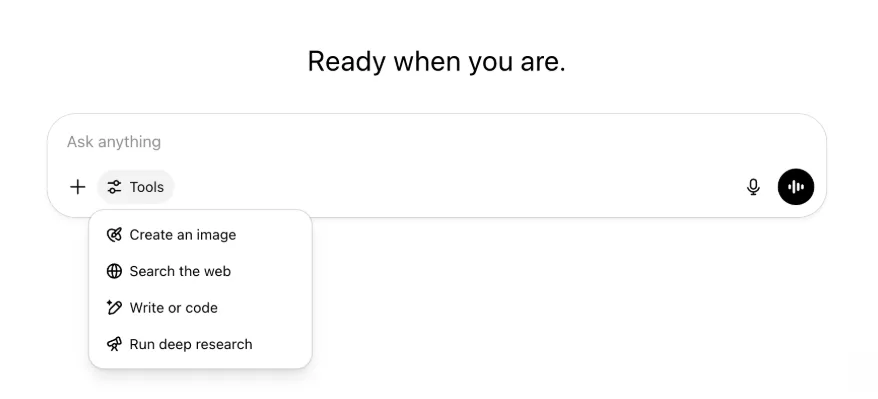
അതേ ശേഷികളും ടൂളുകളും ഇപ്പോഴും ലഭ്യമാണ്. അവ ഒരൊറ്റ മെനുവിൽ കൂടുതൽ വൃത്തിയായും എളുപ്പത്തിൽ ലഭ്യമാകുന്ന രീതിയിലും ക്രമീകരിച്ചിരിക്കുന്നു.
2025 മേയ് 22
ChatGPT-യിൽ GPT-4.1 പുറത്തിറക്കുന്നു
ഏപ്രിലിൽ API-യിൽ പുറത്തിറങ്ങിയതുമുതൽ GPT-4.1 ഡെവലപ്പർമാരുടെ പ്രിയപ്പെട്ട മോഡലായി. വ്യാപകമായ ആവശ്യത്തെ തുടർന്ന് ഇത് നേരിട്ട് ChatGPT-യിൽ ലഭ്യമാക്കുന്നു.
കോഡിംഗ് ജോലികളിൽ മികവുപുലർത്തുന്ന പ്രത്യേക മോഡലാണ് GPT-4.1. GPT-4o-യുമായി താരതമ്യപ്പെടുത്തുമ്പോൾ കൃത്യമായ നിർദേശപാലനത്തിലും വെബ് വികസന ജോലികളിലും ഇത് കൂടുതൽ ശക്തമാണ്. ലളിതമായ ദൈനംദിന കോഡിംഗ് ആവശ്യങ്ങൾക്ക് OpenAI o3, OpenAI o4-mini എന്നിവയ്ക്ക് പകരമായും ഇത് ഉപയോഗിക്കാം.
ഇന്നുമുതൽ Enterprise, Edu ഉപയോക്താക്കൾക്ക് മോഡൽ പിക്കറിലെ “കൂടുതൽ മോഡലുകൾ” ഡ്രോപ്പ്-ഡൗൺ വഴി GPT-4.1 ഉപയോഗിക്കാം. പണമടച്ച ഉപയോക്താക്കൾക്ക് GPT-4.1-ന് GPT-4o-യുടെ അതേ നിരക്ക് പരിധികളാണ്.
ChatGPT-യിൽ GPT-4o mini-ക്ക് പകരമായി GPT-4.1 mini അവതരിപ്പിക്കുന്നു
GPT-4.1 mini വേഗമേറിയതും ശേഷിയുള്ളതും കാര്യക്ഷമവുമായ ചെറിയ മോഡലാണ്. നിർദേശപാലനം, കോഡിംഗ്, മൊത്തത്തിലുള്ള ഇൻ്റലിജൻസ് എന്നിവയിൽ GPT-4o mini-യെക്കാൾ കാര്യമായ മെച്ചപ്പെടുത്തലുകൾ നൽകുന്നു. പണമടച്ച ഉപയോക്താക്കളുടെ മോഡൽ പിക്കറിലെ “കൂടുതൽ മോഡലുകൾ” എന്നതിൽ GPT-4o mini-ക്ക് പകരം GPT-4.1 mini വരും. സൗജന്യ ഉപയോക്താക്കൾ GPT-4o ഉപയോഗപരിധിയിലെത്തുമ്പോൾ ഇത് പകരം മോഡലായി പ്രവർത്തിക്കും. നിരക്ക് പരിധികൾക്ക് മാറ്റമില്ല.
GPT-4.1, GPT-4.1 mini എന്നിവയുടെ മൂല്യനിർണയങ്ങൾ API പുറത്തിറക്കലിനൊപ്പമുള്ള ബ്ലോഗ് കുറിപ്പിൽ ആദ്യം പങ്കിട്ടിരുന്നു. അവ സാധാരണ സുരക്ഷാ മൂല്യനിർണയങ്ങളിലൂടെയും കടന്നുപോയി. വിശദമായ ഫലങ്ങൾ പുതുതായി പുറത്തിറക്കിയ സുരക്ഷാ മൂല്യനിർണയ കേന്ദ്രത്തിൽ ലഭ്യമാണ്.
2025 മേയ് 15
ഡീപ് റിസർച്ച് PDF ആയി എക്സ്പോർട്ട് ചെയ്യുക
പട്ടികകൾ, ഇമേജുകൾ, ലിങ്ക് ചെയ്ത അവലംബങ്ങൾ, ഉറവിടങ്ങൾ എന്നിവ ഉൾപ്പെടുന്ന നന്നായി ഫോർമാറ്റ് ചെയ്ത PDF-കളായി ഡീപ് റിസർച്ച് റിപ്പോർട്ടുകൾ ഇപ്പോൾ എക്സ്പോർട്ട് ചെയ്യാം.
ഉപയോഗിക്കാൻ പങ്കിടൽ ഐക്കൺ ക്ലിക്ക് ചെയ്ത് “PDF ആയി ഡൗൺലോഡ് ചെയ്യുക” തിരഞ്ഞെടുക്കുക. പുതിയതും പഴയതുമായ റിപ്പോർട്ടുകളിൽ ഇത് പ്രവർത്തിക്കും.
മൊബൈൽ UI കമ്പോസർ ഏകീകരണം (iOS/Android)
മൊബൈൽ കമ്പോസറിലെ ഓരോ ടൂൾ ഐക്കണിന്റെയും നിര നീക്കം ചെയ്ത് കഴിവുകൾ മെനു തുറക്കാനുള്ള പുതിയ സ്ലൈഡർ രൂപത്തിലുള്ള ഐക്കൺ നൽകി. ആ ബട്ടൺ ടാപ്പ് ചെയ്താൽ താഴത്തെ മെനു തുറക്കും. അവിടെനിന്ന് ഇമേജ് സൃഷ്ടിക്കുക, വെബ് തിരയുക തുടങ്ങിയ ടൂളുകൾ തിരഞ്ഞെടുക്കാം.

ടൂളുകളൊന്നും ഒഴിവാക്കുന്നില്ല. ഇടം ലഭിക്കാനും സ്ക്രീനിലെ തിരക്ക് കുറയ്ക്കാനും ആക്സസ് ഏകീകരിക്കുക മാത്രമാണ് ചെയ്തത്.
2025 മേയ് 8
ChatGPT-യിലെ ഉപയോക്തൃ വിശകലനം - പൊതുലഭ്യത
പുതുക്കിയ ഉപയോക്തൃ വിശകലന ഡാഷ്ബോർഡ് വർക്ക്സ്പേസ് നിയന്ത്രിക്കുക കൺസോളിലെ വിശകലന ടാബിൽ ലഭ്യമാണ്. പഴയ വിശകലന ടാബിനേക്കാൾ സമഗ്രമായ ഉപയോഗ, സ്വീകാര്യത, പങ്കാളിത്ത ഡാറ്റ ഇത് നൽകുന്നു.
നിങ്ങളുടെ സ്ഥാപനത്തിലുടനീളം ChatGPT എങ്ങനെ ഉപയോഗിക്കുന്നു എന്നതിന്റെ ഉയർന്നതല കാഴ്ച ഈ മെച്ചപ്പെടുത്തിയ ഡാഷ്ബോർഡ് അഡ്മിനുകൾക്ക് നൽകുന്നു. സ്വീകാര്യതയും പങ്കാളിത്തവും നിരീക്ഷിക്കാനും, പ്രധാന ടൂളുകളുടെയും GPT-കളുടെയും ഉപയോഗരീതികൾ മനസ്സിലാക്കാനും, ഉപയോഗസാഹചര്യങ്ങളും ഉപയോക്തൃ പ്രവണതകളും കണ്ടെത്താനും ഇത് ഉപയോഗിക്കാം.
ChatGPT Enterprise, Edu എന്നിവയ്ക്കുള്ള ഉപയോക്തൃ വിശകലനം, ChatGPT Enterprise/Edu-യിലെ കമ്പ്ലയൻസ് API-യും ഉപയോക്തൃ വിശകലനവും എന്നിവ കാണുക.
2025 മേയ് 2
GPT-കളിലെ 4o ഇമേജ് ജനറേഷൻ
ഉപയോക്താക്കൾ ആവശ്യപ്പെടുമ്പോൾ ചിത്രങ്ങൾ സൃഷ്ടിക്കാൻ GPT-കൾക്ക് ഇപ്പോൾ ChatGPT-യുടെ ഇമേജ് ജനറേഷൻ ശേഷികൾ ഉപയോഗിക്കാം.
GPT സ്രഷ്ടാക്കൾക്ക് GPT എഡിറ്ററിന്റെ ക്രമീകരിക്കുക വിഭാഗത്തിലെ ശേഷികൾ എന്നതിന് കീഴിൽ “4o ഇമേജ് ജനറേഷൻ” പ്രവർത്തനക്ഷമമാക്കാം.
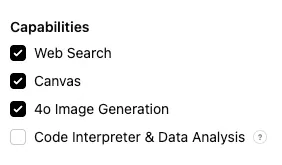
2025 മേയ് 1
ഡീപ് റിസർച്ച്
സാധാരണ ഡീപ് റിസർച്ച് മോഡലിന്റെ മാസപരിധിയായ 10 ജോലിയിൽ എത്തുന്ന ഉപയോക്താക്കൾക്ക് പരിധി പുനഃസജ്ജീകരിക്കുന്നതുവരെ ആ മാസം ഞങ്ങളുടെ ലഘുവും ചെലവുകുറഞ്ഞതുമായ പതിപ്പിൽ 15 അധിക അഭ്യർഥനകൾ സ്വയമേവ ലഭിക്കും.
ഡീപ് റിസർച്ചിനെക്കുറിച്ച് കൂടുതലറിയുക.
o3, o4-mini എന്നിവയിലെ ജോലികൾ
o3, o4-mini എന്നിവ ഉപയോഗിച്ച് ChatGPT-യെ യാന്ത്രിക പ്രോംപ്റ്റുകൾ പ്രവർത്തിപ്പിക്കാനും സമയക്രമപ്രകാരം മുൻകൈയെടുത്ത് നിങ്ങളെ സമീപിക്കാനും അനുവദിക്കുന്ന നിശ്ചിത ജോലികൾ ഇപ്പോൾ സൃഷ്ടിക്കാം. മോഡൽ തിരഞ്ഞെടുക്കലിലെ “സമയക്രമപ്പെടുത്തിയ ജോലികളുള്ള ChatGPT” തിരഞ്ഞെടുപ്പ് നീക്കം ചെയ്തു.
ChatGPT-യിലെ നിശ്ചിത ജോലികളെക്കുറിച്ച് കൂടുതലറിയുക.
2025 ഏപ്രിൽ 24
o3, o4-mini
o3, o4-mini / o4-mini-high എന്നിവ അവതരിപ്പിക്കുന്നതോടെ ChatGPT-യിൽ അവ യഥാക്രമം o1, o3-mini / o3-mini-high എന്നിവയ്ക്ക് പകരമാകും.
OpenAI o3 കോഡിംഗ്, ഗണിതം, ശാസ്ത്രം, ദൃശ്യഗ്രഹണം തുടങ്ങിയ മേഖലകളിൽ അത്യാധുനിക പരിധികൾ മുന്നോട്ടുനീക്കുന്ന ഞങ്ങളുടെ ഏറ്റവും ശക്തമായ റീസണിംഗ് മോഡലാണ്. Codeforces, SWE-bench, MMMU എന്നിവ ഉൾപ്പെടെയുള്ള മാനദണ്ഡങ്ങളിൽ ഇത് പുതിയ ഏറ്റവും മികച്ച നിലവാരം കൈവരിക്കുന്നു. SWE-bench-ൽ ഇഷ്ടാനുസൃത മോഡൽ-നിർദ്ദിഷ്ട ചട്ടക്കൂട് നിർമ്മിക്കാതെയാണ് ഇത് നേടിയത്. ബഹുമുഖ വിശകലനം ആവശ്യമായതും ഉത്തരം പെട്ടെന്ന് വ്യക്തമാകാത്തതുമായ സങ്കീർണ ചോദ്യങ്ങൾക്ക് ഇത് അനുയോജ്യമാണ്. ചിത്രങ്ങൾ, ചാർട്ടുകൾ, ഗ്രാഫിക്സ് എന്നിവ വിശകലനം ചെയ്യുന്നതുപോലുള്ള ദൃശ്യ ജോലികളിൽ ഇത് പ്രത്യേക മികവ് പുലർത്തുന്നു. ബാഹ്യ വിദഗ്ധരുടെ മൂല്യനിർണയങ്ങളിൽ, പ്രയാസമുള്ള യഥാർഥ ജോലികളിൽ OpenAI o1-നെക്കാൾ 20 ശതമാനം കുറവ് ഗുരുതര പിശകുകളാണ് o3 വരുത്തിയത്. പ്രോഗ്രാമിങ്, ബിസിനസ്/കൺസൾട്ടിങ്, സൃഷ്ടിപരമായ ആശയരൂപീകരണം എന്നിവയിൽ ഇത് പ്രത്യേക മികവ് പുലർത്തി. ചിന്താപങ്കാളിയെന്ന നിലയിലെ വിശകലന കർശനതയും പുതിയ സിദ്ധാന്തങ്ങൾ സൃഷ്ടിക്കാനും വിമർശനാത്മകമായി വിലയിരുത്താനുമുള്ള കഴിവും ആദ്യകാല പരീക്ഷകർ എടുത്തുകാട്ടി, പ്രത്യേകിച്ച് ജീവശാസ്ത്രം, ഗണിതം, എഞ്ചിനിയറിങ് മേഖലകളിൽ.
OpenAI o4-mini വേഗമേറിയതും ചെലവുകുറഞ്ഞതുമായ റീസണിംഗിനായി ക്രമീകരിച്ച ചെറിയ മോഡലാണ്. വലുപ്പത്തിനും ചെലവിനും അപേക്ഷിച്ച്, പ്രത്യേകിച്ച് ഗണിതം, കോഡിംഗ്, ദൃശ്യ ജോലികൾ എന്നിവയിൽ ഇത് ശ്രദ്ധേയമായ പ്രകടനം കൈവരിക്കുന്നു. AIME 2024, 2025 മാനദണ്ഡങ്ങളിൽ ഏറ്റവും മികച്ച പ്രകടനം കാഴ്ചവെച്ച മോഡലാണിത്. വിദഗ്ധ മൂല്യനിർണയങ്ങളിൽ STEM ഇതര ജോലികളിലും ഡാറ്റാ സയൻസ് പോലുള്ള മേഖലകളിലും മുൻഗാമിയായ o3-mini-നെയും ഇത് മറികടക്കുന്നു. കാര്യക്ഷമത കാരണം o3-നെക്കാൾ വളരെ ഉയർന്ന ഉപയോഗപരിധികൾ o4-mini പിന്തുണയ്ക്കുന്നു. അതിനാൽ റീസണിംഗ് ഗുണകരമായ ചോദ്യങ്ങൾക്ക് ഉയർന്ന അളവും ത്രൂപുട്ടും ആവശ്യമായ ശക്തമായ തിരഞ്ഞെടുപ്പാണിത്.
2025 ഏപ്രിൽ 10
ChatGPT ഇമേജസ്
GPT-4o-യിലെ ഇമേജ് ജനറേഷൻ ഇപ്പോൾ ChatGPT-യിലെ സ്വതവേയുള്ള ഇമേജ് ജനറേറ്ററായി എല്ലാ ഉപയോക്താക്കൾക്കും ലഭ്യമാണ്. DALL·E തുടർന്നും ഉപയോഗിക്കാൻ ആഗ്രഹിക്കുന്നവർക്ക് DALL·E GPT വഴി അത് ലഭിക്കും.
ആവശ്യമായ വിവരങ്ങളോടെ ഒരു ചിത്രം സൃഷ്ടിക്കാൻ മോഡലിനോട് ആവശ്യപ്പെട്ടോ കമ്പോസറിലെ ചിത്രം സൃഷ്ടിക്കുക തിരഞ്ഞെടുപ്പ് ഉപയോഗിച്ചോ ChatGPT ഉപയോഗിച്ച് ചിത്രങ്ങൾ സൃഷ്ടിക്കാം. കൂടുതലറിയുക.
2025 മാർച്ച് 31
ChatGPT-യിലെ ഉപയോക്തൃ വിശകലനം - പൊതു പരീക്ഷണപതിപ്പ്
പുതുക്കിയ ഉപയോക്തൃ വിശകലന ഡാഷ്ബോർഡ് വർക്ക്സ്പേസ് നിയന്ത്രിക്കുക കൺസോളിലെ വിശകലന ടാബിൽ ലഭ്യമാണ്. പഴയ വിശകലന ടാബിനേക്കാൾ സമഗ്രമായ ഉപയോഗ, സ്വീകാര്യത, പങ്കാളിത്ത ഡാറ്റ ഇത് നൽകുന്നു.
നിങ്ങളുടെ സ്ഥാപനത്തിലുടനീളം ChatGPT എങ്ങനെ ഉപയോഗിക്കുന്നു എന്നതിന്റെ ഉയർന്നതല കാഴ്ച ഈ മെച്ചപ്പെടുത്തിയ ഡാഷ്ബോർഡ് അഡ്മിനുകൾക്ക് നൽകുന്നു. സ്വീകാര്യതയും പങ്കാളിത്തവും നിരീക്ഷിക്കാനും, പ്രധാന ടൂളുകളുടെയും GPT-കളുടെയും ഉപയോഗരീതികൾ മനസ്സിലാക്കാനും, ഉപയോഗസാഹചര്യങ്ങളും ഉപയോക്തൃ പ്രവണതകളും കണ്ടെത്താനും ഇത് ഉപയോഗിക്കാം.
വിശദാംശങ്ങൾക്ക് ChatGPT Enterprise, Edu എന്നിവയ്ക്കുള്ള ഉപയോക്തൃ വിശകലനം (പൊതു പരീക്ഷണപതിപ്പ്) കാണുക.
2025 മാർച്ച് 20
പങ്കിട്ട പ്രോജക്റ്റുകളുടെ പുതുക്കൽ
ഉപയോക്താക്കൾക്ക് കൂടുതൽ മൂല്യമുള്ള സഹകരണപതിപ്പ് വികസിപ്പിക്കുന്നതിനായി കാണൽ, തിരുത്തൽ പ്രവേശനമുള്ള പങ്കിട്ട പ്രോജക്റ്റുകളുടെ പുറത്തിറക്കൽ തൽക്കാലം മാറ്റിവയ്ക്കുന്നു.
2025 മാർച്ച് 13
macOS-ൽ ആപ്പുകളുമായി പ്രവർത്തിക്കുക ഉപയോഗിച്ചുള്ള കോഡിംഗ്
IDE-കളിൽ പ്രവർത്തിക്കുമ്പോൾ തുറന്ന ഫയലുകൾ നേരിട്ട് തിരുത്താൻ ChatGPT-യോട് ആവശ്യപ്പെടാം. പകർത്തി ഒട്ടിക്കേണ്ടതില്ല. തിരുത്തൽ ആവശ്യപ്പെടുമ്പോൾ ChatGPT നിങ്ങൾക്ക് അവലോകനം ചെയ്ത് പ്രയോഗിക്കാവുന്ന വ്യത്യാസം സൃഷ്ടിക്കും. തിരുത്തലുകൾ സ്വയമേവ പ്രയോഗിക്കാനുള്ള സൗകര്യവുമുണ്ട്. ChatGPT ഉപയോക്തൃ ഇന്റർഫേസിലോ എഡിറ്ററിൽ CMD+Z ഉപയോഗിച്ചോ വ്യത്യാസങ്ങൾ എളുപ്പത്തിൽ പഴയപടിയാക്കാം.
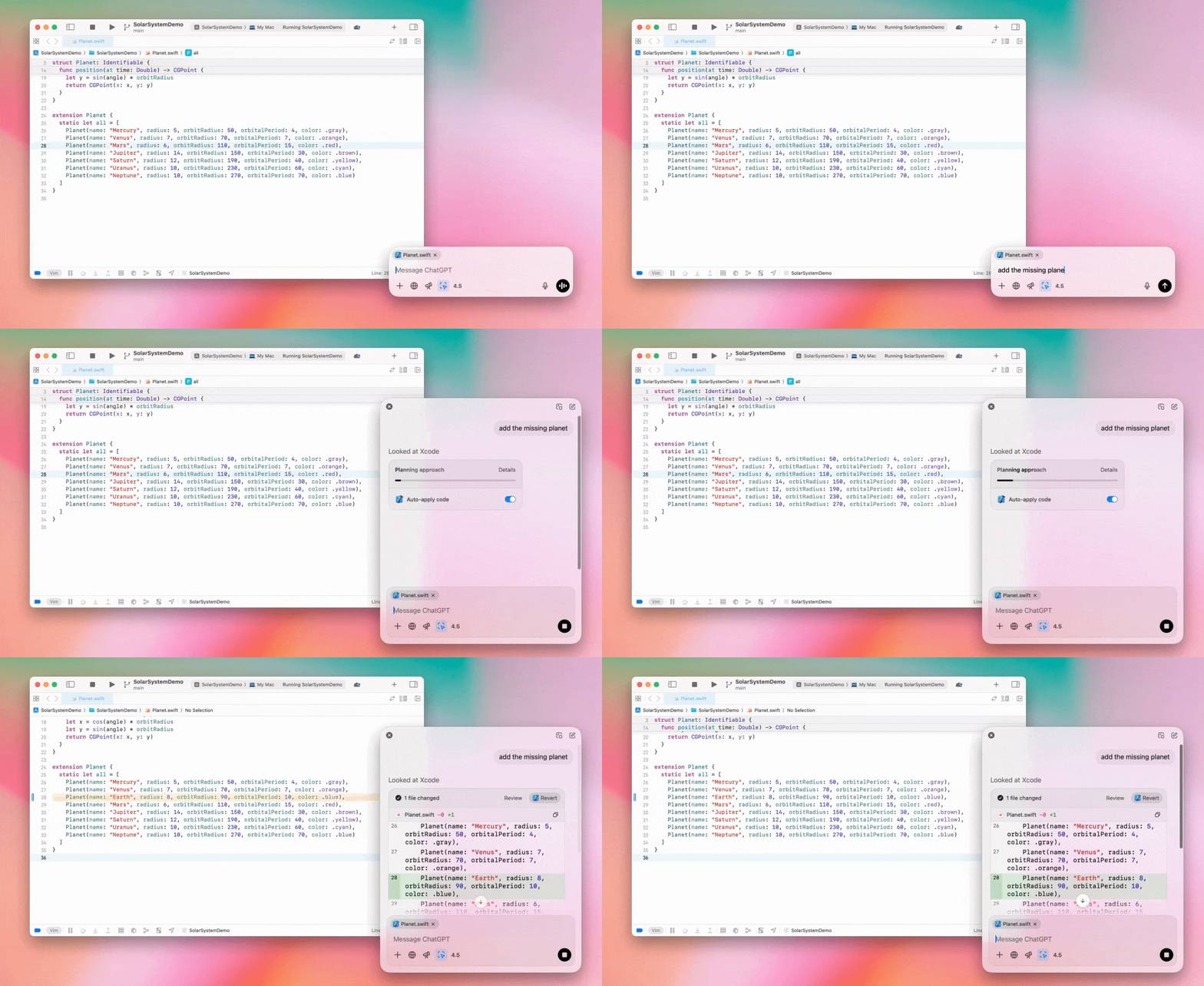
വർക്ക്സ്പേസ് അംഗങ്ങൾക്ക് ഈ പ്രവർത്തനക്ഷമത ലഭിക്കാതിരിക്കാൻ Enterprise അഡ്മിനുകൾക്ക് അഡ്മിൻ ക്രമീകരണങ്ങളിൽ “ആപ്പുകളുമായി പ്രവർത്തിക്കുക” മാറ്റുബട്ടൺ ഓഫ് ചെയ്യാം.
ChatGPT-യിലെ GPT-4.5
2025 മാർച്ച് 13 മുതൽ Enterprise, Edu പ്ലാനുകളിലെ ഉപയോക്താക്കൾക്ക് ChatGPT-യിൽ GPT-4.5 മോഡൽ ഉപയോഗിക്കാം.
വിശദാംശങ്ങൾക്ക് ChatGPT-യിലെ GPT-4.5 കാണുക.
2025 മാർച്ച് 10
ChatGPT കമ്പ്ലയൻസ് API-യിലെ ഡീപ് റിസർച്ച്
2025 മാർച്ച് 10 മുതൽ കമ്പ്ലയൻസ് API ഉപയോഗിക്കുന്ന Enterprise ഉപഭോക്താക്കൾക്ക് ഇനിപ്പറയുന്ന ഓപ്ഷനുകൾ ലഭ്യമാണ്:
“ഡീപ് റിസർച്ച് ആഗോള പ്രോംപ്റ്റ്” തിരയുക.
മറുപടിയിൽ ടൂളിന്റെ പേര് കണ്ടെത്താൻ {"tool_name":"deep_research"} തിരയുക.
2025 ഫെബ്രുവരി 25
ChatGPT-യിലെ ഡീപ് റിസർച്ച്
ChatGPT-യിലെ ഡീപ് റിസർച്ച് ഇപ്പോൾ Enterprise പ്ലാനിലെ ഉപയോക്താക്കൾക്ക് ലഭ്യമാണ്.
നിങ്ങളുടെ ഔദ്യോഗികമോ വ്യക്തിപരമോ ആയ ജോലി പൂർത്തിയാക്കാൻ ChatGPT-യെ ഏജന്റായി, അസമകാലികമായി വെബ് ബ്രൗസ് ചെയ്യാൻ ഡീപ് റിസർച്ച് അനുവദിക്കുന്നു.
Enterprise, Edu ഉപയോക്താക്കൾക്ക് പ്രതിമാസം 10 ഡീപ് റിസർച്ച് ചോദ്യങ്ങൾ ലഭിക്കും.
വിശദാംശങ്ങൾക്ക് ഡീപ് റിസർച്ച് പതിവുചോദ്യങ്ങൾ കാണുക.
2025 ഫെബ്രുവരി 13
ChatGPT-യിലെ o1 പ്രോ മോഡും o3-mini-യും
ChatGPT-യിൽ o1 പ്രോ മോഡ് ഇപ്പോൾ Enterprise-നും o3-mini Enterprise Edu-വിനും ലഭ്യമാണ്.
o3-mini: മോഡൽ പിക്കറിൽ o1-mini-യ്ക്ക് പകരം OpenAI o3-mini ലഭിക്കും. കുറഞ്ഞ ലേറ്റൻസിയിൽ ഉയർന്ന നിരക്ക് പരിധി നൽകുന്ന ഇത് കൂടുതൽ ചെലവ് കുറഞ്ഞതാണ്. ഇത് ഒരു റീസണിംഗ് മോഡലായതിനാൽ കോഡിങ്, STEM, യുക്തിസഹമായ പ്രശ്നപരിഹാരം എന്നിവയ്ക്ക് മികച്ച തിരഞ്ഞെടുപ്പാണ്. o3-mini അതിന്റെ ചിന്താശൃംഖല കാണിക്കുകയും വെബ് ബ്രൗസ് ചെയ്യുകയും ചെയ്യും.
o1 പ്രോ മോഡ്: ഈ ആഴ്ച മോഡൽ പിക്കറിൽ o1 പ്രോ മോഡും ലഭ്യമാണ്. കൃത്യതയ്ക്കും ആഴത്തിനുമായി രൂപകൽപ്പന ചെയ്ത ഇത് ഗവേഷണം, എൻജിനീയറിങ്, ബിസിനസ്, നിയമം എന്നിവയിൽ മികച്ചതാണ്. അതിസങ്കീർണ്ണ വെല്ലുവിളികൾ കൈകാര്യം ചെയ്യുന്ന പ്രൊഫഷണലുകൾക്ക് അനുയോജ്യമാണ്. ഒരു പ്രശ്നം ആലോചിക്കാൻ o1 പ്രോ മോഡ് കൂടുതൽ സമയമെടുക്കും. അതിനാൽ മറുപടികൾക്ക് കുറച്ച് സമയമെടുത്തേക്കാം. ഉയർന്ന കംപ്യൂട്ടിങ് ആവശ്യകത കാരണം ഓരോ ഉപയോക്താവിനും പ്രതിമാസം അഞ്ച് ചോദ്യങ്ങൾ മാത്രമേ അനുവദിക്കൂ. മിക്ക ടാസ്കുകൾക്കും o1, o3-mini, GPT-4o എന്നിവ മികച്ച തിരഞ്ഞെടുപ്പുകളായി തുടരും.
ഫയൽ അപ്ലോഡുകളെക്കുറിച്ച്
ഇമേജുകൾ, പ്രമാണങ്ങൾ, PDF-കൾ എന്നിവ o1, o3-mini, o3-mini-high* മോഡലുകളിൽ പിന്തുണയ്ക്കുന്നു. സ്പ്രെഡ്ഷീറ്റുകൾ പിന്തുണയ്ക്കുന്നില്ല (CSV/Excel).*
o1 പ്രോ മോഡിൽ ഇമേജുകൾ മാത്രം പിന്തുണയ്ക്കുന്നു. പ്രമാണങ്ങൾ/PDF-കൾ, സ്പ്രെഡ്ഷീറ്റുകൾ (CSV/Excel) എന്നിവ പിന്തുണയ്ക്കുന്നില്ല.
canvas പങ്കിടൽ
ChatGPT Enterprise, Edu ഉപയോക്താക്കൾക്ക് സംഭാഷണം പങ്കിടുന്നതുപോലെ റെൻഡർ ചെയ്ത React/HTML കോഡ്, പ്രമാണം, കോഡ് തുടങ്ങിയ canvas ആസ്തികൾ മറ്റൊരു ഉപയോക്താവുമായി പങ്കിടാം. canvas തുറന്നിരിക്കുമ്പോൾ അതിന്റെ ടൂൾബാറിൽനിന്ന് ഇത് ചെയ്യാം.
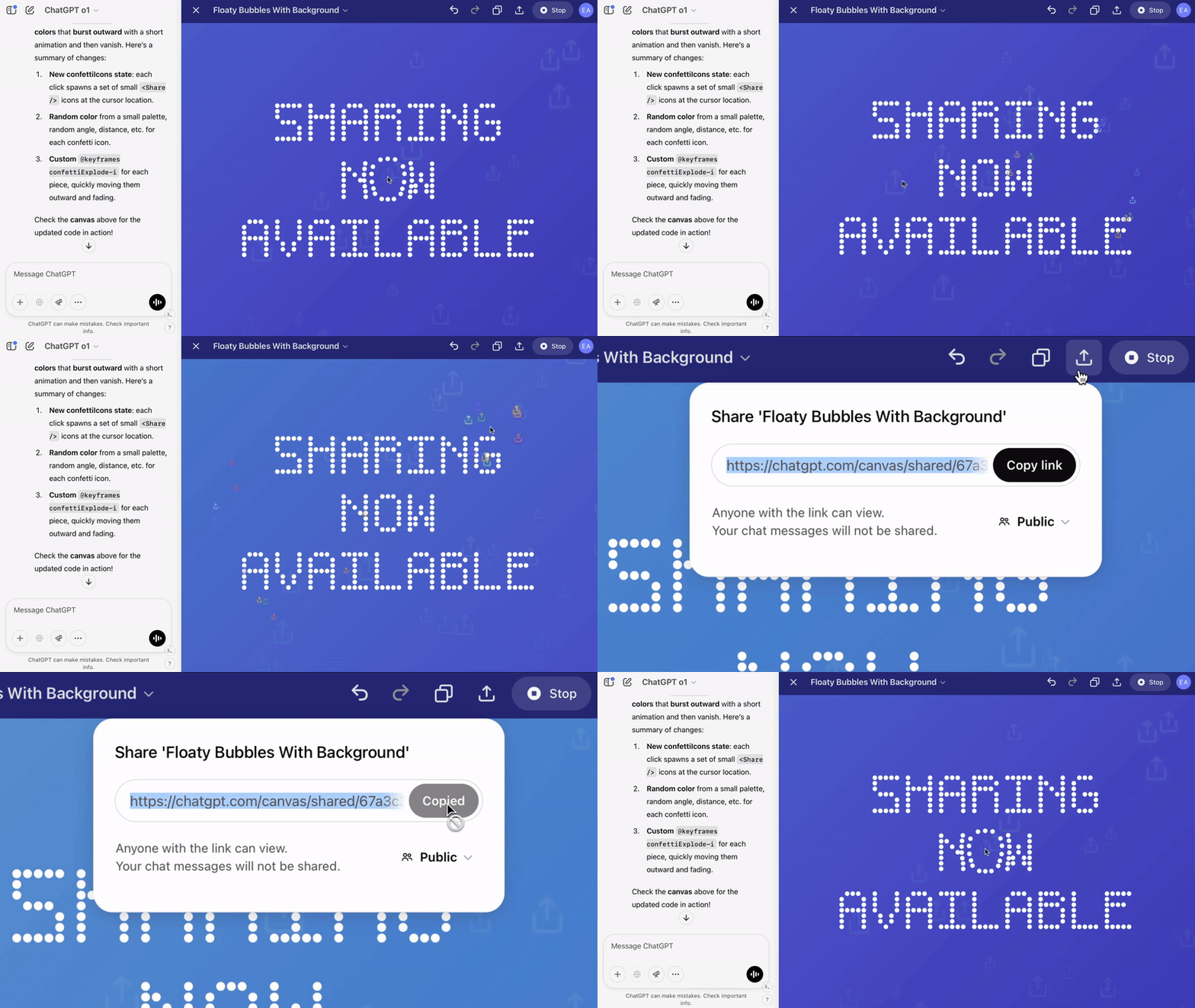
ChatGPT-യിലെ canvas ഫീച്ചറിനെക്കുറിച്ചുള്ള കൂടുതൽ വിവരങ്ങൾക്ക് ബന്ധപ്പെട്ട ഹെൽപ്പ് സെന്റർ ലേഖനം കാണുക.
2025 ജനുവരി 23
പ്രോജക്റ്റുകൾ
Enterprise, Edu ഉൾപ്പെടെയുള്ള എല്ലാ പണമടച്ച പ്ലാനുകൾക്കും പ്രോജക്റ്റുകൾ ഇപ്പോൾ ലഭ്യമാണ്.
വിശദാംശങ്ങൾക്ക് ChatGPT-യിൽ പ്രോജക്റ്റുകൾ ഉപയോഗിക്കൽ കാണുക.
2025 ജനുവരി 16
ChatGPT Enterprise-നുള്ള ദൃശ്യ വീണ്ടെടുക്കൽ (PDF-കൾ)
PDF ഫയലുകളിൽ ഉൾപ്പെടുത്തിയ ദൃശ്യങ്ങൾ, ചിത്രങ്ങൾ, ഗ്രാഫുകൾ, ഡയഗ്രമുകൾ തുടങ്ങിയവ, വായിക്കാനും മനസ്സിലാക്കാനും ChatGPT Enterprise ഇപ്പോൾ പിന്തുണയ്ക്കുന്നു. ഉപയോക്താക്കൾക്ക് PDF അപ്ലോഡ് ചെയ്യാം. അതിലെ ടെക്സ്റ്റും ദൃശ്യ ഘടകങ്ങളും ChatGPT-ക്ക് വ്യാഖ്യാനിക്കാം.
വിശദാംശങ്ങൾക്ക് PDF-കളിലെ ദൃശ്യ വീണ്ടെടുക്കൽ പതിവുചോദ്യങ്ങൾ കാണുക.
2024 ഡിസംബർ 12
o1
ഇന്നുമുതൽ എല്ലാ ChatGPT Enterprise ഉപഭോക്താക്കൾക്കും o1-preview-ന് പകരമായി മോഡൽ തിരഞ്ഞെടുക്കൽ വഴി o1 ഉപയോഗിക്കാം.
o1-ന് ഇപ്പോൾ അപ്ലോഡ് ചെയ്ത ചിത്രങ്ങളെക്കുറിച്ച് റീസണിംഗ് നടത്താം. ദൃശ്യാവിഷ്കാരങ്ങൾ കൂടുതൽ വിശദമായും കൃത്യമായും വിശകലനം ചെയ്ത് വിശദീകരിക്കുന്ന പുതിയ ഉപയോഗങ്ങൾ ഇതിലൂടെ സാധ്യമാകും. ചിന്തയിൽ കൂടുതൽ സംക്ഷിപ്തമാകാനും മോഡലിനെ പരിശീലിപ്പിച്ചിട്ടുണ്ട്. അതിനാൽ o1-preview-നെക്കാൾ വേഗത്തിലുള്ള പ്രതികരണസമയം ലഭിക്കും.
2024 ഡിസംബർ 11
ChatGPT-യോടൊപ്പമുള്ള Apple Intelligence
വർക്ക്സ്പേസ് അഡ്മിൻ ക്രമീകരണങ്ങളിലെ കണക്ഷനുകൾ എന്നതിന് കീഴിൽ Apple Intelligence-ലേക്കുള്ള പ്രവേശനം ChatGPT അഡ്മിനുകൾക്ക് ഇപ്പോൾ പ്രവർത്തനക്ഷമമാക്കുകയോ പ്രവർത്തനരഹിതമാക്കുകയോ ചെയ്യാം.
ഈ ക്രമീകരണം ഓഫാക്കിയാൽ OpenAI പ്രാമാണികവിവരങ്ങൾ ഉപയോഗിച്ച് ലോഗിൻ ചെയ്യുമ്പോൾ ഉപയോക്താക്കൾക്ക് ChatGPT Enterprise/Edu വർക്ക്സ്പേസ് തിരഞ്ഞെടുക്കാനാകില്ല.
2024 ഡിസംബർ 10
canvas
ഇന്ന് മുതൽ സൗജന്യ, പണമടച്ചുള്ള എല്ലാ ഉപയോക്താക്കൾക്കും 4o-യിൽ canvas സ്വതവേ ലഭ്യമാക്കി. കൂടാതെ, ക്യാൻവാസിനായി നിരവധി പുതിയ സൗകര്യങ്ങളും അവതരിപ്പിച്ചു. അവയിൽ ചിലത്:
GPT-കളിലെ canvas: GPT നിർമാതാവിൽ പ്രവർത്തനക്ഷമമാക്കിയാൽ, ഇപ്പോൾ GPT-കൾക്കൊപ്പം canvas ഉപയോഗിക്കാം. പുതുതായി സൃഷ്ടിക്കുന്ന GPT-കളിൽ ഈ ക്രമീകരണം സ്വതവേ പ്രവർത്തനക്ഷമമായിരിക്കും.
Python കോഡ് നിർവഹണം: ഇപ്പോൾ ക്യാൻവാസിൽ Python കോഡ് പ്രവർത്തിപ്പിക്കാം. നിങ്ങളുടെ കോഡിലെ പിഴവുകൾ പരിഹരിക്കാൻ ChatGPT ശ്രമിക്കുകയും പിശകുകളെക്കുറിച്ച് അഭിപ്രായങ്ങൾ നൽകുകയും ചെയ്യും. Python പ്രവർത്തിപ്പിക്കുമ്പോൾ ബാഹ്യ നെറ്റ്വർക്ക് അഭ്യർത്ഥനകൾ ഉണ്ടായേക്കാം. എന്റർപ്രൈസ് വർക്ക്സ്പേസ് അഡ്മിൻമാർക്ക് അവരുടെ അഡ്മിൻ ക്രമീകരണങ്ങളിൽ canvas കോഡ് നിർവഹണം എന്ന ക്രമീകരണം മാറ്റി Python കോഡ് നിർവഹണം പ്രവർത്തനരഹിതമാക്കാം. എല്ലാ എന്റർപ്രൈസ് അക്കൗണ്ടുകളിലും ഇത് സ്വതവേ പ്രവർത്തനരഹിതമാണ്.
canvas കുറുക്കുവഴി: ഇപ്പോൾ ChatGPT-യിൽ ഉള്ളടക്കം ഒട്ടിച്ചശേഷം, സന്ദേശ രചനാപെട്ടിയുടെ മുകളിൽ വലത് കോണിലുള്ള കുറുക്കുവഴിയിലൂടെ അത് ഉടൻ ക്യാൻവാസിൽ തുറക്കാം.
ഉപകരണപ്പെട്ടിയിലെ canvas: ഉപകരണപ്പെട്ടിയിൽ canvas ഒരു ഓപ്ഷനായി ചേർത്തിട്ടുണ്ട്.
വർക്ക്സ്പേസ് അഡ്മിൻമാർക്ക് ഇപ്പോൾ കമ്പ്ലയൻസ് API ഉപയോഗിച്ച് ക്യാൻവാസ് ടെക്സ്റ്റ് പ്രമാണങ്ങൾ നേടാനും പട്ടികപ്പെടുത്താനും ഇല്ലാതാക്കാനും കഴിയും.
ഈ സൗകര്യം ഇപ്പോൾ പരീക്ഷണഘട്ടം പിന്നിട്ടതിനാൽ, ക്യാൻവാസ് പ്രവർത്തനരഹിതമാക്കാനുള്ള അഡ്മിൻ ക്രമീകരണം നീക്കം ചെയ്തിരിക്കുന്നു. ഇത് മുമ്പ് പ്രവർത്തനരഹിതമാക്കിയിരുന്നെങ്കിൽ, ആ ക്രമീകരണം ഞങ്ങൾ തുടർന്നും മാനിക്കും. ഈ പേജിന്റെ താഴെ വലത് കോണിലുള്ള ചാറ്റ് ബബിൾ ഉപയോഗിച്ച് ഞങ്ങളുടെ പിന്തുണാ സംഘവുമായി ബന്ധപ്പെടുക.
2024 ഡിസംബർ 3
macOS-ൽ ആപ്പുകളുമായി പ്രവർത്തിക്കുക
macOS-ലെ ആപ്പുകളുമായി പ്രവർത്തിക്കുക ഉപയോഗിച്ച് ChatGPT-ക്ക് ഇപ്പോൾ നിങ്ങളുടെ കോഡിംഗ് ആപ്പുകളിലെ ഉള്ളടക്കം വായിക്കാം. ജോലിക്കനുസരിച്ച് കൂടുതൽ സമർഥവും കൃത്യവുമായ ഉത്തരങ്ങൾ ഇതിലൂടെ ലഭിക്കും. macOS-ലെ ആപ്പുകളുമായി പ്രവർത്തിക്കുക എന്നതിനെക്കുറിച്ച് കൂടുതലറിയുക.
വർക്ക്സ്പേസ് അംഗങ്ങൾക്ക് ഈ പ്രവർത്തനക്ഷമത ലഭിക്കാതിരിക്കാൻ Enterprise അഡ്മിനുകൾക്ക് അഡ്മിൻ ക്രമീകരണങ്ങളിൽ “ആപ്പുകളുമായി പ്രവർത്തിക്കുക” മാറ്റുബട്ടൺ ഓഫ് ചെയ്യാം.
2024 നവംബർ 22
ChatGPT വെബ് അനുഭവത്തിനുള്ള അപ്ഡേറ്റുകൾ
അടുത്ത രണ്ടാഴ്ചയ്ക്കുള്ളിൽ എല്ലാ ChatGPT ഉപയോക്താക്കൾക്കും ഇനിപ്പറയുന്ന അപ്ഡേറ്റുകൾ അവതരിപ്പിക്കും.
സൈഡ്ബാർ പുനർരൂപകൽപ്പന
സുഗമമായി അടയ്ക്കാവുന്ന പുതിയ ഫ്ലോട്ടിങ് മോഡ് ചേർത്തു.
സൈഡ്ബാറിൽ സമീപകാല സംഭാഷണങ്ങളുടെ എണ്ണം ഇപ്പോൾ പരിമിതമാണ്. എല്ലാ സംഭാഷണങ്ങൾക്കുമായി പരിധിയില്ലാതെ സ്ക്രോൾ ചെയ്യാവുന്ന ഫ്ലൈഔട്ട് ലഭ്യമാണ്.
സമീപകാല GPT-കളും പിൻ ചെയ്ത GPT-കളും ഇപ്പോൾ സംഭാഷണങ്ങൾക്ക് താഴെ ദൃശ്യമാകും.
ക്രമീകരണങ്ങൾ ഇപ്പോൾ എല്ലായ്പ്പോഴും സൈഡ്ബാറിന്റെ താഴെയായിരിക്കും.
വലിയ വ്യൂപോർട്ടുകളിൽ സൈഡ്ബാർ തുറന്നിട്ടില്ലെങ്കിൽ ഒരു ചെറിയ ക്രമീകരണ ഐക്കൺ ഇപ്പോൾ ദൃശ്യമാകും.
കൂടുതൽ ആഴത്തിലുള്ള അനുഭവത്തിനായി പുതിയ പരിവർത്തനങ്ങൾ ചേർത്തു.
വെബിലെ ChatGPT-ക്കുള്ള മറ്റ് അപ്ഡേറ്റുകൾ
വിവിധ ഉപകരണങ്ങൾക്കും വലുപ്പങ്ങൾക്കും കൂടുതൽ മികച്ച പിന്തുണ നൽകാൻ സൈറ്റിന്റെ അടിസ്ഥാന ഘടന പുതുക്കി.
പുതിയ സംഭാഷണം ആരംഭിക്കുമ്പോൾ അത് സ്ക്രീനിന്റെ മുകളിൽ ദൃശ്യമാകുന്ന വിധം ഇപ്പോൾ സ്ക്രോൾ ചെയ്യും.
പുതിയ സംഭാഷണം ആരംഭിക്കുമ്പോൾ സന്ദേശം സൃഷ്ടിക്കുന്നതിനിടെ ഇനി സ്വയമേവ താഴേക്ക് സ്ക്രോൾ ചെയ്യില്ല.
മതിയായ ഇടമുണ്ടെങ്കിൽ സജീവമായ canvas-നൊപ്പം പിൻ ചെയ്ത സൈഡ്ബാർ ഇപ്പോൾ തുറന്നുവയ്ക്കാം.
പുതുക്കിയ രൂപഭാവമുള്ള പുതിയ കമ്പോസർ ബാർ വിന്യാസം, സ്ക്രോൾ ചെയ്യുമ്പോൾ അതിനടിയിലെ ഉള്ളടക്കം ക്രമേണ മങ്ങിക്കും.
എളുപ്പത്തിൽ ഉപയോഗിക്കാൻ പുതിയ ചാറ്റ് ബട്ടൺ മോഡൽ പിക്കറിന്റെ ഇടതുവശത്തേക്ക് മാറ്റി.
കൂടുതൽ തിരശ്ചീന ഇടം ലഭിക്കാൻ സംഭാഷണങ്ങളിലെ സിസ്റ്റം ഐക്കൺ നീക്കം ചെയ്തു.
DALL-E കേന്ദ്രീകൃത കാഴ്ചയുടെ വിന്യാസം പുതുക്കി.
GPT സ്രഷ്ടാവിന്റെ വിന്യാസം പുതുക്കി.
മെച്ചപ്പെടുത്തിയ മൊബൈൽ വെബ് അനുഭവം
iOS, Android ഉപകരണങ്ങളിലുടനീളം മൊബൈൽ ഉപകരണങ്ങളുടെ ഓൺ-സ്ക്രീൻ കീബോർഡ് അനുഭവം ഗണ്യമായി മെച്ചപ്പെടുത്തി.
പുതിയ സൈഡ്ബാർ എല്ലായ്പ്പോഴും ഫ്ലോട്ടിങ് മോഡിലായിരിക്കും. ത്രെഡുകൾ മാറുമ്പോൾ അത് സ്വയമേവ അടയും.
മൊബൈൽ വെബിൽ സംഭാഷണങ്ങൾ മാറുമ്പോൾ ഇനി കമ്പോസറിലേക്ക് സ്വയമേവ ഫോക്കസ് ചെയ്യില്ല.
ചില സാഹചര്യങ്ങളിൽ സ്ക്രോൾ കുടുങ്ങിയിരുന്ന പ്രശ്നം പരിഹരിച്ചിരിക്കുന്നു.
2024 നവംബർ 20
GPT-4o പുതുക്കൽ
പണമടച്ച എല്ലാ നിലകളിലുമുള്ള ChatGPT ഉപയോക്താക്കൾക്കായി GPT-4o പുതുക്കിയിട്ടുണ്ട്. GPT-4o-യുടെ ഈ പുതുക്കലിൽ കൂടുതൽ സ്വാഭാവികവും വായനക്കാരെ മനസ്സിലാക്കുന്നതും പ്രസക്തിയും വായനാസൗകര്യവും മെച്ചപ്പെടുത്താൻ ക്രമീകരിച്ചതുമായ എഴുത്തുശേഷി ഉൾപ്പെടുന്നു. അപ്ലോഡ് ചെയ്ത ഫയലുകളുമായി പ്രവർത്തിക്കുന്നതിലും ആഴത്തിലുള്ള ഉൾക്കാഴ്ചകളും കൂടുതൽ സമഗ്രമായ പ്രതികരണങ്ങളും നൽകുന്നതിലും ഈ മോഡൽ മെച്ചപ്പെട്ടിട്ടുണ്ട്.
2024 നവംബർ 19
ChatGPT വെബിനുള്ള അഡ്വാൻസ്ഡ് വോയ്സ്
മൊബൈൽ, ഡെസ്ക്ടോപ്പ് ആപ്പുകളിൽ ഇതിനകം ലഭ്യമായ അഡ്വാൻസ്ഡ് വോയ്സ് മോഡ് ഇന്ന് മുതൽ വെബിലും അവതരിപ്പിച്ചുതുടങ്ങുന്നു. ഡെസ്ക്ടോപ്പിലെ chatgpt.com-ൽ ഇപ്പോൾ വോയ്സ് ചാറ്റ് ആരംഭിച്ച് ആസൂത്രണം, എഴുത്ത്, ആശയരൂപീകരണം തുടങ്ങിയ ടാസ്കുകൾ ചെയ്യുന്നതിനിടെ ChatGPT-യുമായി തത്സമയ സ്വാഭാവിക സംഭാഷണങ്ങൾ നടത്താം.
2024 നവംബർ 14
Windows ആപ്പ്
മെച്ചപ്പെടുത്തിയ Windows ആപ്പ് ഇപ്പോൾ ChatGPT Enterprise, Edu വർക്ക്സ്പേസുകൾക്ക് Microsoft Store വഴി ലഭ്യമാണ്. വെബ് അനുഭവം പരിചയമുള്ള ChatGPT ഉപയോക്താക്കൾക്ക് കമ്പ്യൂട്ടറിൽ ചെയ്യുന്ന ഏത് ജോലിയിലും Windows ആപ്പ് തടസ്സമില്ലാതെ സംയോജിപ്പിക്കാം.
ChatGPT Windows ആപ്പിലേക്കുള്ള ഉപയോക്തൃ പ്രവേശനം Microsoft Store-ലെ ആപ്പുകൾക്കുള്ള നിങ്ങളുടെ ഐടി അഡ്മിന്റെ നയങ്ങൾ പാലിക്കും. വരും ആഴ്ചകളിൽ Store-ൽനിന്ന് നേരിട്ടുള്ള ഡൗൺലോഡുകൾ അനുവദിക്കുന്നതിനുപകരം MDM/MAM വഴി ജീവനക്കാരുടെ ഉപകരണങ്ങളിൽ ആപ്പ് വിന്യസിക്കാനും ഐടി അഡ്മിനുകൾക്ക് കഴിയും.
ഏത് ChatGPT Enterprise അനുഭവത്തെയും പോലെ ഉപയോക്തൃ ചാറ്റ് ചരിത്രം സുരക്ഷിതമാണ്. OpenAI-യുടെ സേവനങ്ങൾ മെച്ചപ്പെടുത്താൻ അത് ഉപയോഗിക്കില്ല.
ChatGPT Windows ആപ്പിനെക്കുറിച്ച് കൂടുതലറിയുക.